
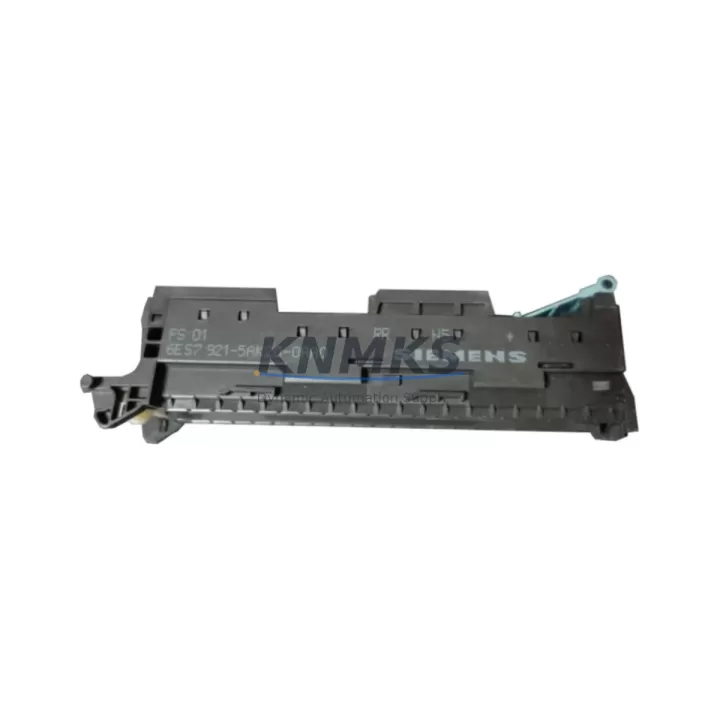
Overview
Siemens 6ES7921-5AK20-0AA0 Migration-Ready Front Connector for Legacy Control Systems
The Siemens 6ES7921-5AK20-0AA0 is a 20-pin screw-type front connector designed for the SIMATIC S7-300 series of programmable logic controllers. As legacy S7-300 installations approach end-of-life and maintenance windows become increasingly critical, this connector serves as a direct, wiring-compatible replacement for aging or damaged field-wiring interfaces across a wide range of S7-300 signal modules. Whether you are executing a planned retrofit, responding to an unplanned module failure, or building a spare-parts inventory to extend the operational life of an existing control cabinet, the 6ES7921-5AK20-0AA0 provides the mechanical and electrical compatibility required to minimize downtime and protect existing field wiring investments.
This front connector is compatible with the full range of S7-300 digital and analog I/O modules that accept the 20-pin screw terminal interface, including SM 321, SM 322, SM 331, and SM 332 series modules. The screw-terminal design accommodates wire cross-sections from 0.25 mm² to 2.5 mm², making it suitable for both new installations and direct re-termination of existing field cables without requiring cable replacement. The connector’s coding key system prevents incorrect insertion and supports safe hot-swap procedures during module replacement, a critical feature when working in live control cabinets where adjacent circuits must remain energized.
For engineers managing multi-rack S7-300 installations, the 6ES7921-5AK20-0AA0 is fully interchangeable across standard S7-300 racks and expansion racks. When planning a rack-level upgrade or replacing a failed SM 321 DI 16×DC24V module, the existing front connector can be unplugged with all field wiring intact and transferred to the replacement module, preserving terminal assignments and eliminating re-wiring risk. This plug-and-transfer approach is one of the most effective strategies for controlling downtime during unplanned module replacements in production environments.
Migration Compatibility Table
| Parameter | Specification / Compatibility |
|---|---|
| Part Number | 6ES7921-5AK20-0AA0 |
| Connector Type | 20-pin screw-type front connector |
| Compatible Module Series | SIMATIC S7-300 SM 321, SM 322, SM 331, SM 332 (20-pin variants) |
| Wire Cross-Section | 0.25 mm² – 2.5 mm² (solid or stranded) |
| Installation Interface | Direct plug-in to S7-300 I/O module front face; no tools required for insertion/removal |
| Coding Key | Included; prevents incorrect module-connector mismatch |
| Hot-Swap Support | Yes — field wiring remains on connector during module swap |
| Rack Compatibility | Standard S7-300 rack (UR1, UR2) and expansion racks (ER1, ER2) |
| Communication Protocol Impact | None — connector is passive; PROFIBUS DP and MPI addressing unaffected |
| Replacement Recommendation | Direct drop-in replacement for all 6ES7921-5AK20-0AA0 applications |
| Commissioning Notes | Verify terminal labeling before re-insertion; confirm coding key orientation |
| Support terms | support terms confirmed by quotation — covered from date of shipment |
Retrofit Planning for Existing Automation Systems
Successful S7-300 retrofit projects depend on more than sourcing the correct replacement module. The front connector is the critical interface between the control system and the field instrumentation, and its condition directly affects signal integrity, terminal torque compliance, and long-term reliability. When planning a retrofit involving the 6ES7921-5AK20-0AA0, engineers should begin by auditing the existing terminal assignments against the current I/O list or wiring diagram. In many legacy installations, terminal documentation has drifted from the as-built state, and a pre-swap verification pass prevents mis-wiring during the replacement procedure.
In control cabinets where the S7-300 CPU — such as a CPU 315-2 DP (6ES7315-2AH14-0AB0) — communicates with distributed I/O over PROFIBUS DP, the front connector replacement on a local rack module does not interrupt the PROFIBUS network. However, if the retrofit scope includes replacing the CPU itself or migrating to a newer platform such as the SIMATIC S7-1500 series, the front connector wiring strategy must be re-evaluated, as S7-1500 modules use a different connector form factor and terminal pitch. In such cases, the 6ES7921-5AK20-0AA0 remains valid for the S7-300 side of a parallel-run migration, where both systems operate simultaneously during the transition period.
Power supply capacity is a frequent oversight in retrofit planning. When adding replacement I/O modules to an existing rack, verify that the PS 307 power supply module (e.g., 6ES7307-1EA01-0AA0) can support the additional current draw. S7-300 racks have a defined backplane current budget, and exceeding it causes unpredictable module behavior. Similarly, if the retrofit involves adding an SM 334 analog I/O module or a CP 342-5 PROFIBUS communication processor, the power budget calculation must be updated before commissioning.
For installations that include ET 200M distributed I/O stations connected over PROFIBUS DP, the same 6ES7921-5AK20-0AA0 front connector is used on the remote I/O modules housed in the IM 153-x interface module rack. This commonality simplifies spare-parts management across multi-station installations and reduces the number of unique connector SKUs that maintenance teams must stock. When replacing a module in an ET 200M station, the same plug-and-transfer procedure applies: unplug the front connector with field wiring intact, replace the module, and re-insert the connector — no re-wiring required.
Where signal isolation is required between field devices and the S7-300 I/O, signal isolators or signal conditioners are typically installed between the field terminal strip and the front connector terminals. During a retrofit, verify that the isolator output range matches the replacement module’s input specification, particularly when migrating from older SM 331 analog input modules with different input impedance characteristics to newer variants.
Downtime Control During System Migration
Minimizing production downtime during an S7-300 module replacement or system migration requires a structured approach that begins well before the maintenance window opens. The 6ES7921-5AK20-0AA0’s plug-and-transfer design is the single most effective tool for reducing re-wiring time at the module level. By keeping all field wiring on the connector, the physical swap of a failed or end-of-life module can be completed in under five minutes by a trained technician, compared to 30–60 minutes for a full re-termination on a conventional terminal block system.
Before the maintenance window, prepare a pre-commissioning checklist that includes: confirmation of the replacement module’s firmware version compatibility with the existing CPU and STEP 7 project; verification of the module’s hardware configuration in the STEP 7 HW Config tool; and a backup of the current CPU program using a SIMATIC Memory Card (6ES7954-8LF03-0AA0) or via PG/PC connection using a PC Adapter USB A2 (6ES7972-0CB20-0XA0) programming cable. Retaining a verified program backup eliminates the risk of configuration loss if the CPU requires a memory reset during the swap procedure.
For HMI-connected systems using a SIMATIC HMI TP700 Comfort or similar panel communicating over MPI or PROFIBUS DP, verify that the HMI project’s tag addresses remain valid after the module replacement. If the replacement module occupies the same slot and address as the original, no HMI project changes are required. If the slot address changes — for example, due to rack reconfiguration — the HMI tag database must be updated and the project re-downloaded to the panel before resuming production.
Post-swap commissioning should include a full I/O force test to verify that each terminal on the 6ES7921-5AK20-0AA0 is correctly mapped to its corresponding field device. Use the STEP 7 Variable Monitor or the online diagnostic functions of the CPU to confirm signal states before releasing the system to production. Document the completed swap in the maintenance log, including the replacement module’s serial number, firmware version, and the date of commissioning, to support future support requests and audit requirements.
Retrofit Support FAQ
Q1: Is the 6ES7921-5AK20-0AA0 a direct replacement for all S7-300 20-pin front connectors?
Yes. The 6ES7921-5AK20-0AA0 is the standard 20-pin screw-type front connector for the SIMATIC S7-300 series and is directly interchangeable across all S7-300 I/O modules that use the 20-pin connector interface, including SM 321, SM 322, SM 331, and SM 332 variants. No wiring modifications are required when replacing a like-for-like connector.
Q2: Can I reuse the existing field wiring when swapping a failed S7-300 module?
Yes. The front connector design allows the connector — with all field wiring attached — to be unplugged from the failed module and re-inserted into the replacement module. This eliminates re-termination and significantly reduces swap time. Verify terminal labeling and coding key orientation before re-insertion to confirm correct alignment.
Q3: What pre-shipment testing is performed on the 6ES7921-5AK20-0AA0?
Each unit undergoes visual inspection and mechanical fit verification prior to shipment. Units are supplied in original or equivalent protective packaging to prevent terminal damage during transit. All units are covered by a support terms confirmed by quotation from the date of shipment, covering manufacturing defects and mechanical failures under normal operating conditions.
Q4: What is the lead time and stock availability?
The 6ES7921-5AK20-0AA0 is maintained availability confirmed by RFQ to support urgent retrofit and breakdown maintenance requirements. Standard orders are processed and dispatched within 1–3 business days. For bulk orders or blanket purchase agreements to support long-term maintenance programs, contact our sales team to confirm availability and lead time commitments.
© 2026 KNMKS. All rights reserved.
Original Source: https://knmks.com
Contact: admin@knmks.com | +86 18359268345
Product Identification
- Brand / Ecosystem
-
Siemens
Siemens - Model / Series
-
6ES7921-5AK20-0AA0
SIMATIC Series - Product Family
- Cables & Connectors
- Availability Status
- Available on request after model and quantity confirmation
- Inquiry Type
- B2B RFQ, replacement inquiry and project spare-part request
- Pre-Quote Check
- Exact SKU, brand, series, quantity, nameplate photos and destination country are checked before quotation
System Path
Where this product fits in the KNMKS automation structure.
Specification & Inquiry Focus
- Cable range
- Sensor, servo, network and circular connectors
- Common needs
- Length, pin count, shielding and plug type
- Project support
- Machine wiring and installation kits
Buyer Confirmation
Information KNMKS checks before replying.
- Exact model
- 6ES7921-5AK20-0AA0
- Brand / ecosystem
- Siemens
- Product family
- Cables & Connectors
- Application note
- Replacement, maintenance, project build or spare-part list
- Useful photos
- Nameplate, installed unit, cabinet layout or connector side
- Delivery details
- Quantity, destination country and target schedule
Document Support
Files and notes can be confirmed during quotation.
- Product photos or nameplate confirmation when available
- Packing and delivery notes before quotation confirmation
- Support scope and delivery terms confirmed per inquiry
- Export document coordination for qualified B2B requests
Inquiry Support
- Cable length and connector type confirmation
- Servo, sensor and network cable inquiry
- Accessory kits for installation teams
What to Send Us
- Brand and exact model number: Siemens 6ES7921-5AK20-0AA0
- Quantity and required delivery time
- Application, replacement requirement or nameplate photo
- Destination country and shipping preference
RFQ Preparation
This is a product inquiry page built for RFQ communication.
Fast Model Check
Send this model to KNMKS for confirmation.
Include quantity, destination country and photos if this is a maintenance replacement. The inquiry will be saved with a reference number after submission.
Brand & Compatibility Note
KNMKS displays automation product information for well-known industrial brand ecosystems and compatible replacement references. Brand names are used for product identification and compatibility reference only; final availability and commercial terms are confirmed per quotation.
 Manufacturing
 Machine Tools
 Packaging
 Energy & Power
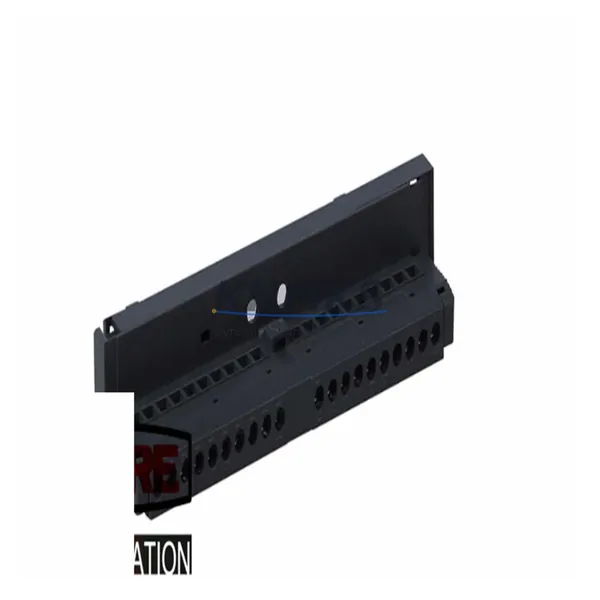
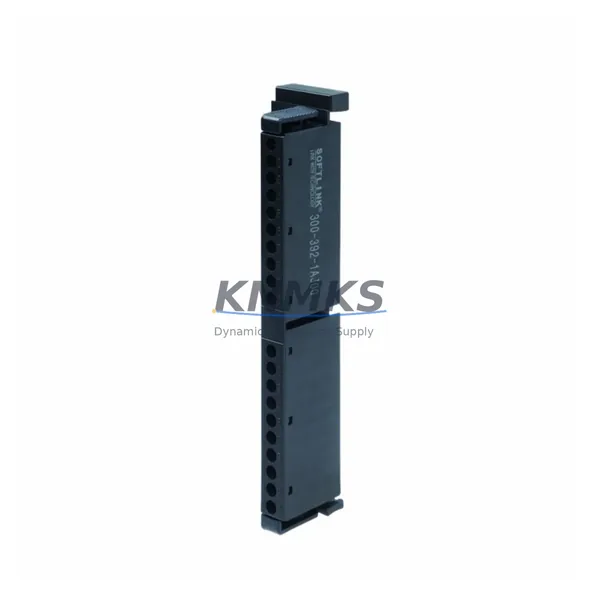
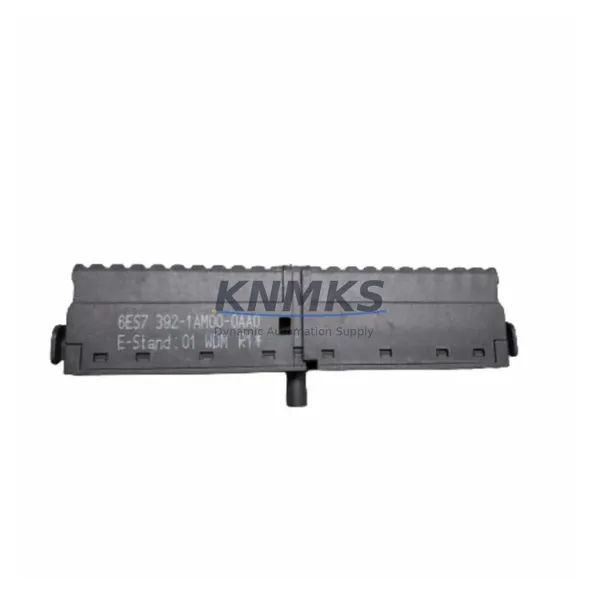
 PLCs & Controllers
 HMI & Displays
 Servo Systems
 Variable Frequency Drives