
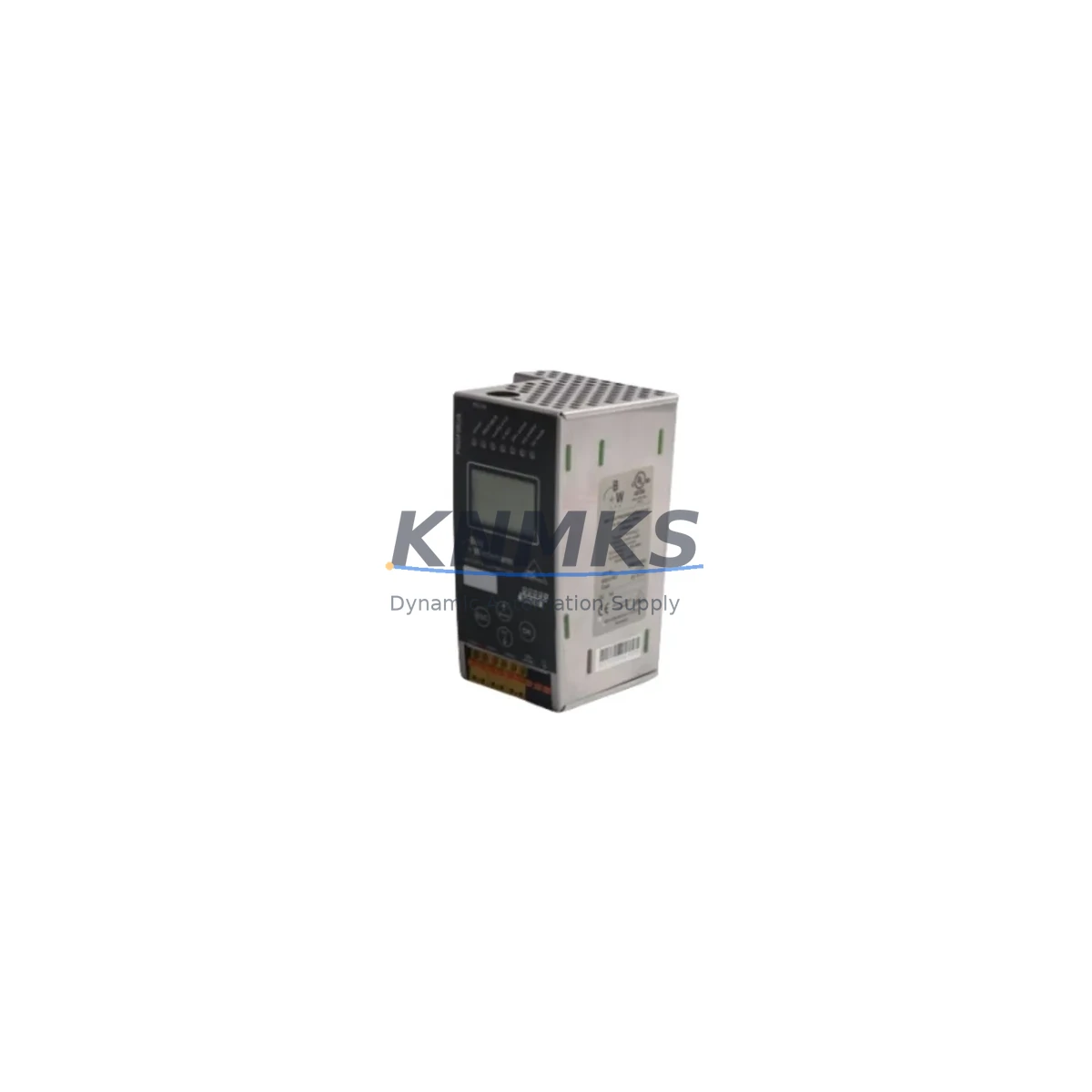
Overview
Honeywell RM7800L1053 Maintenance-Proven Spare Part for Factory Uptime
The Honeywell RM7800L1053 is a programmable burner management relay module from the industry-standard 7800 Series Flame Safeguard family. Designed for continuous combustion supervision in industrial boilers, process heaters, and thermal oxidizers, this relay module is a critical component in any maintenance engineer’s spare parts inventory. Sourced as an original Honeywell unit, each RM7800L1053 supplied by KNMKS undergoes pre-shipment functional verification and ships with a support terms confirmed by quotation — ensuring your facility can restore burner operation with confidence and minimal downtime.
For maintenance and procurement engineers managing aging combustion control systems, the RM7800L1053 represents a direct, plug-compatible replacement for failed or end-of-life relay modules in the 7800 Series platform. Its standardized wiring base (compatible with the R7847, R7848, and R7849 amplifier series) means field replacement can be completed without rewiring, dramatically reducing mean time to repair (MTTR) in emergency shutdown scenarios.
Holding a verified stock of the RM7800L1053 as a critical spare eliminates the risk of extended production outages caused by burner management system failures — a scenario that can cost industrial facilities tens of thousands of dollars per hour in lost throughput. KNMKS maintains long-term supply agreements to support 12–36 month procurement planning horizons, making it straightforward to establish a reliable replenishment cycle for this and related 7800 Series components.
Spare Maintenance Table
| Part Number | RM7800L1053 |
| Brand | Honeywell |
| Series | 7800 Series Flame Safeguard |
| Product Type | Programmable Burner Management Relay Module |
| Supply Voltage | 120 VAC, 50/60 Hz |
| Operating Temperature | -40°C to +60°C (–40°F to +140°F) |
| Amplifier Compatibility | R7847, R7848, R7849 Series Amplifiers |
| Wiring Base Compatibility | Q7800A, Q7800B Wiring Bases |
| Display Module Compatibility | S7800A1001 Keyboard Display Module |
| Mounting | Plug-in to Q7800 wiring base; no rewiring required for direct replacement |
| Application | Industrial boilers, process heaters, thermal oxidizers, combustion systems |
| Origin | Original Honeywell, CN |
| Condition | New / Surplus New |
| Pre-Shipment Testing | Functional verification completed before dispatch |
| Support terms | 12 Months |
| Long-Term Supply | 12–36 month procurement agreements available |
Maintenance Planning for Continuous Operation
When replacing the RM7800L1053 in a live combustion control cabinet, a disciplined maintenance engineer will treat the relay module replacement as an opportunity to inspect the entire burner management loop. Begin with the Q7800A or Q7800B wiring base — check terminal tightness, insulation condition, and signs of heat stress or arcing that may have contributed to the original module failure. A degraded wiring base can cause intermittent faults even after a new relay module is installed.
Next, inspect the R7847 or R7848 UV/IR flame amplifier seated in the relay module. Amplifiers have finite service lives and are frequently overlooked during emergency replacements. If the RM7800L1053 failed due to a nuisance lockout pattern, the amplifier’s sensitivity may have drifted — a replacement amplifier should be held as a co-stocked spare alongside the relay module.
The S7800A1001 Keyboard Display Module provides fault code readout and is essential for post-replacement commissioning. Verify its connection integrity and confirm the display is reading the new module’s status correctly before returning the burner to service. For facilities running multiple burner management panels, a spare S7800A1001 in the storeroom prevents diagnostic delays during night-shift or weekend fault responses.
Upstream of the relay module, check the 24 VAC or 120 VAC control power supply feeding the 7800 Series panel. Voltage sags, transients, or ground faults in the control power circuit are a leading cause of relay module stress and premature failure. Install a dedicated control power surge suppressor or isolation transformer if the facility’s electrical environment is noisy. Also verify the burner control panel fusing — correctly rated fuses protect the relay module from downstream short-circuit events and should be replaced as a matter of course during any relay module swap.
For facilities integrating the 7800 Series into a DCS or SCADA environment via Modbus or BACnet communication modules, confirm that the communication interface remains functional after the relay module replacement. Some 7800 Series communication accessories require re-initialization when the base relay module is changed. Finally, inspect all field wiring terminal blocks in the burner control cabinet — loose or corroded terminals on flame detector, gas valve, and ignition transformer circuits are a frequent source of intermittent burner management faults that can be misdiagnosed as relay module failures.
Site Replacement Workflow
Step 1 — Isolation & Lockout: Isolate the burner control panel from control power and apply LOTO (Lockout/Tagout) per site safety procedures. Document the existing RM7800L1053 fault codes using the S7800A1001 display before power-down to preserve diagnostic context.
Step 2 — Module Removal: Unlock and remove the RM7800L1053 from the Q7800 wiring base. Inspect the base terminals and socket contacts for damage, carbon tracking, or corrosion. Clean or replace the wiring base if any anomalies are found — installing a new relay module onto a compromised base is a leading cause of repeat failures.
Step 3 — Compatibility Verification: Confirm the replacement RM7800L1053 matches the original part number exactly. Verify that the installed flame amplifier type (R7847/R7848/R7849) is compatible with the replacement module’s programming. Cross-reference the burner management system’s wiring diagram to confirm no field modifications have been made since original installation.
Step 4 — Installation & Commissioning: Seat the new RM7800L1053 firmly into the Q7800 wiring base. Restore control power and observe the S7800A1001 display for normal startup sequencing. Perform a complete burner light-off test, including flame failure simulation, to verify all safety interlocks are functioning correctly before returning the system to automatic operation.
Step 5 — Documentation & Spare Replenishment: Record the replacement in the site maintenance log with date, technician, and new module serial number. Immediately initiate a purchase order to replenish the consumed spare — maintaining at least one RM7800L1053 availability confirmed by RFQ at all times is recommended for facilities with critical heating or process loads.
Spare Parts Support FAQ
Q1: Is the RM7800L1053 a direct drop-in replacement for older 7800 Series relay modules?
Yes. The RM7800L1053 is designed for plug-in installation on the Q7800A and Q7800B wiring bases, making it a direct mechanical and electrical replacement for other RM7800 Series relay modules on the same base type. Always verify the amplifier compatibility and programming configuration before commissioning to ensure the replacement module matches the original system design.
Q2: What pre-shipment testing does KNMKS perform on the RM7800L1053?
Each RM7800L1053 unit undergoes functional verification prior to dispatch, confirming power-up, sequencing logic, and communication interface operation. Units are shipped with a support terms confirmed by quotation covering manufacturing defects and functional failures under normal operating conditions. Test records are available upon request for quality-critical procurement processes.
Q3: Can KNMKS support long-term or blanket purchase orders for the RM7800L1053?
Yes. KNMKS supports 12–36 month supply agreements for the RM7800L1053 and related 7800 Series components, including flame amplifiers, wiring bases, and display modules. Long-term agreements provide price stability, guaranteed allocation, and priority dispatch — ideal for facilities managing multi-site maintenance programs or annual shutdown planning cycles.
Q4: How should the RM7800L1053 be stored as a long-term spare?
Store in original packaging in a dry, temperature-controlled environment (0°C to +40°C) away from direct sunlight, moisture, and electromagnetic interference sources. Inspect packaging integrity annually and rotate stock on a first-in, first-out basis. For facilities in high-humidity environments, sealed anti-static bags with desiccant packs are recommended for extended storage beyond 12 months.
© 2026 KNMKS. All rights reserved.
Original Source: https://knmks.com
Contact: admin@knmks.com | +86 18359268345
Product Identification
- Brand / Ecosystem
-
Honeywell
Honeywell - Model / Series
- RM7800L1053
- Product Family
- PLCs & Controllers
- Availability Status
- Available on request after model and quantity confirmation
- Inquiry Type
- B2B RFQ, replacement inquiry and project spare-part request
- Pre-Quote Check
- Exact SKU, brand, series, quantity, nameplate photos and destination country are checked before quotation
System Path
Where this product fits in the KNMKS automation structure.
Specification & Inquiry Focus
- Control platform
- PLC, PAC and modular controllers
- Common needs
- CPU, rack, power and I/O expansion
- Project support
- Replacement, cabinet build and maintenance
Buyer Confirmation
Information KNMKS checks before replying.
- Exact model
- RM7800L1053
- Brand / ecosystem
- Honeywell
- Product family
- PLCs & Controllers
- Application note
- Replacement, maintenance, project build or spare-part list
- Useful photos
- Nameplate, installed unit, cabinet layout or connector side
- Delivery details
- Quantity, destination country and target schedule
Document Support
Files and notes can be confirmed during quotation.
- Product photos or nameplate confirmation when available
- Packing and delivery notes before quotation confirmation
- Support scope and delivery terms confirmed per inquiry
- Export document coordination for qualified B2B requests
Inquiry Support
- Model cross-checking before quotation
- CPU, power, rack and expansion module matching
- Support for replacement and project inquiry
What to Send Us
- Brand and exact model number: Honeywell RM7800L1053
- Quantity and required delivery time
- Application, replacement requirement or nameplate photo
- Destination country and shipping preference
RFQ Preparation
This is a product inquiry page built for RFQ communication.
Fast Model Check
Send this model to KNMKS for confirmation.
Include quantity, destination country and photos if this is a maintenance replacement. The inquiry will be saved with a reference number after submission.
Brand & Compatibility Note
KNMKS displays automation product information for well-known industrial brand ecosystems and compatible replacement references. Brand names are used for product identification and compatibility reference only; final availability and commercial terms are confirmed per quotation.
 Manufacturing
 Machine Tools
 Packaging
 Energy & Power



 HMI & Displays
 Servo Systems
 Variable Frequency Drives
 Sensors