
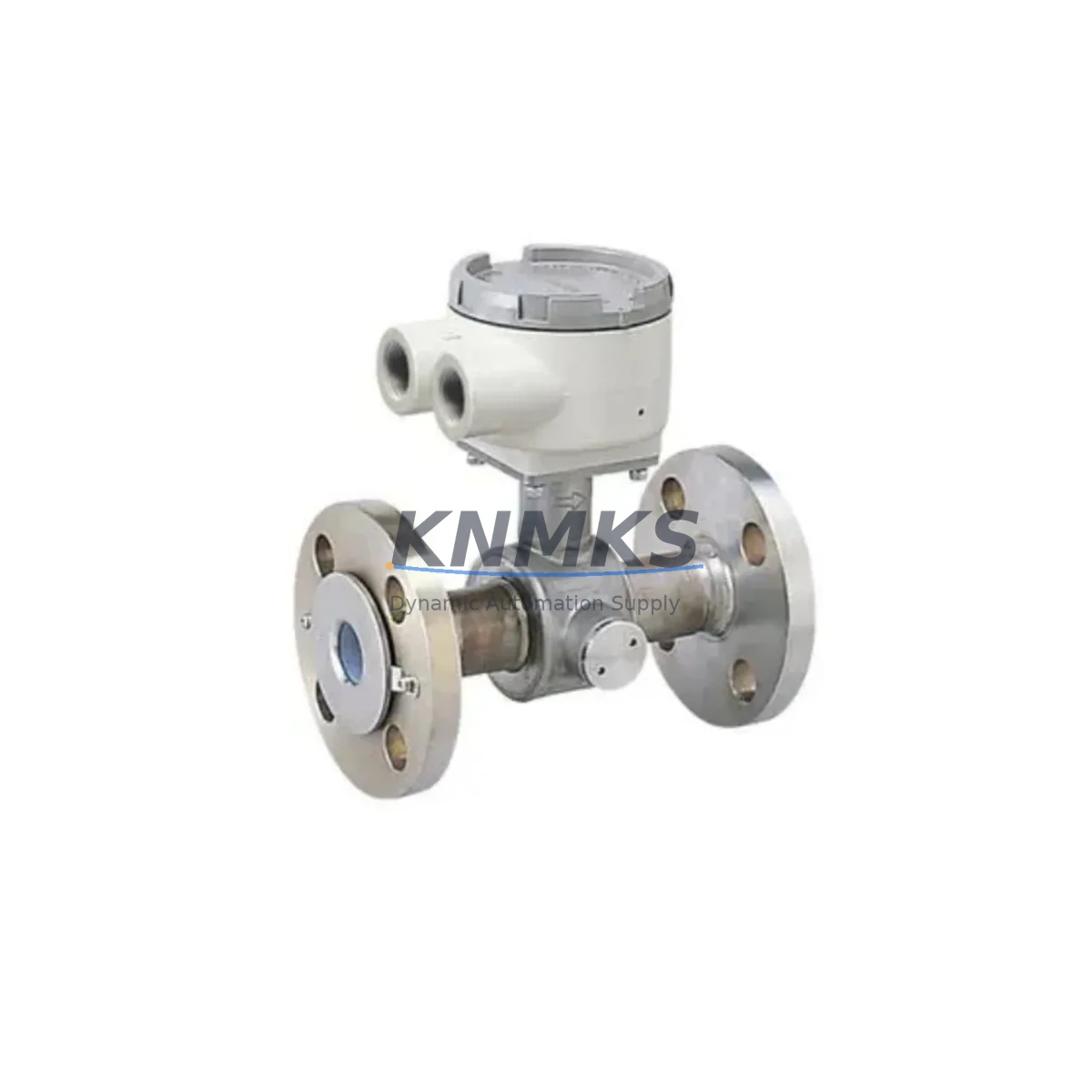
Overview
Honeywell HKL-1000M Maintenance-Proven Spare Part for Factory Uptime
The Honeywell HKL-1000M is a critical HVAC control module within the Excel 1000 building automation and industrial process control series. Designed for continuous-duty environments, this module manages zone-level control logic, sensor input processing, and actuator command output across HVAC and light industrial control cabinets. When an HKL-1000M fails or degrades, the downstream impact is immediate: loss of zone temperature regulation, alarm suppression failures, and potential production line interruptions in facilities where HVAC integrity is tied to process stability.
Sourced as an original-specification spare, the HKL-1000M stocked by KNMKS undergoes pre-shipment functional verification covering power-on self-test, I/O channel integrity, and communication bus response. Each unit ships with a support terms confirmed by quotation and full traceability documentation, supporting both emergency replacement and planned annual maintenance cycles. Global dispatch is available from multi-region stock, ensuring lead times remain predictable even for facilities operating under tight maintenance windows.
Maintenance engineers managing Excel 1000 installations recognize the HKL-1000M as a high-priority spare. Its role in coordinating damper actuators, VAV box controllers, and zone sensor arrays means that a single module failure can cascade into multi-zone HVAC loss. Procurement engineers benefit from holding at least one verified spare on-site, particularly in facilities where the Excel 1000 platform is no longer actively supported by the OEM’s local service network.
Spare Maintenance Table
| Parameter | Specification |
|---|---|
| SKU / Part Number | HKL-1000M |
| Brand | Honeywell |
| Series | Excel 1000 |
| Module Type | HVAC Control Module |
| Supply Voltage | 24 VAC / VDC (nominal) |
| Communication Protocol | C-Bus / LON (Excel 1000 native bus) |
| I/O Configuration | Multi-channel analog and digital I/O (zone control) |
| Operating Temperature | 0°C to +50°C (control cabinet installation) |
| Mounting | DIN rail / panel mount (Excel 1000 backplane compatible) |
| Compatibility | Excel 1000 series controllers, XL50, XL100, XL500 subsystems |
| Application Environment | Commercial HVAC, light industrial process control, BMS integration |
| Maintenance Interval | Annual inspection recommended; replace on fault code or degraded response |
| Pre-Shipment Testing | Power-on self-test, I/O channel verification, bus communication check |
| Support terms | 12 Months |
| Origin | China (CN) |
| Dispatch | Global, multi-region stock |
Maintenance Planning for Continuous Operation
Replacing the HKL-1000M in an Excel 1000 control cabinet is rarely an isolated task. A thorough site inspection should accompany any module swap to prevent repeat failures and ensure the restored system operates within specification. Maintenance engineers should begin by verifying the 24 VAC power supply feeding the control cabinet — a degraded transformer or loose terminal block on the power distribution rail is a common root cause of premature module failure. The XL-PS24 or equivalent Honeywell 24V power supply module should be checked for output voltage stability before the replacement HKL-1000M is energized.
The C-Bus communication wiring between the HKL-1000M and upstream Excel 1000 controllers such as the XL50 or XL100 should be inspected for insulation damage, loose ferrules, and correct termination resistance. A faulty bus terminator or an improperly shielded cable run can cause intermittent communication faults that mimic module failure. Similarly, the LON network segment — if present — should be verified for correct node addressing and network variable binding before the replacement module is commissioned.
I/O field wiring connected to the HKL-1000M deserves careful attention. Zone temperature sensors (NTC or PT1000 types common in Excel 1000 installations), damper actuator feedback signals, and digital status inputs from VAV box controllers should all be continuity-checked and verified against the original engineering drawings. Signal isolators on long cable runs — particularly for analog 4–20 mA or 0–10 V signals — should be tested for correct output range. A failed signal isolator can drive the replacement module into fault state within hours of commissioning.
Fuse protection on the 24 VAC supply rail and on individual actuator output circuits should be inspected and replaced as a matter of course during any module swap. Blown or weakened fuses are frequently overlooked during emergency replacements and can cause the new HKL-1000M to fail prematurely. Terminal blocks on the I/O wiring side should be torqued to specification and checked for corrosion, particularly in humid plant environments. Where the Excel 1000 system interfaces with a building management system (BMS) via an XL-Web or similar Ethernet gateway, the gateway’s configuration and IP addressing should be confirmed unchanged after the module replacement to avoid communication loss at the supervisory level.
Site Replacement Workflow
Step 1 — Isolation and Safety: De-energize the Excel 1000 control cabinet at the main isolator. Confirm zero voltage on the 24 VAC bus using a calibrated multimeter. Lock out / tag out per site procedure.
Step 2 — Documentation: Photograph the existing HKL-1000M wiring, DIP switch settings, and any address jumper configuration before removal. Record the module’s node address from the Excel 1000 engineering tool or from the label on the module housing.
Step 3 — Module Removal: Disconnect field wiring terminals in sequence, labeling each wire. Release the module from the DIN rail or backplane connector. Inspect the backplane connector pins for damage or corrosion — a damaged backplane connector on the XL50 or XL100 controller chassis must be repaired before the replacement module is installed.
Step 4 — Replacement Installation: Set DIP switches and address jumpers on the new HKL-1000M to match the documented configuration. Seat the module firmly on the DIN rail or backplane. Reconnect field wiring terminals in reverse sequence, verifying each connection against the wiring photograph.
Step 5 — Power-On and Commissioning: Re-energize the cabinet. Observe the HKL-1000M status LEDs for normal boot sequence. Use the Excel 1000 engineering tool (CARE or equivalent) to confirm node recognition, I/O point mapping, and correct sensor readings. Verify actuator response on all connected outputs before returning the system to automatic control.
Step 6 — System Handover: Update the site maintenance log with the replacement date, new module serial number, and any wiring changes made during the swap. Retain the removed module for failure analysis if required by the site’s maintenance management system.
Spare Parts Support FAQ
Q1: Is the HKL-1000M still available as a new original spare, or only as a refurbished unit?
KNMKS stocks the HKL-1000M as an original-specification spare sourced through verified industrial supply channels. Each unit undergoes pre-shipment functional testing and ships with a support terms confirmed by quotation. Condition and traceability documentation are available on request prior to order confirmation.
Q2: How do I confirm compatibility between the HKL-1000M and my existing Excel 1000 installation?
Compatibility is confirmed by matching the module’s hardware revision and firmware version against the Excel 1000 system’s engineering documentation. KNMKS recommends providing your XL50 or XL100 controller firmware version and the existing HKL-1000M part label details at the time of inquiry. Our technical team can cross-reference these against known compatible configurations before shipment.
Q3: What is the recommended inventory strategy for HKL-1000M spares in a multi-zone Excel 1000 installation?
For facilities operating more than four Excel 1000 control zones, maintaining a minimum of two HKL-1000M spares on-site is recommended. This supports immediate swap-out on primary failure while retaining a backup during the replenishment lead time. Annual stock review aligned with the facility’s planned shutdown schedule ensures spare availability without excessive capital tied up in inventory.
Q4: What is covered under the support terms confirmed by quotation, and what is the process for a support terms claim?
The support terms confirmed by quotation cover manufacturing defects and functional failure under normal operating conditions as specified in the Excel 1000 technical documentation. Support requests are initiated by contacting KNMKS at admin@knmks.com with the order reference, failure description, and site installation details. Units confirmed defective under support terms are replaced or credited at KNMKS’s discretion, with return shipping coordinated by the KNMKS support team.
© 2026 KNMKS. All rights reserved.
Original Source: https://knmks.com
Contact: admin@knmks.com | +86 18359268345
Product Identification
- Brand / Ecosystem
-
Honeywell
Honeywell - Model / Series
- HKL-1000M
- Product Family
- PLCs & Controllers
- Availability Status
- Available on request after model and quantity confirmation
- Inquiry Type
- B2B RFQ, replacement inquiry and project spare-part request
- Pre-Quote Check
- Exact SKU, brand, series, quantity, nameplate photos and destination country are checked before quotation
System Path
Where this product fits in the KNMKS automation structure.
Specification & Inquiry Focus
- Control platform
- PLC, PAC and modular controllers
- Common needs
- CPU, rack, power and I/O expansion
- Project support
- Replacement, cabinet build and maintenance
Buyer Confirmation
Information KNMKS checks before replying.
- Exact model
- HKL-1000M
- Brand / ecosystem
- Honeywell
- Product family
- PLCs & Controllers
- Application note
- Replacement, maintenance, project build or spare-part list
- Useful photos
- Nameplate, installed unit, cabinet layout or connector side
- Delivery details
- Quantity, destination country and target schedule
Document Support
Files and notes can be confirmed during quotation.
- Product photos or nameplate confirmation when available
- Packing and delivery notes before quotation confirmation
- Support scope and delivery terms confirmed per inquiry
- Export document coordination for qualified B2B requests
Inquiry Support
- Model cross-checking before quotation
- CPU, power, rack and expansion module matching
- Support for replacement and project inquiry
What to Send Us
- Brand and exact model number: Honeywell HKL-1000M
- Quantity and required delivery time
- Application, replacement requirement or nameplate photo
- Destination country and shipping preference
RFQ Preparation
This is a product inquiry page built for RFQ communication.
Fast Model Check
Send this model to KNMKS for confirmation.
Include quantity, destination country and photos if this is a maintenance replacement. The inquiry will be saved with a reference number after submission.
Brand & Compatibility Note
KNMKS displays automation product information for well-known industrial brand ecosystems and compatible replacement references. Brand names are used for product identification and compatibility reference only; final availability and commercial terms are confirmed per quotation.
 Manufacturing
 Machine Tools
 Packaging
 Energy & Power



 HMI & Displays
 Servo Systems
 Variable Frequency Drives
 Sensors