
Overview
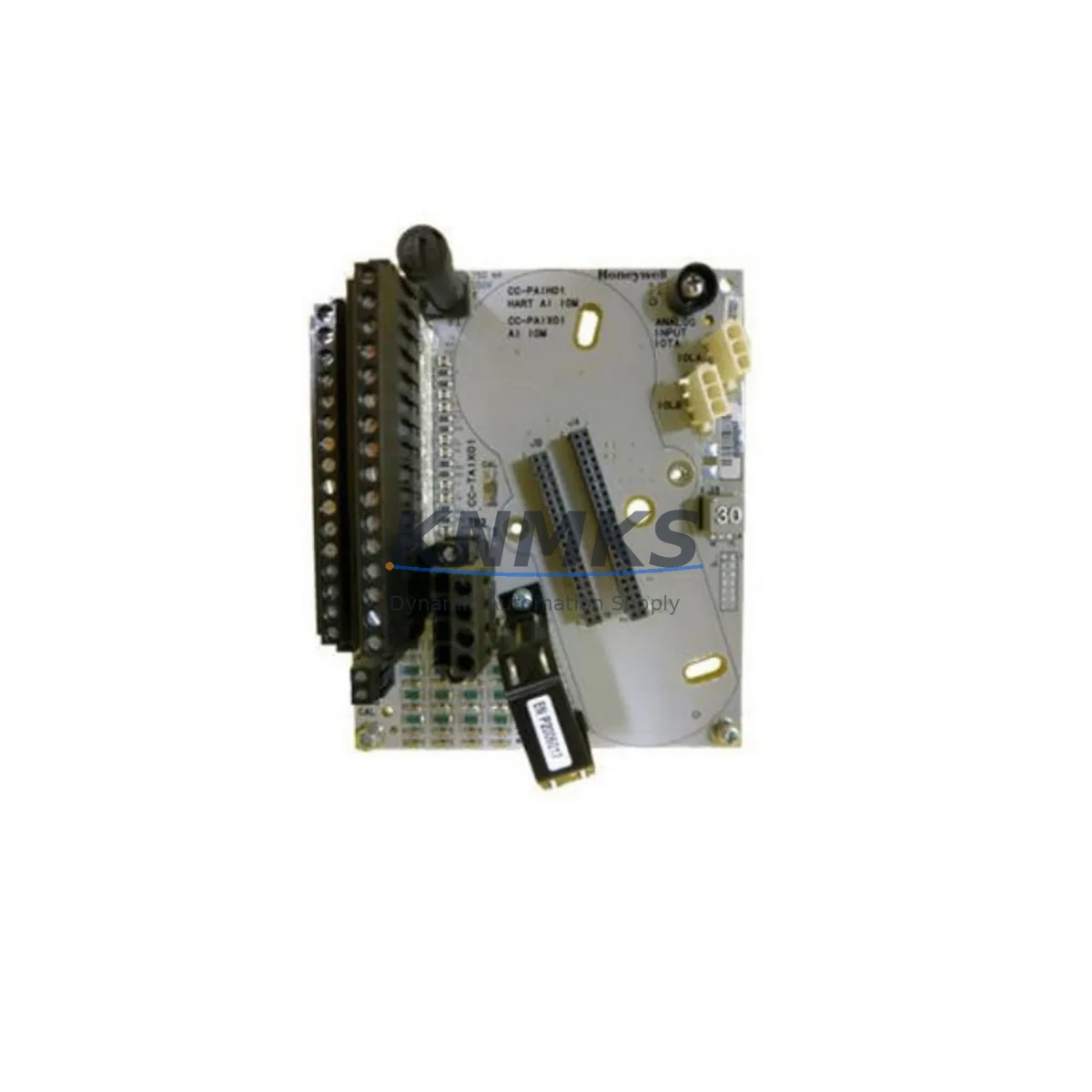
Honeywell FS-DO-1224 Maintenance-Proven Spare Part for Factory Uptime
The Honeywell FS-DO-1224 is a safety-rated digital output module engineered for the Honeywell FS Safety Series platform — a widely deployed safety PLC architecture found in process plants, chemical facilities, oil & gas installations, and critical manufacturing environments. As a direct original spare, the FS-DO-1224 supports 12 digital output channels rated for 24 VDC safety-critical switching, enabling SIL 2/3-capable output control for emergency shutdown (ESD) systems, fire and gas (F&G) panels, and process safety interlock loops.
For maintenance engineers managing aging safety systems, sourcing a verified original FS-DO-1224 is the fastest path to restoring output channel integrity without compromising the safety function. For procurement engineers, stocking at least one FS-DO-1224 per safety cabinet is a recognized best practice to contain mean time to repair (MTTR) and avoid extended plant shutdowns caused by long OEM lead times.
This listing covers an original Honeywell FS-DO-1224 spare, pre-shipment tested, backed by a support terms confirmed by quotation, and available for rapid dispatch to global destinations.
Spare Maintenance Table
| Part Number | FS-DO-1224 |
| Brand | Honeywell |
| Series | FS Safety Series (Safety Manager / Safety Manager SC) |
| Module Type | Safety Digital Output Module |
| Output Channels | 12 x Digital Output (DO), 24 VDC |
| Safety Integrity Level | SIL 2 / SIL 3 capable (IEC 61508) |
| Output Voltage | 24 VDC nominal |
| Load Current per Channel | Up to 0.5 A per channel (typical) |
| Diagnostics | Online self-diagnostics, short-circuit and open-load detection |
| Communication Interface | Backplane bus (FS Safety Series chassis) |
| Mounting | FS Safety Series chassis backplane slot |
| Operating Temperature | 0°C to +60°C |
| Humidity | 5% to 95% RH, non-condensing |
| Certifications | TÜV, IEC 61508, SIL 2/3 |
| Country of Origin | United States |
| Condition | Original, unused or refurbished-to-spec spare |
| Pre-Shipment Test | Yes — functional and safety output verification |
| Support terms | 12 Months from shipment date |
| Lead Time | availability confirmed by RFQ — rapid dispatch available |
| Application | ESD, F&G, process safety interlock, SIS output control |
Maintenance Planning for Continuous Operation
When replacing the FS-DO-1224 in a live safety system, a disciplined maintenance scope prevents secondary failures and ensures the safety function is fully restored. Maintenance engineers should treat the FS-DO-1224 replacement as a trigger for a broader cabinet inspection covering the following components:
FS-AI-1620 Analog Input Module: Inspect for signal drift on process variable inputs feeding the safety logic. A degraded analog input module can mask the root cause of a DO channel fault by delivering incorrect process values to the safety controller.
FS-DI-1220 Safety Digital Input Module: Verify all field device feedback signals — valve position, pressure switch, and level switch inputs — are reading correctly. A failed DI module in the same chassis can create spurious trips that stress DO channels.
FS-PLC Chassis Backplane: Inspect the backplane connector seating for the FS-DO-1224 slot. Backplane contact corrosion or mechanical damage is a common cause of intermittent DO channel faults in humid or vibration-prone environments.
24 VDC Safety Power Supply: Confirm the cabinet power supply rail is within ±5% of 24 VDC under full load. Voltage sag during peak output switching is a leading cause of premature DO module failure. Cross-check with a redundant power supply module if installed.
Field Wiring Terminal Blocks and Fuse Protection: Inspect output field wiring terminal blocks for loose connections, insulation degradation, and correct fuse ratings per channel. Blown or undersized fuses on DO output circuits are frequently overlooked during module replacement.
Safety Relay Output Modules: For DO channels driving safety relay coils, verify relay coil resistance and contact integrity. A shorted relay coil can cause repeated DO channel overcurrent faults even after module replacement.
Stocking the FS-DO-1224 alongside the FS-DI-1220 and the relevant power supply module as a matched spare set is a proven strategy for reducing MTTR in SIS-critical facilities. Annual cabinet inspections should include a functional proof test of all DO channels per the site’s safety instrumented system (SIS) maintenance plan.
Site Replacement Workflow
Step 1 — Permit and Isolation: Obtain a hot-work or safety bypass permit per site MOC procedure. Notify the control room and place the affected safety loop in bypass mode using the Safety Manager bypass key or software bypass function. Document the bypass start time.
Step 2 — Module Identification: Confirm the slot address and channel assignment of the FS-DO-1224 to be replaced using the Safety Manager engineering workstation. Print or photograph the current I/O assignment and field wiring schedule before disconnection.
Step 3 — Field Wiring Disconnection: De-energize the 24 VDC output field circuits at the terminal block level. Label each wire before removal. Photograph the terminal block wiring layout for reference during reinstallation.
Step 4 — Module Removal: Release the module locking mechanism and slide the FS-DO-1224 out of the chassis slot. Inspect the backplane connector for damage or contamination before inserting the replacement module.
Step 5 — Replacement Module Installation: Insert the new FS-DO-1224 into the correct chassis slot. Confirm the module seats fully and the status LED initializes correctly. The Safety Manager will perform an automatic online diagnostic upon module recognition.
Step 6 — Field Wiring Reconnection and Verification: Reconnect field wiring per the documented schedule. Verify terminal torque and insulation integrity. Restore 24 VDC field power and confirm all output channel status indicators are green.
Step 7 — Functional Proof Test: Execute a channel-by-channel output proof test per the site SIS test procedure. Confirm field device response (valve stroke, relay actuation) for each DO channel before releasing the bypass.
Step 8 — Bypass Release and Documentation: Release the safety loop bypass, confirm normal operation in the control room, and complete the maintenance work order with as-found and as-left records.
Spare Parts Support FAQ
Q1: Is this FS-DO-1224 compatible with both Safety Manager and Safety Manager SC chassis?
The FS-DO-1224 is designed for the Honeywell FS Safety Series platform. Compatibility with Safety Manager SC variants depends on the chassis generation and firmware revision. Provide your chassis model and firmware version when ordering to allow compatibility verification before shipment.
Q2: What does the support terms confirmed by quotation cover?
The support terms confirmed by quotation cover manufacturing defects and functional failures under normal operating conditions from the date of shipment. Each FS-DO-1224 is pre-shipment tested for output channel functionality and safety diagnostic response. Support requests are supported with return and replacement logistics.
Q3: Can you supply multiple FS-DO-1224 units for a planned annual shutdown?
Yes. Multi-unit orders for annual turnaround or planned maintenance shutdowns are supported. Bulk spare packages can be prepared with matched lot testing and consolidated documentation. Contact the sales team with your required quantity and delivery schedule.
Q4: How do you ensure long-term supply availability for an end-of-life module?
We maintain forward stock of critical FS Safety Series modules including the FS-DO-1224 to support sites operating legacy safety systems beyond OEM active production. Long-term supply agreements (LTSAs) are available for facilities requiring guaranteed annual allocation. Contact us to discuss a supply continuity plan for your site.
© 2026 KNMKS. All rights reserved.
Original Source: https://knmks.com
Contact: admin@knmks.com | +86 18359268345
Product Identification
- Brand / Ecosystem
-
Honeywell
Honeywell - Model / Series
- FS-DO-1224
- Product Family
- PLCs & Controllers
- Availability Status
- Available on request after model and quantity confirmation
- Inquiry Type
- B2B RFQ, replacement inquiry and project spare-part request
- Pre-Quote Check
- Exact SKU, brand, series, quantity, nameplate photos and destination country are checked before quotation
System Path
Where this product fits in the KNMKS automation structure.
Specification & Inquiry Focus
- Control platform
- PLC, PAC and modular controllers
- Common needs
- CPU, rack, power and I/O expansion
- Project support
- Replacement, cabinet build and maintenance
Buyer Confirmation
Information KNMKS checks before replying.
- Exact model
- FS-DO-1224
- Brand / ecosystem
- Honeywell
- Product family
- PLCs & Controllers
- Application note
- Replacement, maintenance, project build or spare-part list
- Useful photos
- Nameplate, installed unit, cabinet layout or connector side
- Delivery details
- Quantity, destination country and target schedule
Document Support
Files and notes can be confirmed during quotation.
- Product photos or nameplate confirmation when available
- Packing and delivery notes before quotation confirmation
- Support scope and delivery terms confirmed per inquiry
- Export document coordination for qualified B2B requests
Inquiry Support
- Model cross-checking before quotation
- CPU, power, rack and expansion module matching
- Support for replacement and project inquiry
What to Send Us
- Brand and exact model number: Honeywell FS-DO-1224
- Quantity and required delivery time
- Application, replacement requirement or nameplate photo
- Destination country and shipping preference
RFQ Preparation
This is a product inquiry page built for RFQ communication.
Fast Model Check
Send this model to KNMKS for confirmation.
Include quantity, destination country and photos if this is a maintenance replacement. The inquiry will be saved with a reference number after submission.
Brand & Compatibility Note
KNMKS displays automation product information for well-known industrial brand ecosystems and compatible replacement references. Brand names are used for product identification and compatibility reference only; final availability and commercial terms are confirmed per quotation.
 Manufacturing
 Machine Tools
 Packaging
 Energy & Power



 HMI & Displays
 Servo Systems
 Variable Frequency Drives
 Sensors