
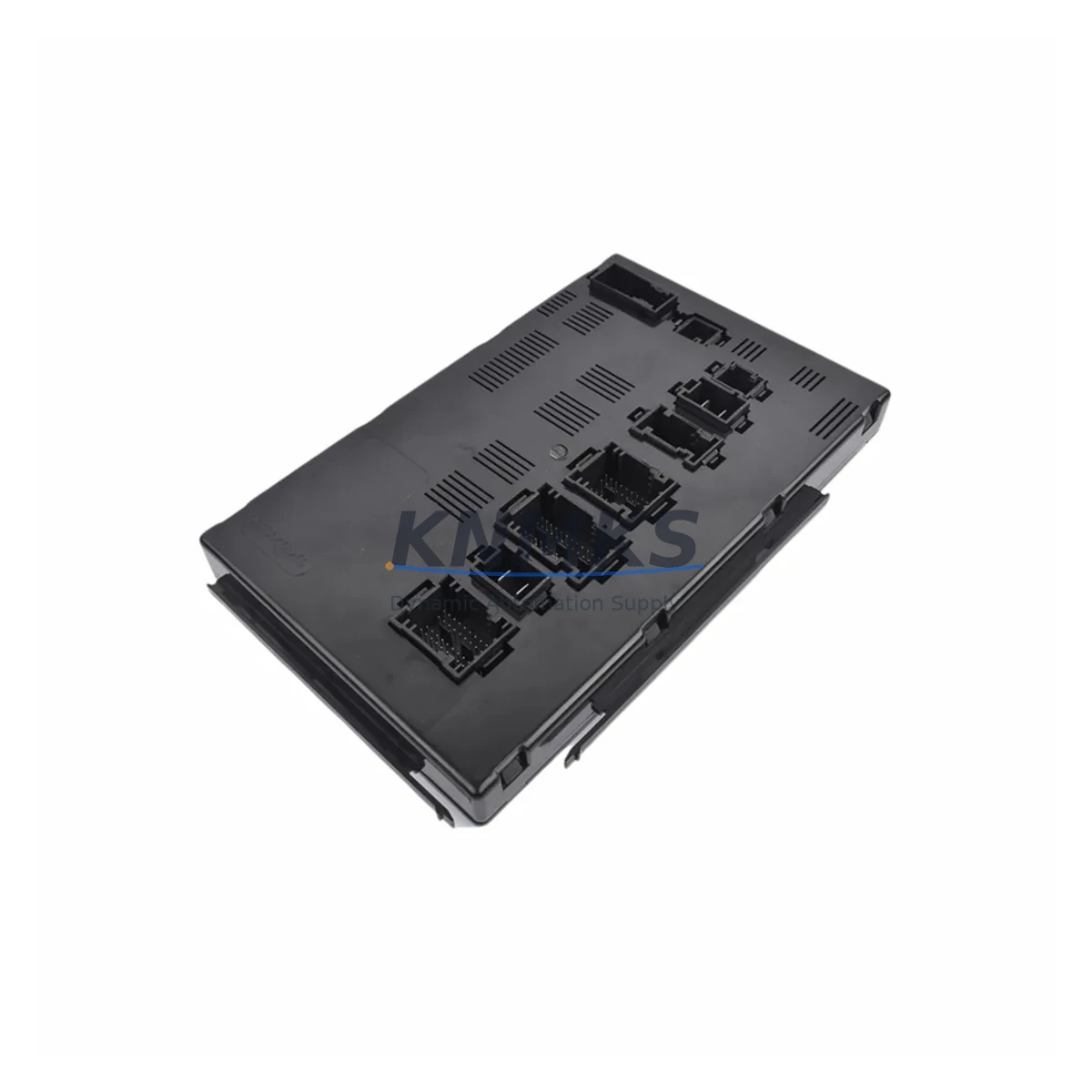
Overview
Honeywell 900R01-0300 Maintenance-Proven Spare Part for Factory Uptime
The Honeywell 900R01-0300 is a Remote Controller Module designed for the HC900 Hybrid Controller platform — one of Honeywell’s most widely deployed process control architectures in refining, chemical processing, power generation, and continuous manufacturing environments. As a maintenance-proven spare part, the 900R01-0300 plays a critical role in sustaining controller redundancy, managing remote I/O rack communication, and ensuring uninterrupted process execution across distributed control cabinet installations.
For maintenance engineers managing aging HC900 systems, sourcing a verified, pre-tested 900R01-0300 is not simply a procurement task — it is a risk mitigation strategy. Controller module failures in HC900 architectures can cascade into full rack communication loss, process shutdowns, and costly unplanned downtime. Stocking a qualified replacement unit ensures that when a fault is isolated, the site team can execute a swap within a single maintenance window rather than waiting weeks for an unverified unit from an unknown supply chain.
This unit is supplied as an original spare, pre-shipment tested under functional load conditions, and backed by a support terms confirmed by quotation. Global dispatch is available for both emergency replacement orders and planned annual maintenance procurement cycles.
Spare Maintenance Table
| SKU / Part Number | 900R01-0300 |
| Brand | Honeywell |
| Series | HC900 Hybrid Controller |
| Module Type | Remote Controller Module |
| Platform Compatibility | Honeywell HC900 Hybrid Controller System |
| Communication Interface | HC900 rack backplane / remote I/O bus |
| Mounting | HC900 rack-mount, DIN-compatible enclosure |
| Operating Environment | Industrial process control; DCS/hybrid controller cabinets |
| Application Sectors | Refining, Chemical, Power, Continuous Manufacturing |
| Origin | United States |
| Supply Condition | Original spare, functionally tested before shipment |
| Support terms | 12 months from date of shipment |
| Dispatch | Global express shipping available; emergency orders prioritized |
| Maintenance Recommendation | Inspect rack backplane connectors, verify firmware revision compatibility, and confirm I/O rack addressing before installation |
Maintenance Planning for Continuous Operation
When a 900R01-0300 Remote Controller Module is flagged for replacement during a fault isolation routine or scheduled inspection, experienced maintenance engineers treat the event as a trigger for a broader cabinet health review. The HC900 platform integrates tightly across its rack ecosystem, and a module swap performed in isolation — without verifying adjacent components — introduces residual risk that can surface as secondary faults within days of the initial repair.
Begin by inspecting the HC900 rack backplane for signs of connector wear, oxidation, or thermal stress. The backplane carries both power and communication signals to all installed modules, and degraded backplane contacts are a common root cause of intermittent controller faults that are incorrectly attributed to the module itself. If the backplane shows wear, plan its replacement alongside the 900R01-0300 to avoid a repeat outage.
Next, verify the HC900 power supply module — typically a 900P01-0001 or equivalent — is operating within rated output tolerances. Undervoltage conditions at the rack level can cause controller modules to reset or fail to initialize correctly after a swap. A calibrated power supply check takes minutes and eliminates a common post-replacement fault scenario.
Review the I/O modules installed in the same rack. HC900 analog input modules (such as the 900G01-0001 series) and digital I/O modules should be inspected for channel faults, wiring integrity, and correct addressing. A controller module replacement that restores communication to a rack with pre-existing I/O faults will generate alarms immediately upon restart, complicating the recovery sequence.
For sites running HC900 in a redundant controller configuration, confirm that the redundancy link cable between primary and secondary controller modules is intact and correctly seated. A damaged or loose redundancy cable will prevent the standby controller from synchronizing after the replacement module is installed, leaving the system in a non-redundant state without a clear alarm in all firmware versions.
Communication modules interfacing the HC900 to upstream SCADA or DCS networks — including Modbus TCP, PROFIBUS, or OPC-compatible gateway modules — should be verified for correct configuration after any controller module replacement. Firmware version mismatches between the new 900R01-0300 and existing communication modules can cause protocol handshake failures that are not immediately obvious during initial post-swap testing.
Finally, inspect terminal blocks, signal isolators, and fuse protection on the I/O wiring side. Loose terminal connections and blown fuses on analog signal loops are frequently discovered during controller module replacements and should be addressed as part of the same maintenance window to minimize future call-outs.
Site Replacement Workflow
Step 1 — Pre-Replacement Verification: Confirm the replacement 900R01-0300 firmware revision matches or is compatible with the existing HC900 system firmware. Consult the HC900 Hybrid Controller Installation and User Guide for firmware compatibility matrices. Document the current module configuration, I/O rack addressing, and any custom function block assignments before powering down.
Step 2 — Safe Isolation: Follow site lockout/tagout (LOTO) procedures. For redundant HC900 systems, initiate a controlled switchover to the standby controller before removing the primary module to maintain process continuity. For non-redundant systems, coordinate with operations to place the affected process loop in manual or safe state.
Step 3 — Module Removal and Inspection: Remove the faulty 900R01-0300 and inspect the rack slot for backplane connector damage, debris, or corrosion. Clean the slot if required before installing the replacement unit.
Step 4 — Replacement Installation: Seat the new 900R01-0300 firmly into the rack slot. Verify the module status LEDs indicate correct initialization. For redundant systems, confirm the redundancy synchronization LED sequence completes successfully.
Step 5 — Configuration Restore and Functional Test: Reload the controller configuration from the HC900 Designer software backup. Verify all I/O channels report correctly, confirm communication links to SCADA/DCS are re-established, and perform a loop check on critical process signals before returning the system to automatic control.
Step 6 — Documentation: Record the replacement date, new module serial number, firmware version, and post-replacement test results in the site maintenance log. Update the spare parts inventory to reflect the consumed unit and initiate a replenishment order to maintain minimum stock levels.
Spare Parts Support FAQ
Q1: Is the 900R01-0300 supplied as a new original unit or a refurbished spare?
This unit is supplied as an original spare part. Each unit undergoes functional pre-shipment testing under load conditions before dispatch. A support terms confirmed by quotation is provided from the date of shipment, covering manufacturing defects and functional failures under normal operating conditions.
Q2: How do I confirm firmware compatibility before installing a replacement 900R01-0300?
Firmware compatibility for HC900 controller modules is documented in the HC900 Hybrid Controller Release Notes and the Installation and User Guide. Before ordering, provide your existing system firmware version and we can confirm compatibility. As a general practice, always back up your HC900 configuration using HC900 Designer software before any module replacement.
Q3: Can you support emergency replacement orders with fast dispatch?
Yes. Emergency replacement orders are prioritized for same-day or next-business-day dispatch where stock is confirmed available. Global express shipping is supported. Contact admin@knmks.com or call +86 18359268345 to confirm stock availability and arrange expedited shipment for critical downtime situations.
Q4: What is the recommended minimum stock level for the 900R01-0300 in an HC900 installation?
For sites operating HC900 systems in critical process environments, a minimum of one spare 900R01-0300 per controller rack is recommended. Sites with non-redundant HC900 configurations or extended lead-time supply chains should consider holding two units to cover both emergency replacement and the replenishment cycle. Annual maintenance planning reviews are the appropriate time to audit spare parts holdings against system criticality and expected module service life.
© 2026 KNMKS. All rights reserved.
Original Source: https://knmks.com
Contact: admin@knmks.com | +86 18359268345
Product Identification
- Brand / Ecosystem
-
Honeywell
Honeywell - Model / Series
- 900R01-0300
- Product Family
- PLCs & Controllers
- Availability Status
- Available on request after model and quantity confirmation
- Inquiry Type
- B2B RFQ, replacement inquiry and project spare-part request
- Pre-Quote Check
- Exact SKU, brand, series, quantity, nameplate photos and destination country are checked before quotation
System Path
Where this product fits in the KNMKS automation structure.
Specification & Inquiry Focus
- Control platform
- PLC, PAC and modular controllers
- Common needs
- CPU, rack, power and I/O expansion
- Project support
- Replacement, cabinet build and maintenance
Buyer Confirmation
Information KNMKS checks before replying.
- Exact model
- 900R01-0300
- Brand / ecosystem
- Honeywell
- Product family
- PLCs & Controllers
- Application note
- Replacement, maintenance, project build or spare-part list
- Useful photos
- Nameplate, installed unit, cabinet layout or connector side
- Delivery details
- Quantity, destination country and target schedule
Document Support
Files and notes can be confirmed during quotation.
- Product photos or nameplate confirmation when available
- Packing and delivery notes before quotation confirmation
- Support scope and delivery terms confirmed per inquiry
- Export document coordination for qualified B2B requests
Inquiry Support
- Model cross-checking before quotation
- CPU, power, rack and expansion module matching
- Support for replacement and project inquiry
What to Send Us
- Brand and exact model number: Honeywell 900R01-0300
- Quantity and required delivery time
- Application, replacement requirement or nameplate photo
- Destination country and shipping preference
RFQ Preparation
This is a product inquiry page built for RFQ communication.
Fast Model Check
Send this model to KNMKS for confirmation.
Include quantity, destination country and photos if this is a maintenance replacement. The inquiry will be saved with a reference number after submission.
Brand & Compatibility Note
KNMKS displays automation product information for well-known industrial brand ecosystems and compatible replacement references. Brand names are used for product identification and compatibility reference only; final availability and commercial terms are confirmed per quotation.
 Manufacturing
 Machine Tools
 Packaging
 Energy & Power



 HMI & Displays
 Servo Systems
 Variable Frequency Drives
 Sensors