
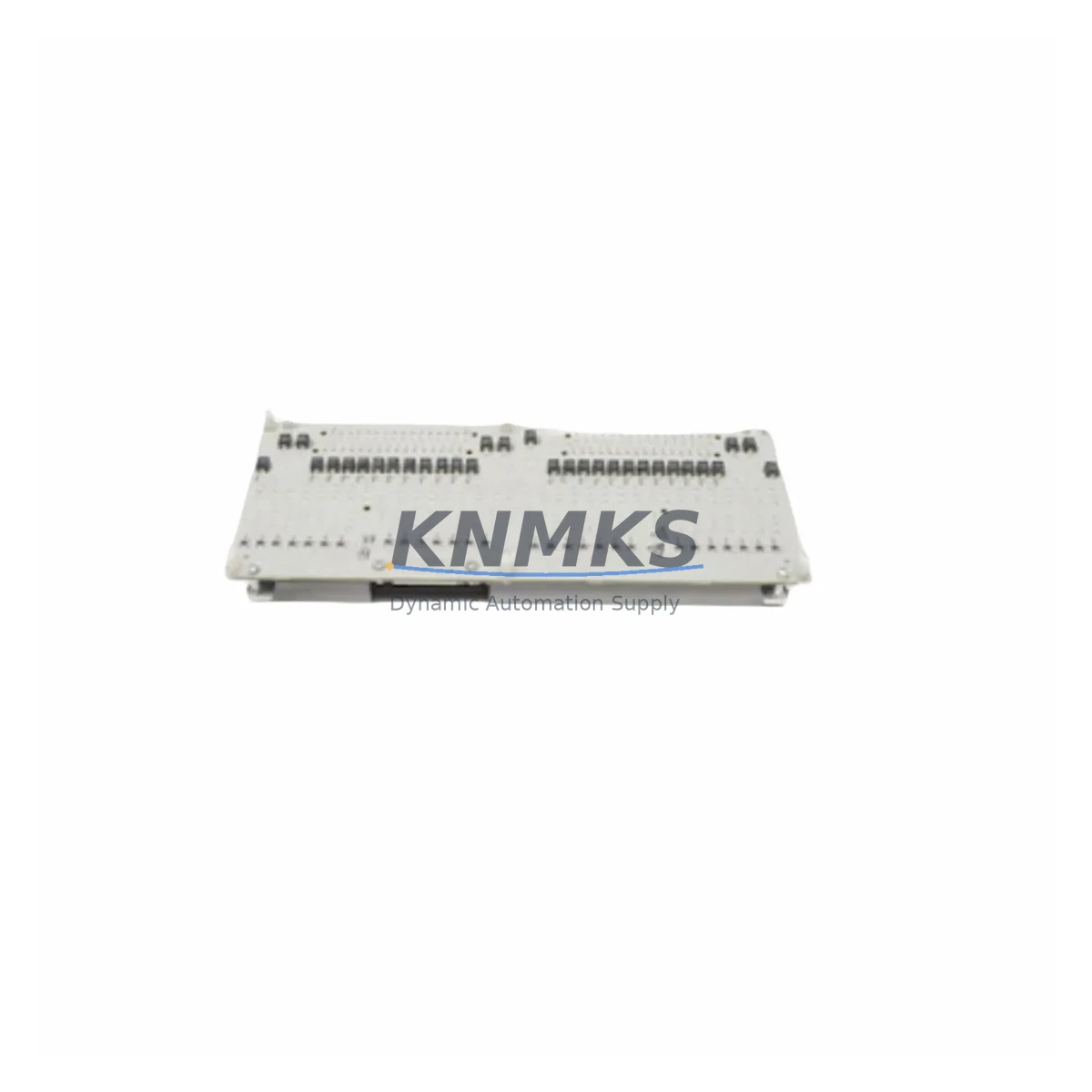
Overview
Honeywell 621-0021 Migration-Ready Diagnostics Module for Legacy Series 620 Control Systems
The Honeywell 621-0021 is a diagnostics module designed for the Series 620 Programmable Logic Controller platform — one of Honeywell’s widely deployed legacy control architectures in process manufacturing, utilities, and continuous production environments. As the Series 620 platform approaches end-of-support status and spare parts availability tightens, the 621-0021 has become a critical component for engineers managing system uptime, planning phased migrations, and executing emergency replacements during unplanned outages.
This module supports fault detection, system status monitoring, and diagnostic data output within the Series 620 rack architecture. It interfaces directly with the Series 620 backplane and communicates diagnostic states to the host controller and, where applicable, to connected HMI stations. For sites still operating Series 620 systems alongside newer distributed control infrastructure, the 621-0021 provides the diagnostic visibility needed to maintain safe and reliable operation during the transition period.
Our stock of the 621-0021 is sourced from verified supply channels, subjected to pre-shipment functional testing, and covered by a support terms confirmed by quotation from the date of dispatch. Units are available for immediate global shipping from multi-region inventory, supporting both emergency replacement scenarios and scheduled maintenance windows.
Migration Compatibility Table
| Parameter | Specification / Retrofit Guidance |
|---|---|
| SKU | 621-0021 |
| Brand / Platform | Honeywell Series 620 PLC |
| Module Function | System Diagnostics, Fault Detection, Status Monitoring |
| Backplane Interface | Series 620 rack backplane — direct slot insertion, no adapter required |
| Installation Requirement | Confirm available rack slot; verify slot addressing matches original module position |
| Power Consumption | Verify rack power supply (621-0001 or equivalent) has sufficient headroom before installation |
| Communication Compatibility | Compatible with Series 620 internal bus; verify HMI communication links if diagnostic data is mapped to operator stations |
| Firmware Consideration | No firmware update required for direct replacement; confirm CPU firmware revision supports diagnostic module addressing |
| Replacement Recommendation | Direct drop-in replacement for failed or end-of-life 621-0021 units; no program logic changes required in standard configurations |
| Commissioning Notes | Power down rack before installation; re-seat module firmly; verify diagnostic status LEDs on first power-up; confirm fault register clears in CPU |
| Support terms | 12 months from dispatch date; pre-shipment functional test included |
Retrofit Planning for Existing Automation Systems
Replacing the 621-0021 in an operating Series 620 system requires a structured approach that accounts for the interdependencies between the diagnostics module and the broader control architecture. Before scheduling the replacement, engineers should audit the rack configuration to confirm the slot position of the existing 621-0021 and verify that the Series 620 rack power supply — typically the 621-0001 power supply module — has sufficient capacity to support the replacement unit without exceeding the rack’s total power budget.
Terminal wiring is not directly associated with the 621-0021 diagnostics module itself, but the replacement process may require temporary disconnection of adjacent I/O modules such as the 621-6940 analog input module or 621-6550 digital output module if physical access to the diagnostics slot is restricted by cable routing. In such cases, document all terminal assignments before disturbing any wiring, and verify I/O module addresses remain unchanged after reinstallation.
For sites where the Series 620 CPU — such as the 621-1010 processor module — is configured to report diagnostic states to an operator workstation or HMI panel, confirm that the HMI communication link remains active during the module swap. If the HMI is mapped to specific diagnostic register addresses, verify that the replacement 621-0021 responds to the same address space as the original unit. In most standard configurations this is automatic, but sites with customized diagnostic mapping should validate this in the program logic before returning the system to automatic mode.
Where the Series 620 system is connected to a supervisory network via a 621-2010 data highway interface module or similar communication module, confirm that the network link remains stable during the replacement procedure. Diagnostic module swaps should not interrupt the data highway connection, but it is good practice to notify the control room operator before proceeding and to have a manual fallback procedure in place for the duration of the maintenance window.
For sites planning a longer-term migration from Series 620 to a modern platform, the 621-0021 replacement can serve as an interim measure to extend system life while migration engineering is underway. During this period, maintaining a small buffer stock of critical Series 620 modules — including the diagnostics module, processor module, and key I/O cards — reduces the risk of extended downtime caused by unexpected failures in aging hardware.
Downtime Control During System Migration
Minimizing downtime during a Series 620 diagnostics module replacement begins with preparation. Before the maintenance window opens, confirm that a tested replacement 621-0021 is on-site and that all tools, documentation, and personnel are ready. The replacement procedure itself — power down, module extraction, insertion of the new unit, power-up, and diagnostic verification — can typically be completed within a single planned outage window of less than one hour in a straightforward rack configuration.
To protect the original program logic, ensure that a current backup of the Series 620 CPU program is stored offline before beginning any hardware work. While a diagnostics module replacement does not alter the CPU program, it is standard practice to have a verified backup available in case the power cycle reveals any pre-existing program integrity issues that were masked by the failed diagnostics module.
During the replacement, maintain communication with the control room to monitor process conditions. If the Series 620 system is controlling a continuous process, coordinate with operations to place the affected control loops in manual mode before powering down the rack. This preserves field control continuity and prevents process upsets caused by the temporary loss of automatic control during the module swap.
After power-up, verify that the 621-0021 diagnostics module initializes correctly by checking the module status LEDs and confirming that the CPU fault register shows no active diagnostics errors related to the module. If the system is connected to an HMI, confirm that diagnostic displays return to normal status before returning control loops to automatic mode. Document the replacement in the site maintenance log, including the module serial number, installation date, and the results of the post-installation verification check.
Retrofit Support FAQ
Q1: Is the 621-0021 a direct drop-in replacement for a failed diagnostics module in a Series 620 rack?
Yes. The 621-0021 is designed for direct slot replacement in the Series 620 rack backplane. No wiring changes or program modifications are required in standard configurations. Confirm the slot address matches the original module position before powering up.
Q2: Does the replacement unit undergo functional testing before shipment?
Yes. Every 621-0021 unit we supply is subjected to pre-shipment functional testing to verify module integrity and basic operational status. Each unit is covered by a support terms confirmed by quotation from the date of dispatch.
Q3: What should I verify regarding firmware compatibility before installing the replacement module?
The 621-0021 does not require a firmware update for standard replacement. However, confirm that the Series 620 CPU firmware revision is compatible with the diagnostics module addressing scheme used in your rack configuration. If your site has applied custom diagnostic register mapping, validate the address assignments in the CPU program before returning the system to automatic operation.
Q4: How quickly can the 621-0021 be dispatched for an emergency replacement?
We maintain multi-region inventory of the 621-0021 to support emergency replacement scenarios. Units are available for same-day or next-business-day dispatch depending on your location. Contact our team at admin@knmks.com or +86 18359268345 to confirm current stock availability and lead time for your region.
© 2026 KNMKS. All rights reserved. Original Source: https://knmks.com | Contact: admin@knmks.com | +86 18359268345
Product Identification
- Brand / Ecosystem
-
Honeywell
Honeywell - Model / Series
- 621-0021
- Product Family
- PLCs & Controllers
- Availability Status
- Available on request after model and quantity confirmation
- Inquiry Type
- B2B RFQ, replacement inquiry and project spare-part request
- Pre-Quote Check
- Exact SKU, brand, series, quantity, nameplate photos and destination country are checked before quotation
System Path
Where this product fits in the KNMKS automation structure.
Specification & Inquiry Focus
- Control platform
- PLC, PAC and modular controllers
- Common needs
- CPU, rack, power and I/O expansion
- Project support
- Replacement, cabinet build and maintenance
Buyer Confirmation
Information KNMKS checks before replying.
- Exact model
- 621-0021
- Brand / ecosystem
- Honeywell
- Product family
- PLCs & Controllers
- Application note
- Replacement, maintenance, project build or spare-part list
- Useful photos
- Nameplate, installed unit, cabinet layout or connector side
- Delivery details
- Quantity, destination country and target schedule
Document Support
Files and notes can be confirmed during quotation.
- Product photos or nameplate confirmation when available
- Packing and delivery notes before quotation confirmation
- Support scope and delivery terms confirmed per inquiry
- Export document coordination for qualified B2B requests
Inquiry Support
- Model cross-checking before quotation
- CPU, power, rack and expansion module matching
- Support for replacement and project inquiry
What to Send Us
- Brand and exact model number: Honeywell 621-0021
- Quantity and required delivery time
- Application, replacement requirement or nameplate photo
- Destination country and shipping preference
RFQ Preparation
This is a product inquiry page built for RFQ communication.
Fast Model Check
Send this model to KNMKS for confirmation.
Include quantity, destination country and photos if this is a maintenance replacement. The inquiry will be saved with a reference number after submission.
Brand & Compatibility Note
KNMKS displays automation product information for well-known industrial brand ecosystems and compatible replacement references. Brand names are used for product identification and compatibility reference only; final availability and commercial terms are confirmed per quotation.
 Manufacturing
 Machine Tools
 Packaging
 Energy & Power



 HMI & Displays
 Servo Systems
 Variable Frequency Drives
 Sensors