
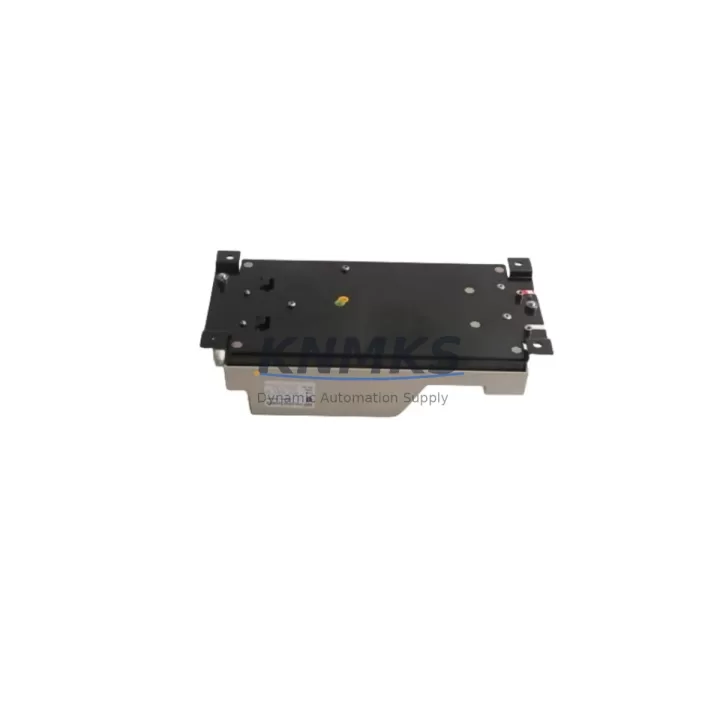
Overview
ABB TK811V150 Maintenance-Proven Spare Part for Factory Uptime
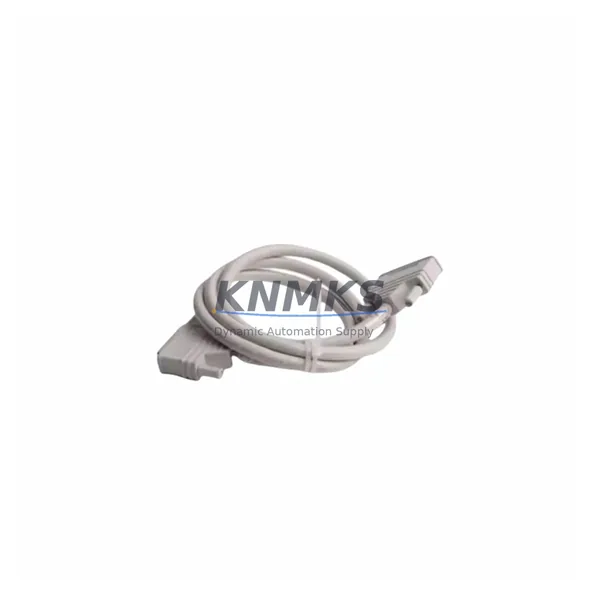
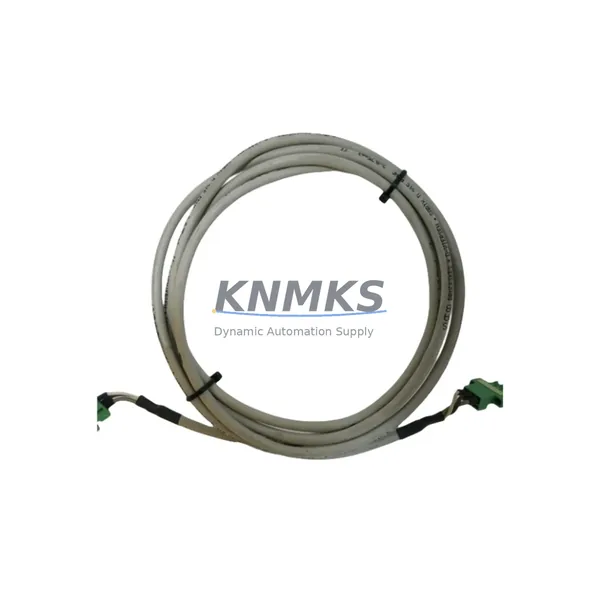
The ABB TK811V150 is a 1.5-metre plastic optical fiber (POF) cable engineered for high-reliability data communication within ABB’s AC800M Distributed Control System (DCS) architecture. Designed to connect PM8xx controller modules to S800 I/O clusters and communication interfaces, this cable is a critical link in the optical bus topology that underpins continuous process control in power generation, oil & gas, pulp & paper, and chemical manufacturing environments. When this cable degrades or fails, the entire I/O segment it serves goes offline — making a verified, pre-tested replacement immediately available in your spare parts cabinet an essential element of any serious maintenance strategy.
At KNMKS, every TK811V150 unit is sourced from authorised distribution channels, individually inspected for connector integrity and jacket condition, and subjected to optical continuity verification before dispatch. Each unit ships with a support terms confirmed by quotation covering manufacturing defects and optical performance, giving maintenance engineers and procurement teams the confidence to stock this cable as a long-term, bankable spare.
Spare Maintenance Table
| Part Number | TK811V150 |
| Brand | ABB |
| Series | AC800M DCS |
| Cable Type | Plastic Optical Fiber (POF) |
| Cable Length | 1.5 m (150 cm) |
| Connector Type | FSMA / Snap-in POF connectors (both ends) |
| Compatible Controllers | PM861, PM864, PM866, PM891 (AC800M series) |
| Compatible I/O | S800 I/O modules via TB820 / TB840 optical bus terminators |
| Operating Temperature | 0 °C to +60 °C |
| Storage Temperature | -20 °C to +70 °C |
| Bend Radius (min.) | 25 mm |
| Country of Origin | Germany |
| Support terms | 12 Months — Optical Performance & Manufacturing Defects |
| Pre-Shipment Test | Optical continuity & connector seating verified |
| Typical Lead Time | 3–7 business days (express options available) |
Maintenance Planning for Continuous Operation
Replacing a TK811V150 in the field is rarely an isolated task. The optical bus architecture of the AC800M system means that a single degraded cable can mask deeper issues in the I/O chain. Before declaring the cable as the sole root cause, a disciplined maintenance engineer will verify the health of the adjacent TB820 optical bus terminator and the TB840 redundant optical bus terminator — both of which share the same optical path and are subject to the same environmental stresses as the cable itself.
Upstream of the optical bus, the PM864 or PM866 processor module should be checked for firmware-level communication fault logs. A cable fault that has persisted undetected may have generated repeated timeout errors that degrade the controller’s communication health counters. Simultaneously, the SD821 or SD822 power supply module feeding the S800 I/O rail should be verified for output voltage stability — an under-voltage condition on the 24 VDC rail can cause optical transceivers to operate at reduced power, mimicking a cable fault.
At the I/O level, inspect the AI810 analog input module or DI810 digital input module seated in the affected S800 cluster for any residual fault flags after the cable swap. If the system uses a CI854 PROFIBUS DP communication interface or CI858 DNP3 interface for field device integration, confirm that the fieldbus master has re-established communication with all slaves following the optical bus restoration. For installations where the AC800M interfaces with a Panel 800 HMI (PP865 or PP886), verify that the operator station has cleared its I/O fault alarms and is displaying live process values before signing off the maintenance record.
Procurement engineers managing multi-site DCS installations should consider stocking TK811V150 cables in multiples of three — one per active optical bus segment — alongside at least one spare TB820 terminator per control cabinet. This approach aligns with a 12–36 month strategic spare parts horizon and eliminates the risk of extended downtime caused by a single-point cable failure in a remote or hard-to-access cabinet location.
Site Replacement Workflow
Step 1 — Isolate and document. Before disconnecting the suspect TK811V150, record the current fault codes displayed on the AC800M engineering workstation (typically via ABB Control Builder M). Note which I/O modules are reporting communication loss and confirm the optical bus segment affected.
Step 2 — Safe de-energisation. The AC800M optical bus operates at low optical power levels and does not carry hazardous voltages; however, the S800 I/O modules connected to the bus may be controlling live field devices. Coordinate with the process control team to place the affected I/O in a safe state (manual override or hold) before disconnecting the cable.
Step 3 — Cable removal and inspection. Disconnect the TK811V150 from both the controller module port and the TB820 terminator. Inspect the FSMA connectors on the old cable for yellowing, cracking, or contamination of the optical face. If contamination is present on the module ports, clean with an approved optical fiber cleaning tool before installing the replacement.
Step 4 — Install the replacement TK811V150. Route the new cable with a minimum bend radius of 25 mm. Seat both connectors firmly until the snap-lock engages. Avoid over-tightening or forcing connectors — the FSMA interface is designed for tool-free, finger-tight installation.
Step 5 — Restore and verify. Re-enable the I/O segment and observe the AC800M communication status in Control Builder M. All previously faulted I/O modules should return to normal status within 30 seconds of optical bus restoration. Confirm live process values on the HMI before releasing the process back to automatic control.
Step 6 — Update maintenance records. Log the replacement date, the old cable’s condition, and the new cable’s serial number in your CMMS. Schedule a follow-up inspection of the adjacent TB820 terminator and SD822 power supply at the next planned maintenance window.
Spare Parts Support FAQ
Q1: Is the TK811V150 compatible with all AC800M controller variants?
The TK811V150 is compatible with the full PM8xx processor module family (PM861, PM864, PM866, PM891) and all S800 I/O clusters using TB820 or TB840 optical bus terminators. It is not interchangeable with the longer TK811V200 (2.0 m) or TK811V050 (0.5 m) variants — cable length must match the physical cabinet layout. Always verify the required length against your as-built cabinet drawings before ordering.
Q2: How do I verify the cable is genuine and not a counterfeit?
Every TK811V150 supplied by KNMKS is sourced through authorised channels and includes ABB part labelling on the cable jacket. Each unit undergoes optical continuity testing before dispatch, and a test certificate is available on request. If you require additional traceability documentation for your quality management system, contact our sales team at admin@knmks.com.
Q3: What is your long-term supply commitment for this part?
KNMKS maintains a dedicated inventory buffer for high-demand AC800M spare parts, including the TK811V150, to support 12–36 month supply agreements. For multi-site procurement programmes or blanket purchase orders, we offer reserved stock arrangements with agreed lead times. Contact us to discuss a long-term supply contract tailored to your maintenance schedule.
Q4: What does the support terms confirmed by quotation cover, and how is a claim processed?
The support terms confirmed by quotation cover optical performance degradation and manufacturing defects under normal operating conditions. It does not cover physical damage caused by incorrect installation, excessive bend radius, or contamination. To initiate a support terms claim, contact admin@knmks.com with your order number, a description of the fault, and photographic evidence of the defect. Replacement units are dispatched within 5 business days of claim approval.
© 2026 KNMKS. All rights reserved.
Original Source: https://knmks.com
Contact: admin@knmks.com | +86 18359268345
Product Identification
- Brand / Ecosystem
-
ABB
ABB - Model / Series
-
TK811V150
AC800M Series - Product Family
- Cables & Connectors
- Availability Status
- Available on request after model and quantity confirmation
- Inquiry Type
- B2B RFQ, replacement inquiry and project spare-part request
- Pre-Quote Check
- Exact SKU, brand, series, quantity, nameplate photos and destination country are checked before quotation
System Path
Where this product fits in the KNMKS automation structure.
Specification & Inquiry Focus
- Cable range
- Sensor, servo, network and circular connectors
- Common needs
- Length, pin count, shielding and plug type
- Project support
- Machine wiring and installation kits
Buyer Confirmation
Information KNMKS checks before replying.
- Exact model
- TK811V150
- Brand / ecosystem
- ABB
- Product family
- Cables & Connectors
- Application note
- Replacement, maintenance, project build or spare-part list
- Useful photos
- Nameplate, installed unit, cabinet layout or connector side
- Delivery details
- Quantity, destination country and target schedule
Document Support
Files and notes can be confirmed during quotation.
- Product photos or nameplate confirmation when available
- Packing and delivery notes before quotation confirmation
- Support scope and delivery terms confirmed per inquiry
- Export document coordination for qualified B2B requests
Inquiry Support
- Cable length and connector type confirmation
- Servo, sensor and network cable inquiry
- Accessory kits for installation teams
What to Send Us
- Brand and exact model number: ABB TK811V150
- Quantity and required delivery time
- Application, replacement requirement or nameplate photo
- Destination country and shipping preference
RFQ Preparation
This is a product inquiry page built for RFQ communication.
Fast Model Check
Send this model to KNMKS for confirmation.
Include quantity, destination country and photos if this is a maintenance replacement. The inquiry will be saved with a reference number after submission.
Brand & Compatibility Note
KNMKS displays automation product information for well-known industrial brand ecosystems and compatible replacement references. Brand names are used for product identification and compatibility reference only; final availability and commercial terms are confirmed per quotation.
 Manufacturing
 Machine Tools
 Packaging
 Energy & Power
 PLCs & Controllers
 HMI & Displays
 Servo Systems
 Variable Frequency Drives