
Overview
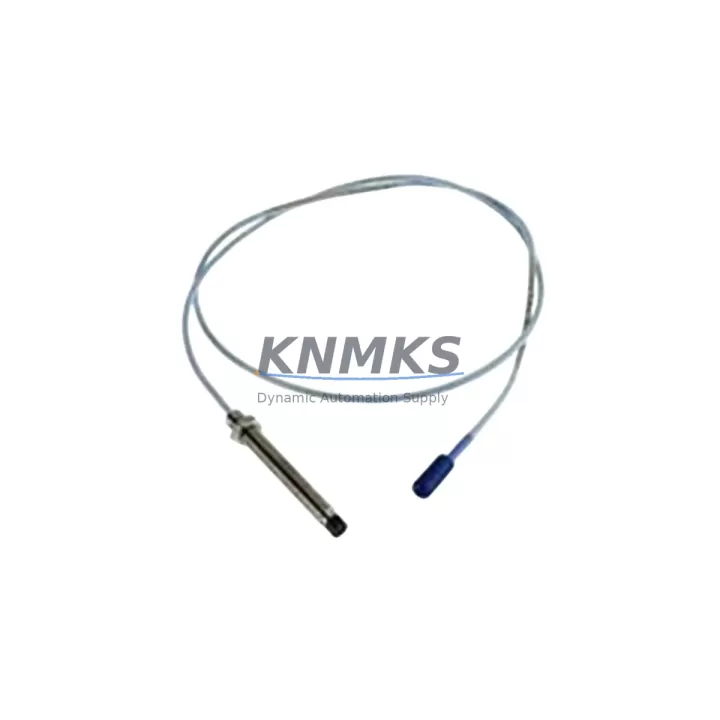
ABB TK807F Migration-Ready DDCS Cable for Legacy Control Systems
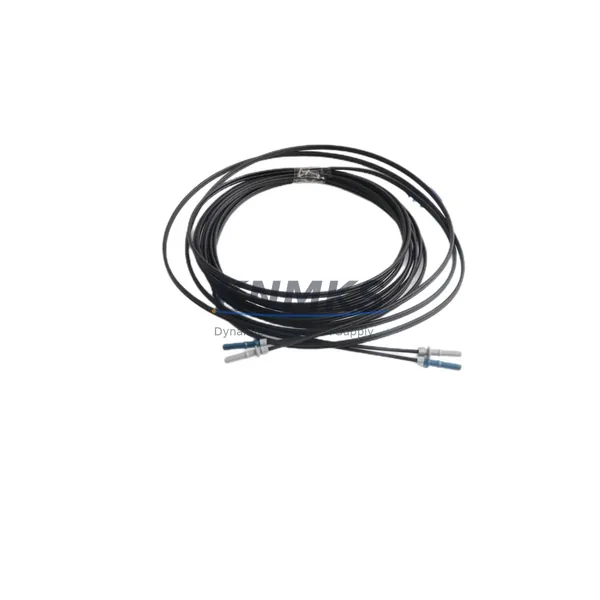
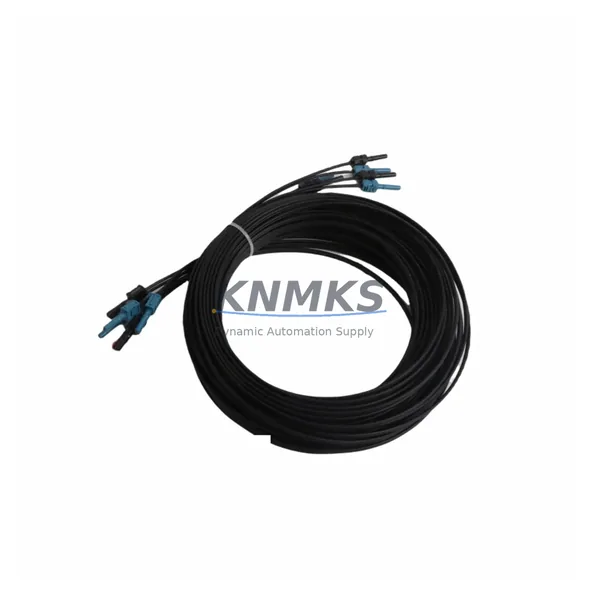
The ABB TK807F is a DDCS (Distributed Drive Control System) fiber optic communication cable engineered for ACS600 and ACS800 series variable frequency drive platforms. As legacy ABB drive installations approach end-of-support milestones, the TK807F remains a critical link in maintaining DDCS ring topology integrity during phased retrofits, control cabinet upgrades, and partial system migrations. Whether you are replacing a failed communication link in an existing ACS800 installation or planning a structured migration from an older ACS600 platform to a current-generation drive system, the TK807F provides the physical communication layer that keeps your automation architecture operational throughout the transition.
For engineers managing retrofit projects, the TK807F is not simply a cable — it is a precision-matched optical interface component. Its connector type, fiber diameter, attenuation rating, and bend radius are factory-specified to meet ABB DDCS protocol requirements. Substituting non-OEM fiber assemblies in DDCS ring topologies frequently results in intermittent communication faults, drive trip events, and difficult-to-diagnose latency errors that only appear under load. Sourcing a genuine or OEM-equivalent TK807F eliminates this risk and ensures that your DDCS ring — which may also include NDBU-95C or NDBU-12C branching units, NAMC-11 or NAMC-03 motor control boards, and RDCO-03 or RDCO-04 DDCS communication option boards — maintains the signal integrity required for stable closed-loop drive control.
In multi-drive DDCS ring configurations, the TK807F connects the master drive controller to follower drives or to the NDBU branching unit, enabling coordinated torque and speed control across multiple ACS800 or ACS600 units on a single production line. During a retrofit where one or more drives are being replaced with ACS880 or other current-generation ABB drives, the DDCS ring must remain intact for the drives that are not yet replaced. The TK807F supports this phased approach, allowing engineers to replace drives one at a time without taking the entire line offline.
Migration Compatibility Table
| Parameter | Details |
|---|---|
| Compatible Drive Platforms | ACS600, ACS800, ACS880 (DDCS ring topology) |
| Communication Protocol | DDCS (Distributed Drive Control System) — ABB proprietary fiber optic |
| Connector Interface | HFBR-type plastic optical fiber connectors (POF), compatible with NDBU-95C, NDBU-12C branching units |
| Replaces / Substitutes | Worn, damaged, or missing TK807F cables in existing ACS600/ACS800 installations |
| Installation Requirement | Verify bend radius ≥ 25 mm; avoid sharp routing near cable trays with high EMI sources |
| Firmware Compatibility | Compatible with all ACS600/ACS800 firmware versions supporting DDCS ring; no firmware update required for cable replacement |
| Commissioning Note | After installation, verify DDCS ring status via ACS800 parameter group 70 (DDCS Control); confirm no communication fault codes (e.g., F-0022) |
| Retrofit Scenario | Suitable for phased ACS600→ACS800→ACS880 migration; maintains ring continuity during partial drive replacement |
| Support terms | support terms confirmed by quotation | Pre-shipment tested | In-stock supply |
Retrofit Planning for Existing Automation Systems
A successful TK807F retrofit begins well before the cable arrives on site. The first step is a full audit of the existing DDCS ring topology: document the number of drives in the ring, the location of the NDBU-95C or NDBU-12C branching unit (if present), and the current cable routing path through the control cabinet. Photograph the existing connector seating on both the drive’s RDCO-03 or RDCO-04 DDCS option board and the branching unit port. This documentation becomes essential if the replacement cable needs to be routed differently due to cabinet modifications.
Power supply capacity is a frequent oversight in drive retrofit projects. When upgrading from ACS600 to ACS800 or adding drives to an existing DDCS ring, verify that the 24 VDC auxiliary power supply — often an ABB SPBU or equivalent DIN-rail power supply module — has sufficient current capacity to support the expanded I/O and communication modules. The RDCO-04 DDCS option board draws additional current compared to older RDCO-03 boards, and this delta must be accounted for in the cabinet power budget.
Terminal wiring adaptation is another critical checkpoint. If the retrofit involves replacing an ACS600 with an ACS800, the control terminal layout differs between the two platforms. The ACS800’s RMIO-11 or RMIO-12 I/O board uses a different terminal numbering scheme than the ACS600’s NIOC board. Map each analog input, digital input, relay output, and encoder feedback signal to the new terminal assignments before powering up. Failure to remap terminals correctly is the most common cause of extended commissioning time during ACS600-to-ACS800 migrations.
For installations that include an ACS800 with a fieldbus adapter — such as an RPBA-01 PROFIBUS adapter or an RCAN-01 CANopen adapter — verify that the fieldbus node address and baud rate settings are preserved during the drive replacement. The DDCS ring and the fieldbus network operate in parallel, and a node address conflict on the fieldbus can cause the PLC or DCS to lose visibility of the replaced drive even when the DDCS ring is functioning correctly. Confirm fieldbus communication from the Siemens S7 or Allen-Bradley ControlLogix PLC before returning the line to production.
HMI screen updates are often deferred during drive retrofits but should be addressed before final handover. If the existing HMI — whether a Siemens TP700, a Weintek MT8000, or an ABB CP600 panel — displays drive-specific parameter values via DDCS or fieldbus, verify that the data block addresses and parameter numbers remain valid after the drive replacement. ACS800 parameter numbering differs from ACS600 in several groups, and HMI screens that display speed reference, actual speed, output current, or fault codes may require tag remapping.
Downtime Control During System Migration
Minimizing production downtime during a DDCS cable replacement or drive retrofit requires a structured pre-outage preparation protocol. Before the maintenance window begins, export the full parameter set from each ACS600 or ACS800 drive using the DriveWindow Light 2 or DriveWindow 2 PC tool, or use the ACS800’s control panel (CDP312R or ACS-CP-C) to upload parameters to the panel memory. This backup ensures that if a drive requires a factory reset during the replacement process, the original parameter set can be restored in minutes rather than hours.
During the outage, replace the TK807F cable first and verify DDCS ring continuity before proceeding with any other work. A functioning DDCS ring is the foundation of the entire multi-drive system, and confirming ring integrity early in the maintenance window prevents the scenario where a cable fault is discovered after other work has already been completed. Use the ACS800’s DDCS diagnostic parameters (group 70) to confirm that all drives in the ring are visible to the master controller before closing the cabinet.
For phased migrations where only one drive is being replaced during a given maintenance window, use the NDBU-95C branching unit’s bypass capability to temporarily remove the drive being replaced from the DDCS ring without breaking ring continuity for the remaining drives. This approach allows the production line to continue operating on the remaining drives while the replacement drive is being installed, configured, and tested — reducing the effective downtime to the time required for final commissioning and handover rather than the full installation duration.
After the TK807F is installed and the DDCS ring is confirmed operational, perform a full I/O check: verify each digital input, analog input, relay output, and encoder feedback signal at the drive terminal before enabling the drive. Document the as-found and as-left condition of each signal. This documentation protects both the maintenance team and the end customer in the event of a post-retrofit process issue, and it provides the baseline for future preventive maintenance inspections.
Retrofit Support FAQ
Q1: Is the TK807F a direct drop-in replacement for a damaged DDCS cable in my ACS800 installation?
Yes. The TK807F is the ABB-specified DDCS fiber optic cable for ACS600 and ACS800 drive platforms. It uses the same HFBR-type plastic optical fiber connectors and is compatible with all DDCS ring configurations using NDBU-95C or NDBU-12C branching units. No parameter changes or firmware updates are required for a cable-only replacement.
Q2: What commissioning steps are required after installing the TK807F?
After physical installation, power up the drive system and navigate to ACS800 parameter group 70 (DDCS Control). Verify that the DDCS ring status shows all expected drives as connected and that no communication fault codes (e.g., F-0022 DDCS Ring Fault) are active. If a fault is present, check connector seating at both ends of the cable and verify that the fiber is not kinked or routed with a bend radius below 25 mm.
Q3: Can I use the TK807F during a phased migration from ACS600 to ACS880?
Yes. The TK807F maintains DDCS ring continuity between ACS600 and ACS800 drives during a phased migration. When ACS880 drives are introduced into the system, note that the ACS880 uses a different communication architecture (DDCS+ or FENA Ethernet adapter) and may require a separate communication strategy for the ACS880 nodes. The TK807F continues to serve the ACS600/ACS800 nodes in the ring during the transition period.
Q4: What are the support terms and supply terms for the TK807F from KNMKS?
All TK807F units supplied by KNMKS carry a support terms confirmed by quotation covering manufacturing defects and communication performance. Each unit undergoes pre-shipment functional testing to verify optical signal integrity before dispatch. In-stock units are available for immediate shipment. For long-term spare parts agreements covering 12–36 months of supply, contact the KNMKS sales team directly.
© 2026 KNMKS. All rights reserved.
Original Source: https://knmks.com
Contact: admin@knmks.com | +86 18359268345
Product Identification
- Brand / Ecosystem
-
ABB
ABB - Model / Series
-
TK807F
S800 Series - Product Family
- Cables & Connectors
- Availability Status
- Available on request after model and quantity confirmation
- Inquiry Type
- B2B RFQ, replacement inquiry and project spare-part request
- Pre-Quote Check
- Exact SKU, brand, series, quantity, nameplate photos and destination country are checked before quotation
System Path
Where this product fits in the KNMKS automation structure.
Specification & Inquiry Focus
- Cable range
- Sensor, servo, network and circular connectors
- Common needs
- Length, pin count, shielding and plug type
- Project support
- Machine wiring and installation kits
Buyer Confirmation
Information KNMKS checks before replying.
- Exact model
- TK807F
- Brand / ecosystem
- ABB
- Product family
- Cables & Connectors
- Application note
- Replacement, maintenance, project build or spare-part list
- Useful photos
- Nameplate, installed unit, cabinet layout or connector side
- Delivery details
- Quantity, destination country and target schedule
Document Support
Files and notes can be confirmed during quotation.
- Product photos or nameplate confirmation when available
- Packing and delivery notes before quotation confirmation
- Support scope and delivery terms confirmed per inquiry
- Export document coordination for qualified B2B requests
Inquiry Support
- Cable length and connector type confirmation
- Servo, sensor and network cable inquiry
- Accessory kits for installation teams
What to Send Us
- Brand and exact model number: ABB TK807F
- Quantity and required delivery time
- Application, replacement requirement or nameplate photo
- Destination country and shipping preference
RFQ Preparation
This is a product inquiry page built for RFQ communication.
Fast Model Check
Send this model to KNMKS for confirmation.
Include quantity, destination country and photos if this is a maintenance replacement. The inquiry will be saved with a reference number after submission.
Brand & Compatibility Note
KNMKS displays automation product information for well-known industrial brand ecosystems and compatible replacement references. Brand names are used for product identification and compatibility reference only; final availability and commercial terms are confirmed per quotation.
 Manufacturing
 Machine Tools
 Packaging
 Energy & Power
 PLCs & Controllers
 HMI & Displays
 Servo Systems
 Variable Frequency Drives