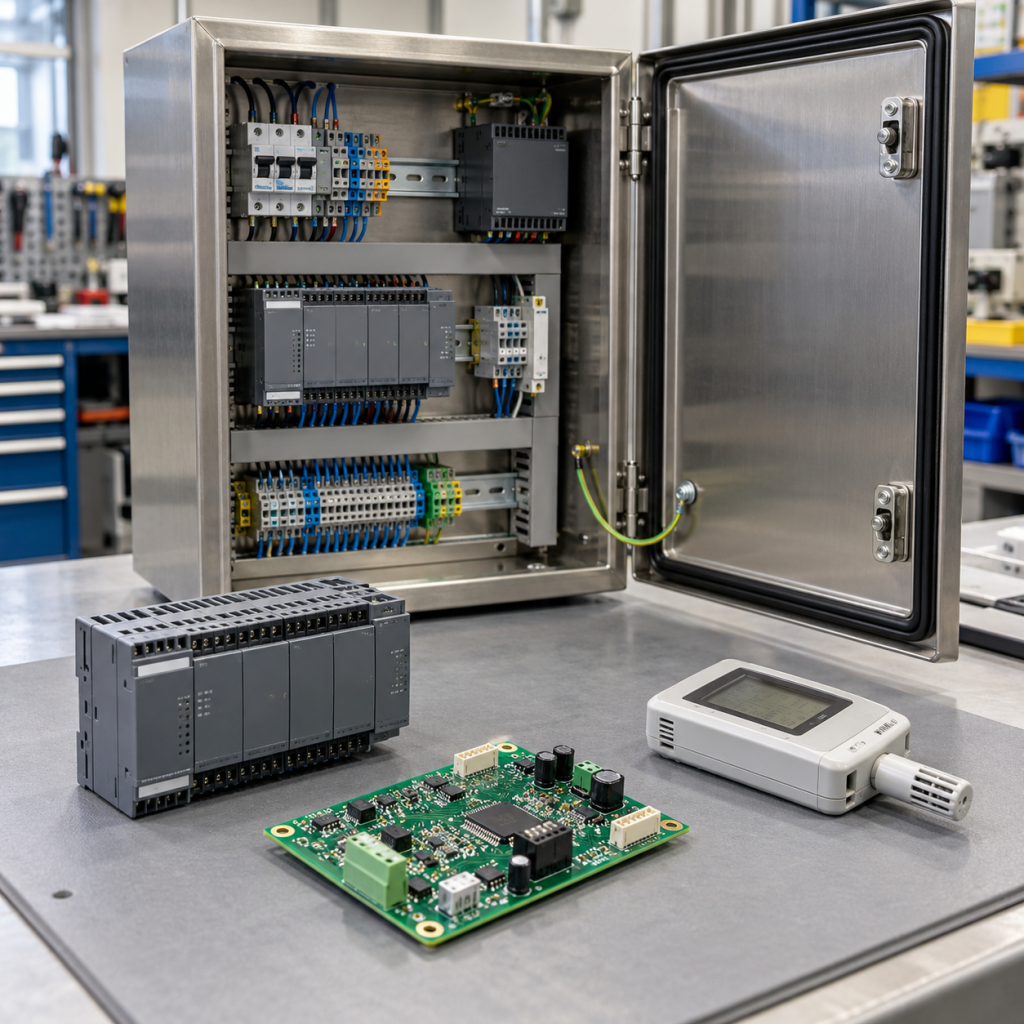
A transmitter can deliver a plausible 4–20 mA reading while its digital diagnostics are unavailable at the maintenance workstation. That distinction matters when replacing an analog input module: recovering the displayed measurement does not, by itself, prove that remote device access has been preserved.
This guide explains HART pass-through compatibility for an installed PLC or DCS loop. The decision is whether the replacement must preserve only the analog measurement, digitally reported variables and status, or the complete route used by asset-management software to communicate with the instrument.
One loop can carry two kinds of information
Conventional wired HART adds a digital communication signal to the analog current loop. FieldComm Group’s HART Application Guide explains how frequency-shift keying supports simultaneous analog and digital communication. An analog input can measure current without providing a route for the digital messages.
For replacement planning, treat the current reading, controller data mapping and engineering access as separate acceptance items. A correct current value is evidence about the measurement path; it is not a complete communication test.
Decide what the application actually uses
| Required function | Evidence to collect |
|---|---|
| Analog measurement | Input range, engineering-unit scaling, loop supply and configured fault behavior. |
| Digital variables and status | Variables used by the controller, destination tags and documented update requirements. |
| Remote instrument access | Maintenance application, communication route and supported pass-through configuration. |
A plant that uses only the current signal has a different requirement from one that also depends on remote instrument identification, configuration or diagnostics. Ask the maintenance team which functions are used today. Record the intended behavior before comparing replacement modules, rather than discovering the missing function after installation.
“HART supported” needs an end-to-end explanation
Check the exact instrument, I/O module, termination assembly, station interface and host software involved. A compatible field device alone does not establish that every intermediate component supports the required communication. Also identify any isolator, barrier or signal conditioner in the loop and confirm its documented HART compatibility.
As one specific hardware example, ABB’s AI815 documentation explicitly lists HART pass-through and describes requirements for a HART-compatible transmitter supply. These are characteristics of that documented module and configuration; they should not be inferred for every analog input in the same family.
When reviewing a KNMKS ABB AI815 3BSE052604R1 product reference, compare the installed module and termination details against the manufacturer documentation. The reference identifies a part for inquiry and does not establish an interchangeable replacement for a different system.
Polling settings can affect the maintenance experience
The Rockwell Automation ControlLogix HART I/O manual, publication 1756-UM533 documents pass-through scheduling and the interaction between pass-through messages and collection of device variables. It also describes differences between module series. This is a practical reason to capture the full catalog number, series and firmware when evaluating a spare.
Record the existing configuration and the required response at the workstation. Do not assume that digital diagnostics update at the same rate as the analog control value. The acceptable response depends on the installed system and the function being tested; copying a setting from another module family can give misleading results.
Use a two-stage acceptance record
For the analog stage, have the responsible technician record the expected measurement, displayed value, engineering units and channel status using the approved site procedure. Document the configured range and failure indication so that a plausible-looking value is not mistaken for a verified loop.
For the digital stage, record whether the maintenance host can identify the intended instrument through the normal station route. Check the required variables and diagnostics, and retain any device or communication error messages. If device-specific software support is required, record the instrument revision and the device-description or integration-package version used by that host.
A handheld communicator reaching the device locally is useful evidence, but it does not prove that the workstation-to-I/O route works. Keep the two results separate. Use authorized site procedures for any testing; this article does not prescribe live-loop changes, output forcing or adjustments to a safety function.
What to send with a replacement inquiry
Provide the instrument label, I/O catalog number and revision, termination-unit model, station interface, host software version and a simple description of the communication route. Add the loop drawing and any documented barrier or isolator. State whether the problem affects the current reading, remote digital access, or both.
For broader system context, use the DCS systems hub and the I/O modules category. Send the complete requirement, quantity and destination through the KNMKS inquiry page. A request that specifies the required HART functions is easier to evaluate than one that asks only for an analog input with the same channel count.
Questions that prevent an incomplete replacement
Can a 4–20 mA input replace a HART input?
Only after the required functions are established. An analog-only candidate must not be accepted as functionally equivalent when the application needs digital variables, diagnostics or remote access. The complete installation still requires model-specific electrical and configuration review.
Does successful local communication prove host access?
No. Local access and the route through the I/O station exercise different parts of the installation. Verify the route used in normal maintenance, and record the host’s result separately.
Should a replacement include a firmware change?
Do not assume one is required. Capture the current versions and have the proposed combination checked against manufacturer support information and the site change procedure. Treat any necessary software or firmware work as an explicit part of the replacement scope.
Related Product Paths