If an operator display goes blank, another screen is useful only if it can recover the role of the failed device. A browser-based interface can make that replacement simpler when the runtime is hosted elsewhere and still working. It can also introduce a different recovery problem: what if the browser works, but the service that supplies the screens does not?
What Schneider Electric announced at SPS 2026
In its November 23 SPS 2026 announcement, Schneider Electric describes a web-native HMI for browser-based visualization and maintenance in the latest release of EcoStruxure Automation Expert. That describes a capability of the platform. It does not establish that an existing panel project will run in a browser unchanged, that a specific terminal is supported, or that the software is included with a replacement display.
Separate three items before requesting a quote
- Operator client. Identify the installed terminal and the jobs it supports at the machine: status checks, alarm acknowledgment, recipe selection or other approved actions. Record any environmental, mounting or input-device requirements that apply. Ask which client and browser versions the proposed platform supports.
- Runtime and project. Identify where screens, tag bindings and alarm definitions actually run. Record the host type, software version and licensing responsibility. Ask which parts of the operator application can be retained and which would require conversion or engineering review.
- Recovery. Assign owners for the approved deployment package, the runtime host and the replacement terminal. Ask how the site would restore operator access if a single client failed, and how that plan changes if the host is unavailable. Use the HMI backup handover guide to make sure the recovery files have an owner and a defined purpose.
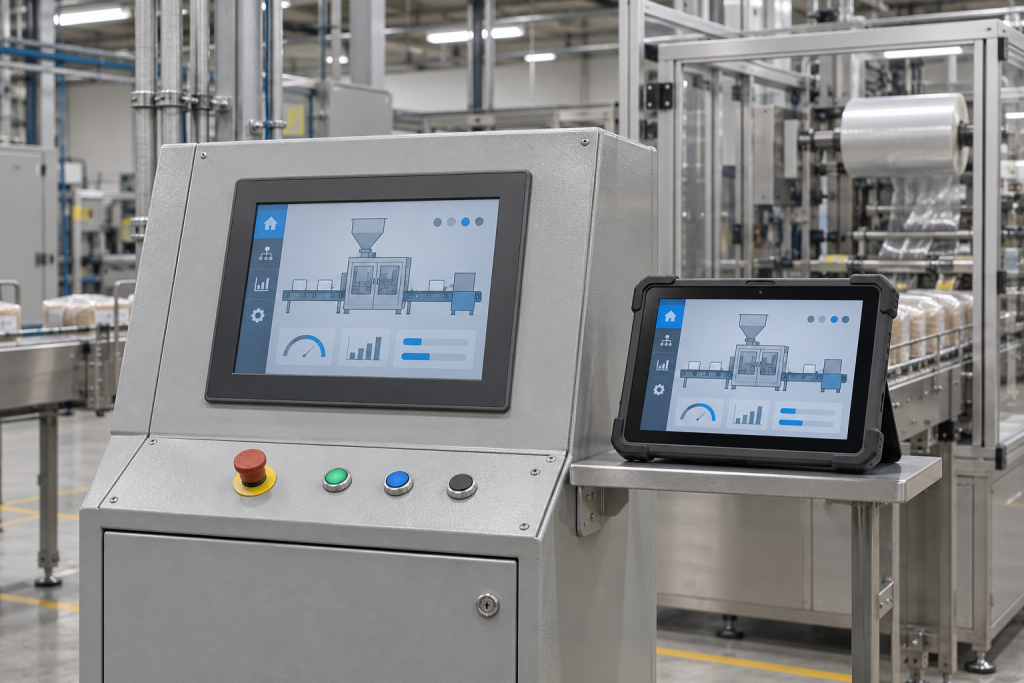
Consider a hypothetical packaging line where a rugged tablet shows the same production overview as an existing panel. The tablet might meet a view-only requirement while the panel is still the approved interface for acknowledging alarms or selecting recipes. A successful screen preview therefore does not demonstrate that the tablet takes over the panel’s duties. Have the site team define the permitted actions and acceptance checks before accepting a change in operator access. Keep safety functions and their validation outside a display-only quote.
Specify which job the RFQ must cover
For a like-for-like spare, start with the installed model and its documented application requirements; the HMI display category is a catalog starting point, not a compatibility approval. For a web-native HMI migration, ask for separate line items covering terminal hardware, runtime or licensing needs, and any project conversion or handover work. If the runtime location is unknown, flag it for review before selecting hardware.
Send an HMI RFQ to KNMKS with the terminal nameplate, current HMI software version, runtime host if known and the operator tasks that must remain available. Share non-sensitive details only; credentials and production project files belong in your approved engineering handover.
Featured image: AI-generated illustration of a generic operator station, not a Schneider Electric product photograph.
Related Product Paths