
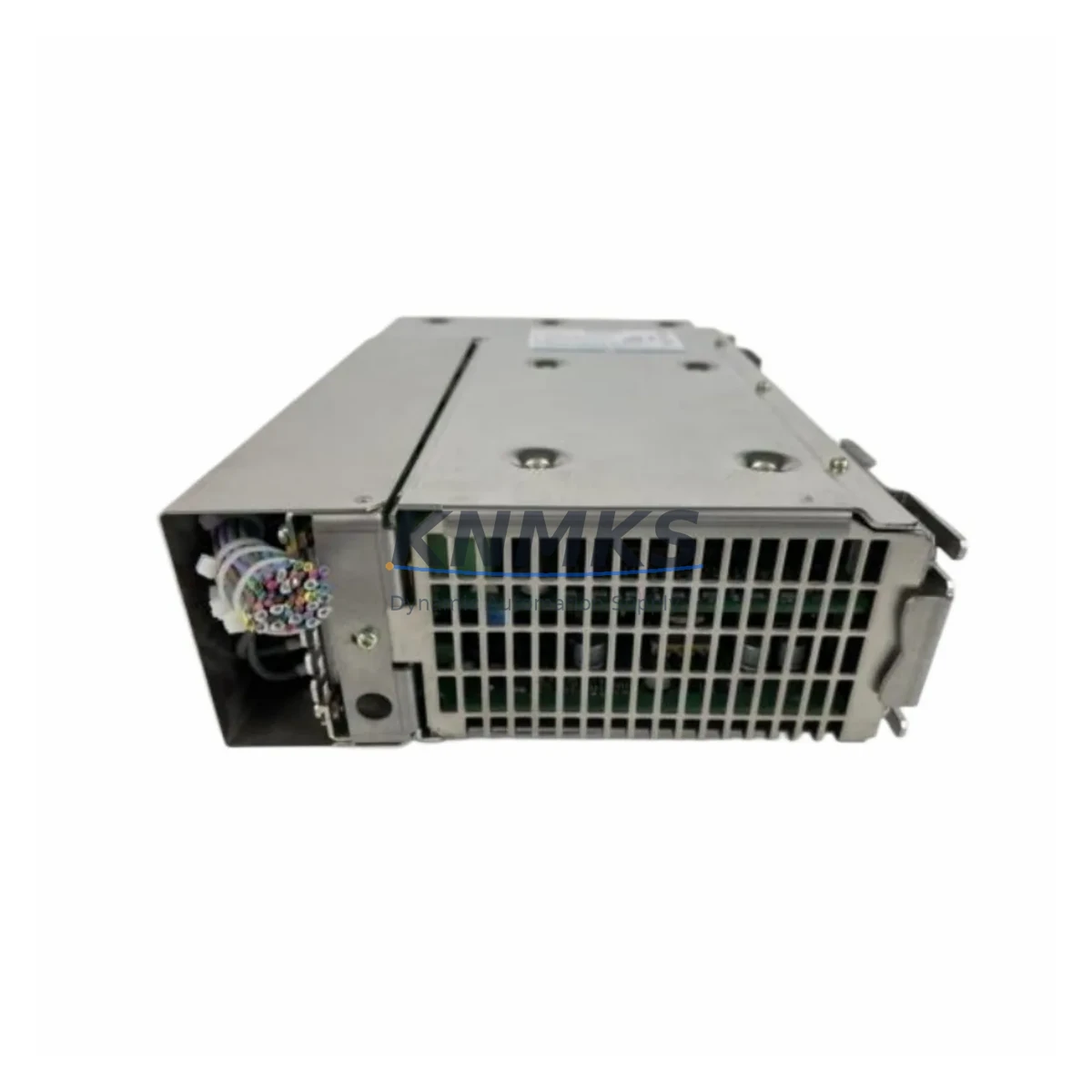
Overview
Siemens A5E00444860 Maintenance-Proven Spare Part for Factory Uptime
The Siemens A5E00444860 is an original SIMATIC HMI operator panel component engineered for demanding industrial environments. Sourced directly for maintenance and replacement applications, this spare part supports continuous factory operation by enabling rapid panel restoration without extended downtime. Whether you are managing a scheduled annual overhaul, responding to an unplanned fault, or building a strategic spare parts inventory for aging SIMATIC systems, the A5E00444860 delivers the compatibility and reliability that maintenance and procurement engineers depend on.
Every unit is inspected and tested prior to shipment. A support terms confirmed by quotation is included as standard, covering defects in materials and workmanship under normal industrial operating conditions. Long-term supply availability is maintained to support legacy system continuity and multi-site procurement programs.
Spare Maintenance Table
| Parameter | Specification |
|---|---|
| Part Number / SKU | A5E00444860 |
| Brand | Siemens |
| Series | SIMATIC HMI |
| Product Type | HMI Operator Panel Component |
| Origin | Germany (DE) |
| Weight | 600 g |
| Compatibility | SIMATIC HMI TP / OP / MP series panels; verify panel model against Siemens documentation before installation |
| Application Environment | Industrial control cabinets, machine operator stations, process visualization panels |
| Installation | Panel-mount; follow Siemens SIMATIC HMI installation guidelines; ESD precautions required |
| Maintenance Recommendation | Inspect during scheduled downtime; replace on first sign of display degradation, touch failure, or communication fault |
| Pre-Shipment Testing | Functional test performed on every unit |
| Support terms | 12 months from date of shipment |
| Long-Term Supply | Available; suitable for multi-site and annual maintenance contracts |
Maintenance Planning for Continuous Operation
Replacing the A5E00444860 in a SIMATIC HMI panel is rarely an isolated task. Experienced maintenance engineers treat an HMI panel replacement as an opportunity to audit the surrounding electrical and communication infrastructure to prevent secondary failures and reduce the risk of repeat downtime.
Before or during the replacement of the A5E00444860, the following components and subsystems should be inspected or verified:
Power supply integrity: Confirm that the 24 VDC panel power supply — typically a SITOP PSU100S or equivalent Siemens SITOP module — is delivering stable voltage within tolerance. An aging or undersized power supply is a common root cause of HMI panel faults and should be checked before commissioning the replacement unit.
Communication cabling and connectors: Inspect PROFIBUS DP or PROFINET cables connected to the HMI. Damaged shielding, loose connectors, or incorrect termination resistors on the PROFIBUS segment can cause intermittent communication faults that mimic panel hardware failure. Replace any suspect cables and verify bus termination.
I/O and signal wiring: Check all discrete I/O wiring at the terminal blocks connected to the control cabinet. Loose or corroded terminals can introduce noise or signal loss that affects HMI display accuracy and operator feedback reliability.
Relay and contactor condition: If the HMI panel is integrated with relay output modules or contactors in the same cabinet, inspect coil condition and contact wear. Siemens SIRIUS relay modules and contactor assemblies in the same control loop should be evaluated during the same maintenance window.
PLC CPU and backplane: Verify the health of the connected SIMATIC S7-300 or S7-400 CPU and its backplane. A faulty CPU module or backplane bus connector can generate communication errors that appear as HMI faults. Check the diagnostic buffer in STEP 7 or TIA Portal for any logged hardware errors.
Signal isolators and surge protection: Inspect any signal isolators or surge protection devices installed on analog input lines feeding the HMI or connected PLC. Degraded isolators can introduce ground loops or signal drift that affects process visualization accuracy.
Addressing these components during the same maintenance window maximizes the value of the planned downtime and reduces the probability of a follow-up fault within the next operating cycle.
Site Replacement Workflow
The A5E00444860 is designed as a direct replacement for the original SIMATIC HMI panel component. Follow this workflow to minimize downtime and ensure system compatibility:
Step 1 — Compatibility verification: Cross-reference the A5E00444860 part number against the panel nameplate and Siemens spare parts documentation. Confirm firmware version compatibility if the replacement unit requires a specific firmware baseline.
Step 2 — Safe isolation: De-energize the control cabinet following site lockout/tagout procedures. Discharge any residual voltage and observe ESD precautions before handling the panel component.
Step 3 — Component removal: Disconnect all cables systematically, labeling each connector before removal. Photograph the wiring arrangement if documentation is incomplete.
Step 4 — Installation: Install the A5E00444860 following Siemens SIMATIC HMI mounting and wiring guidelines. Reconnect all cables in the documented sequence. Verify torque on terminal connections.
Step 5 — Commissioning and test: Re-energize the cabinet and perform a functional test of the HMI panel. Verify communication with the connected PLC, confirm all screen pages load correctly, and test operator input response. Log the replacement in the site maintenance record.
Step 6 — Spare stock update: Record the consumed spare and initiate a replenishment order to maintain minimum stock levels. For sites with multiple SIMATIC HMI installations, maintaining at least one A5E00444860 in local inventory is recommended to support emergency replacement without lead-time dependency.
Spare Parts Support FAQ
Q1: What is the support terms coverage for the A5E00444860?
Every A5E00444860 unit supplied by KNMKS carries a support terms confirmed by quotation from the date of shipment. The support terms covers defects in materials and workmanship under normal industrial operating conditions. Units are functionally tested before dispatch to verify operational integrity.
Q2: How do I confirm compatibility before ordering?
Provide your SIMATIC HMI panel model number and existing part number to our sales team at admin@knmks.com. We will cross-reference against Siemens spare parts documentation and confirm compatibility before the order is processed. For critical applications, we recommend requesting a compatibility confirmation in writing.
Q3: Can KNMKS support long-term or contract supply of the A5E00444860?
Yes. KNMKS maintains ongoing stock availability for the A5E00444860 and can support annual maintenance contracts, multi-site procurement programs, and scheduled replenishment orders. Contact our team to discuss volume pricing and lead-time commitments for planned maintenance programs.
Q4: What should I do if the replacement panel shows a communication fault after installation?
First, verify PROFIBUS or PROFINET cable integrity and bus termination. Check the PLC diagnostic buffer for hardware fault codes. Confirm that the panel firmware version is compatible with the connected CPU. If the fault persists, contact admin@knmks.com with the panel model, CPU type, and diagnostic buffer export for technical support.
© 2026 KNMKS. All rights reserved.
Original Source: https://knmks.com
Contact: admin@knmks.com | +86 18359268345
Product Identification
- Brand / Ecosystem
-
Siemens
Siemens - Model / Series
- A5E00444860
- Product Family
- HMI & Displays
- Availability Status
- Available on request after model and quantity confirmation
- Inquiry Type
- B2B RFQ, replacement inquiry and project spare-part request
- Pre-Quote Check
- Exact SKU, brand, series, quantity, nameplate photos and destination country are checked before quotation
System Path
Where this product fits in the KNMKS automation structure.
Specification & Inquiry Focus
- Display range
- Operator panels and touch screens
- Common needs
- Screen size, interface and version matching
- Project support
- Retrofit, spare unit and panel replacement
Buyer Confirmation
Information KNMKS checks before replying.
- Exact model
- A5E00444860
- Brand / ecosystem
- Siemens
- Product family
- HMI & Displays
- Application note
- Replacement, maintenance, project build or spare-part list
- Useful photos
- Nameplate, installed unit, cabinet layout or connector side
- Delivery details
- Quantity, destination country and target schedule
Document Support
Files and notes can be confirmed during quotation.
- Product photos or nameplate confirmation when available
- Packing and delivery notes before quotation confirmation
- Support scope and delivery terms confirmed per inquiry
- Export document coordination for qualified B2B requests
Inquiry Support
- Panel size and interface confirmation
- Replacement unit inquiry for discontinued HMIs
- Protective packaging for display shipment
What to Send Us
- Brand and exact model number: Siemens A5E00444860
- Quantity and required delivery time
- Application, replacement requirement or nameplate photo
- Destination country and shipping preference
RFQ Preparation
This is a product inquiry page built for RFQ communication.
Fast Model Check
Send this model to KNMKS for confirmation.
Include quantity, destination country and photos if this is a maintenance replacement. The inquiry will be saved with a reference number after submission.
Brand & Compatibility Note
KNMKS displays automation product information for well-known industrial brand ecosystems and compatible replacement references. Brand names are used for product identification and compatibility reference only; final availability and commercial terms are confirmed per quotation.
 Manufacturing
 Machine Tools
 Packaging
 Energy & Power


 PLCs & Controllers
 Servo Systems
 Variable Frequency Drives
 Sensors