
Overview
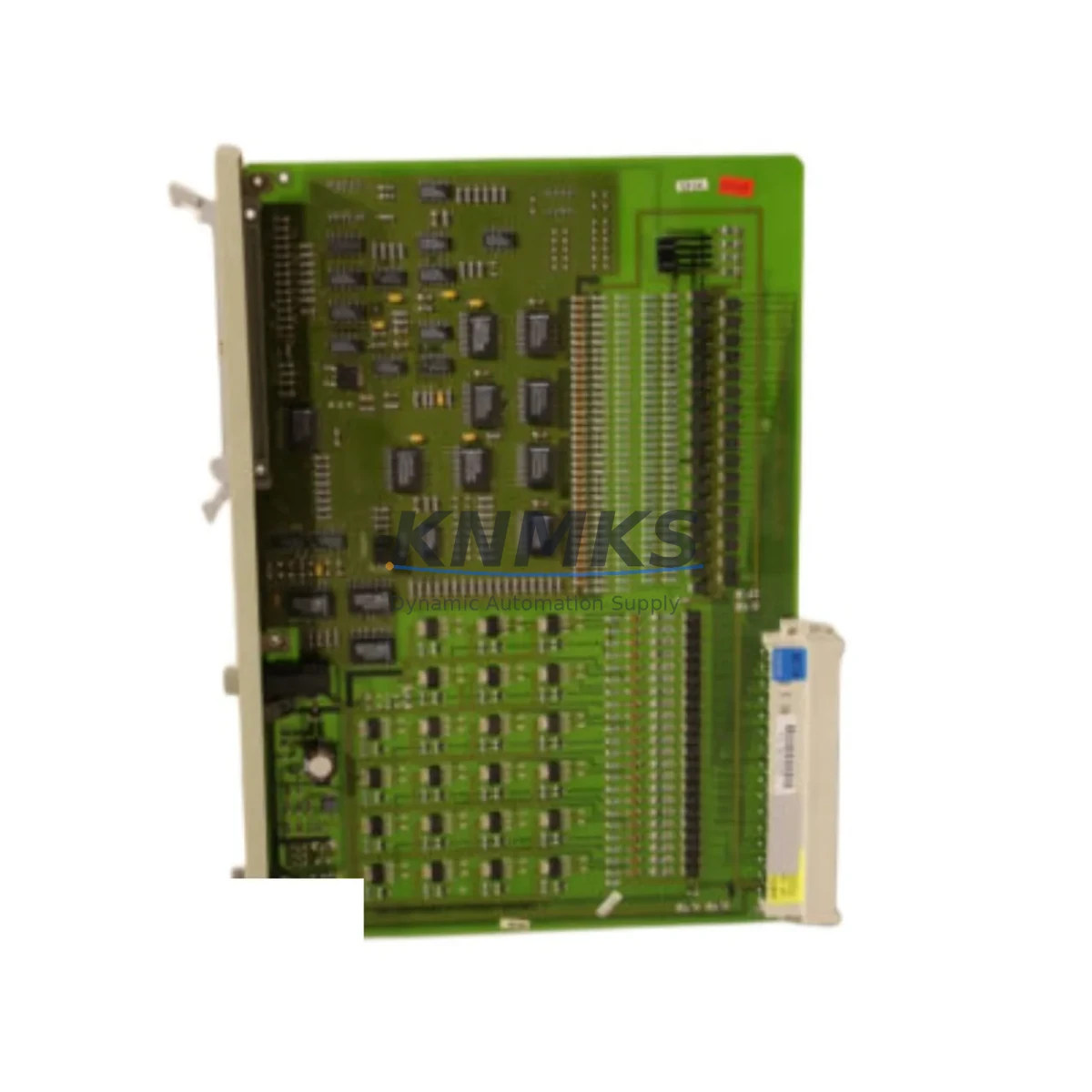
Siemens 6DS1719-8RR Migration-Ready Binary I/O for Legacy DCS Systems
The Siemens 6DS1719-8RR is a Binary Extension Module designed for the TELEPERM M Distributed Control System (DCS) platform — one of Siemens’ most widely deployed process automation architectures in the chemical, petrochemical, power generation, and heavy manufacturing industries. As TELEPERM M has reached end-of-life and spare parts availability continues to shrink, the 6DS1719-8RR has become a critical component in legacy system maintenance, control cabinet retrofits, and phased migration projects.
KNMKS maintains verified inventory of the 6DS1719-8RR, sourced from decommissioned systems and authorized surplus channels. Every unit undergoes functional testing prior to shipment and is covered by a support terms confirmed by quotation. For engineering teams managing aging DCS infrastructure, this module provides a reliable, cost-effective path to extend system life without committing to a full platform replacement.
Migration Compatibility Table
| Parameter | Details |
|---|---|
| Module Designation | 6DS1719-8RR — Binary Extension Module |
| Compatible Platform | Siemens TELEPERM M DCS |
| Series | 6DS Series (TELEPERM M I/O Family) |
| Module Function | Binary (Digital) I/O Extension |
| Backplane Interface | TELEPERM M standard rack bus |
| Installation | Rack-mounted, TELEPERM M subrack compatible |
| Communication Compatibility | TELEPERM M internal bus; not directly compatible with SIMATIC S7 or PCS 7 without gateway |
| Replacement Recommendation | Direct slot-for-slot replacement within TELEPERM M racks; verify firmware revision before installation |
| Terminal Wiring | Retain existing field wiring; confirm terminal block pinout against original loop drawings |
| Commissioning Notes | Re-address module in engineering station; validate binary signal mapping in process database |
| Power Supply Requirement | Supplied via rack backplane; verify rack PSU capacity before adding modules |
| Support terms | 12 months from date of shipment — KNMKS standard support terms |
Retrofit Planning for Existing Automation Systems
Replacing a 6DS1719-8RR in an active TELEPERM M installation requires careful pre-engineering to avoid unplanned downtime and signal mapping errors. The retrofit process typically begins with a full audit of the existing rack configuration — identifying which slots are occupied by binary I/O modules, analog I/O modules such as the 6DS1703-8RR or 6DS1702-8RR, and communication interface modules like the 6DS1606-8RR that bridge the TELEPERM M bus to supervisory systems.
Before removing the 6DS1719-8RR, engineers should export the current process database from the TELEPERM M engineering station and document all binary signal assignments, including interlock logic, alarm thresholds, and HMI tag references. If the plant uses a SIMATIC WinCC or legacy TELEPERM M OS operator station, screen objects linked to binary tags on this module must be verified to ensure they will re-establish communication after the replacement module is addressed and initialized.
Power budget is a frequently overlooked constraint in TELEPERM M retrofits. The rack power supply — often a 6DS9200-8AA or equivalent PSU module — must have sufficient headroom to support the replacement 6DS1719-8RR alongside any other modules being added during the same maintenance window. Overloading the rack PSU is a common cause of intermittent faults after retrofit work.
For sites migrating from TELEPERM M toward a modern platform such as Siemens PCS 7 or a third-party DCS, the 6DS1719-8RR can serve as a bridge component during phased migration — keeping legacy binary I/O loops operational while analog and controller modules are progressively replaced. In this scenario, a protocol gateway or I/O marshalling panel is typically introduced to re-terminate field signals onto the new platform’s I/O bus, allowing the TELEPERM M binary modules to remain in service until the final cutover.
Where I/O expansion is required alongside the replacement, engineers often introduce additional 6DS1719-8RR modules or evaluate compatible binary I/O modules from the same 6DS family to fill vacant rack slots. Signal isolators may be required at the field terminal level if the new module’s input voltage range or contact wetting current differs from the original specification — a detail that must be confirmed against the original loop drawings before procurement.
Downtime Control During System Migration
Minimizing process downtime during a TELEPERM M binary I/O replacement is achievable with disciplined pre-work. The most effective approach is to complete all engineering preparation — database export, signal list verification, firmware version confirmation, and spare module pre-testing — before the maintenance window opens. A pre-tested 6DS1719-8RR that has been bench-verified against the target firmware revision can be installed and addressed in under 30 minutes in a well-prepared environment.
Where process conditions permit, a partial shutdown strategy can be used: isolate only the loops served by the 6DS1719-8RR being replaced, place associated control loops in manual at the operator station, and proceed with the physical swap. Binary output signals driving actuators or interlock relays must be de-energized in a controlled sequence to avoid spurious trips. The replacement module should be inserted into the rack with the rack powered, only if the TELEPERM M subrack design supports hot-insertion for that slot — this must be confirmed in the system documentation before attempting live insertion.
After installation, the module address must be set to match the original configuration. The engineering station is then used to download the binary I/O configuration to the new module and force a communication check. Binary input signals should be verified by walking the field with a technician to confirm that each field device status is correctly reflected on the operator station. Binary outputs should be tested in manual mode before returning loops to automatic control. This structured commissioning sequence protects the original program logic and ensures that no signal inversions or address conflicts have been introduced during the swap.
KNMKS ships all 6DS1719-8RR units with a functional test report. For urgent replacement requirements, expedited shipping is available to minimize the gap between order placement and module arrival on site.
Retrofit Support FAQ
Q1: Is the 6DS1719-8RR a direct replacement for all binary I/O variants in the TELEPERM M 6DS series?
The 6DS1719-8RR is a specific binary extension module within the TELEPERM M I/O family. While it shares the same rack form factor and backplane interface as other 6DS binary modules, the exact I/O channel count, signal type, and firmware compatibility must be verified against the module being replaced. KNMKS recommends confirming the original module’s order number and hardware revision before ordering a replacement.
Q2: What commissioning steps are required after installing a replacement 6DS1719-8RR?
After physical installation, the module must be addressed via the TELEPERM M engineering station, the binary I/O configuration downloaded, and all field signals verified against the process database. Binary outputs should be tested in manual mode before returning to automatic. A full loop check with field technicians is recommended to confirm signal integrity and correct HMI tag mapping.
Q3: Can the 6DS1719-8RR be used during a phased migration to a modern DCS or PLC platform?
Yes. The 6DS1719-8RR can remain in service during a phased migration, keeping legacy binary loops operational while other parts of the system are upgraded. A protocol gateway or I/O marshalling solution is typically required to interface TELEPERM M binary signals with the new platform. KNMKS can advise on inventory availability for extended migration timelines.
Q4: What does the support terms confirmed by quotation cover, and how does KNMKS handle DOA units?
All 6DS1719-8RR units shipped by KNMKS are covered by a support terms confirmed by quotation from the date of shipment. The support terms covers functional failure under normal operating conditions. Units that arrive non-functional (DOA) are replaced or refunded promptly. Each unit is tested prior to shipment and ships with a functional test report. Contact admin@knmks.com for support requests or pre-shipment testing documentation requests.
© 2026 KNMKS. All rights reserved.
Original Source: https://knmks.com
Contact: admin@knmks.com | +86 18359268345
Product Identification
- Brand / Ecosystem
-
Siemens
Siemens - Model / Series
-
6DS1719-8RR
Legacy Series - Product Family
- PLCs & Controllers
- Availability Status
- Available on request after model and quantity confirmation
- Inquiry Type
- B2B RFQ, replacement inquiry and project spare-part request
- Pre-Quote Check
- Exact SKU, brand, series, quantity, nameplate photos and destination country are checked before quotation
System Path
Where this product fits in the KNMKS automation structure.
Specification & Inquiry Focus
- Control platform
- PLC, PAC and modular controllers
- Common needs
- CPU, rack, power and I/O expansion
- Project support
- Replacement, cabinet build and maintenance
Buyer Confirmation
Information KNMKS checks before replying.
- Exact model
- 6DS1719-8RR
- Brand / ecosystem
- Siemens
- Product family
- PLCs & Controllers
- Application note
- Replacement, maintenance, project build or spare-part list
- Useful photos
- Nameplate, installed unit, cabinet layout or connector side
- Delivery details
- Quantity, destination country and target schedule
Document Support
Files and notes can be confirmed during quotation.
- Product photos or nameplate confirmation when available
- Packing and delivery notes before quotation confirmation
- Support scope and delivery terms confirmed per inquiry
- Export document coordination for qualified B2B requests
Inquiry Support
- Model cross-checking before quotation
- CPU, power, rack and expansion module matching
- Support for replacement and project inquiry
What to Send Us
- Brand and exact model number: Siemens 6DS1719-8RR
- Quantity and required delivery time
- Application, replacement requirement or nameplate photo
- Destination country and shipping preference
RFQ Preparation
This is a product inquiry page built for RFQ communication.
Fast Model Check
Send this model to KNMKS for confirmation.
Include quantity, destination country and photos if this is a maintenance replacement. The inquiry will be saved with a reference number after submission.
Brand & Compatibility Note
KNMKS displays automation product information for well-known industrial brand ecosystems and compatible replacement references. Brand names are used for product identification and compatibility reference only; final availability and commercial terms are confirmed per quotation.
 Manufacturing
 Machine Tools
 Packaging
 Energy & Power



 HMI & Displays
 Servo Systems
 Variable Frequency Drives
 Sensors