
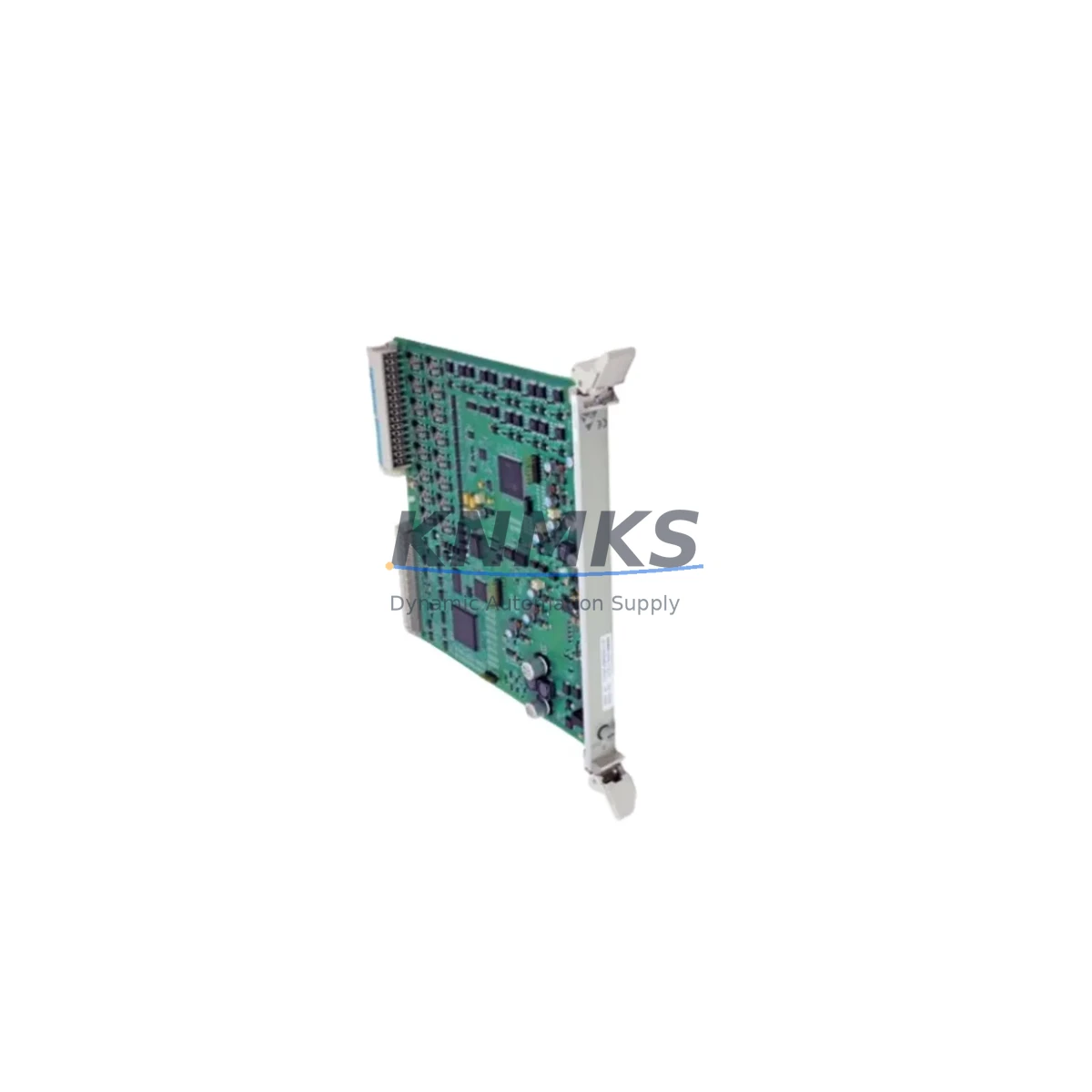
Overview
Siemens 6DP1231-7AA Migration-Ready Analog Input for Legacy DCS: Retrofit and Compatibility Upgrade for TELEPERM M Control Systems
The Siemens 6DP1231-7AA is a proven analog input module designed for the TELEPERM M distributed control system (DCS) platform — one of Siemens’ most widely deployed process automation architectures in the power generation, chemical, and petrochemical industries. As TELEPERM M systems approach end-of-life and spare parts become increasingly scarce, the 6DP1231-7AA remains a critical component for facilities that must maintain operational continuity while planning a phased migration to modern control platforms such as SIMATIC PCS 7 or third-party DCS alternatives.
This module handles analog signal acquisition from field instruments including thermocouples, RTDs, and 4–20 mA transmitters, converting process variables into digital values for the TELEPERM M controller bus. Its role in legacy control cabinets makes it a high-priority item during system audits, spare parts lifecycle planning, and retrofit engineering assessments. Whether you are replacing a failed unit on an operating plant or pre-positioning inventory for a scheduled turnaround, the 6DP1231-7AA is available from verified stock with a support terms confirmed by quotation and pre-shipment functional testing.
Migration Compatibility Table
| Parameter | 6DP1231-7AA (This Module) | Migration / Retrofit Notes |
|---|---|---|
| Platform | TELEPERM M DCS | Compatible with existing TELEPERM M backplane and rack; verify rack slot addressing before installation |
| Signal Type | Analog Input (AI) | Confirm field wiring: thermocouple, RTD, or 4–20 mA; terminal block pinout must match existing marshalling cabinet layout |
| Backplane Interface | TELEPERM M module bus | Not directly interchangeable with SIMATIC S7 or PCS 7 I/O racks; migration to modern platform requires I/O mapping and program adaptation |
| Power Supply | Supplied via TELEPERM M rack backplane | Verify rack power supply capacity (e.g., 6DP1510-8AA or equivalent) before adding or replacing modules |
| Communication | Proprietary TELEPERM M bus | Protocol migration to PROFIBUS DP or PROFINET requires gateway modules or full controller replacement |
| Installation Space | Standard TELEPERM M module slot | Confirm physical slot availability in existing control cabinet; no additional DIN rail or adapter required for like-for-like replacement |
| Firmware | Hardware-configured (no firmware update required for drop-in replacement) | If migrating to PCS 7, new I/O modules and engineering station reconfiguration are required |
| Support terms | support terms confirmed by quotation | Pre-shipment functional test included | Verified stock | |
Retrofit Planning for Existing Automation Systems
Replacing the 6DP1231-7AA in an operating TELEPERM M system requires careful pre-work to avoid unplanned downtime and signal integrity issues. The following planning steps reflect common field requirements encountered during legacy DCS maintenance and partial migration projects.
Power Supply Verification: Before installing a replacement analog input module, confirm that the TELEPERM M rack power supply — typically a unit such as the 6DP1510-8AA power supply module — has sufficient capacity to support the existing module complement. Adding or replacing I/O modules without checking available power headroom can cause rack instability or nuisance shutdowns.
Terminal Block and Field Wiring Audit: The 6DP1231-7AA connects to field instruments through the TELEPERM M marshalling system. Before removal of the failed module, document all terminal assignments, wire labels, and signal types (thermocouple type, RTD configuration, or current loop). Verify that the replacement module’s channel configuration matches the original — particularly for thermocouple cold junction compensation settings and input range selection.
Backplane and Rack Slot Addressing: In TELEPERM M architecture, module slot position determines the hardware address used by the controller for I/O mapping. Confirm the slot number and module address in the engineering documentation before installation. If the original module address is not preserved, the controller program will require modification to re-map the analog input channels — a task that should be performed by a qualified TELEPERM M engineer using the original PROGRAF AP or equivalent programming tool.
Communication Link Integrity: The TELEPERM M module bus connects all I/O modules to the central automation unit (AS). During module replacement, verify that the bus termination and module bus connectors are intact. A faulty bus connector on an adjacent module — such as a 6DP1232-7AA analog output module or a 6DP1233-7AA digital input module — can cause communication faults that appear to originate from the newly installed unit.
HMI and Operator Station Alignment: After restoring the analog input module, verify that the process values displayed on the TELEPERM M operator station (OS) or any connected HMI panel reflect the correct engineering units and alarm limits. If the plant uses a SIMATIC WinCC or legacy TELEPERM M OS for visualization, confirm that the tag database entries for the affected analog inputs are correctly mapped and that alarm setpoints have not been reset to default values.
Signal Isolation and Grounding: In mixed-signal environments where the TELEPERM M rack shares a control cabinet with newer SIMATIC S7-300 or S7-400 controllers, signal isolation between analog input channels and digital I/O is essential. Consider using signal isolators or barriers on thermocouple and RTD inputs where ground loops or EMI interference have been identified as historical fault contributors.
Inventory and Lifecycle Planning: For facilities operating multiple TELEPERM M systems across different process units, maintaining a strategic spare parts inventory of the 6DP1231-7AA — alongside related modules such as the 6DP1234-7AA digital output module and 6DP1510-8AA power supply — is strongly recommended. TELEPERM M hardware is no longer in production, and lead times for sourcing verified units from the secondary market can extend to 8–16 weeks depending on demand cycles.
Downtime Control During System Migration
Minimizing production downtime during TELEPERM M analog input module replacement or partial system migration requires a structured approach that protects existing program logic, preserves field wiring integrity, and maintains control continuity throughout the changeover period.
Hot-Standby and Redundancy Considerations: If the TELEPERM M system is configured with redundant automation stations, coordinate the module replacement with the redundancy switchover procedure to ensure the standby controller assumes control before the primary rack is taken offline. Failure to follow the correct switchover sequence can result in a brief loss of closed-loop control on critical process loops.
Program Logic Preservation: For like-for-like replacement of the 6DP1231-7AA, no changes to the TELEPERM M application program are required — provided the replacement module is installed in the identical rack slot and the hardware address is preserved. Document the current program version and create a backup using the PROGRAF AP engineering tool before beginning any hardware work. This backup serves as the recovery baseline if unexpected faults occur during commissioning.
Phased Migration Strategy: For facilities planning a full migration from TELEPERM M to a modern DCS platform, a phased approach is recommended: maintain the existing TELEPERM M infrastructure for non-critical loops while migrating high-priority control loops to the new platform in stages. This strategy allows engineering teams to validate I/O mapping, HMI tag migration, and alarm rationalization without exposing the entire process to simultaneous changeover risk.
On-Site Commissioning and Functional Verification: After installing the replacement 6DP1231-7AA, perform a channel-by-channel functional test by injecting known signals at the field terminal block and verifying the corresponding process values at the operator station. Confirm that all analog input channels are within calibration tolerance and that no diagnostic alarms are active on the TELEPERM M module bus. Document the commissioning results and update the plant maintenance records accordingly.
Pre-Shipment Testing: Every 6DP1231-7AA unit supplied by KNMKS undergoes pre-shipment functional testing to verify analog input channel performance, module bus communication, and power consumption within specification. This testing protocol reduces the risk of receiving a non-functional unit and supports faster on-site commissioning with reduced downtime exposure.
Retrofit Support FAQ
Q1: Is the 6DP1231-7AA a direct drop-in replacement for a failed TELEPERM M analog input module?
Yes — for like-for-like replacement within the same TELEPERM M rack, the 6DP1231-7AA is a direct drop-in replacement. No program changes are required provided the module is installed in the original slot position and the hardware address is preserved. Verify terminal block wiring and channel configuration (thermocouple type, RTD, or 4–20 mA) before powering up the rack.
Q2: Can the 6DP1231-7AA be used in a SIMATIC PCS 7 or S7-400 system?
No — the 6DP1231-7AA is designed exclusively for the TELEPERM M module bus architecture and is not compatible with SIMATIC PCS 7, S7-300, or S7-400 I/O racks. Migration to PCS 7 requires replacement of all TELEPERM M I/O modules with ET 200M or equivalent SIMATIC I/O hardware, along with full re-engineering of the control application.
Q3: What is the support terms and testing policy for the 6DP1231-7AA supplied by KNMKS?
All 6DP1231-7AA units are supplied with a support terms confirmed by quotation from the date of shipment. Each unit undergoes pre-shipment functional testing to verify analog input channel performance and module bus communication. Test records are available upon request. Stock is verified and available for immediate dispatch.
Q4: How long does it take to receive the 6DP1231-7AA, and is inventory available?
The 6DP1231-7AA is available from verified stock. Standard lead time is 3–7 business days for international shipments, depending on destination and logistics arrangements. For urgent requirements or bulk orders supporting a planned turnaround or system migration project, contact the KNMKS sales team directly to confirm availability and expedited shipping options.
© 2026 KNMKS. All rights reserved.
Original Source: https://knmks.com
Contact: admin@knmks.com | +86 18359268345
Product Identification
- Brand / Ecosystem
-
Siemens
Siemens - Model / Series
-
6DP1231-7AA
Legacy Series - Product Family
- PLCs & Controllers
- Availability Status
- Available on request after model and quantity confirmation
- Inquiry Type
- B2B RFQ, replacement inquiry and project spare-part request
- Pre-Quote Check
- Exact SKU, brand, series, quantity, nameplate photos and destination country are checked before quotation
System Path
Where this product fits in the KNMKS automation structure.
Specification & Inquiry Focus
- Control platform
- PLC, PAC and modular controllers
- Common needs
- CPU, rack, power and I/O expansion
- Project support
- Replacement, cabinet build and maintenance
Buyer Confirmation
Information KNMKS checks before replying.
- Exact model
- 6DP1231-7AA
- Brand / ecosystem
- Siemens
- Product family
- PLCs & Controllers
- Application note
- Replacement, maintenance, project build or spare-part list
- Useful photos
- Nameplate, installed unit, cabinet layout or connector side
- Delivery details
- Quantity, destination country and target schedule
Document Support
Files and notes can be confirmed during quotation.
- Product photos or nameplate confirmation when available
- Packing and delivery notes before quotation confirmation
- Support scope and delivery terms confirmed per inquiry
- Export document coordination for qualified B2B requests
Inquiry Support
- Model cross-checking before quotation
- CPU, power, rack and expansion module matching
- Support for replacement and project inquiry
What to Send Us
- Brand and exact model number: Siemens 6DP1231-7AA
- Quantity and required delivery time
- Application, replacement requirement or nameplate photo
- Destination country and shipping preference
RFQ Preparation
This is a product inquiry page built for RFQ communication.
Fast Model Check
Send this model to KNMKS for confirmation.
Include quantity, destination country and photos if this is a maintenance replacement. The inquiry will be saved with a reference number after submission.
Brand & Compatibility Note
KNMKS displays automation product information for well-known industrial brand ecosystems and compatible replacement references. Brand names are used for product identification and compatibility reference only; final availability and commercial terms are confirmed per quotation.
 Manufacturing
 Machine Tools
 Packaging
 Energy & Power



 HMI & Displays
 Servo Systems
 Variable Frequency Drives
 Sensors