
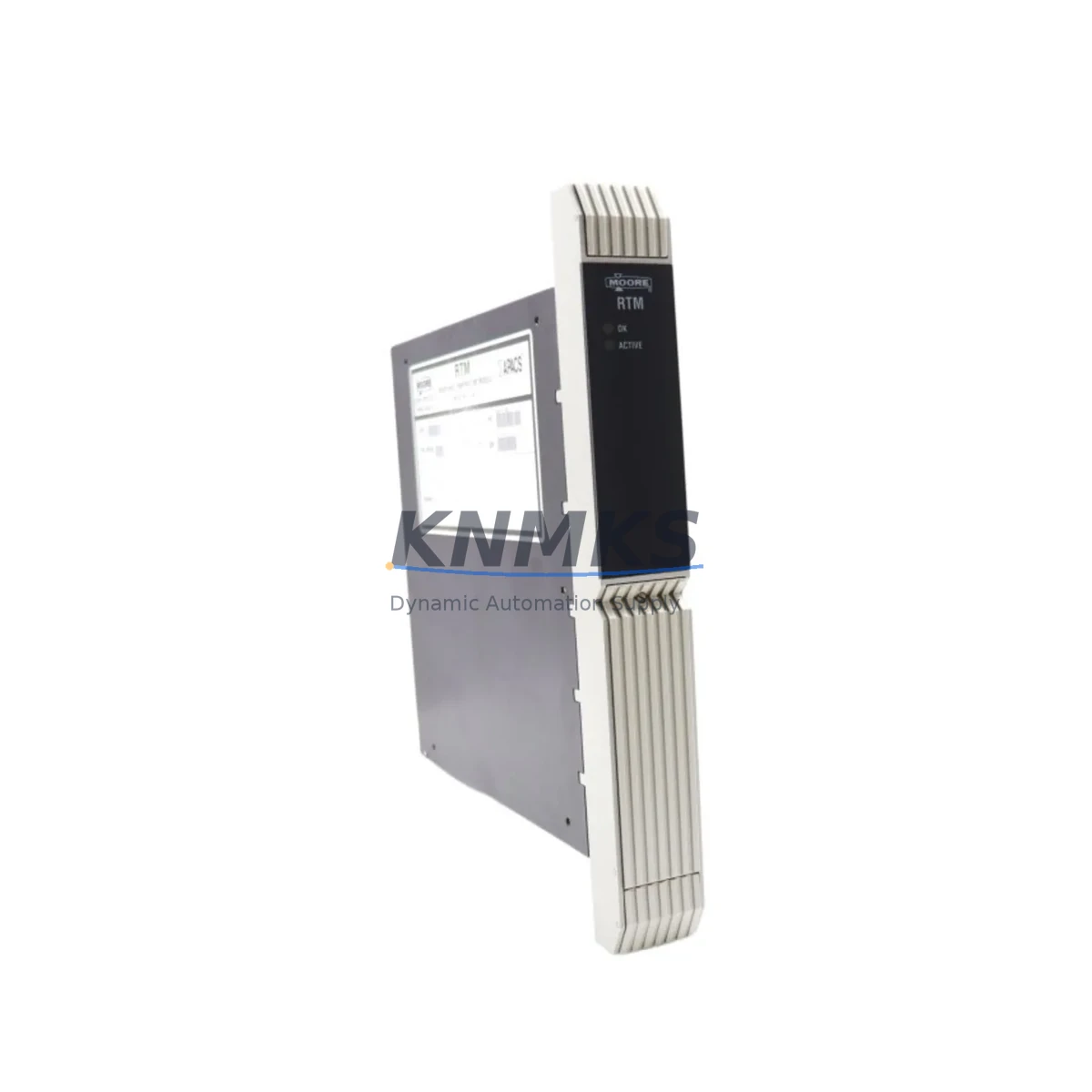
Overview
Siemens 39RTMCAN Migration-Ready RTD Module for Legacy Control Systems
The Siemens 39RTMCAN is a CAN Bus-based RTD Temperature Input Module designed for the SIMATIC ET 200 distributed I/O platform. As legacy automation systems approach end-of-life, the 39RTMCAN has become a critical component in retrofit and modernization projects — particularly for facilities running older SIMATIC S5 or early S7-300 architectures that relied on CAN Bus field communication before migrating to PROFIBUS or PROFINET topologies.
For maintenance engineers and system integrators managing aging control infrastructure, sourcing a verified, tested 39RTMCAN is often the difference between a controlled upgrade and an unplanned production stoppage. This module supports direct RTD signal acquisition (Pt100, Pt1000, Ni100) and integrates into existing ET 200 backplane configurations without requiring rack redesign — a key advantage when minimizing downtime during phased migration.
Before installing the 39RTMCAN as a replacement, engineers should verify the following: the CAN Bus node address assignment matches the original module configuration; terminal wiring follows the 2-wire or 3-wire RTD connection scheme documented in the original panel drawings; the backplane slot position is compatible with the existing ET 200 head station; and the firmware version of the head station supports the module’s parameter set. In many retrofit scenarios, the STEP 7 hardware configuration must be updated to reflect the replacement module, and any HMI screens referencing temperature tags should be validated against the new I/O mapping.
Power supply capacity is another critical checkpoint. The ET 200 CAN Bus segment must provide sufficient 24 VDC bus power for the 39RTMCAN alongside co-installed modules such as digital input/output modules and analog output cards. If the existing Siemens PS 307 or equivalent power supply is operating near capacity, a load calculation review is recommended before commissioning the replacement module.
In multi-drop CAN Bus topologies, termination resistors at both ends of the bus segment must be confirmed intact. Improper termination is a common source of communication faults after module replacement and can manifest as intermittent read errors or node dropouts — issues that are difficult to diagnose without a CAN Bus analyzer during commissioning. The 39RTMCAN’s node address is typically set via DIP switch or software parameter, and this must be matched exactly to the original module’s address to avoid address conflicts with other nodes such as Siemens ET 200B digital I/O stations or Siemens IM 151 interface modules sharing the same CAN segment.
For facilities transitioning from CAN Bus to PROFIBUS DP or PROFINET, the 39RTMCAN can serve as a bridge-period component — maintaining temperature monitoring continuity on legacy lines while new PROFIBUS-based Siemens ET 200S or ET 200SP stations are commissioned in parallel on upgraded control cabinets. This phased approach allows production to continue on the legacy CAN Bus segment while the new architecture is validated, significantly reducing the risk of full-line shutdowns during migration.
All units supplied by KNMKS are functionally tested prior to shipment, with test records available on request. Each 39RTMCAN is covered by a support terms confirmed by quotation against manufacturing defects and functional failure. Stock is maintained to support urgent replacement orders, with same-day dispatch available for in-stock units.
Migration Compatibility Table
| Parameter | Details |
|---|---|
| Module SKU | 39RTMCAN |
| Brand / Series | Siemens / SIMATIC ET 200 CAN Bus |
| Function | RTD Temperature Input (Pt100, Pt1000, Ni100) |
| Communication Interface | CAN Bus |
| Backplane Compatibility | ET 200 CAN Bus rack; verify slot assignment with head station |
| Wiring | 2-wire / 3-wire RTD terminal connection; match original panel drawings |
| Node Address | DIP switch or software-configured; must match original module address |
| Power Requirement | 24 VDC via ET 200 bus; verify PS 307 or equivalent supply capacity |
| Firmware Compatibility | Verify ET 200 head station firmware supports 39RTMCAN parameter set |
| STEP 7 Configuration | Update hardware config in STEP 7 after replacement; validate HMI tags |
| Replacement Path | Direct drop-in for same-SKU failed units; phased migration to ET 200S/SP |
| Commissioning Note | Confirm CAN Bus termination resistors; check for node address conflicts |
| Support terms | 12 months — functional test records available on request |
| Origin | Germany |
| Shipping | Global; same-day dispatch for in-stock units |
Retrofit Planning for Existing Automation Systems
A successful 39RTMCAN retrofit begins well before the module arrives on-site. System integrators should pull the original cabinet layout drawings and cross-reference the ET 200 CAN Bus segment map to identify all co-installed modules. In a typical legacy control cabinet, the 39RTMCAN shares rack space with digital I/O modules, analog output cards, and in some configurations, a Siemens CP 342-5 communications processor managing upstream PROFIBUS links to the S7-300 CPU.
If the retrofit scope extends beyond a single module replacement, engineers should audit the full ET 200 CAN Bus segment. Aging Siemens IM 318-C interface modules or equivalent head stations may themselves be approaching end-of-life and should be evaluated for simultaneous replacement to avoid a secondary failure shortly after the 39RTMCAN is commissioned. Replacing the head station and the RTD module in the same maintenance window eliminates the need for a second planned shutdown.
For temperature signal continuity during the changeover, consider whether the process can tolerate a brief open-circuit condition on the RTD inputs, or whether a signal isolator — such as a Phoenix Contact MINI MCR series loop-powered isolator — should be inserted to maintain a safe fallback signal to the DCS or SCADA layer during module hot-swap or cold-swap procedures.
Programming cable access is also a practical consideration. If the STEP 7 project file requires modification to accommodate the replacement module’s parameter block, ensure a Siemens PC Adapter USB or MPI/DP programming cable is available on-site, along with a laptop loaded with the correct STEP 7 version. Attempting to commission a replacement module without the ability to update the hardware configuration on-site is a common cause of extended downtime during legacy system retrofits.
Finally, document the as-built configuration after commissioning — including the confirmed node address, terminal wiring photos, and the updated STEP 7 hardware configuration export. This documentation becomes the baseline for the next planned maintenance cycle and supports faster response if a secondary failure occurs within the confirmed support period.
Downtime Control During System Migration
Minimizing production downtime during a 39RTMCAN replacement requires a structured pre-outage checklist. Before the planned maintenance window opens, the replacement module should be bench-tested against a known-good ET 200 CAN Bus head station to confirm functional operation. This pre-shipment test, combined with KNMKS’s outgoing functional test, provides two independent verification points before the module enters the production environment.
During the outage window, the sequence should follow: isolate the CAN Bus segment, power down the affected ET 200 rack, remove the failed 39RTMCAN, install the replacement, restore power, and verify node communication before re-enabling process control. The entire sequence, when pre-planned, typically completes within 30–60 minutes for a single-module swap — provided the STEP 7 hardware configuration update has been prepared in advance and the HMI temperature displays have been validated in simulation mode.
To protect original program logic, always back up the S7-300 CPU program and the STEP 7 project to an offline archive before beginning any hardware changes. If the retrofit involves a head station replacement in addition to the 39RTMCAN, the CAN Bus parameter assignment file should also be archived. These precautions ensure that if an unexpected fault occurs during commissioning, the system can be restored to its pre-retrofit state without data loss.
For facilities with strict SLA requirements on temperature monitoring — such as pharmaceutical cold chains or chemical process lines — consider maintaining a spare 39RTMCAN in the local storeroom as a fast-response backup. KNMKS maintains stock specifically to support urgent replacement orders, with same-day dispatch available to minimize the gap between failure detection and module delivery.
Retrofit Support FAQ
Q1: Is the 39RTMCAN a direct drop-in replacement for a failed unit of the same SKU?
Yes. The 39RTMCAN is a direct replacement for existing units of the same model. The backplane connector, terminal wiring layout, and CAN Bus communication parameters are identical. The node address must be set to match the original module before installation. No rack modification is required.
Q2: What commissioning steps are required after installing the replacement module?
After physical installation, restore power to the ET 200 rack and verify that the head station recognizes the 39RTMCAN at the correct node address. In STEP 7, confirm the hardware configuration reflects the replacement module and download if any parameter changes were made. Validate RTD readings against a reference thermometer at the sensor location and confirm that HMI temperature displays are updating correctly before returning the system to automatic control.
Q3: How do I verify wiring compatibility between the original and replacement module?
Compare the terminal assignment diagram in the 39RTMCAN installation manual against the original panel wiring drawings. Pay particular attention to the RTD connection scheme (2-wire vs. 3-wire) and the shield grounding point. If the original wiring used a 3-wire Pt100 connection, confirm the replacement module’s terminal block supports the same configuration. KNMKS can provide the module datasheet and wiring diagram upon request.
Q4: What support terms and testing does KNMKS provide with the 39RTMCAN?
Every 39RTMCAN supplied by KNMKS is functionally tested prior to shipment. The module is covered by a support terms confirmed by quotation against manufacturing defects and functional failure from the date of delivery. Test records are available on request. For urgent replacement orders, same-day dispatch is available for in-stock units, with global shipping to support international maintenance teams.
© 2026 KNMKS. All rights reserved.
Original Source: https://knmks.com
Contact: admin@knmks.com | +86 18359268345
Product Identification
- Brand / Ecosystem
-
Siemens
Siemens - Model / Series
-
39RTMCAN
Legacy Control Series - Product Family
- PLCs & Controllers
- Availability Status
- Available on request after model and quantity confirmation
- Inquiry Type
- B2B RFQ, replacement inquiry and project spare-part request
- Pre-Quote Check
- Exact SKU, brand, series, quantity, nameplate photos and destination country are checked before quotation
System Path
Where this product fits in the KNMKS automation structure.
Specification & Inquiry Focus
- Control platform
- PLC, PAC and modular controllers
- Common needs
- CPU, rack, power and I/O expansion
- Project support
- Replacement, cabinet build and maintenance
Buyer Confirmation
Information KNMKS checks before replying.
- Exact model
- 39RTMCAN
- Brand / ecosystem
- Siemens
- Product family
- PLCs & Controllers
- Application note
- Replacement, maintenance, project build or spare-part list
- Useful photos
- Nameplate, installed unit, cabinet layout or connector side
- Delivery details
- Quantity, destination country and target schedule
Document Support
Files and notes can be confirmed during quotation.
- Product photos or nameplate confirmation when available
- Packing and delivery notes before quotation confirmation
- Support scope and delivery terms confirmed per inquiry
- Export document coordination for qualified B2B requests
Inquiry Support
- Model cross-checking before quotation
- CPU, power, rack and expansion module matching
- Support for replacement and project inquiry
What to Send Us
- Brand and exact model number: Siemens 39RTMCAN
- Quantity and required delivery time
- Application, replacement requirement or nameplate photo
- Destination country and shipping preference
RFQ Preparation
This is a product inquiry page built for RFQ communication.
Fast Model Check
Send this model to KNMKS for confirmation.
Include quantity, destination country and photos if this is a maintenance replacement. The inquiry will be saved with a reference number after submission.
Brand & Compatibility Note
KNMKS displays automation product information for well-known industrial brand ecosystems and compatible replacement references. Brand names are used for product identification and compatibility reference only; final availability and commercial terms are confirmed per quotation.
 Manufacturing
 Machine Tools
 Packaging
 Energy & Power
 HMI & Displays
 Servo Systems
 Variable Frequency Drives
 Sensors