
Overview
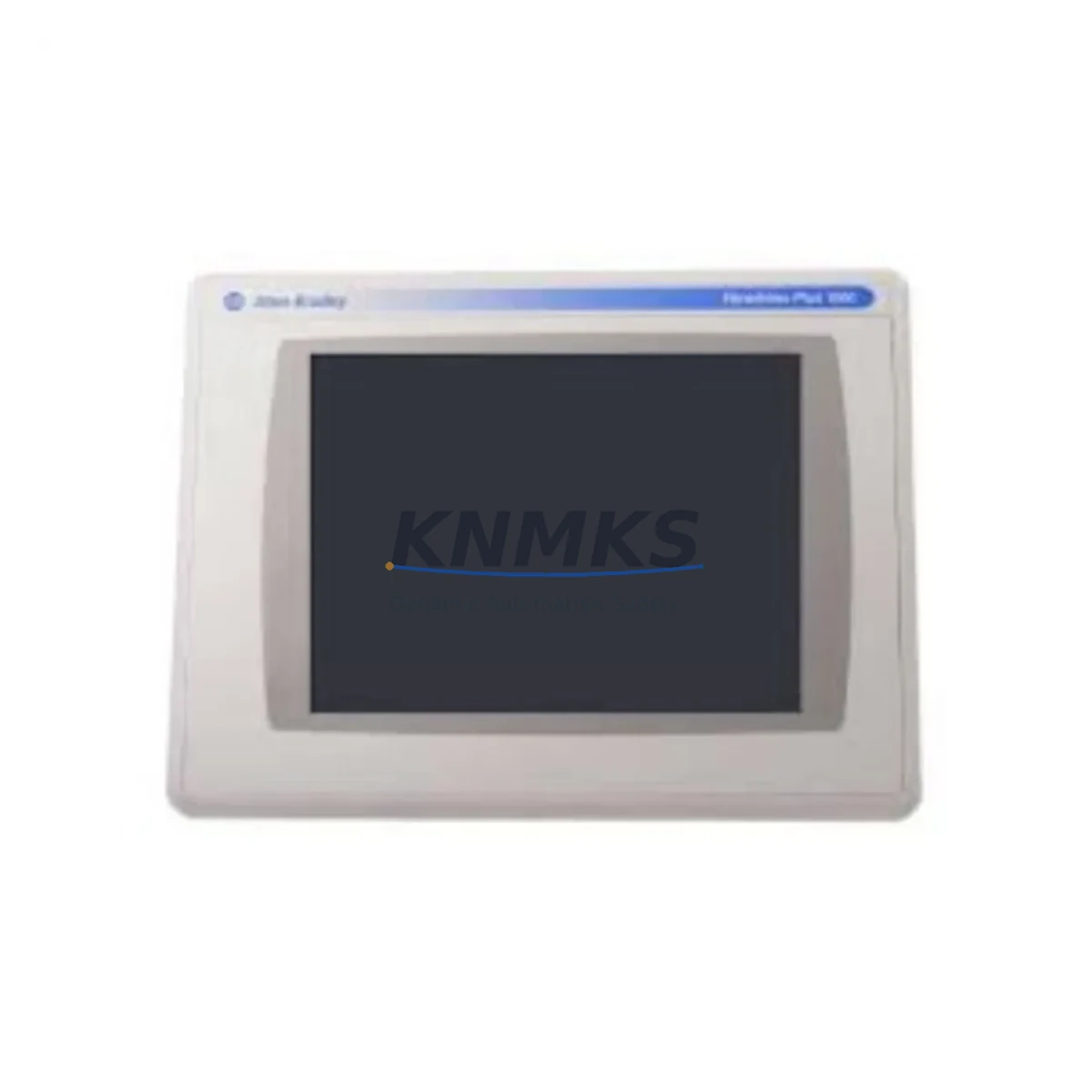
Allen-Bradley 2711PC-T10C4D1 Maintenance-Proven Spare Part for Factory Uptime
The Allen-Bradley 2711PC-T10C4D1 is a 10-inch color touchscreen HMI terminal from the PanelView Compact 1000 series, manufactured by Rockwell Automation. Designed for demanding industrial environments, this unit serves as the primary operator interface in a wide range of discrete manufacturing, process control, and material handling applications. Maintaining a verified spare of the 2711PC-T10C4D1 in your parts inventory is a proven strategy for reducing unplanned downtime and protecting production continuity in facilities running Allen-Bradley control architectures.
For maintenance engineers and spare parts procurement teams, the 2711PC-T10C4D1 represents a critical single point of failure in any control cabinet where it is installed. HMI terminals are subject to accelerated wear from continuous operator interaction, ambient heat, vibration, and power fluctuations. When a PanelView Compact 1000 fails, operators lose visibility into process status, alarm history, and manual override capability — halting production until the unit is replaced. Stocking a tested, original-specification replacement eliminates the lead time risk associated with emergency procurement and ensures your maintenance team can execute a same-shift swap.
At KNMKS, every 2711PC-T10C4D1 unit is inspected, function-tested, and shipped with a support terms confirmed by quotation. We supply original Allen-Bradley spare parts to maintenance teams, MRO procurement departments, and system integrators across industrial sectors including automotive, food and beverage, pharmaceuticals, oil and gas, and heavy manufacturing.
Spare Maintenance Table
| Parameter | Specification |
|---|---|
| Part Number | 2711PC-T10C4D1 |
| Brand / Manufacturer | Allen-Bradley / Rockwell Automation |
| Series | PanelView Compact 1000 |
| Product Type | HMI Terminal (Operator Interface) |
| Display Size | 10.4″ Color TFT LCD Touchscreen |
| Resolution | 640 × 480 (VGA) |
| Communication Port | RS-232 / DH-485 / DF1 |
| Compatible Controllers | ControlLogix, CompactLogix, MicroLogix, SLC 500, PLC-5 |
| Power Supply Input | 24 VDC |
| Operating Temperature | 0°C to 55°C |
| Protection Rating | NEMA 4/4X, IP65 (front panel) |
| Memory | 4 MB Application Memory |
| Country of Origin | United States |
| Condition | Original Spare / Tested |
| Support terms | 12 Months |
| Application | Discrete Manufacturing, Process Control, Material Handling |
| Maintenance Recommendation | Inspect touchscreen calibration and communication cable integrity every 6 months. Replace backup battery annually. Verify firmware version compatibility before installation. |
Maintenance Planning for Continuous Operation
When scheduling a replacement or inspection of the 2711PC-T10C4D1, experienced maintenance engineers treat the HMI swap as an opportunity to audit the surrounding control cabinet components. The PanelView Compact 1000 operates in close electrical proximity to several components that share its failure modes and maintenance intervals.
Begin with the 24 VDC power supply feeding the HMI — units such as the Allen-Bradley 1606-XLP series are commonly installed in the same cabinet and should be checked for output voltage stability and capacitor aging. A marginal power supply is a frequent root cause of intermittent HMI lockups and display anomalies that are misdiagnosed as HMI hardware failure.
Inspect the communication cable and RS-232/DH-485 wiring harness connecting the 2711PC-T10C4D1 to the host controller. Cable insulation degradation, loose terminal connections, and corroded DB9 connectors are common in high-vibration environments and can cause communication faults that trigger false HMI alarms. If the host controller is a CompactLogix L-series processor (such as the 1769-L33ER or 1769-L36ERM), verify that the EtherNet/IP configuration and IP address assignment are intact before commissioning the replacement HMI.
For cabinets that also house 1756 ControlLogix I/O modules or 1769 CompactLogix expansion I/O, confirm that all I/O status indicators are normal and that no input or output modules have logged faults during the HMI downtime window. It is not uncommon for a failed HMI to mask underlying I/O faults that were previously visible on the operator screen.
Check the terminal blocks and DIN rail wiring in the 24 VDC distribution circuit. Loose or oxidized terminal connections can introduce voltage drops that affect HMI startup reliability. If the cabinet includes signal isolators or analog input conditioners for process instrumentation, verify their output signals are within specification — these are often overlooked during HMI-focused maintenance events.
Finally, review the cabinet door gasket and ventilation filter. PanelView Compact terminals installed in NEMA 4X enclosures depend on intact door seals for IP65 protection. A compromised seal exposes the HMI to moisture and particulate ingress, accelerating touchscreen and backlight degradation. Replacing the door gasket and cleaning the ventilation filter during the same maintenance window extends the service life of the replacement 2711PC-T10C4D1 significantly.
Site Replacement Workflow
Step 1 — Pre-Replacement Verification: Before removing the failed unit, document the existing firmware version, application file name, and communication settings (baud rate, node address, IP address if applicable). Back up the application file from the HMI memory card or from the FactoryTalk View ME project archive on the engineering workstation.
Step 2 — Power Isolation: Follow your site LOTO (Lockout/Tagout) procedure. Isolate the 24 VDC supply to the HMI at the dedicated circuit breaker or fuse holder. Confirm zero energy state with a calibrated multimeter before proceeding.
Step 3 — Physical Removal: Disconnect the communication cable and power connector from the rear of the 2711PC-T10C4D1. Remove the panel mounting hardware (typically four M4 screws or panel clamps). Retain all hardware for reinstallation.
Step 4 — Replacement Unit Preparation: Confirm the replacement 2711PC-T10C4D1 firmware version matches or is compatible with the existing application file. Load the application file via CompactFlash card or direct USB transfer. Configure communication parameters to match the original unit settings.
Step 5 — Installation and Commissioning: Mount the replacement unit, reconnect power and communication cables, and restore power. Verify the HMI boots to the correct application screen, all navigation buttons function, and communication with the host controller is established. Perform a touchscreen calibration if required.
Step 6 — Functional Test: Cycle through all HMI screens, test alarm acknowledgment, and verify that all I/O status displays reflect actual field conditions. Log the replacement in your CMMS with the new unit serial number and installation date to initiate the support terms confirmed by quotation period.
This workflow is applicable to legacy PanelView Compact installations where the 2711PC-T10C4D1 is being replaced on a like-for-like basis. For facilities considering migration to the PanelView 800 or PanelView 5500 series, KNMKS can advise on compatibility and transition planning.
Spare Parts Support FAQ
Q1: Is the 2711PC-T10C4D1 still available as a new original spare, or only as a refurbished unit?
The 2711PC-T10C4D1 has reached end-of-life status in Rockwell Automation’s current catalog. KNMKS supplies original Allen-Bradley units sourced from authorized distribution channels and verified industrial surplus. Each unit undergoes functional testing prior to shipment. All units are supplied with a support terms confirmed by quotation covering hardware defects and operational failures under normal use conditions.
Q2: How do I confirm compatibility between the 2711PC-T10C4D1 and my existing ControlLogix or CompactLogix controller?
Compatibility depends on the communication protocol configured in your FactoryTalk View ME application. The 2711PC-T10C4D1 supports RS-232 DF1, DH-485, and serial communication to Allen-Bradley controllers. For EtherNet/IP connectivity, verify that your application was developed for a serial-communication PanelView Compact variant. If you are unsure, provide your controller model number and application version to our technical team at admin@knmks.com for pre-purchase compatibility confirmation.
Q3: What is your shipping and lead time for the 2711PC-T10C4D1?
KNMKS maintains stock of high-demand Allen-Bradley HMI spares including the 2711PC-T10C4D1. In-stock units are typically dispatched within 1–2 business days. International shipments are supported with DHL Express, FedEx International Priority, and sea freight options depending on urgency and destination. Emergency same-day dispatch is available for critical downtime situations — contact us directly at +86 18359268345.
Q4: What does the support terms confirmed by quotation cover, and what is the claims process?
The support terms confirmed by quotation cover hardware defects, display failures, communication port malfunctions, and power supply faults attributable to manufacturing or component quality issues. It does not cover damage resulting from incorrect installation, overvoltage events, physical impact, or unauthorized modification. To initiate a support terms claim, contact admin@knmks.com with your order number, unit serial number, and a description of the fault. KNMKS will arrange return shipping and provide a replacement or repair within an agreed service window.
© 2026 KNMKS. All rights reserved.
Original Source: https://knmks.com
Contact: admin@knmks.com | +86 18359268345
Product Identification
- Brand / Ecosystem
-
Allen-Bradley
Allen-Bradley - Model / Series
-
2711PC-T10C4D1
ControlLogix Series - Product Family
- PLCs & Controllers
- Availability Status
- Available on request after model and quantity confirmation
- Inquiry Type
- B2B RFQ, replacement inquiry and project spare-part request
- Pre-Quote Check
- Exact SKU, brand, series, quantity, nameplate photos and destination country are checked before quotation
System Path
Where this product fits in the KNMKS automation structure.
Specification & Inquiry Focus
- Control platform
- PLC, PAC and modular controllers
- Common needs
- CPU, rack, power and I/O expansion
- Project support
- Replacement, cabinet build and maintenance
Buyer Confirmation
Information KNMKS checks before replying.
- Exact model
- 2711PC-T10C4D1
- Brand / ecosystem
- Allen-Bradley
- Product family
- PLCs & Controllers
- Application note
- Replacement, maintenance, project build or spare-part list
- Useful photos
- Nameplate, installed unit, cabinet layout or connector side
- Delivery details
- Quantity, destination country and target schedule
Document Support
Files and notes can be confirmed during quotation.
- Product photos or nameplate confirmation when available
- Packing and delivery notes before quotation confirmation
- Support scope and delivery terms confirmed per inquiry
- Export document coordination for qualified B2B requests
Inquiry Support
- Model cross-checking before quotation
- CPU, power, rack and expansion module matching
- Support for replacement and project inquiry
What to Send Us
- Brand and exact model number: Allen-Bradley 2711PC-T10C4D1
- Quantity and required delivery time
- Application, replacement requirement or nameplate photo
- Destination country and shipping preference
RFQ Preparation
This is a product inquiry page built for RFQ communication.
Fast Model Check
Send this model to KNMKS for confirmation.
Include quantity, destination country and photos if this is a maintenance replacement. The inquiry will be saved with a reference number after submission.
Brand & Compatibility Note
KNMKS displays automation product information for well-known industrial brand ecosystems and compatible replacement references. Brand names are used for product identification and compatibility reference only; final availability and commercial terms are confirmed per quotation.
 Manufacturing
 Machine Tools
 Packaging
 Energy & Power



 HMI & Displays
 Servo Systems
 Variable Frequency Drives
 Sensors