
Overview
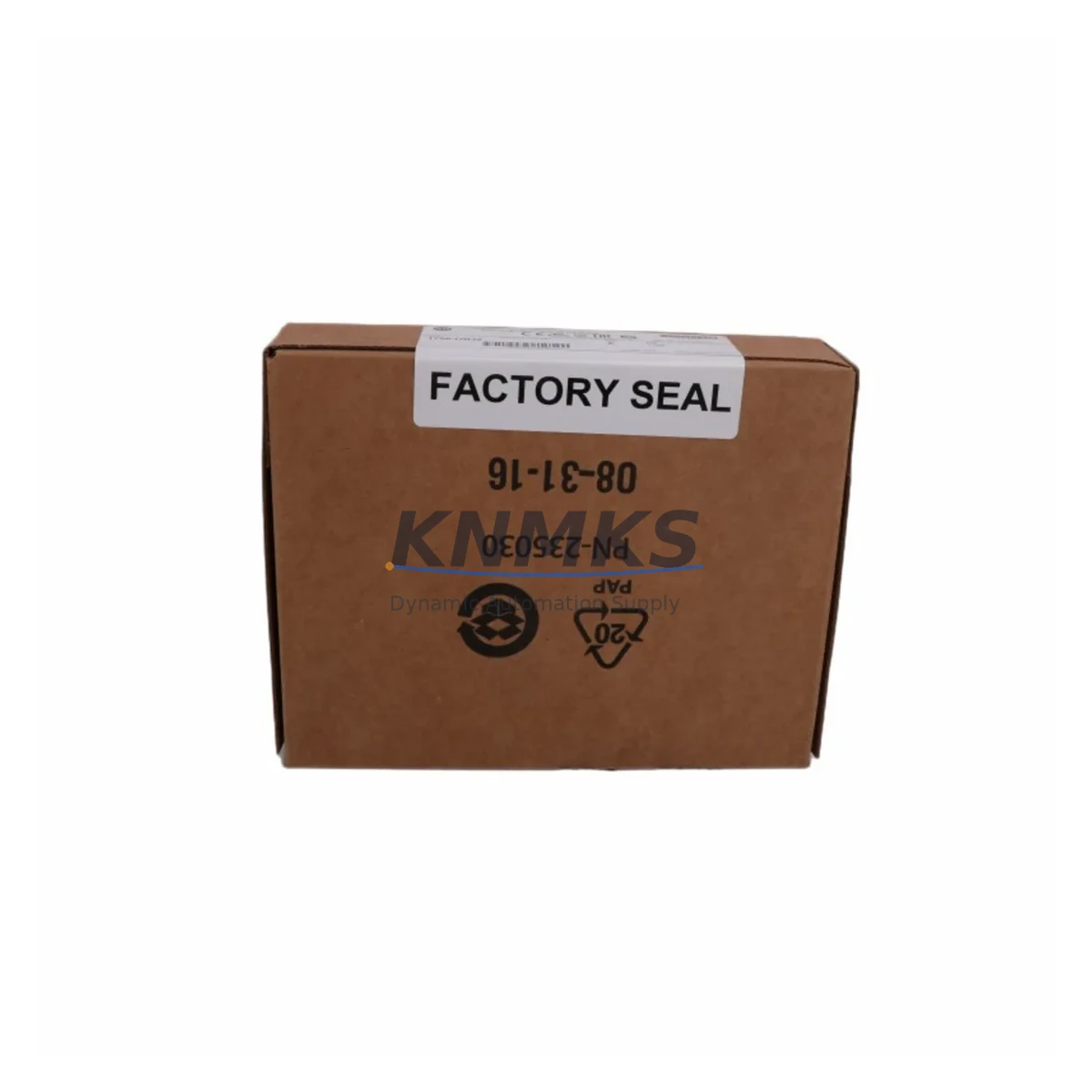
Allen-Bradley 1756-OB32 Spare | ControlLogix Output Module: Maintenance-Proven Spare Part for Factory Uptime
The Allen-Bradley 1756-OB32 is a 32-point, 24V DC sourcing digital output module designed for use within the ControlLogix 1756 chassis platform. As a core I/O component in high-availability production environments, this module plays a critical role in maintaining uninterrupted control of field devices including solenoid valves, motor starters, indicator lights, and relay coils. For maintenance engineers managing aging ControlLogix systems, having a verified spare of the 1756-OB32 on hand is one of the most effective strategies for minimizing unplanned downtime and protecting production continuity.
Whether you are managing a scheduled annual overhaul, responding to an unexpected output channel failure, or building a strategic spare parts inventory for a multi-line facility, the 1756-OB32 is a high-priority item. Its 32-point density makes it a workhorse module in most ControlLogix cabinets, and a single failed module can take down an entire output group, halting conveyor systems, packaging lines, or process control loops. Sourcing a tested, compatible replacement before failure occurs is the most cost-effective approach to long-term maintenance planning.
Spare Maintenance Table
| Parameter | Specification |
|---|---|
| SKU / Part Number | 1756-OB32 |
| Brand / Manufacturer | Allen-Bradley (Rockwell Automation) |
| Series | ControlLogix 1756 |
| Module Type | Digital Output Module |
| Output Points | 32-Point |
| Output Voltage | 24V DC |
| Output Type | Sourcing (PNP) |
| Backplane Compatibility | 1756 ControlLogix Chassis (all slot counts) |
| Communication | ControlLogix Backplane (via 1756 chassis) |
| Wiring Interface | Removable Terminal Block (RTB) — 1756-TBCH or equivalent |
| Installation Environment | Industrial control cabinet, DIN rail or chassis-mounted |
| Operating Temperature | 0°C to 60°C |
| Country of Origin | United States |
| Compatibility | ControlLogix L6x, L7x, L8x series controllers |
| Replacement Scope | Direct drop-in replacement for existing 1756-OB32 installations |
| Pre-shipment Testing | Functional output channel verification performed before dispatch |
| Support terms | support terms confirmed by quotation |
Maintenance Planning for Continuous Operation
Effective maintenance planning for a ControlLogix system goes beyond simply stocking the 1756-OB32. When this module is flagged for replacement during a fault diagnostic or routine inspection, maintenance engineers should simultaneously verify the condition of several adjacent components to prevent repeat failures and ensure a complete, reliable restoration.
The 1756-TBCH removable terminal block should be inspected for terminal corrosion, loose wire ferrules, and insulation degradation. Since the RTB carries all 32 output field wiring connections, a worn terminal block can introduce intermittent faults that are difficult to distinguish from module-level failures. Replacing the RTB alongside the 1756-OB32 during a planned outage eliminates this ambiguity.
The 1756-PA75 or 1756-PB75 power supply module within the same chassis should be load-checked. A 32-point output module under full load draws significant backplane current, and a degraded power supply may cause nuisance faults or erratic output behavior that mimics module failure. Verifying power supply output voltage and current headroom is a standard step in any ControlLogix output module replacement procedure.
If the system includes a 1756-EN2T or 1756-EN2TR EtherNet/IP communication module, confirm that the module’s IP configuration and I/O connection parameters remain intact after the output module swap. In some configurations, changing a module in a chassis slot can trigger a connection fault in the controller’s I/O tree, requiring a brief online edit or module re-commissioning in Studio 5000 Logix Designer.
For systems using 1756-IB32 digital input modules in adjacent slots, cross-check the input/output interlock logic in the controller program. Output faults on the 1756-OB32 may have triggered latched alarm states or safety interlocks that must be manually cleared before the replacement module can resume normal operation. Reviewing the HMI alarm history on the PanelView Plus 7 or equivalent operator interface is recommended before returning the line to automatic mode.
Additionally, inspect any signal isolators or relay output modules connected downstream of the 1756-OB32 output channels. High-inductive loads such as solenoid valves and motor contactors can generate voltage spikes that degrade output transistors over time. Installing surge suppressors or verifying existing protection components during the replacement window reduces the risk of premature failure on the new module.
Site Replacement Workflow
Replacing the 1756-OB32 in a live ControlLogix system requires a structured approach to minimize downtime and protect the integrity of the existing control program. The following workflow reflects best practices for field replacement in industrial environments:
Step 1 — Pre-replacement documentation: Before removing the module, photograph or record the terminal block wiring layout. Although the 1756-TBCH removable terminal block can be transferred directly to the new module, confirming wire positions before disconnection prevents wiring errors during reinstallation.
Step 2 — Controller mode and program backup: Place the ControlLogix controller (such as the 1756-L73 or 1756-L83E) in Program mode to inhibit output commands. Use Studio 5000 Logix Designer to upload and save the current program to a backup file before any hardware changes are made.
Step 3 — Module inhibit in software: In the I/O configuration tree, inhibit the 1756-OB32 module before physical removal. This prevents the controller from generating a major fault when the module is extracted from the chassis.
Step 4 — Physical swap: Remove the terminal block, extract the faulty module, insert the replacement 1756-OB32, and reattach the terminal block. Verify that the module seats fully in the chassis backplane connector.
Step 5 — Re-commissioning: Un-inhibit the module in Studio 5000, return the controller to Run mode, and verify output channel status on the HMI. Perform a functional test of all 32 output points before releasing the line to production.
This structured approach consistently achieves replacement completion within 30 to 60 minutes for experienced maintenance teams, keeping unplanned downtime to a minimum.
Spare Parts Support FAQ
Q1: Is this 1756-OB32 a direct drop-in replacement for my existing module?
Yes. The 1756-OB32 is a standard ControlLogix 1756-series module and is fully compatible with all 1756 chassis sizes and all ControlLogix controller generations including L6x, L7x, and L8x series. No program changes or hardware modifications are required for a like-for-like replacement.
Q2: Is the module tested before shipment?
Yes. Every 1756-OB32 unit undergoes functional output channel verification prior to dispatch. Test records are available upon request. This pre-shipment testing process ensures that the module arrives ready for immediate installation without additional bench testing on your end.
Q3: What is the support terms coverage and what does it include?
All units are covered by a support terms confirmed by quotation from the date of shipment. The support terms covers manufacturing defects and functional failures under normal operating conditions. Our technical support team is available to assist with compatibility verification, installation guidance, and fault diagnosis throughout the confirmed support period.
Q4: Can you support long-term or recurring spare parts orders for this module?
Yes. We maintain ongoing inventory of the 1756-OB32 and can support scheduled procurement programs, blanket orders, and emergency stock replenishment. For facilities managing multiple ControlLogix systems, we recommend establishing a standing spare parts agreement to ensure availability and price stability over a multi-year maintenance horizon.
© 2026 KNMKS. All rights reserved.
Original Source: https://knmks.com
Contact: admin@knmks.com | +86 18359268345
Product Identification
- Brand / Ecosystem
-
Allen-Bradley
Allen-Bradley - Model / Series
-
1756-OB32
ControlLogix Series - Product Family
- PLCs & Controllers
- Availability Status
- Available on request after model and quantity confirmation
- Inquiry Type
- B2B RFQ, replacement inquiry and project spare-part request
- Pre-Quote Check
- Exact SKU, brand, series, quantity, nameplate photos and destination country are checked before quotation
System Path
Where this product fits in the KNMKS automation structure.
Specification & Inquiry Focus
- Control platform
- PLC, PAC and modular controllers
- Common needs
- CPU, rack, power and I/O expansion
- Project support
- Replacement, cabinet build and maintenance
Buyer Confirmation
Information KNMKS checks before replying.
- Exact model
- 1756-OB32
- Brand / ecosystem
- Allen-Bradley
- Product family
- PLCs & Controllers
- Application note
- Replacement, maintenance, project build or spare-part list
- Useful photos
- Nameplate, installed unit, cabinet layout or connector side
- Delivery details
- Quantity, destination country and target schedule
Document Support
Files and notes can be confirmed during quotation.
- Product photos or nameplate confirmation when available
- Packing and delivery notes before quotation confirmation
- Support scope and delivery terms confirmed per inquiry
- Export document coordination for qualified B2B requests
Inquiry Support
- Model cross-checking before quotation
- CPU, power, rack and expansion module matching
- Support for replacement and project inquiry
What to Send Us
- Brand and exact model number: Allen-Bradley 1756-OB32
- Quantity and required delivery time
- Application, replacement requirement or nameplate photo
- Destination country and shipping preference
RFQ Preparation
This is a product inquiry page built for RFQ communication.
Fast Model Check
Send this model to KNMKS for confirmation.
Include quantity, destination country and photos if this is a maintenance replacement. The inquiry will be saved with a reference number after submission.
Brand & Compatibility Note
KNMKS displays automation product information for well-known industrial brand ecosystems and compatible replacement references. Brand names are used for product identification and compatibility reference only; final availability and commercial terms are confirmed per quotation.
 Manufacturing
 Machine Tools
 Packaging
 Energy & Power



 HMI & Displays
 Servo Systems
 Variable Frequency Drives
 Sensors