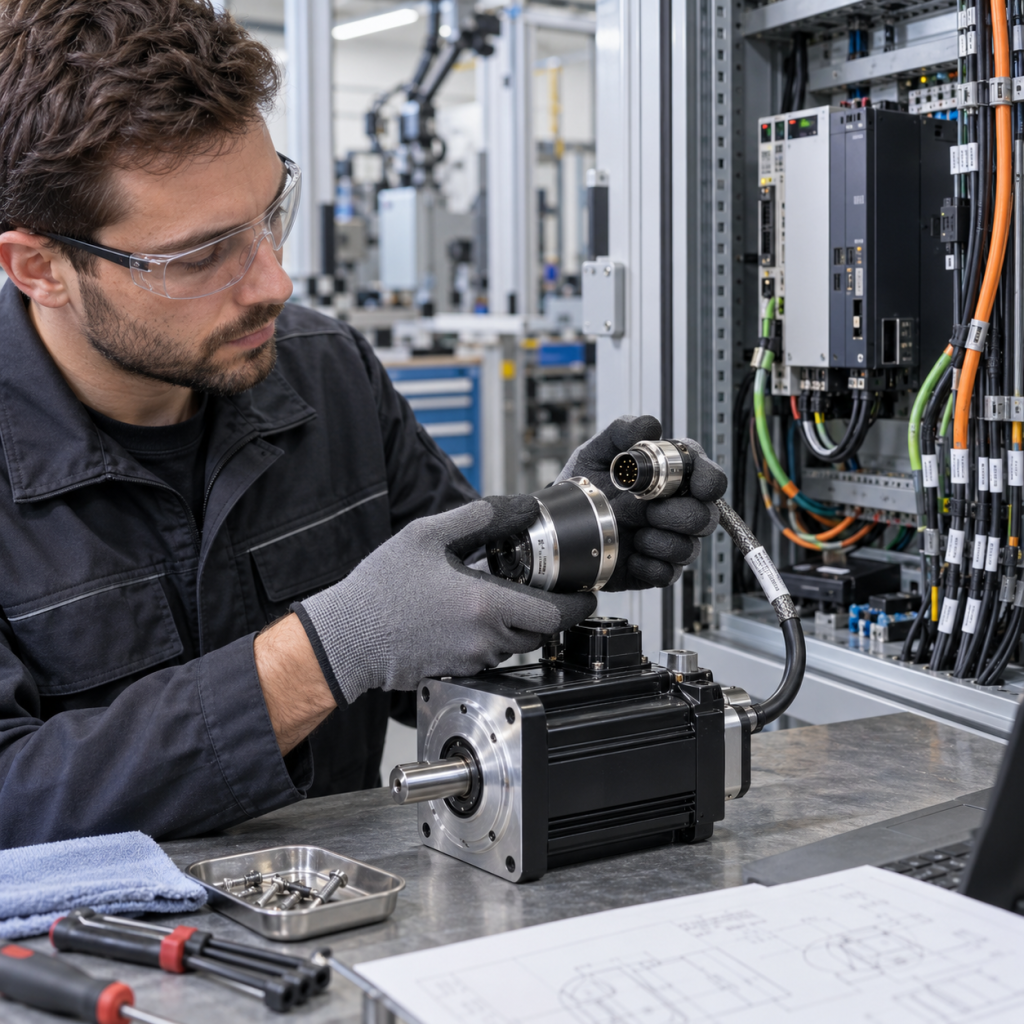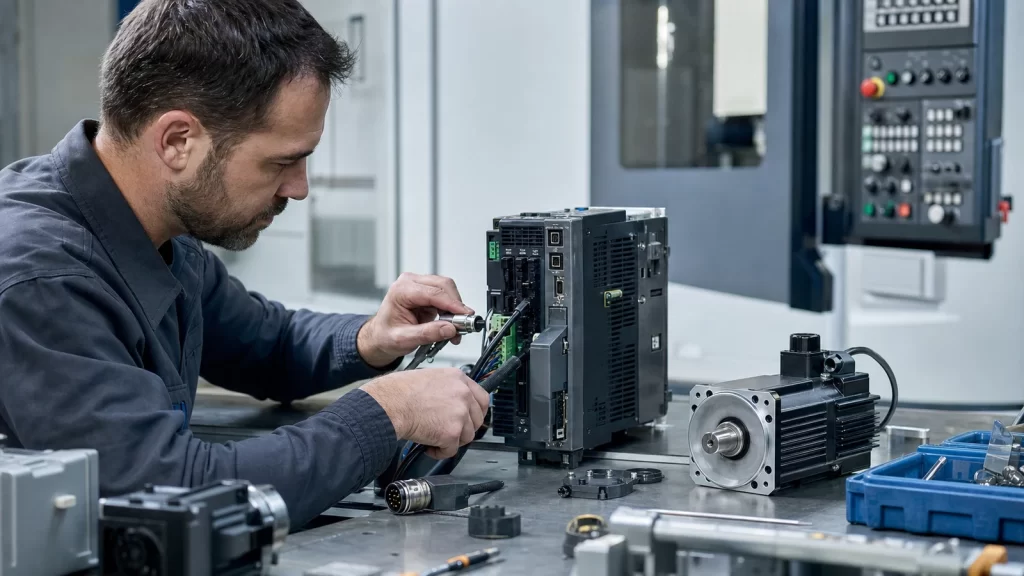
Why servo drive and motor inquiries require compatibility details
Servo systems are more sensitive to compatibility than many general automation spare parts. A drive, motor, encoder cable, and controller may all belong to the same motion platform, and a mismatch can stop the machine from returning to service. A useful servo RFQ should therefore include model evidence for both the failed item and the surrounding motion system when available.
KNMKS groups these requests through the Servo Systems category and broader Automation Systems hub. This gives maintenance teams a clearer path when they need a drive, servo motor, amplifier, encoder accessory, or related cable for machine recovery.
Details that make servo RFQs faster
The model number printed on the drive or motor label is the most important detail. If the request involves a motor, the nameplate photo should show rated power, voltage, speed, brake option, and encoder reference where possible. If the request involves a drive, the label photo should show input/output ratings and the full order code. Cable and connector requests should include both ends if the part number is unclear.
- Full servo drive, motor, or amplifier model number.
- Motor power rating, brake option, encoder type, and voltage where visible.
- Matching controller, drive series, or machine model if known.
- Quantity, destination country, urgency, and whether the item is for repair or spare stock.
- Photos of label, connector, installed position, and old cable if relevant.
Common application context for servo spare parts
Servo systems are widely used in machine tools, packaging machines, robotics, printing lines, winding equipment, and automated handling systems. These applications often require precise motion and repeatability, so replacing only the failed component without checking compatibility can create commissioning delays. A short note about the machine application helps the inquiry team understand the risk level and the urgency.
If the problem relates to a complete motion axis, it is helpful to mention whether the buyer needs only one part or wants quotation support for the drive, motor, and cable together. This is especially useful for older machines where part numbers may have changed over time.
How to handle unclear model labels
Servo labels can be damaged by heat, oil, dust, or long-term cabinet use. When a label is not readable, photos from multiple angles can help. A machine nameplate, old invoice, maintenance list, or controller parameter screenshot may also provide useful evidence. KNMKS can review these supporting details, but the RFQ should clearly explain which information is confirmed and which is uncertain.
For connector and cable requests, the Cables & Connectors category may be relevant. Clear photos of connector shape, pin layout, and cable length reduce the risk of selecting a similar but incorrect accessory.
RFQ structure for maintenance and project buyers
A good servo RFQ separates the core model from supporting details. Start with the exact drive or motor model, then add quantity, country, deadline, application, and photo attachments. If the item is needed for a stopped production line, note that it is urgent. If it is for maintenance stock, provide the expected purchase schedule so the quotation can be prepared accordingly.
KNMKS keeps servo inquiries in an RFQ workflow instead of a direct purchase flow. This is important because compatibility, condition, lead time, and inspection expectations often matter more than a simple product listing.
Final review before submitting a servo inquiry
Before sending the request, check whether the drive and motor belong to the same series, whether the model number includes all suffixes, and whether any cable or encoder requirement is included. These details help the team verify the model and reduce unnecessary clarification emails.
Related published product examples: Yaskawa communication module and ABB control module. These pages provide model-level context for the inquiry; availability and quotation details are confirmed through the RFQ process.
Related Product Paths