
Overview
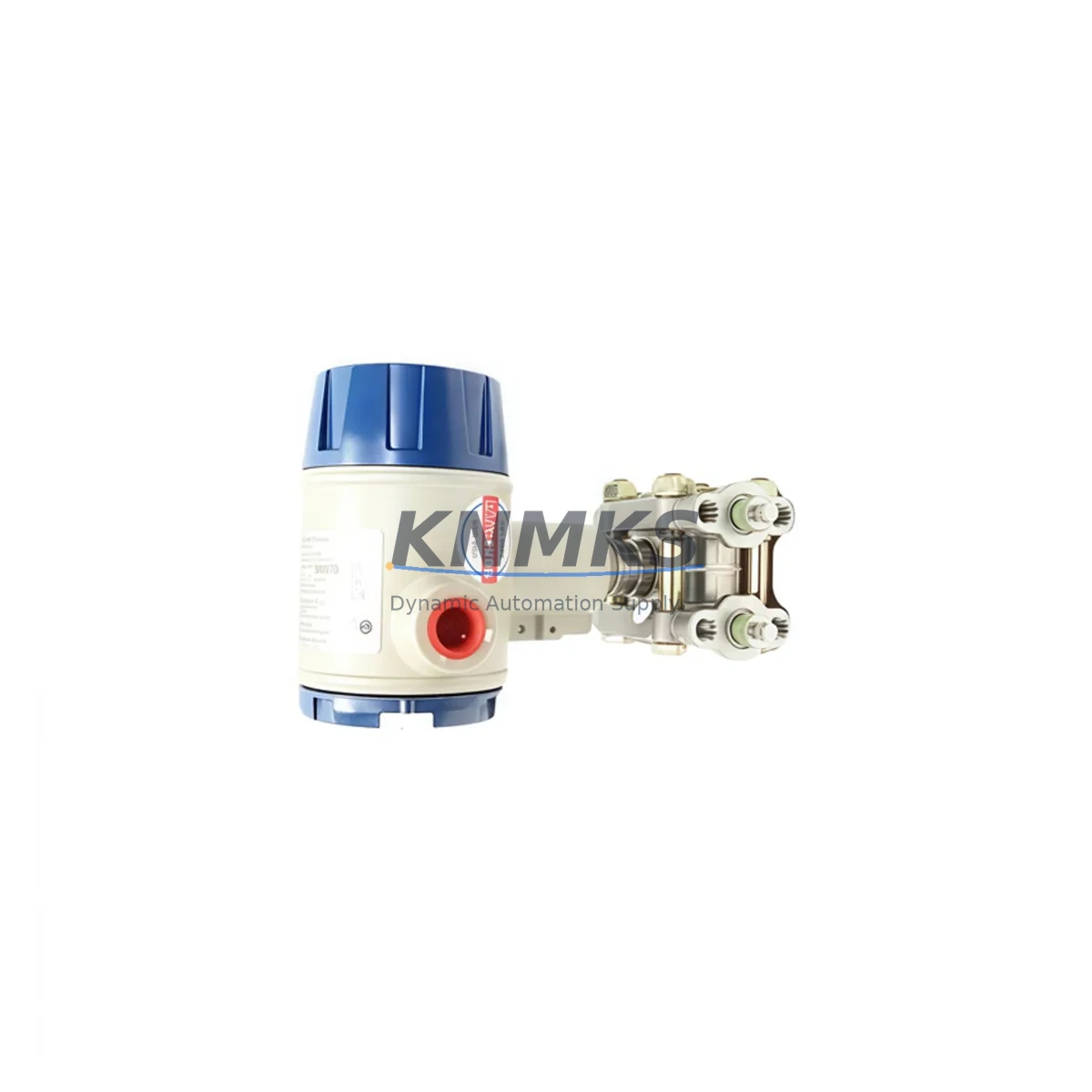
Honeywell HC-PBUTV3-ESD Maintenance-Proven Spare Part for Factory Uptime
The Honeywell HC-PBUTV3-ESD is an ESD (Emergency Shutdown) push button interface module designed for use within the Experion PKS (Process Knowledge System) distributed control architecture. As a critical safety-layer component, this module serves as the hardwired interface between field-mounted ESD push buttons and the safety logic controller, enabling rapid process shutdown in response to emergency conditions. For maintenance engineers managing continuous process plants, refineries, chemical facilities, or power generation sites, keeping a verified spare of the HC-PBUTV3-ESD on the shelf is a fundamental element of any robust spare parts strategy.
This listing provides an original Honeywell HC-PBUTV3-ESD spare part, sourced through established industrial supply channels, fully tested prior to shipment, and backed by a support terms confirmed by quotation. Whether you are responding to an unplanned trip, executing a scheduled turnaround, or building out your critical spare inventory, this module ships ready for immediate installation.
Spare Maintenance Table
| Parameter | Specification / Detail |
|---|---|
| SKU / Part Number | HC-PBUTV3-ESD |
| Brand | Honeywell |
| Series | Experion PKS / Safety Manager Series |
| Product Type | ESD Push Button Interface Module |
| Function | Hardwired ESD push button field interface for safety shutdown logic |
| Compatibility | Honeywell Experion PKS, Safety Manager, HC900 safety architectures |
| Installation | DIN rail or panel-mount; connects to safety controller I/O backplane |
| Signal Type | Digital input (hardwired ESD contact) |
| Operating Environment | Industrial control cabinet; rated for standard industrial ambient conditions |
| Origin | USA (Honeywell OEM) |
| Condition | Original new / surplus tested |
| Pre-shipment Testing | Functional test performed before dispatch |
| Support terms | 12 Months |
| Lead Time | availability confirmed by RFQ — ships within 1–3 business days |
| Contact | admin@knmks.com | +86 18359268345 |
Maintenance Planning for Continuous Operation
When the HC-PBUTV3-ESD is flagged during a routine control cabinet inspection or fails during a proof test, the replacement scope rarely ends with the module itself. A disciplined maintenance engineer will use the opportunity to audit the entire ESD loop. Begin by verifying the integrity of the field wiring and terminal blocks connected to the push button circuit — corroded or loose terminations are a common root cause of spurious trips or missed shutdowns. Inspect the associated safety controller I/O cards, such as the Honeywell HC-SDILH or equivalent digital input modules in the Safety Manager rack, to confirm that input channel diagnostics are clear and that no latent faults have been masked by the failed interface module.
The power supply feeding the ESD cabinet deserves equal attention. Honeywell PM I/O power modules and redundant 24 VDC rail supplies should be load-tested and their output voltages verified under operational conditions. A degraded power supply can cause intermittent module behavior that mimics a faulty HC-PBUTV3-ESD, leading to unnecessary replacements. Similarly, check the backplane connectors and chassis seating for the safety controller rack — poor backplane contact is a known contributor to communication faults between the interface module and the logic solver.
For sites running integrated Experion PKS and Safety Manager architectures, the SCSI or FTE (Fault Tolerant Ethernet) communication links between the safety controller and the Experion server should be verified after any ESD module replacement. Confirm that the HC-PBUTV3-ESD replacement is recognized by the system and that all associated function blocks in the safety application are in the expected state before returning the loop to service. If the facility uses Honeywell HC-COMM or similar communication interface modules within the same cabinet, inspect their status LEDs and diagnostic registers as part of the same maintenance window.
Procurement engineers building or refreshing a critical spare parts list for Experion PKS or Safety Manager installations should consider stocking the HC-PBUTV3-ESD alongside complementary components: safety I/O modules, redundant power supply units, ESD relay output modules, and field junction box components. A well-structured spare parts kit reduces mean time to repair (MTTR) and eliminates the risk of extended downtime caused by single-point supply chain gaps. All parts supplied by KNMKS are tested before shipment and covered by a support terms confirmed by quotation, supporting both emergency response and planned maintenance cycles.
Site Replacement Workflow
Replacing the HC-PBUTV3-ESD on a live Experion PKS or Safety Manager system requires adherence to the site’s management of change (MOC) and permit-to-work procedures. Before initiating the swap, confirm that the ESD loop associated with the module has been properly inhibited or bypassed in accordance with the safety management system, and that all relevant operators and control room personnel have been notified.
Document the existing wiring configuration and terminal assignments before disconnecting any field cables. Photograph the terminal block layout if the as-built drawings are not current. Remove the faulty HC-PBUTV3-ESD from the DIN rail or backplane mounting, taking care to avoid disturbing adjacent modules. Install the replacement module, reconnect all field wiring to the correct terminals, and verify torque on all screw terminals to the manufacturer’s specification.
After physical installation, power up the module and confirm that the Experion PKS or Safety Manager system recognizes the new hardware without generating unexpected alarms or diagnostic faults. Perform a functional proof test of the ESD push button circuit in accordance with the site’s safety instrumented system (SIS) test procedure before removing the bypass and returning the loop to its normal protective state. Record all activities in the maintenance management system (CMMS) and update the spare parts inventory accordingly.
For aging systems where the HC-PBUTV3-ESD may be approaching end-of-life or where Honeywell has issued a product discontinuation notice, KNMKS can support long-term supply planning with multi-unit procurement, extended storage, and compatibility verification services. Replacing obsolete ESD interface modules proactively — rather than reactively — is the most cost-effective strategy for maintaining SIS integrity without a full system upgrade.
Spare Parts Support FAQ
Q1: Is the HC-PBUTV3-ESD compatible with both Experion PKS and Safety Manager systems?
The HC-PBUTV3-ESD is designed as part of the Honeywell Experion PKS and Safety Manager product family. Compatibility depends on the specific system revision and firmware version at your site. We recommend confirming your system’s hardware revision against Honeywell’s compatibility matrix before ordering. Our technical team at admin@knmks.com can assist with compatibility verification based on your system configuration details.
Q2: What testing is performed before the HC-PBUTV3-ESD is shipped?
Every HC-PBUTV3-ESD unit supplied by KNMKS undergoes a functional test prior to dispatch to verify basic electrical integrity and module operation. Units are inspected for physical damage, connector condition, and firmware label consistency. A support terms confirmed by quotation is provided on all units from the date of shipment, covering defects in materials and workmanship under normal operating conditions.
Q3: Can KNMKS support long-term or multi-unit procurement for critical spare inventory?
Yes. KNMKS specializes in supporting maintenance and procurement engineers who need reliable, long-term access to industrial automation spare parts, including discontinued or hard-to-source Honeywell modules. We can accommodate blanket orders, staged delivery schedules, and consignment stock arrangements for high-criticality components such as the HC-PBUTV3-ESD. Contact us at admin@knmks.com or +86 18359268345 to discuss your inventory requirements.
Q4: What is the recommended spare parts strategy for ESD push button interface modules?
For safety-critical ESD loops, industry best practice recommends maintaining at least one verified spare per installed module type, with additional units for high-density or geographically remote installations. Proof test intervals defined in your SIS maintenance plan should align with spare parts replenishment cycles to ensure that a tested replacement is always available. KNMKS can help you build a structured spare parts list based on your installed Honeywell system configuration.
© 2026 KNMKS. All rights reserved.
Original Source: https://knmks.com
Contact: admin@knmks.com | +86 18359268345
Product Identification
- Brand / Ecosystem
-
Honeywell
Honeywell - Model / Series
-
HC-PBUTV3-ESD
Experion PKS Series - Product Family
- PLCs & Controllers
- Availability Status
- Available on request after model and quantity confirmation
- Inquiry Type
- B2B RFQ, replacement inquiry and project spare-part request
- Pre-Quote Check
- Exact SKU, brand, series, quantity, nameplate photos and destination country are checked before quotation
System Path
Where this product fits in the KNMKS automation structure.
Specification & Inquiry Focus
- Control platform
- PLC, PAC and modular controllers
- Common needs
- CPU, rack, power and I/O expansion
- Project support
- Replacement, cabinet build and maintenance
Buyer Confirmation
Information KNMKS checks before replying.
- Exact model
- HC-PBUTV3-ESD
- Brand / ecosystem
- Honeywell
- Product family
- PLCs & Controllers
- Application note
- Replacement, maintenance, project build or spare-part list
- Useful photos
- Nameplate, installed unit, cabinet layout or connector side
- Delivery details
- Quantity, destination country and target schedule
Document Support
Files and notes can be confirmed during quotation.
- Product photos or nameplate confirmation when available
- Packing and delivery notes before quotation confirmation
- Support scope and delivery terms confirmed per inquiry
- Export document coordination for qualified B2B requests
Inquiry Support
- Model cross-checking before quotation
- CPU, power, rack and expansion module matching
- Support for replacement and project inquiry
What to Send Us
- Brand and exact model number: Honeywell HC-PBUTV3-ESD
- Quantity and required delivery time
- Application, replacement requirement or nameplate photo
- Destination country and shipping preference
RFQ Preparation
This is a product inquiry page built for RFQ communication.
Fast Model Check
Send this model to KNMKS for confirmation.
Include quantity, destination country and photos if this is a maintenance replacement. The inquiry will be saved with a reference number after submission.
Brand & Compatibility Note
KNMKS displays automation product information for well-known industrial brand ecosystems and compatible replacement references. Brand names are used for product identification and compatibility reference only; final availability and commercial terms are confirmed per quotation.
 Manufacturing
 Machine Tools
 Packaging
 Energy & Power



 HMI & Displays
 Servo Systems
 Variable Frequency Drives
 Sensors