
Overview
Honeywell FS-BLIND-COM Spare Part for Factory Uptime
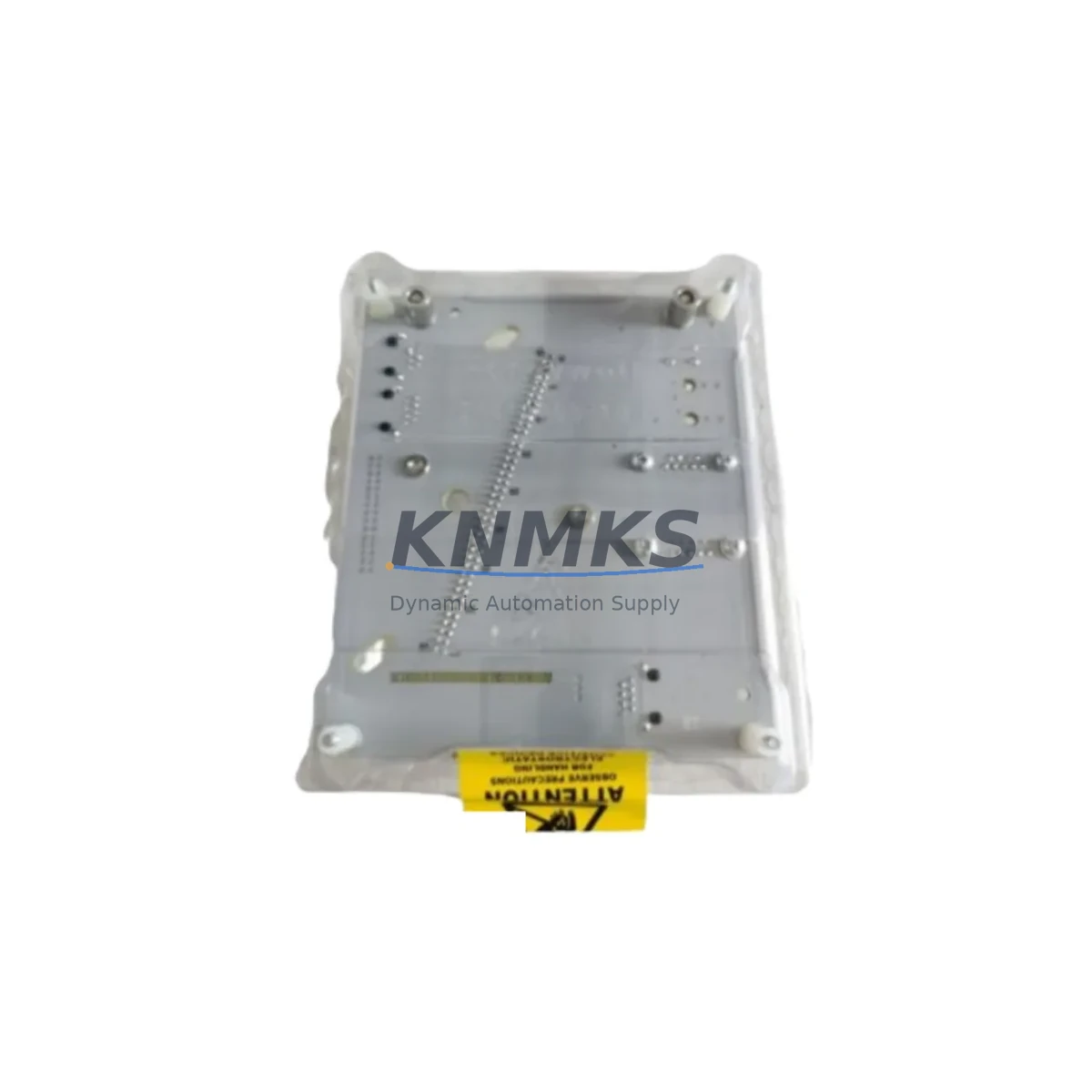
The Honeywell FS-BLIND-COM is a communication slot coverplate designed for the Honeywell FS Series fire and gas safety controller platform. In industrial facilities where safety system integrity is non-negotiable, this coverplate serves a critical role: it seals unused communication expansion slots on the FS Series controller chassis, preventing ingress of dust, moisture, and airborne contaminants that can degrade signal quality, cause intermittent faults, or accelerate corrosion on exposed backplane connectors.
Maintenance engineers managing Honeywell FS Series fire and gas detection systems — including the FS20 and FS10 controller families — understand that even passive mechanical components like slot covers directly affect system reliability. An open or damaged slot on the controller chassis creates a pathway for environmental contamination, which in petrochemical, offshore, power generation, and heavy manufacturing environments can lead to nuisance alarms, communication bus errors, or in worst cases, safety system degradation during a critical event.
Stocking the FS-BLIND-COM as part of your annual maintenance kit ensures that during scheduled cabinet inspections, slot integrity can be verified and restored immediately without waiting on procurement lead times. For facilities operating under IEC 61511 or NFPA 72 compliance frameworks, maintaining physical integrity of the safety controller enclosure is part of documented maintenance obligations.
From a procurement engineering perspective, sourcing original Honeywell FS-BLIND-COM coverplates — rather than generic alternatives — ensures dimensional compatibility with the FS Series chassis rail and locking tab geometry. Aftermarket substitutes frequently fail to engage the chassis retention mechanism correctly, leaving slots inadequately sealed. Our stock is sourced from verified Honeywell supply channels, pre-shipment inspected, and covered by a support terms confirmed by quotation.
Spare Maintenance Table
| Parameter | Detail |
|---|---|
| SKU / Part Number | FS-BLIND-COM |
| Brand | Honeywell |
| Series | FS Series (FS20 / FS10 Fire & Gas Controllers) |
| Component Type | Communication Slot Coverplate / Blind Plate |
| Application | Sealing unused communication expansion slots on FS Series controller chassis |
| Compatibility | Honeywell FS Series controller racks; FS20, FS10 chassis variants |
| Material | Engineering-grade thermoplastic (OEM specification) |
| Installation | Tool-free snap-fit into standard FS Series chassis slot opening |
| Environmental Rating | Suitable for industrial control cabinet environments (IP-rated enclosure dependent) |
| Origin | United States |
| Support terms | 12 Months |
| Pre-Shipment Testing | Dimensional and fit verification before dispatch |
| Dispatch | Global rapid dispatch; multi-region stock available |
Maintenance Planning for Continuous Operation
When conducting a scheduled inspection or emergency corrective maintenance on an FS Series fire and gas controller cabinet, the FS-BLIND-COM slot cover should be evaluated alongside the broader controller assembly. Maintenance engineers should simultaneously inspect the FS Series communication modules installed in adjacent slots — including Modbus, HART, or proprietary Honeywell network interface cards — for signs of connector oxidation or seating issues that an open slot may have contributed to over time.
The FS Series power supply modules feeding the controller rack should be checked for output voltage stability, as contamination ingress through open slots can affect nearby power rail connectors. Similarly, FS Series I/O modules handling field device inputs from flame detectors, gas sensors, and manual call points should be verified for correct signal levels and channel integrity.
For facilities using Honeywell’s FS Series backplane assemblies, inspect the backplane connector pins in the vicinity of any previously open slot for corrosion or debris. If the system includes FS Series HMI or operator interface panels, verify communication link status between the controller and HMI after any chassis maintenance to confirm no bus disruption occurred.
Procurement teams building annual spare parts kits for FS Series installations should also include FS Series fuse and protection components for the power input circuits, as well as terminal block assemblies for field wiring connections. Maintaining a small buffer stock of FS-BLIND-COM coverplates — typically 4–6 units per controller rack — ensures that any slot configuration change during system expansion or module swap can be completed without leaving chassis openings unprotected between maintenance windows.
Site Replacement Workflow
Step 1 — Verify Slot Status: During cabinet inspection, identify all unused communication expansion slots on the FS Series controller chassis. Document which slots are covered and which are open or have damaged coverplates.
Step 2 — Isolate if Required: For live cabinet work under permit-to-work procedures, confirm with the safety system engineer whether the controller can remain energized during coverplate replacement. The FS-BLIND-COM is a passive mechanical component; replacement typically does not require controller shutdown, but site safety procedures govern.
Step 3 — Remove Damaged Cover: Release the existing coverplate by pressing the retention tab and pulling outward from the chassis slot. Inspect the slot opening and backplane area for contamination before installing the replacement.
Step 4 — Install FS-BLIND-COM: Align the new FS-BLIND-COM coverplate with the slot opening and press firmly until the retention tab engages. Confirm the plate sits flush with the chassis faceplate and the locking tab is fully seated.
Step 5 — Document and Close: Update the maintenance log with the slot number, date of replacement, and part number. Photograph the completed installation for audit records. This supports IEC 61511 and NFPA 72 maintenance documentation requirements.
This workflow minimizes downtime, maintains chassis environmental integrity, and ensures the FS Series controller continues operating within its specified environmental parameters without interruption to the safety function.
Spare Parts Support FAQ
Q1: Is the FS-BLIND-COM compatible with all FS Series controller chassis variants?
The FS-BLIND-COM is designed for the Honeywell FS Series controller platform, including FS20 and FS10 chassis families. The snap-fit retention geometry is standardized across the FS Series slot interface. If you are unsure about compatibility with a specific chassis revision, provide your controller model number and we will confirm before shipment.
Q2: What is included in the support terms confirmed by quotation and pre-shipment testing?
Every FS-BLIND-COM unit is dimensionally verified and fit-tested against FS Series chassis slot specifications before dispatch. The support terms confirmed by quotation cover manufacturing defects and dimensional non-conformance. Units that fail to engage the chassis retention mechanism correctly upon installation are eligible for replacement under support terms.
Q3: How many FS-BLIND-COM units should we stock for a typical FS Series installation?
For a standard FS Series controller rack with 8–16 slot positions, we recommend stocking 4–6 FS-BLIND-COM coverplates. This buffer supports slot configuration changes during module additions, emergency replacements during inspections, and ensures you are never left with an open chassis slot awaiting procurement.
Q4: Can you support long-term supply for multi-site FS Series installations?
Yes. We maintain multi-region stock of Honeywell FS Series spare components including the FS-BLIND-COM, and can support blanket purchase orders and scheduled delivery programs for facilities managing multiple FS Series controller installations across sites. Contact our team to discuss volume pricing and supply agreements.
© 2026 KNMKS. All rights reserved.
Original Source: https://knmks.com
Contact: admin@knmks.com | +86 18359268345
Product Identification
- Brand / Ecosystem
-
Honeywell
Honeywell - Model / Series
- FS-BLIND-COM
- Product Family
- Communication Modules
- Availability Status
- Available on request after model and quantity confirmation
- Inquiry Type
- B2B RFQ, replacement inquiry and project spare-part request
- Pre-Quote Check
- Exact SKU, brand, series, quantity, nameplate photos and destination country are checked before quotation
System Path
Where this product fits in the KNMKS automation structure.
Specification & Inquiry Focus
- Network range
- Ethernet, fieldbus and gateway modules
- Common needs
- Protocol, port and controller family
- Project support
- Machine networking and data integration
Buyer Confirmation
Information KNMKS checks before replying.
- Exact model
- FS-BLIND-COM
- Brand / ecosystem
- Honeywell
- Product family
- Communication Modules
- Application note
- Replacement, maintenance, project build or spare-part list
- Useful photos
- Nameplate, installed unit, cabinet layout or connector side
- Delivery details
- Quantity, destination country and target schedule
Document Support
Files and notes can be confirmed during quotation.
- Product photos or nameplate confirmation when available
- Packing and delivery notes before quotation confirmation
- Support scope and delivery terms confirmed per inquiry
- Export document coordination for qualified B2B requests
Inquiry Support
- Industrial Ethernet and fieldbus module inquiry
- Protocol compatibility review
- Integration project inquiry support
What to Send Us
- Brand and exact model number: Honeywell FS-BLIND-COM
- Quantity and required delivery time
- Application, replacement requirement or nameplate photo
- Destination country and shipping preference
RFQ Preparation
This is a product inquiry page built for RFQ communication.
Fast Model Check
Send this model to KNMKS for confirmation.
Include quantity, destination country and photos if this is a maintenance replacement. The inquiry will be saved with a reference number after submission.
Brand & Compatibility Note
KNMKS displays automation product information for well-known industrial brand ecosystems and compatible replacement references. Brand names are used for product identification and compatibility reference only; final availability and commercial terms are confirmed per quotation.
 Manufacturing
 Machine Tools
 Packaging
 Energy & Power
 PLCs & Controllers
 HMI & Displays
 Servo Systems
 Variable Frequency Drives