
Overview
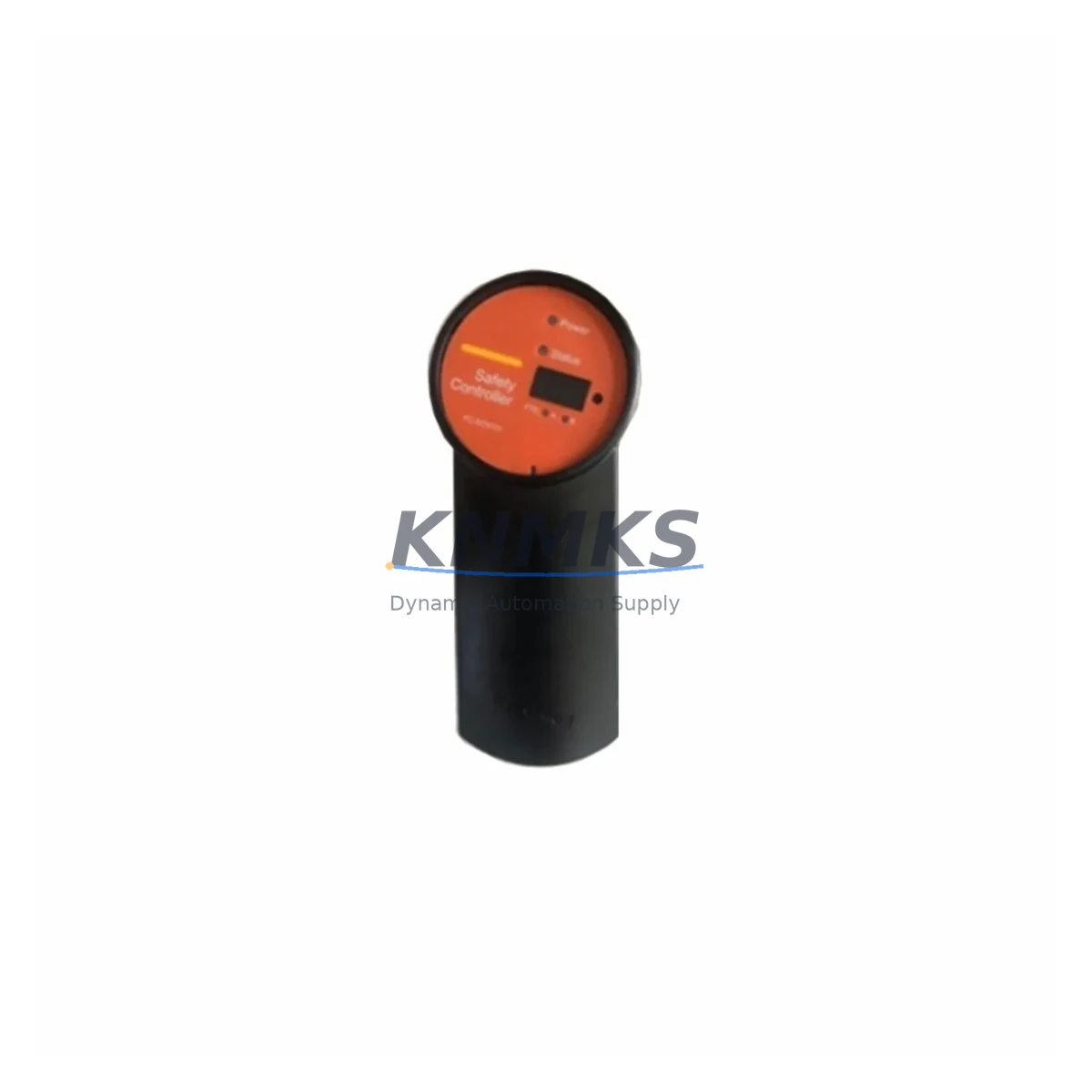
Honeywell FC-SCNT02 Maintenance-Proven Spare Part for Factory Uptime
The Honeywell FC-SCNT02 is a Safety Controller Network Interface module designed for the Experion PKS Safety Manager platform — one of the most widely deployed safety instrumented systems (SIS) in refining, petrochemical, power generation, and continuous process industries. As a maintenance-proven spare part, the FC-SCNT02 plays a critical role in sustaining SIL-rated safety loops, ensuring network communication integrity between the Safety Manager controller and the process control network, and enabling rapid fault recovery during unplanned shutdowns.
For maintenance engineers managing aging Experion PKS installations, holding a verified FC-SCNT02 spare in the control room cabinet is not optional — it is a fundamental element of any credible spare parts strategy. When this module fails, the entire safety controller node loses its network visibility, triggering forced shutdowns or bypassed safety functions that expose the facility to regulatory and operational risk. Having a tested, original-quality replacement on hand reduces mean time to repair (MTTR) from days to hours.
Spare Maintenance Table
| Parameter | Specification |
|---|---|
| SKU / Part Number | FC-SCNT02 (also cross-referenced as FC-TCNT11, FC-SCNT01, FC-SSWM01, CC-SDRX01) |
| Brand / Manufacturer | Honeywell Process Solutions |
| Series / Platform | Experion PKS Safety Manager (SM) |
| Module Function | Safety Controller Network Interface — dual-redundant Ethernet communication |
| Communication Protocol | FTE (Fault Tolerant Ethernet) / Modbus TCP compatible |
| Power Supply Requirement | Supplied via Safety Manager backplane (24 VDC internal bus) |
| Operating Temperature | 0°C to 60°C (32°F to 140°F) |
| Humidity | 5% to 95% RH, non-condensing |
| Mounting | DIN-rail backplane slot, Safety Manager chassis |
| Compatibility | Honeywell Safety Manager R100–R400 series, Experion PKS C300/C200 integration |
| Application Environment | SIL 2/3 safety loops, refinery, petrochemical, power, offshore platforms |
| Maintenance Recommendation | Inspect annually; replace on first communication fault or redundancy loss event |
| Origin | USA (Honeywell Process Solutions) |
| Support terms | 12 Months — tested and verified before shipment |
Maintenance Planning for Continuous Operation
Replacing the FC-SCNT02 in the field is rarely an isolated task. Experienced maintenance engineers know that a network interface fault in the Safety Manager is often symptomatic of broader stress in the control cabinet — and a disciplined replacement workflow should include inspection of adjacent components to prevent repeat failures and unplanned downtime.
Begin with the FC-SSWM01 Safety Manager Watchdog Module, which works in tandem with the FC-SCNT02 to monitor controller health. A degraded watchdog can mask intermittent network faults and lead to misdiagnosis. Next, verify the FC-SCNT01 Safety Controller Module itself — if the network interface has failed under thermal or electrical stress, the controller logic board may show early signs of wear that warrant proactive replacement before the next scheduled turnaround.
Inspect the Safety Manager backplane for corrosion, loose connector pins, or thermal discoloration at the FC-SCNT02 slot. Backplane connector degradation is a common root cause of intermittent communication faults that are incorrectly attributed to the module itself. While the cabinet is open, check the 24 VDC power supply rail feeding the Safety Manager chassis — voltage ripple or sag under load can cause spurious resets of the network interface module.
For sites running Experion PKS with integrated C300 or C200 controllers, also inspect the CC-SDRX01 redundancy module and associated FTE switch ports. A degraded FTE network segment can cause the FC-SCNT02 to report false communication errors even when the module itself is functional. Verify switch port statistics and cable integrity on both FTE A and FTE B paths before condemning the module.
Finally, review the FC-TCNT11 Terminal Controller Network Interface if installed in the same cabinet — this module shares the same FTE infrastructure and a common failure mode under sustained high-humidity or vibration environments. Procurement engineers should consider stocking the FC-SCNT02 alongside the FC-SCNT01 and FC-SSWM01 as a matched spare set to cover the most critical failure points in a single Safety Manager node, minimizing the number of emergency purchase orders during a shutdown event.
Site Replacement Workflow
Step 1 — Pre-Replacement Verification: Confirm the FC-SCNT02 fault via Experion PKS Station alarm summary and Safety Manager diagnostic display. Document the active fault code and check whether the redundant network path (FTE B) is still operational before initiating any physical intervention.
Step 2 — Safety Bypass Authorization: Follow site MOC (Management of Change) and SIS bypass procedures. Notify the control room operator and obtain written bypass authorization for the affected safety loop(s) before removing the module. Ensure the Safety Manager is in the correct maintenance mode to allow hot-swap if supported by your firmware revision.
Step 3 — Module Removal and Inspection: Power down the affected slot if hot-swap is not supported. Remove the FC-SCNT02 and inspect the backplane connector and adjacent slot connectors for damage. Photograph the installation before removal for reference during reinstallation.
Step 4 — Spare Installation and Configuration: Insert the replacement FC-SCNT02. The module will auto-configure from the Safety Manager controller upon power-up in most firmware revisions — verify this behavior against your site’s Honeywell revision documentation. Confirm FTE A and FTE B link LEDs illuminate and that the module appears healthy in the Experion PKS Station hardware tree within 60 seconds of power-up.
Step 5 — Functional Test and Bypass Removal: Perform a communication loop test from the Experion PKS Station to confirm end-to-end data integrity. Remove the safety bypass in accordance with site procedures and confirm all safety functions return to normal state. Update the maintenance log with the replacement date, module serial number, and post-replacement test results.
This workflow is compatible with Honeywell Safety Manager R100 through R400 series and supports seamless migration from older FC-SCNT01 installations without requiring controller reconfiguration, significantly reducing replacement time and the risk of configuration errors during emergency repairs.
Spare Parts Support FAQ
Q1: Is the FC-SCNT02 a direct replacement for the FC-SCNT01?
Yes. The FC-SCNT02 is the current-generation replacement for the FC-SCNT01 Safety Controller Network Interface. It is backward-compatible with Safety Manager R100–R400 series chassis and requires no firmware changes in most installations. Always verify your site’s specific firmware revision against Honeywell’s compatibility matrix before installation.
Q2: How is the FC-SCNT02 tested before shipment?
Every FC-SCNT02 unit supplied by KNMKS undergoes functional power-on testing and communication verification prior to shipment. Units are inspected for physical integrity, connector condition, and firmware version. A test report is available upon request. All units are covered by a support terms confirmed by quotation from the date of shipment.
Q3: What is the recommended inventory strategy for FC-SCNT02 spares?
For facilities operating one to three Safety Manager nodes, we recommend maintaining a minimum of one FC-SCNT02 on-site at all times. Sites with four or more nodes, or those subject to extended lead times from the OEM, should consider a two-unit buffer. Pairing the FC-SCNT02 with an FC-SCNT01 and FC-SSWM01 as a matched spare set provides comprehensive coverage for the most critical failure points in a Safety Manager node.
Q4: Can KNMKS support long-term supply of FC-SCNT02 for multi-year maintenance contracts?
Yes. KNMKS maintains stock of FC-SCNT02 and cross-referenced part numbers including FC-TCNT11, FC-SCNT01, FC-SSWM01, and CC-SDRX01 to support annual maintenance contracts, turnaround planning, and emergency procurement. Contact our team to discuss framework agreements, reserved stock arrangements, and priority shipment options for critical spare parts programs.
© 2026 KNMKS. All rights reserved.
Original Source: https://knmks.com
Contact: admin@knmks.com | +86 18359268345
Product Identification
- Brand / Ecosystem
-
Honeywell
Honeywell - Model / Series
-
FC-SCNT02/FC-TCNT11/FC-SCNT01/FC-SSWM01/CC-SDRX01
Experion PKS Series - Product Family
- PLCs & Controllers
- Availability Status
- Available on request after model and quantity confirmation
- Inquiry Type
- B2B RFQ, replacement inquiry and project spare-part request
- Pre-Quote Check
- Exact SKU, brand, series, quantity, nameplate photos and destination country are checked before quotation
System Path
Where this product fits in the KNMKS automation structure.
Specification & Inquiry Focus
- Control platform
- PLC, PAC and modular controllers
- Common needs
- CPU, rack, power and I/O expansion
- Project support
- Replacement, cabinet build and maintenance
Buyer Confirmation
Information KNMKS checks before replying.
- Exact model
- FC-SCNT02/FC-TCNT11/FC-SCNT01/FC-SSWM01/CC-SDRX01
- Brand / ecosystem
- Honeywell
- Product family
- PLCs & Controllers
- Application note
- Replacement, maintenance, project build or spare-part list
- Useful photos
- Nameplate, installed unit, cabinet layout or connector side
- Delivery details
- Quantity, destination country and target schedule
Document Support
Files and notes can be confirmed during quotation.
- Product photos or nameplate confirmation when available
- Packing and delivery notes before quotation confirmation
- Support scope and delivery terms confirmed per inquiry
- Export document coordination for qualified B2B requests
Inquiry Support
- Model cross-checking before quotation
- CPU, power, rack and expansion module matching
- Support for replacement and project inquiry
What to Send Us
- Brand and exact model number: Honeywell FC-SCNT02/FC-TCNT11/FC-SCNT01/FC-SSWM01/CC-SDRX01
- Quantity and required delivery time
- Application, replacement requirement or nameplate photo
- Destination country and shipping preference
RFQ Preparation
This is a product inquiry page built for RFQ communication.
Fast Model Check
Send this model to KNMKS for confirmation.
Include quantity, destination country and photos if this is a maintenance replacement. The inquiry will be saved with a reference number after submission.
Brand & Compatibility Note
KNMKS displays automation product information for well-known industrial brand ecosystems and compatible replacement references. Brand names are used for product identification and compatibility reference only; final availability and commercial terms are confirmed per quotation.
 Manufacturing
 Machine Tools
 Packaging
 Energy & Power



 HMI & Displays
 Servo Systems
 Variable Frequency Drives
 Sensors