
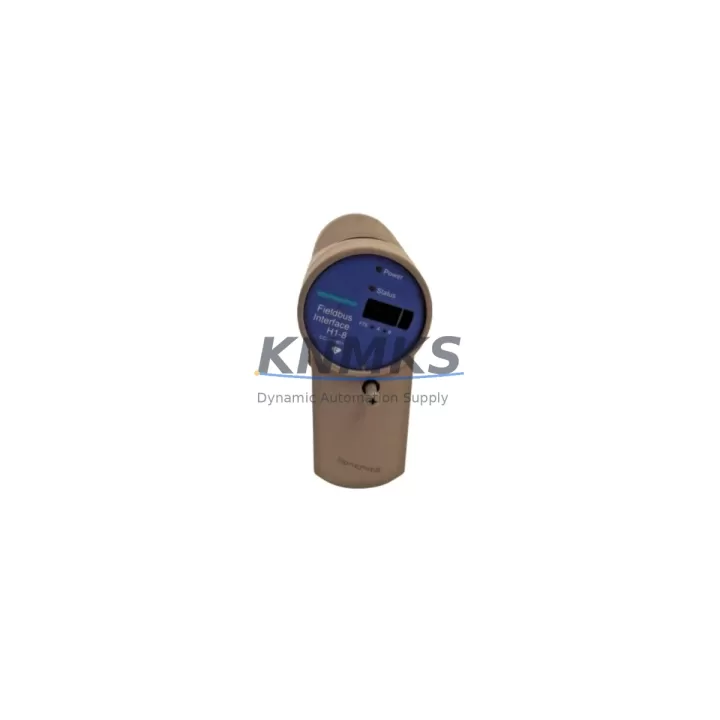
Overview
Honeywell CC-PFB801 51410087-175 Migration-Ready FF-H1 Fieldbus for Legacy Control Systems
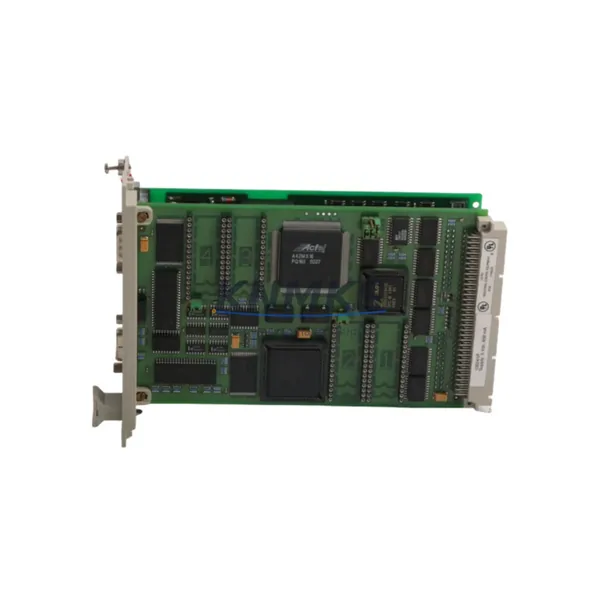
The Honeywell CC-PFB801 (part number 51410087-175) is a Foundation Fieldbus H1 (FF-H1) interface module designed for the Experion PKS distributed control system platform. As aging C200 and C300 controller-based systems approach end-of-support milestones, the CC-PFB801 remains a critical spare part and retrofit component for facilities that depend on fieldbus-connected instrumentation across petrochemical, refining, power generation, and water treatment applications.
This module provides two FF-H1 fieldbus segments per card, enabling direct communication with field devices such as smart transmitters, control valves, and analyzers that use the Foundation Fieldbus protocol. In legacy system environments where replacing the entire DCS infrastructure is not feasible, maintaining a validated stock of CC-PFB801 modules is essential to sustaining fieldbus segment integrity and avoiding unplanned shutdowns.
When planning a retrofit or spare parts replenishment, engineers must verify the chassis slot assignment within the C200 or C300 controller chassis, confirm that the IOTA base (CC-TPFB01) is present and undamaged, and validate that the Experion PKS server software version supports the firmware revision on the replacement module. Mismatched firmware between the CC-PFB801 and the Experion R4xx or R5xx release can result in segment communication faults that require a full module re-initialization before fieldbus devices are recognized.
During a live system migration or hot-swap replacement, it is strongly recommended to export the current fieldbus device tag list and segment configuration from Experion Control Builder before removing the failed module. This preserves the device address assignments, PID block parameters, and alarm limits that would otherwise require manual re-entry after the new CC-PFB801 is installed. Facilities running redundant C300 controllers paired with the CC-PFB801 should also confirm that the partner controller’s fieldbus segments remain active during the swap to maintain process continuity.
Power budget verification is a mandatory step before commissioning a replacement CC-PFB801. Each FF-H1 segment supports a defined number of bus-powered field devices, and adding or replacing devices without recalculating the segment power draw can cause intermittent device dropouts. The CC-PFB801 works in conjunction with the Honeywell CC-PWRR01 redundant power supply module and the CC-SCMB02 system cabinet module bus to distribute conditioned power across the chassis. Any degradation in the power supply chain will directly affect fieldbus segment stability.
For facilities upgrading from older Honeywell TDC 3000 or PlantScape systems to Experion PKS, the CC-PFB801 is frequently part of the migration bill of materials alongside the CC-PCNT01 process controller node module and the CC-LINK01 Ethernet communication module. These components collectively enable the new Experion architecture to interface with existing field wiring and instrumentation without requiring a full instrument replacement campaign, significantly reducing migration cost and schedule risk.
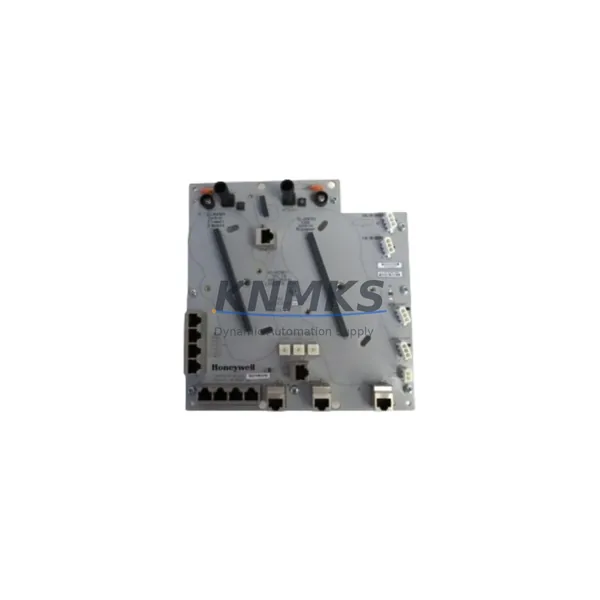
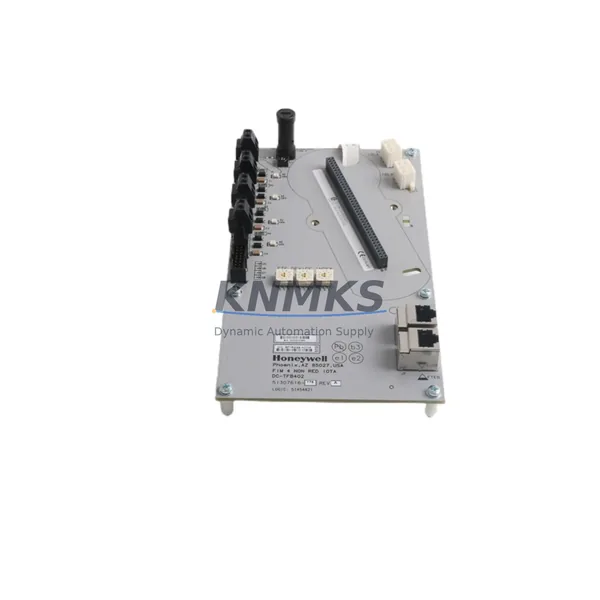
Terminal wiring compatibility must be confirmed against the original IOTA drawing. The CC-PFB801 uses the CC-TPFB01 IOTA, which provides screw-terminal connections for the two FF-H1 segment pairs. Field cable polarity, shielding continuity, and termination resistor placement at both ends of each segment should be verified before energizing the replacement module. Incorrect termination is one of the most common causes of fieldbus communication errors following a module swap.
All CC-PFB801 units supplied by KNMKS are sourced from verified industrial channels, subjected to pre-shipment functional testing, and shipped with a support terms confirmed by quotation covering manufacturing defects and operational failures under normal service conditions. Stock is maintained to support urgent spare part requests and planned maintenance windows across global customer sites.
Migration Compatibility Table
| Parameter | CC-PFB801 (51410087-175) | Retrofit Notes |
|---|---|---|
| Compatible Platform | Experion PKS (C200, C300) | Confirm Experion R-series software version before installation |
| Fieldbus Protocol | Foundation Fieldbus H1 (FF-H1) | Not compatible with PROFIBUS or HART-only segments |
| Segments per Module | 2 × FF-H1 segments | Verify device count and power budget per segment |
| IOTA Base Required | CC-TPFB01 | Inspect IOTA for terminal damage before reuse |
| Chassis Slot | C200 / C300 I/O chassis | Confirm slot address in Control Builder configuration |
| Communication Link | FTE (Fault Tolerant Ethernet) backplane | Verify backplane continuity and FTE switch port assignment |
| Firmware Compatibility | Experion R400 – R520+ | Match firmware revision to Experion server release |
| Installation Space | Single-slot C-series chassis card | No additional space required vs. original module |
| Replacement Path | Direct drop-in for CC-PFB801 variants | Confirm part suffix (-175) matches site BOM |
| Support terms | 12 Months | Covers manufacturing defects under normal operating conditions |
Retrofit Planning for Existing Automation Systems
A successful CC-PFB801 retrofit begins with a thorough audit of the existing Experion PKS chassis configuration. Engineers should document all occupied slots in the C200 or C300 chassis, noting the position of adjacent modules such as the CC-PDOB01 digital output module, CC-PAIH01 analog input module, and any CC-LINK01 communication interface cards. This inventory ensures that the replacement CC-PFB801 is installed in the correct slot and that no address conflicts are introduced into the controller configuration.
The CC-SCMB02 system cabinet module bus and the CC-PWRR01 redundant power supply should be inspected as part of the retrofit scope. A degraded power supply or a loose backplane connector can cause the new CC-PFB801 to report communication faults even when the module itself is fully functional. Replacing the CC-PFB801 without addressing upstream power or backplane issues is a common source of repeat failures in aging control cabinets.
For sites migrating from legacy Honeywell HPM (High-Performance Process Manager) hardware to Experion PKS, the fieldbus architecture typically requires a parallel commissioning phase where the new CC-PFB801 segments are brought online alongside the existing HLAI and LLAI I/O cards before the cutover. This approach allows the control team to validate fieldbus device communication, confirm PID block downloads, and verify HMI graphic updates without interrupting the running process.
Programming cable access to the Experion server and a laptop running Control Builder are required during commissioning. The technician must assign the new module’s hardware tag, download the updated controller configuration, and perform a live fieldbus device scan to confirm that all instruments on both FF-H1 segments are communicating correctly. Any device showing a “Bad” status after the scan should be investigated for wiring faults, incorrect device address, or power budget overload before the system is returned to automatic control.
Downtime Control During System Migration
Minimizing downtime during a CC-PFB801 replacement requires advance preparation and a clearly defined cutover sequence. The recommended approach is to schedule the replacement during a planned maintenance window, pre-stage the replacement module at the site, and have the Experion Control Builder configuration file backed up and verified before the work begins.
If the failed CC-PFB801 is in a non-redundant configuration, the fieldbus devices on both affected segments will lose communication from the moment the module is removed until the replacement is installed and the controller configuration is downloaded. To reduce this exposure, the control team should place all affected PID loops in manual mode and notify the operations team before beginning the swap. Loops that cannot be placed in manual due to process safety requirements should be evaluated for temporary bypass or alternative control strategies before the maintenance window is approved.
In redundant C300 controller configurations, the partner controller continues to manage the process during the module replacement, provided the redundancy switchover has been tested and confirmed functional prior to the maintenance event. After the new CC-PFB801 is installed and the primary controller configuration is downloaded, the redundancy status should be verified in Experion Station before returning loops to automatic control.
Post-replacement verification should include a full fieldbus device status check, a review of the Experion alarm summary for any new communication alarms, and a confirmation that all HMI graphics are displaying live values from the fieldbus instruments. Documenting the as-found and as-left condition of the module, including firmware version and segment device count, supports future maintenance planning and spare parts forecasting.
Retrofit Support FAQ
Q1: Is the CC-PFB801 (51410087-175) a direct drop-in replacement for all CC-PFB801 variants?
The -175 suffix designates a specific hardware revision. In most Experion PKS installations, this revision is interchangeable with other CC-PFB801 variants, but the site BOM and Experion server compatibility matrix should be checked before ordering. KNMKS can assist with revision verification based on your Experion software release.
Q2: What pre-shipment testing is performed on the CC-PFB801?
All units undergo functional verification prior to shipment, including power-on self-test confirmation and visual inspection for physical damage. Units are packaged in anti-static materials and shipped with documentation. A support terms confirmed by quotation is included from the date of shipment.
Q3: Can the CC-PFB801 be used in a system running an older Experion R-series release?
Compatibility depends on the firmware revision of the module and the Experion server software version. Modules with newer firmware revisions may not be fully supported on older Experion releases. KNMKS recommends confirming the target Experion version before purchase to ensure firmware alignment.
Q4: What is the typical lead time and do you maintain stock?
KNMKS maintains inventory of the CC-PFB801 to support urgent spare part requests and planned maintenance schedules. Lead time for in-stock units is typically 3–7 business days for international shipments. Contact admin@knmks.com or +86 18359268345 for current availability and expedited shipping options.
© 2026 KNMKS. All rights reserved.
Original Source: https://knmks.com
Contact: admin@knmks.com | +86 18359268345
Product Identification
- Brand / Ecosystem
-
Honeywell
Honeywell - Model / Series
-
51410087-175 CC-PFB801
Experion PKS Series - Product Family
- Relays & Interface
- Availability Status
- Available on request after model and quantity confirmation
- Inquiry Type
- B2B RFQ, replacement inquiry and project spare-part request
- Pre-Quote Check
- Exact SKU, brand, series, quantity, nameplate photos and destination country are checked before quotation
System Path
Where this product fits in the KNMKS automation structure.
Specification & Inquiry Focus
- Interface range
- Relays, isolation and signal modules
- Common needs
- Coil voltage and contact rating
- Project support
- Panel wiring and signal protection
Buyer Confirmation
Information KNMKS checks before replying.
- Exact model
- 51410087-175 CC-PFB801
- Brand / ecosystem
- Honeywell
- Product family
- Relays & Interface
- Application note
- Replacement, maintenance, project build or spare-part list
- Useful photos
- Nameplate, installed unit, cabinet layout or connector side
- Delivery details
- Quantity, destination country and target schedule
Document Support
Files and notes can be confirmed during quotation.
- Product photos or nameplate confirmation when available
- Packing and delivery notes before quotation confirmation
- Support scope and delivery terms confirmed per inquiry
- Export document coordination for qualified B2B requests
Inquiry Support
- Relay base and module matching
- Signal isolation and protection options
- Panel accessory inquiry support
What to Send Us
- Brand and exact model number: Honeywell 51410087-175 CC-PFB801
- Quantity and required delivery time
- Application, replacement requirement or nameplate photo
- Destination country and shipping preference
RFQ Preparation
This is a product inquiry page built for RFQ communication.
Fast Model Check
Send this model to KNMKS for confirmation.
Include quantity, destination country and photos if this is a maintenance replacement. The inquiry will be saved with a reference number after submission.
Brand & Compatibility Note
KNMKS displays automation product information for well-known industrial brand ecosystems and compatible replacement references. Brand names are used for product identification and compatibility reference only; final availability and commercial terms are confirmed per quotation.
 Manufacturing
 Machine Tools
 Packaging
 Energy & Power
 PLCs & Controllers
 HMI & Displays
 Servo Systems
 Variable Frequency Drives