
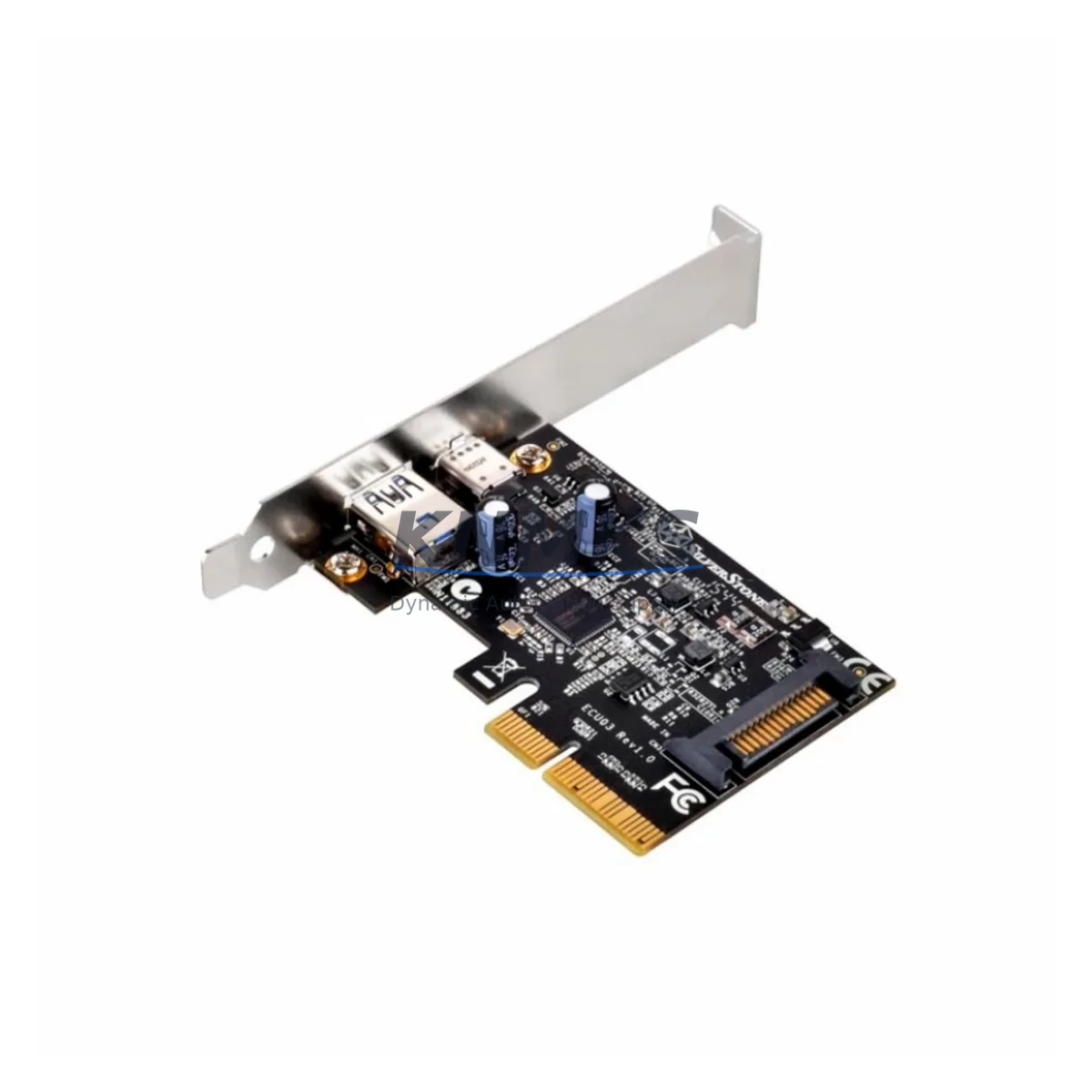
Overview
Honeywell CC-PCI031 Maintenance-Proven Spare Part for Factory Uptime
The Honeywell CC-PCI031 is a PCI Interface Module purpose-built for the Experion PKS C300 Controller platform — one of the most widely deployed distributed control system (DCS) architectures in refining, petrochemical, power generation, and advanced manufacturing environments. As a critical communication bridge between the C300 controller and the PCI backplane, the CC-PCI031 directly governs the integrity of process data exchange, I/O scanning, and controller-to-field device communication. When this module fails or degrades, the consequences extend far beyond a single loop: entire control cabinets can lose supervisory visibility, alarm management becomes unreliable, and unplanned shutdowns become unavoidable.
Sourced as an original Honeywell spare, each CC-PCI031 unit we supply undergoes pre-shipment functional verification to confirm slot recognition, backplane communication handshake, and firmware compatibility with current Experion PKS release levels. Our global dispatch capability ensures that maintenance teams facing emergency replacement scenarios can receive verified stock within the shortest possible lead time — a critical advantage when production continuity is at stake.
For maintenance engineers managing aging Experion PKS installations, the CC-PCI031 represents a non-negotiable line item in any serious spare parts strategy. Its role in sustaining C300 controller uptime makes it a priority stocking item for facilities operating continuous processes where even brief interruptions carry significant financial and safety consequences. Our support terms confirmed by quotation cover the full operational lifecycle of the replacement, giving procurement teams the confidence to plan long-term without exposure to early-failure risk.
Spare Maintenance Table
| Parameter | Specification / Detail |
|---|---|
| Part Number | CC-PCI031 |
| Description | PCI Interface Module |
| Compatible Platform | Honeywell Experion PKS — C300 Controller Series |
| Module Function | PCI backplane interface; controller-to-I/O communication bridge |
| Installation Type | Backplane slot-mount; hot-swap capable (system-dependent) |
| Communication Interface | PCI bus; Experion PKS proprietary protocol |
| Firmware Compatibility | Compatible with current and legacy Experion PKS firmware releases |
| Operating Temperature | 0°C to 60°C (32°F to 140°F) |
| Humidity | 5% to 95% RH, non-condensing |
| Power Supply Requirement | Supplied via backplane; verify CC-PWR001 or equivalent PSU output |
| Mounting Environment | Control cabinet / DCS enclosure; IEC 61010-compliant installation |
| Origin | United States |
| Condition | Original Honeywell spare; pre-shipment tested |
| Support terms | 12 Months from date of dispatch |
| Dispatch | Global; expedited available for emergency replacement |
Maintenance Planning for Continuous Operation
Replacing the CC-PCI031 in an Experion PKS C300 cabinet is rarely an isolated task. Experienced maintenance engineers treat any PCI interface module replacement as a trigger for a broader cabinet inspection — because the conditions that degrade a PCI module (power fluctuations, thermal stress, vibration, or firmware conflicts) typically affect adjacent components simultaneously.
Begin with the backplane power supply. The CC-PWR001 or its redundant counterpart should be load-tested before the new CC-PCI031 is commissioned; an undersized or aging PSU is a leading cause of premature module failure. Next, inspect the C300 Controller module (CC-PCF901 or CC-PCF902) itself — firmware version alignment between the controller and the replacement PCI interface module is mandatory to avoid communication faults post-installation.
I/O link integrity is the next priority. The CC-LINK01 or equivalent FIM (Field Interface Module) connecting the C300 to remote I/O cabinets should be checked for signal degradation, especially in installations where cable runs exceed recommended lengths or pass through high-EMI zones. Simultaneously, review the CC-TCF901 or equivalent termination assembly for corrosion, loose terminations, or thermal damage — these are common failure points in high-cycle process environments.
Communication module health is equally important. If the cabinet includes a CC-SCMB01 Series Communication Module or a redundant server communication interface, verify that the module’s diagnostic LEDs show normal status and that no latent faults are logged in the Experion Station event journal. For cabinets with integrated safety instrumented system (SIS) interfaces, confirm that the safety I/O modules remain isolated and unaffected by the PCI replacement procedure.
Finally, inspect cabinet-level protection: fuse ratings on the 24VDC distribution rail, surge protection devices on incoming power feeds, and the condition of DIN rail terminal blocks adjacent to the C300 chassis. A complete cabinet inspection at the time of CC-PCI031 replacement is the most cost-effective way to prevent secondary failures within the same maintenance window.
Site Replacement Workflow
Step 1 — Pre-Replacement Verification: Confirm the replacement CC-PCI031 part number and firmware revision against the installed Experion PKS version. Download the current controller configuration backup via Experion Control Builder before any hardware change. Verify that the replacement unit has passed pre-shipment testing and that the support terms confirmed by quotation documentation is on file.
Step 2 — Safe Isolation: Follow site-specific LOTO (Lockout/Tagout) procedures. For non-redundant C300 configurations, coordinate with the control room to place affected loops in manual mode before module extraction. For redundant configurations, initiate a controlled switchover to the secondary controller before removing the primary PCI module.
Step 3 — Module Extraction and Inspection: Remove the CC-PCI031 from its backplane slot. Inspect the slot connector for bent pins, debris, or oxidation. Clean the slot with approved contact cleaner if contamination is present. Document the physical condition of the removed module for failure analysis records.
Step 4 — Replacement Installation: Seat the new CC-PCI031 firmly into the backplane slot. Verify that the module locking mechanism engages correctly. Power up the cabinet and observe the module’s status LEDs during initialization. Confirm that the Experion Station recognizes the module and that no hardware fault alarms are generated.
Step 5 — Functional Verification: Restore controller loops from manual to automatic mode progressively. Verify I/O scan rates, alarm response times, and historian data continuity. Log the replacement in the site CMMS (Computerized Maintenance Management System) with the new module’s serial number and support terms expiry date.
This workflow minimizes downtime exposure, maintains system compatibility, and creates an auditable maintenance record — all critical requirements for facilities operating under IEC 61511, ISA-99, or equivalent process safety and cybersecurity standards.
Spare Parts Support FAQ
Q1: Is the CC-PCI031 compatible with all Experion PKS C300 firmware versions?
The CC-PCI031 is designed for the Experion PKS C300 platform and is compatible with a broad range of firmware releases. However, we recommend confirming the specific Experion PKS release level installed at your site before ordering. Our technical team can assist with compatibility verification based on your system’s current software version and controller configuration.
Q2: What pre-shipment testing does each CC-PCI031 unit undergo?
Every CC-PCI031 we dispatch undergoes functional verification including backplane slot recognition, PCI bus communication handshake, and LED status confirmation. Units that do not pass all test criteria are quarantined and not dispatched. Test records are available upon request for quality assurance documentation purposes.
Q3: How should the CC-PCI031 be stored as a long-term spare?
Store the module in its original anti-static packaging in a climate-controlled environment: temperature 15°C–25°C, humidity below 60% RH, away from direct sunlight and electromagnetic sources. Inspect the module annually for physical condition and verify that the storage environment remains within specification. Rotate stock on a first-in, first-out basis to maintain spare freshness.
Q4: What is covered under the support terms confirmed by quotation?
The support terms confirmed by quotation cover manufacturing defects, component failures under normal operating conditions, and firmware-related initialization failures attributable to the module itself. It does not cover damage resulting from incorrect installation, overvoltage events, physical impact, or use outside the specified environmental range. Support requests are processed with full replacement dispatch priority to minimize site downtime.
© 2026 KNMKS. All rights reserved.
Original Source: https://knmks.com
Contact: admin@knmks.com | +86 18359268345
Product Identification
- Brand / Ecosystem
-
Honeywell
Honeywell - Model / Series
-
CC-PCI031
Experion PKS Series - Product Family
- PLCs & Controllers
- Availability Status
- Available on request after model and quantity confirmation
- Inquiry Type
- B2B RFQ, replacement inquiry and project spare-part request
- Pre-Quote Check
- Exact SKU, brand, series, quantity, nameplate photos and destination country are checked before quotation
System Path
Where this product fits in the KNMKS automation structure.
Specification & Inquiry Focus
- Control platform
- PLC, PAC and modular controllers
- Common needs
- CPU, rack, power and I/O expansion
- Project support
- Replacement, cabinet build and maintenance
Buyer Confirmation
Information KNMKS checks before replying.
- Exact model
- CC-PCI031
- Brand / ecosystem
- Honeywell
- Product family
- PLCs & Controllers
- Application note
- Replacement, maintenance, project build or spare-part list
- Useful photos
- Nameplate, installed unit, cabinet layout or connector side
- Delivery details
- Quantity, destination country and target schedule
Document Support
Files and notes can be confirmed during quotation.
- Product photos or nameplate confirmation when available
- Packing and delivery notes before quotation confirmation
- Support scope and delivery terms confirmed per inquiry
- Export document coordination for qualified B2B requests
Inquiry Support
- Model cross-checking before quotation
- CPU, power, rack and expansion module matching
- Support for replacement and project inquiry
What to Send Us
- Brand and exact model number: Honeywell CC-PCI031
- Quantity and required delivery time
- Application, replacement requirement or nameplate photo
- Destination country and shipping preference
RFQ Preparation
This is a product inquiry page built for RFQ communication.
Fast Model Check
Send this model to KNMKS for confirmation.
Include quantity, destination country and photos if this is a maintenance replacement. The inquiry will be saved with a reference number after submission.
Brand & Compatibility Note
KNMKS displays automation product information for well-known industrial brand ecosystems and compatible replacement references. Brand names are used for product identification and compatibility reference only; final availability and commercial terms are confirmed per quotation.
 Manufacturing
 Machine Tools
 Packaging
 Energy & Power



 HMI & Displays
 Servo Systems
 Variable Frequency Drives
 Sensors