
Overview
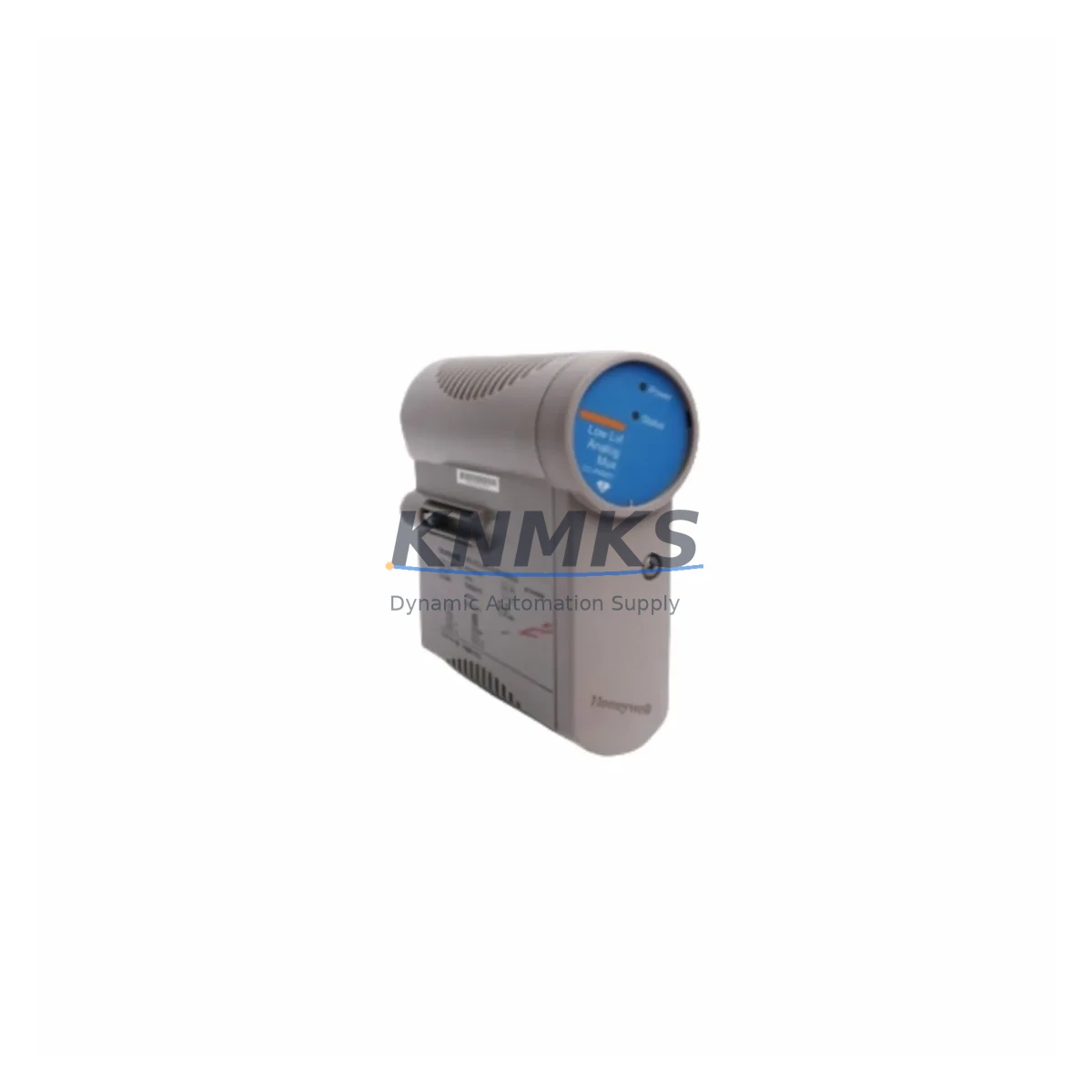
Honeywell CC-PAON01 Maintenance-Proven Spare for Factory Uptime
The Honeywell CC-PAON01 (Analog Output Module) and its paired input counterpart CC-PAIN01 are critical field I/O components within the Experion PKS C300 Controller architecture. Designed for continuous process environments — including refining, petrochemical, power generation, and advanced manufacturing — these modules handle precision analog signal conditioning between field instruments and the C300 controller node. Maintaining a verified spare of the CC-PAON01 and CC-PAIN01 in your on-site inventory is a foundational element of any credible maintenance strategy for Honeywell DCS installations.
For maintenance engineers managing aging Experion PKS systems, the CC-PAON01 represents one of the highest-priority spare parts to stock. Analog output failures are among the most disruptive fault modes in process control: a single failed channel can force a loop into manual mode, trigger interlock sequences, or cause unplanned shutdowns. Procurement engineers sourcing replacement modules should verify OEM part numbers, firmware revision compatibility, and channel count before committing to a purchase — all of which are confirmed prior to dispatch from our inventory.
Our stock of CC-PAON01 and CC-PAIN01 modules is sourced from authorized supply chains, pre-shipment tested under load conditions, and shipped with full traceability documentation. Each unit carries a support terms confirmed by quotation covering manufacturing defects and functional performance. Global dispatch is available with lead times designed to support emergency maintenance windows as well as planned annual turnarounds.
Spare Maintenance Table
| Part Number | CC-PAON01 / CC-PAIN01 |
| Brand | Honeywell |
| Series | Experion PKS — C300 Controller Platform |
| Module Type | Analog Output / Analog Input I/O Module |
| Signal Range | 4–20 mA (standard HART-compatible) |
| Channel Count | 8 channels per module (typical C300 configuration) |
| Backplane Interface | C300 FIM / IOLINK backplane slot |
| Power Supply Requirement | 24 VDC via backplane (no external PSU required) |
| Operating Temperature | 0°C to 60°C (32°F to 140°F) |
| Humidity | 5–95% RH, non-condensing |
| Mounting | Hot-swap capable on C300 I/O chassis |
| Compatibility | Experion PKS R310 and above; C300 Controller Node |
| Origin | United States |
| Condition | Original OEM — New or Refurbished (tested) |
| Support terms | 12 Months — Functional & Manufacturing Defect Coverage |
| Pre-Shipment Test | Yes — Channel-level functional verification |
| Lead Time | In-stock: 1–3 business days; Ex-stock: subject to availability |
| Application | Refining, Petrochemical, Power, Pulp & Paper, Advanced Manufacturing |
Maintenance Planning for Continuous Operation
When a CC-PAON01 or CC-PAIN01 module is flagged for replacement during a control cabinet inspection or fault isolation routine, experienced maintenance engineers know that the I/O module itself is rarely the only component requiring attention. A thorough site assessment should include the following adjacent components within the same C300 cabinet and electrical loop:
- C300 Controller Module (CC-PCF901 / CC-PCF902): Verify firmware version and redundancy status. A degraded controller node can cause false analog faults that mimic I/O module failures.
- IOLINK Field Interface Module (CC-FIM001): The FIM bridges the C300 controller to the I/O modules. Inspect for communication errors, LED fault indicators, and backplane connector wear before replacing the analog module.
- 24 VDC Backplane Power Supply: Confirm rail voltage stability under load. Voltage sag on the I/O backplane is a common root cause of intermittent analog channel faults. Replace or parallel-redundant power supplies should be stocked alongside analog I/O modules.
- HART Multiplexer or Signal Conditioner: For HART-enabled loops, inspect the multiplexer and any inline signal isolators. Degraded isolation can introduce ground loops that corrupt 4–20 mA readings and accelerate module wear.
- Terminal Blocks and Field Wiring: Inspect screw-clamp terminal blocks for corrosion, loose connections, and insulation breakdown. High-resistance terminations are a leading cause of analog drift and should be addressed during any I/O module replacement.
- Fuse Holders and Loop Protection: Verify fuse continuity on each analog output loop. Blown or degraded fuses on output channels can be misdiagnosed as module failures. Stock ceramic fuse cartridges rated for your loop voltage.
For annual turnaround planning, procurement engineers should consider stocking a minimum of one CC-PAON01 and one CC-PAIN01 per C300 node cluster, alongside a spare FIM module and a set of terminal block assemblies. This buffer supports rapid recovery from both scheduled maintenance and unplanned fault events without waiting on OEM lead times that can extend to 8–16 weeks for legacy DCS components.
Site Replacement Workflow
Replacing a CC-PAON01 or CC-PAIN01 in a live Experion PKS system follows a structured sequence to minimize loop disruption and ensure system compatibility:
- Fault Isolation: Use Experion Station or the C300 diagnostic interface to identify the specific faulted channel and confirm the module address. Document the current loop configuration and HART device tag assignments before proceeding.
- Loop Mode Transfer: Place all affected control loops in manual mode via the DCS operator station. Notify process operators and confirm safe operating conditions before removing the module.
- Hot-Swap Procedure: The C300 I/O chassis supports hot-swap replacement. Remove the faulted module by releasing the locking tab and sliding it free from the backplane. Insert the replacement CC-PAON01 or CC-PAIN01 and confirm the module LED status transitions from fault to normal within 30–60 seconds.
- Configuration Download: If the replacement module requires a configuration download, initiate this from the Experion Control Builder. Verify channel scaling, engineering units, and HART device assignments match the original configuration.
- Loop Verification: Return loops to automatic mode one at a time. Verify PV readings, output signals, and HART communication status at the field device level before releasing the system to normal operation.
- Documentation: Record the replacement in the site maintenance log, including the old module serial number, new module serial number, date, and technician ID. Retain the removed module for failure analysis if required.
This workflow is compatible with Experion PKS R310 and later releases. For older R300 or R210 installations, consult the site-specific C300 I/O replacement procedure and verify firmware compatibility before hot-swapping modules.
Spare Parts Support FAQ
Q1: Is the CC-PAON01 compatible with all Experion PKS C300 revisions?
The CC-PAON01 and CC-PAIN01 are designed for the Experion PKS C300 platform and are compatible with R310 and above. For R300 or earlier installations, firmware and hardware revision compatibility should be verified against the site’s C300 controller version. We provide compatibility confirmation prior to shipment upon request.
Q2: What does the support terms confirmed by quotation cover?
Our support terms confirmed by quotation cover manufacturing defects and functional performance failures under normal operating conditions. Each module is pre-shipment tested at the channel level before dispatch. Support requests are supported with replacement or repair, subject to failure analysis. Physical damage caused by incorrect installation, overvoltage, or environmental exposure is excluded.
Q3: Can you support long-term or blanket purchase orders for CC-PAON01 and CC-PAIN01?
Yes. We support long-term supply agreements and blanket PO arrangements for maintenance teams managing multi-site Honeywell DCS installations. Forward stock reservations are available for high-volume buyers, with agreed lead times and pricing locked for the contract period. Contact our sales team to discuss your annual maintenance volume and buffer stock requirements.
Q4: How do I verify the module is genuine OEM before installation?
All modules shipped from our inventory include OEM labeling, part number markings, and traceability documentation. We recommend verifying the module serial number against Honeywell’s part identification guidelines and confirming the firmware revision via the Experion Control Builder after installation. If you require a certificate of conformance or test report, this can be provided upon request prior to shipment.
© 2026 KNMKS. All rights reserved.
Original Source: https://knmks.com
Contact: admin@knmks.com | +86 18359268345
Product Identification
- Brand / Ecosystem
-
Honeywell
Honeywell - Model / Series
-
CC-PAON01 CC-PAIN01
Experion PKS Series - Product Family
- PLCs & Controllers
- Availability Status
- Available on request after model and quantity confirmation
- Inquiry Type
- B2B RFQ, replacement inquiry and project spare-part request
- Pre-Quote Check
- Exact SKU, brand, series, quantity, nameplate photos and destination country are checked before quotation
System Path
Where this product fits in the KNMKS automation structure.
Specification & Inquiry Focus
- Control platform
- PLC, PAC and modular controllers
- Common needs
- CPU, rack, power and I/O expansion
- Project support
- Replacement, cabinet build and maintenance
Buyer Confirmation
Information KNMKS checks before replying.
- Exact model
- CC-PAON01 CC-PAIN01
- Brand / ecosystem
- Honeywell
- Product family
- PLCs & Controllers
- Application note
- Replacement, maintenance, project build or spare-part list
- Useful photos
- Nameplate, installed unit, cabinet layout or connector side
- Delivery details
- Quantity, destination country and target schedule
Document Support
Files and notes can be confirmed during quotation.
- Product photos or nameplate confirmation when available
- Packing and delivery notes before quotation confirmation
- Support scope and delivery terms confirmed per inquiry
- Export document coordination for qualified B2B requests
Inquiry Support
- Model cross-checking before quotation
- CPU, power, rack and expansion module matching
- Support for replacement and project inquiry
What to Send Us
- Brand and exact model number: Honeywell CC-PAON01 CC-PAIN01
- Quantity and required delivery time
- Application, replacement requirement or nameplate photo
- Destination country and shipping preference
RFQ Preparation
This is a product inquiry page built for RFQ communication.
Fast Model Check
Send this model to KNMKS for confirmation.
Include quantity, destination country and photos if this is a maintenance replacement. The inquiry will be saved with a reference number after submission.
Brand & Compatibility Note
KNMKS displays automation product information for well-known industrial brand ecosystems and compatible replacement references. Brand names are used for product identification and compatibility reference only; final availability and commercial terms are confirmed per quotation.
 Manufacturing
 Machine Tools
 Packaging
 Energy & Power



 HMI & Displays
 Servo Systems
 Variable Frequency Drives
 Sensors