
Overview
Honeywell 2MLI-D21A-CC Migration-Ready DI Module: Legacy System Retrofit & Compatibility Upgrade
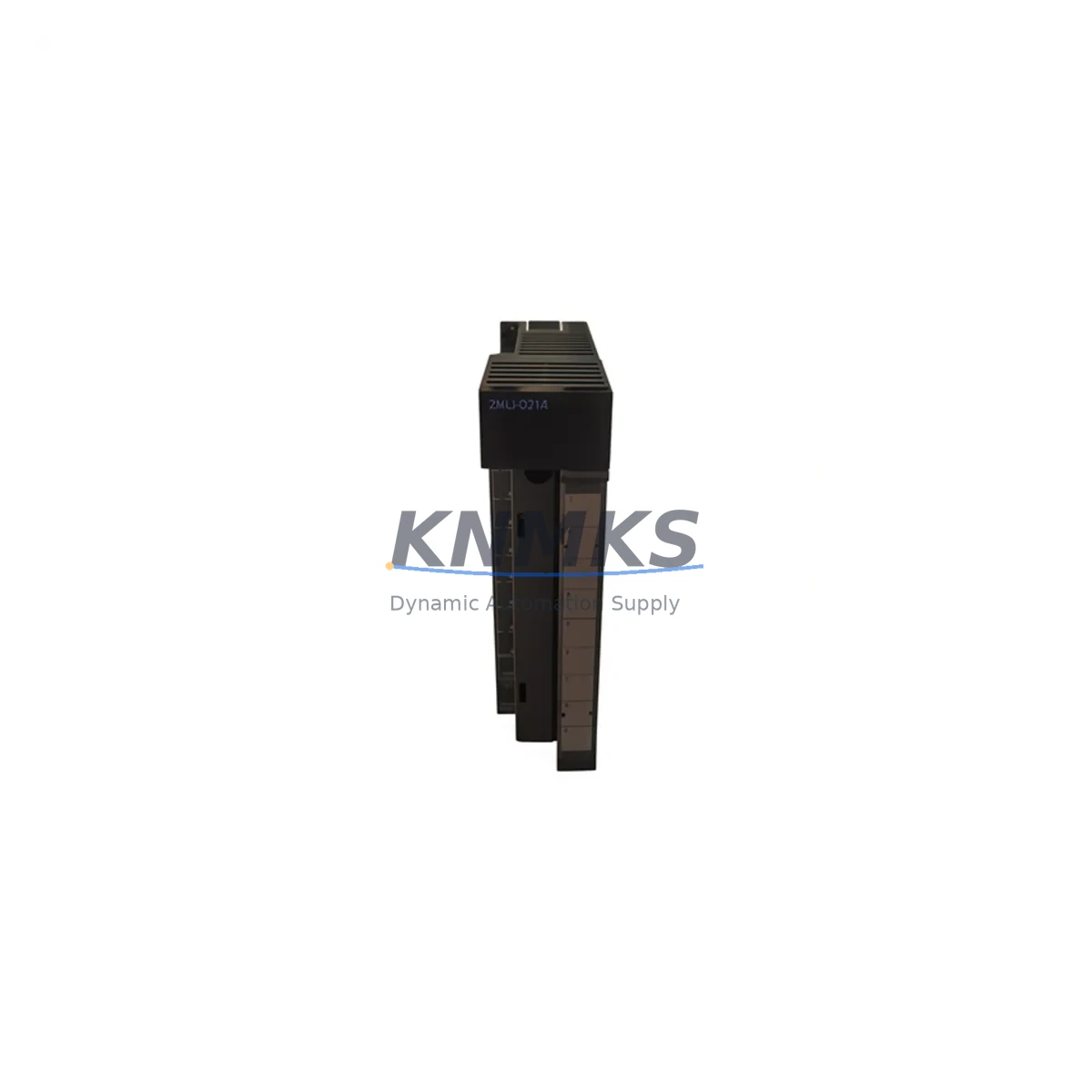
The Honeywell 2MLI-D21A-CC is a 32-channel Digital Input module engineered for the Honeywell Experion PKS and TDC 3000 distributed control platforms. As legacy automation infrastructure reaches end-of-life, this module serves as a verified, migration-ready replacement for discontinued DI cards across C300 controller cabinets and CIOM-A I/O link architectures. Whether you are managing a planned shutdown retrofit or an emergency spare replacement, the 2MLI-D21A-CC provides a direct-fit solution that preserves existing terminal wiring, backplane slot assignments, and controller logic without requiring program re-engineering.
Before committing to a replacement, engineers must confirm several critical parameters: the existing cabinet’s 24 VDC field power capacity, terminal block wiring polarity (sourcing vs. sinking), CIOM-A backplane slot addressing, module node ID configuration in Experion Builder, and the firmware revision running on the paired C300 controller. Mismatches in any of these areas can cause I/O link faults or missed scan cycles during commissioning. Our pre-shipment test procedure validates all 32 channels under simulated field load conditions, reducing on-site debug time significantly.
Migration Compatibility Table
| Parameter | 2MLI-D21A-CC Specification | Retrofit Consideration |
|---|---|---|
| Channel Count | 32 Digital Inputs | Verify existing wiring harness matches 32-ch terminal map |
| Input Voltage Range | 24 VDC (nominal) | Confirm cabinet power supply capacity before hot-swap |
| Backplane Interface | CIOM-A I/O Link | Incompatible with CIOM-B; verify backplane revision |
| Slot Addressing | Configurable via Experion Builder | Re-use existing node address; no re-download required if address unchanged |
| Controller Compatibility | C300 Controller (R400+) | Confirm C300 firmware ≥ R400 before installation |
| Communication Protocol | FTE (Fault Tolerant Ethernet) via C300 | No protocol migration required; FTE topology preserved |
| Terminal Wiring | Screw-terminal, field-removable | Existing field cables can be re-terminated without re-labeling |
| Installation Footprint | Standard CIOM-A chassis slot | 1:1 physical replacement; no cabinet modification needed |
| Replacement for | TDC 3000 DI cards, legacy Experion DI modules | Cross-reference legacy part number before ordering |
| Support terms | support terms confirmed by quotation | Covers manufacturing defects; DOA replacement within 7 days |
Retrofit Planning for Existing Automation Systems
A successful retrofit of the 2MLI-D21A-CC into an operating Experion PKS system requires a structured pre-outage checklist. Begin by exporting the current C300 controller configuration from Experion Builder and archiving the I/O assignment database. This protects the existing program logic and HMI faceplate bindings in case a rollback is needed. Next, verify that the CIOM-A chassis has an available slot or that the outgoing module’s slot address is correctly freed before insertion.
In many TDC 3000 to Experion PKS migration projects, the 2MLI-D21A-CC is installed alongside a Honeywell CC-PAIX01 analog input module and a CC-PDOB01 digital output module as part of a phased I/O cabinet upgrade. The CIOM-A backplane accommodates mixed module types, so DI, DO, and AI modules can coexist in the same chassis without additional hardware. For sites running redundant C300 controllers, the Honeywell CC-PCF901 FTE communication module must remain online throughout the swap to maintain network continuity.
Terminal wiring adaptation is often the most time-consuming step. If the legacy system used a different terminal block pitch or a marshalling cabinet with individual signal isolators, plan for re-termination time in the outage window. Signal isolators such as the MTL5041 or equivalent DIN-rail mounted units may need to remain in the loop if field devices operate outside the 2MLI-D21A-CC’s 24 VDC input range. For sites with HART-enabled field instruments, confirm that the DI module’s input impedance does not interfere with HART communication on shared wiring pairs.
HMI screen updates are typically minimal when replacing a like-for-like DI module, since Experion Station faceplates reference the controller tag database rather than the physical module address. However, if the legacy module used a different channel-to-tag mapping, the Experion Builder I/O assignment must be updated and a partial download executed to the C300 controller. Always perform a cold-start simulation in the engineering workstation before applying changes to the live controller. Programming cables such as the Honeywell MC-KFTA03 are recommended for direct serial access to the C300 during commissioning if FTE connectivity is interrupted.
Downtime Control During System Migration
Minimizing production downtime during a DI module replacement requires pre-staging the 2MLI-D21A-CC with the correct firmware and slot configuration before the maintenance window opens. Request a firmware version report from the C300 controller and confirm that the replacement module’s embedded firmware is compatible. If a firmware update is required, perform it on the bench using the Experion engineering workstation before installation — never update firmware on a live backplane slot.
For processes that cannot tolerate a full I/O link interruption, consider a partial-redundancy approach: if the CIOM-A chassis has a redundant I/O link module installed, the C300 can continue scanning remaining modules on the secondary link while the target slot is swapped. Document the exact sequence of steps — power isolation, module extraction, insertion, and link re-establishment — and assign a dedicated technician to each step to reduce elapsed time. Field control continuity can be maintained by placing the affected control loops in manual mode at the DCS operator station before the swap begins, then returning to automatic after the new module passes its channel verification scan.
Post-installation, run a full 32-channel I/O verification against the field device list before releasing the loops to automatic control. Compare the live channel status in Experion Station against the pre-outage baseline to confirm no wiring transpositions occurred during re-termination. Our pre-shipment test report, included with every 2MLI-D21A-CC shipment, provides a channel-by-channel pass/fail record that can be used as the acceptance baseline for your site commissioning documentation.
Retrofit Support FAQ
Q1: Is the 2MLI-D21A-CC a direct drop-in replacement for discontinued Honeywell TDC 3000 DI cards?
A: The 2MLI-D21A-CC is designed for the Experion PKS CIOM-A platform and is the recommended migration path for TDC 3000 DI functions. A direct physical swap requires confirming backplane type (CIOM-A), slot addressing, and terminal wiring compatibility. In most cases, existing field cables can be re-used without modification.
Q2: What commissioning steps are required after installation?
A: After physical installation, open Experion Builder and verify the module appears online at the correct node address. Execute a partial download to the C300 controller if any I/O assignment changes were made. Perform a 32-channel I/O verification by toggling each field input and confirming the corresponding tag status in Experion Station. Document results against the pre-shipment test report supplied with the module.
Q3: Can the module be installed without shutting down the entire C300 controller?
A: If the CIOM-A chassis supports hot-swap (check chassis revision), the 2MLI-D21A-CC can be inserted while the chassis remains powered. However, the affected I/O link slot will go offline momentarily during insertion. Place all control loops sourcing inputs from this module into manual mode before proceeding. Confirm with your site safety procedures before performing any live-chassis work.
Q4: What does the support terms confirmed by quotation cover, and what is your stock availability?
A: The support terms confirmed by quotation cover manufacturing defects and verified functional failures under normal operating conditions. DOA (dead-on-arrival) units are replaced within 7 business days. We maintain in-stock inventory of the 2MLI-D21A-CC to support emergency spare requirements and planned retrofit projects. Contact our team for lead time confirmation on volume orders.
© 2026 KNMKS. All rights reserved.
Original Source: https://knmks.com
Contact: admin@knmks.com | +86 18359268345
Product Identification
- Brand / Ecosystem
-
Honeywell
Honeywell - Model / Series
-
2MLI-D21A-CC
Experion PKS Series - Product Family
- PLCs & Controllers
- Availability Status
- Available on request after model and quantity confirmation
- Inquiry Type
- B2B RFQ, replacement inquiry and project spare-part request
- Pre-Quote Check
- Exact SKU, brand, series, quantity, nameplate photos and destination country are checked before quotation
System Path
Where this product fits in the KNMKS automation structure.
Specification & Inquiry Focus
- Control platform
- PLC, PAC and modular controllers
- Common needs
- CPU, rack, power and I/O expansion
- Project support
- Replacement, cabinet build and maintenance
Buyer Confirmation
Information KNMKS checks before replying.
- Exact model
- 2MLI-D21A-CC
- Brand / ecosystem
- Honeywell
- Product family
- PLCs & Controllers
- Application note
- Replacement, maintenance, project build or spare-part list
- Useful photos
- Nameplate, installed unit, cabinet layout or connector side
- Delivery details
- Quantity, destination country and target schedule
Document Support
Files and notes can be confirmed during quotation.
- Product photos or nameplate confirmation when available
- Packing and delivery notes before quotation confirmation
- Support scope and delivery terms confirmed per inquiry
- Export document coordination for qualified B2B requests
Inquiry Support
- Model cross-checking before quotation
- CPU, power, rack and expansion module matching
- Support for replacement and project inquiry
What to Send Us
- Brand and exact model number: Honeywell 2MLI-D21A-CC
- Quantity and required delivery time
- Application, replacement requirement or nameplate photo
- Destination country and shipping preference
RFQ Preparation
This is a product inquiry page built for RFQ communication.
Fast Model Check
Send this model to KNMKS for confirmation.
Include quantity, destination country and photos if this is a maintenance replacement. The inquiry will be saved with a reference number after submission.
Brand & Compatibility Note
KNMKS displays automation product information for well-known industrial brand ecosystems and compatible replacement references. Brand names are used for product identification and compatibility reference only; final availability and commercial terms are confirmed per quotation.
 Manufacturing
 Machine Tools
 Packaging
 Energy & Power



 HMI & Displays
 Servo Systems
 Variable Frequency Drives
 Sensors