
Overview
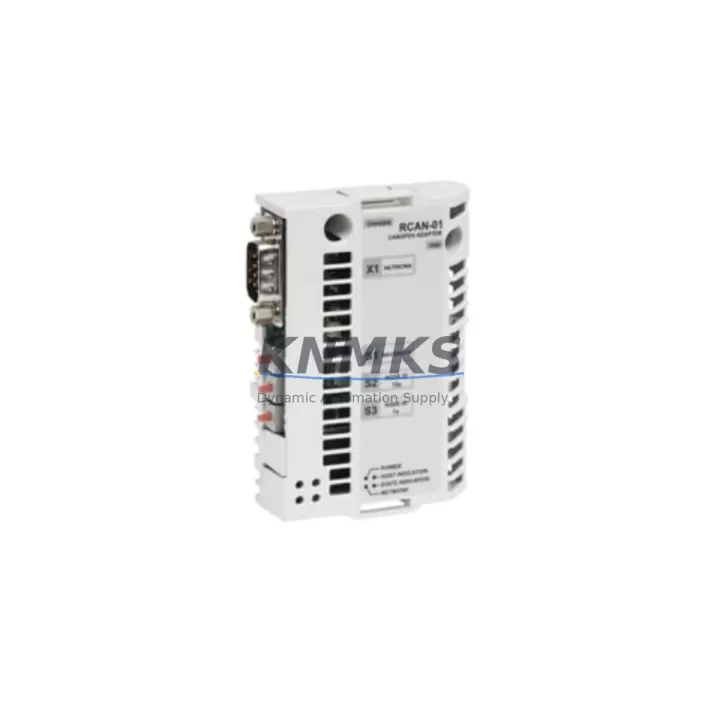
ABB RCAN-01 Maintenance-Proven Spare Part for Factory Uptime
The ABB RCAN-01 is an original CANopen fieldbus adapter module engineered for ABB ACS-series variable frequency drives, including the ACS550, ACS800, and ACS880 platforms. In industrial automation environments where drive communication integrity is non-negotiable, the RCAN-01 serves as the critical interface between the CANopen network and the drive’s internal control logic. Whether you are managing a continuous process line, a packaging system, or a multi-axis motion application, the RCAN-01 ensures that fieldbus commands, speed references, and status feedback are transmitted reliably without latency or signal degradation.
For maintenance engineers and procurement teams responsible for keeping legacy and modern ABB drive systems operational, stocking a verified RCAN-01 spare is a fundamental risk mitigation strategy. CANopen adapter failures are among the most disruptive fault modes in drive-controlled systems — they can halt an entire production cell without warning. Having a pre-tested, support terms-backed replacement on the shelf eliminates the lead time risk that often extends unplanned downtime from hours into days.
Every RCAN-01 unit dispatched from our inventory undergoes pre-shipment functional verification, ensuring that the module’s CANopen communication stack, node address DIP switches, and drive interface connector are fully operational before leaving the warehouse. Units are supplied with a support terms confirmed by quotation covering manufacturing defects and functional failures under normal operating conditions.
Spare Maintenance Table
| Part Number | RCAN-01 |
| Manufacturer | ABB |
| Compatible Drive Series | ACS550, ACS800, ACS880, ACH550 |
| Fieldbus Protocol | CANopen (CiA DS-301, DS-402) |
| Module Type | Plug-in Fieldbus Adapter |
| Node Address Configuration | DIP Switch (1–127) |
| Baud Rate Support | 10 kbps – 1 Mbps |
| Power Supply | Supplied via drive option slot (no external power required) |
| Operating Temperature | -10°C to +55°C |
| Country of Origin | Germany |
| Installation Interface | Drive option slot (Slot 1 or Slot 2 depending on drive frame) |
| Compatibility Verification | ACS550 firmware ≥ 2.x; ACS800 RMIO board; ACS880 BCU control unit |
| Pre-Shipment Testing | Yes — functional CANopen communication verified |
| Support terms | 12 Months |
| Dispatch | Global express shipping available |
Maintenance Planning for Continuous Operation
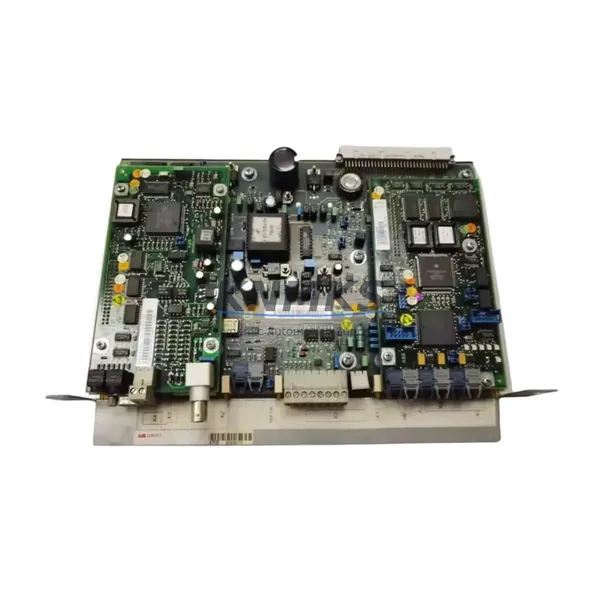
When a CANopen fieldbus adapter such as the RCAN-01 is flagged for replacement during a scheduled drive inspection or after a communication fault alarm, the replacement procedure should be treated as an opportunity to audit the broader drive control circuit. Maintenance engineers should simultaneously inspect the ACS800 RMIO control board or the ACS880 BCU-12 control unit, as these components share the option slot bus and can exhibit intermittent faults that mimic adapter failures. If the drive has been in service for more than five years, the RDCO-03 DDCS fiber optic communication module should also be checked for signal integrity, particularly in multi-drive configurations where the DDCS ring topology is used for master-follower control.
The drive’s 24 VDC auxiliary power supply feeding the control electronics should be verified with a calibrated meter — voltage sags below 22 VDC can cause the RCAN-01 to drop off the CANopen network intermittently, producing faults that are often misdiagnosed as adapter hardware failures. In cabinet environments, inspect the terminal block wiring on the CANopen bus connector (CAN_H, CAN_L, CAN_GND) for oxidation, loose ferrules, or incorrect termination resistor placement. A missing or incorrectly placed 120-ohm termination resistor at the bus endpoints is a common root cause of CANopen communication instability.
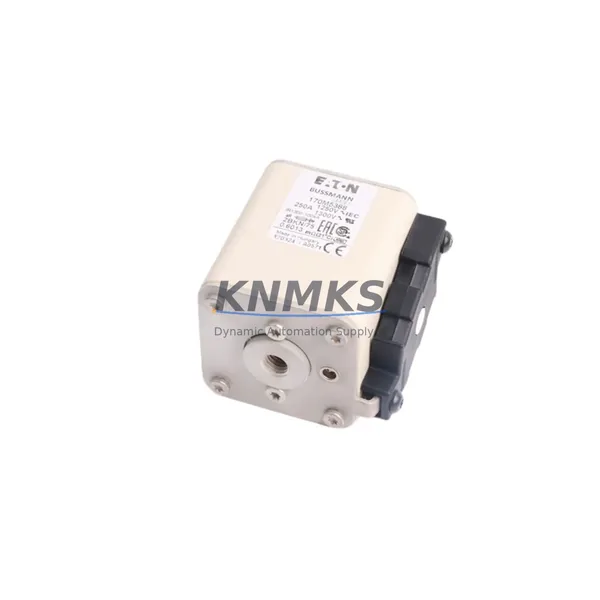
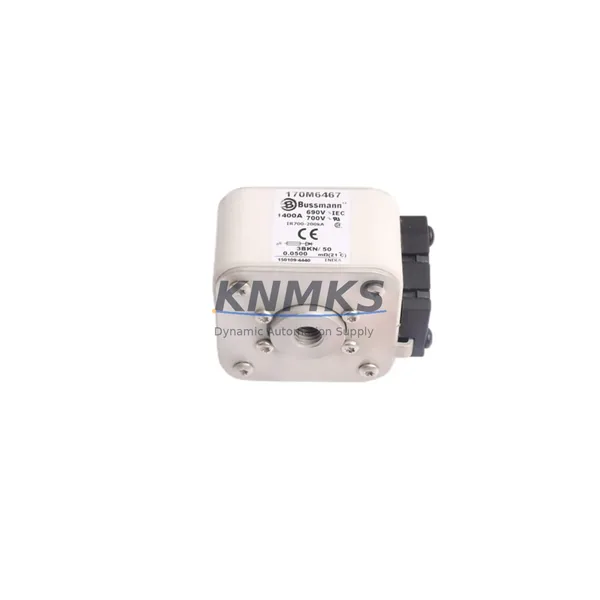
For drives integrated into safety-rated systems, the FSIO-21 safety I/O module or equivalent safe torque-off (STO) wiring should be inspected during the same maintenance window. Additionally, the RETA-01 or RETA-02 Ethernet adapter installed in the secondary option slot should be checked for firmware compatibility if the drive control system has been upgraded. Procurement teams building annual spare parts kits for ACS-series drive panels should consider including the RCAN-01 alongside the RMIO board, RDCO module, and a set of drive input fuses as a minimum viable spare set for CANopen-networked installations.
Site Replacement Workflow
Replacing the RCAN-01 on-site is a straightforward procedure that can be completed within a planned maintenance window of 30–60 minutes, provided the replacement unit has been pre-configured with the correct node address and baud rate settings before the drive is de-energized. The following workflow minimizes downtime and ensures system compatibility is maintained throughout the replacement process.
Step 1 — Pre-Replacement Preparation: Record the existing RCAN-01 node address (DIP switch positions) and baud rate setting from the drive parameter list (parameter group 51 on ACS550/ACS800, or fieldbus adapter parameter group on ACS880). Configure the replacement RCAN-01 to identical settings before installation.
Step 2 — Drive De-Energization: Follow the site lockout/tagout (LOTO) procedure. Wait a minimum of 5 minutes after main power isolation before opening the drive cabinet to allow DC bus capacitors to discharge. Verify DC bus voltage is below 50 VDC using a calibrated meter before touching internal components.
Step 3 — Module Removal and Installation: Disconnect the CANopen bus cable from the RCAN-01 connector. Release the module retention clip and slide the adapter out of the option slot. Insert the replacement RCAN-01 firmly until the retention clip engages. Reconnect the CANopen bus cable, ensuring correct polarity (CAN_H to CAN_H, CAN_L to CAN_L).
Step 4 — Power-Up and Verification: Restore drive power and navigate to the fieldbus adapter parameter group to confirm the drive has recognized the RCAN-01 (parameter 98.02 or equivalent should display “CANopen” or “RCAN-01”). Verify CANopen node status on the PLC or master controller — the node should appear online within 5 seconds of drive power-up. Perform a test run at low speed to confirm speed reference and status word transmission are functioning correctly before returning the drive to full production service.
Spare Parts Support FAQ
Q1: Is the RCAN-01 compatible with all ACS drive frame sizes?
The RCAN-01 is compatible with ACS550 (all frame sizes R1–R8), ACS800 (single drive and cabinet configurations using RMIO-11 or RMIO-02 control boards), and ACS880 (using BCU-12 or BCU-22 control units). For ACH550 HVAC drives, compatibility depends on the firmware version — drives with firmware 2.x or later are fully supported. Always verify the drive’s option slot type (Type A or Type B) against the RCAN-01 mechanical interface before installation.
Q2: What is included in the support terms confirmed by quotation and what does pre-shipment testing cover?
The support terms confirmed by quotation cover manufacturing defects and functional failures under normal operating conditions from the date of dispatch. Pre-shipment testing includes verification of CANopen communication stack initialization, DIP switch functionality across all node address positions, and physical connector integrity. Units that fail any test criterion are quarantined and not dispatched. Support requests are processed with a replacement-first policy to minimize customer downtime.
Q3: How should the RCAN-01 be stored as a long-term spare?
Store the RCAN-01 in its original anti-static packaging in a dry environment with ambient temperature between -40°C and +70°C and relative humidity below 95% non-condensing. Avoid storage near strong magnetic fields or high-vibration areas. For long-term storage exceeding 24 months, inspect the module’s connector contacts for oxidation before installation and perform a bench-level power-up test if test equipment is available. Rotate spare stock on a first-in, first-out basis to maintain support terms coverage on active units.
Q4: Can the RCAN-01 be sourced for emergency same-day or next-day dispatch?
Yes. Units held in our regional distribution stock are available for same-day processing with express courier options for most major industrial regions. Contact our sales team with your drive model, installation site, and required delivery timeline to confirm stock availability and arrange priority dispatch. Emergency orders placed before 14:00 local time are typically processed for same-day shipment.
© 2026 KNMKS. All rights reserved.
Original Source: https://knmks.com
Contact: admin@knmks.com | +86 18359268345
Product Identification
- Brand / Ecosystem
-
ABB
ABB - Model / Series
-
RCAN-01
S800 Series - Product Family
- Variable Frequency Drives
- Availability Status
- Available on request after model and quantity confirmation
- Inquiry Type
- B2B RFQ, replacement inquiry and project spare-part request
- Pre-Quote Check
- Exact SKU, brand, series, quantity, nameplate photos and destination country are checked before quotation
System Path
Where this product fits in the KNMKS automation structure.
Specification & Inquiry Focus
- Drive range
- AC drives, VFDs and accessories
- Common needs
- Voltage, kW/HP and load type
- Project support
- Motor control, energy saving and spares
Buyer Confirmation
Information KNMKS checks before replying.
- Exact model
- RCAN-01
- Brand / ecosystem
- ABB
- Product family
- Variable Frequency Drives
- Application note
- Replacement, maintenance, project build or spare-part list
- Useful photos
- Nameplate, installed unit, cabinet layout or connector side
- Delivery details
- Quantity, destination country and target schedule
Document Support
Files and notes can be confirmed during quotation.
- Product photos or nameplate confirmation when available
- Packing and delivery notes before quotation confirmation
- Support scope and delivery terms confirmed per inquiry
- Export document coordination for qualified B2B requests
Inquiry Support
- Input/output voltage and kW/HP confirmation
- Energy-saving motor control inquiry
- Accessory and spare-unit support
What to Send Us
- Brand and exact model number: ABB RCAN-01
- Quantity and required delivery time
- Application, replacement requirement or nameplate photo
- Destination country and shipping preference
RFQ Preparation
This is a product inquiry page built for RFQ communication.
Fast Model Check
Send this model to KNMKS for confirmation.
Include quantity, destination country and photos if this is a maintenance replacement. The inquiry will be saved with a reference number after submission.
Brand & Compatibility Note
KNMKS displays automation product information for well-known industrial brand ecosystems and compatible replacement references. Brand names are used for product identification and compatibility reference only; final availability and commercial terms are confirmed per quotation.
 Manufacturing
 Machine Tools
 Packaging
 Energy & Power
 PLCs & Controllers
 HMI & Displays
 Servo Systems
 Sensors