
Overview
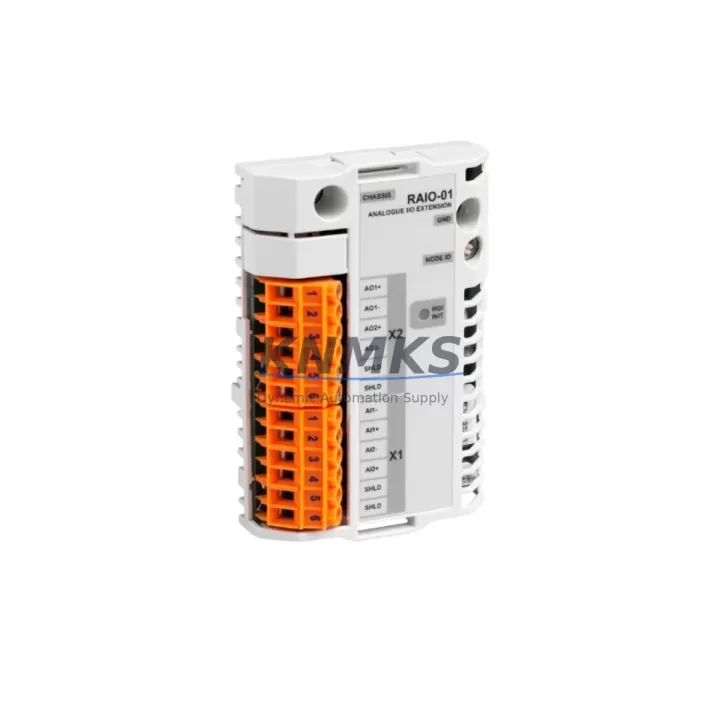
ABB RAIO-01 Maintenance-Proven Spare Part for Factory Uptime
The ABB RAIO-01 is an analog I/O extension module engineered for the ACS800 and ACS880 series variable frequency drives. Designed to expand the analog signal capacity of ABB drive systems, the RAIO-01 provides additional analog input and output channels that are critical for precise process control in demanding industrial environments. Whether you are managing a petrochemical plant, a water treatment facility, a mining conveyor system, or a port crane drive, the RAIO-01 plays a central role in maintaining accurate speed reference, torque feedback, and process variable monitoring across your automation architecture.
At KNMKS, every RAIO-01 unit is sourced as an original ABB spare, subjected to pre-shipment functional verification, and backed by a support terms confirmed by quotation. Our stock-backed supply model ensures that maintenance engineers and procurement teams can secure replacement units without extended lead times — minimizing unplanned downtime and protecting production continuity.
Spare Maintenance Table
| SKU / Part Number | RAIO-01 |
| Brand | ABB |
| Series Compatibility | ACS800, ACS880 |
| Module Type | Analog I/O Extension Module |
| Analog Inputs | 2 × differential analog inputs (0–10 V / 0–20 mA / 4–20 mA selectable) |
| Analog Outputs | 2 × analog outputs (0–10 V / 0–20 mA selectable) |
| Resolution | 12-bit |
| Supply Voltage | Powered via drive option slot (no external supply required) |
| Installation Interface | Option slot (slot 1 or slot 2 on ACS800/ACS880 control board) |
| Operating Temperature | -10°C to +55°C |
| Country of Origin | Finland |
| Application Environments | Petrochemical, Power Generation, Mining, Water Treatment, Metallurgy, Port Operations |
| Maintenance Recommendation | Inspect signal wiring and terminal tightness during annual drive maintenance; verify analog channel calibration after replacement |
| Pre-Shipment Testing | Functional verification completed on every unit |
| Support terms | 12 Months |
Maintenance Planning for Continuous Operation
When a maintenance engineer identifies a fault or degraded analog signal on an ACS800 or ACS880 drive, the RAIO-01 is rarely the only component that warrants inspection. A thorough fault isolation and replacement workflow should extend to the surrounding drive architecture to prevent repeat failures and ensure the system returns to full operational specification.
Begin by verifying the integrity of the RMIO-11 or RMIO-12 main control board, which hosts the option slots into which the RAIO-01 is installed. A damaged or aging control board can cause intermittent communication errors that mimic analog I/O faults. Simultaneously, inspect the RDCO-01 or RDCO-04 DDCS fiber optic communication module if the drive is part of a multi-drive or master-follower configuration — signal integrity on the fiber link directly affects how analog references are processed.
Check the 24 VDC auxiliary power supply feeding the control section of the drive. Voltage ripple or brownout conditions on the auxiliary rail can corrupt analog readings and cause erratic process behavior. If the installation uses external signal conditioning, inspect any signal isolators or loop-powered transmitters connected to the RAIO-01 input channels — these are common failure points in high-noise industrial environments such as motor control centers and variable-load conveyor systems.
For drives installed in control cabinets with high ambient temperatures, review the condition of the cabinet cooling fan and thermal management components. Overtemperature events accelerate the aging of analog circuitry and can cause calibration drift in the RAIO-01 output channels. Additionally, inspect the terminal blocks and field wiring connected to the analog I/O terminals — loose connections, corroded terminals, or incorrect shielding are frequent root causes of analog signal instability that are often misdiagnosed as module failure.
If the drive is part of a larger DCS or SCADA system, coordinate with the control system team to verify that the analog signal scaling parameters in the drive firmware are correctly configured after module replacement. Incorrect scaling can cause process upsets even when the hardware is fully functional. For sites running aging ACS800 installations, this is also an appropriate time to audit the availability of other critical option modules — including the RTAC-01 pulse encoder interface module and the RDNA-01 DeviceNet adapter — to ensure that long-cycle spare parts are secured before these components reach end-of-availability status.
Site Replacement Workflow
Step 1 — Isolation and Safety: Follow site LOTO (Lockout/Tagout) procedures. De-energize the ACS800 or ACS880 drive and allow the DC bus to fully discharge before opening the drive cabinet. Verify zero voltage with a calibrated meter before proceeding.
Step 2 — Module Removal: Identify the option slot (slot 1 or slot 2) where the RAIO-01 is installed on the RMIO control board. Disconnect the field wiring from the analog I/O terminal block. Release the module retention clip and carefully extract the RAIO-01 from the option slot connector.
Step 3 — Inspection: Inspect the option slot connector on the control board for bent pins, corrosion, or debris. Clean with compressed air if necessary. Inspect the field wiring for insulation damage, correct shielding termination, and terminal tightness.
Step 4 — Installation: Insert the replacement RAIO-01 firmly into the option slot until the retention clip engages. Reconnect the field wiring to the analog I/O terminal block, observing correct polarity and shielding practices. Verify that the module DIP switch settings (if applicable) match the original configuration for input signal type (voltage or current).
Step 5 — Commissioning: Re-energize the drive and navigate to the drive parameter menu to verify that the RAIO-01 is recognized by the control board. Confirm analog input and output channel functionality using a calibrated signal source and meter. Verify process variable readings at the DCS or SCADA level before returning the drive to service.
Step 6 — Documentation: Record the replacement in the site maintenance log, including the date, unit serial number, and post-replacement test results. Update the spare parts inventory to trigger replenishment of the consumed RAIO-01 unit.
Spare Parts Support FAQ
Q1: Is the RAIO-01 compatible with both ACS800 and ACS880 drive series?
The RAIO-01 is primarily designed for the ACS800 series. Compatibility with ACS880 depends on the specific control board variant and firmware version installed in the drive. We recommend confirming the drive model and control board type (RMIO or ZCU) before ordering. Our technical team can assist with compatibility verification based on your drive nameplate data.
Q2: How do you verify the condition of RAIO-01 units before shipment?
Every RAIO-01 unit in our inventory undergoes pre-shipment functional testing to verify analog input and output channel operation, connector integrity, and module identification. Units that do not pass verification are not shipped. A test report is available upon request for critical applications.
Q3: What is the support terms coverage and what does it include?
All RAIO-01 units supplied by KNMKS are covered by a support terms confirmed by quotation from the date of shipment. The support terms covers manufacturing defects and functional failures under normal operating conditions. It does not cover damage resulting from incorrect installation, overvoltage events, or environmental exposure beyond the module’s rated operating range.
Q4: Can you support long-term or blanket purchase orders for ongoing spare parts programs?
Yes. KNMKS supports long-term supply agreements and blanket purchase orders for maintenance programs requiring guaranteed stock availability over 12–36 month horizons. Contact our sales team to discuss volume pricing, reserved stock arrangements, and scheduled delivery programs tailored to your site maintenance calendar.
© 2026 KNMKS. All rights reserved.
Original Source: https://knmks.com
Contact: admin@knmks.com | +86 18359268345
Product Identification
- Brand / Ecosystem
-
ABB
ABB - Model / Series
-
RAIO-01
S800 Series - Product Family
- Variable Frequency Drives
- Availability Status
- Available on request after model and quantity confirmation
- Inquiry Type
- B2B RFQ, replacement inquiry and project spare-part request
- Pre-Quote Check
- Exact SKU, brand, series, quantity, nameplate photos and destination country are checked before quotation
System Path
Where this product fits in the KNMKS automation structure.
Specification & Inquiry Focus
- Drive range
- AC drives, VFDs and accessories
- Common needs
- Voltage, kW/HP and load type
- Project support
- Motor control, energy saving and spares
Buyer Confirmation
Information KNMKS checks before replying.
- Exact model
- RAIO-01
- Brand / ecosystem
- ABB
- Product family
- Variable Frequency Drives
- Application note
- Replacement, maintenance, project build or spare-part list
- Useful photos
- Nameplate, installed unit, cabinet layout or connector side
- Delivery details
- Quantity, destination country and target schedule
Document Support
Files and notes can be confirmed during quotation.
- Product photos or nameplate confirmation when available
- Packing and delivery notes before quotation confirmation
- Support scope and delivery terms confirmed per inquiry
- Export document coordination for qualified B2B requests
Inquiry Support
- Input/output voltage and kW/HP confirmation
- Energy-saving motor control inquiry
- Accessory and spare-unit support
What to Send Us
- Brand and exact model number: ABB RAIO-01
- Quantity and required delivery time
- Application, replacement requirement or nameplate photo
- Destination country and shipping preference
RFQ Preparation
This is a product inquiry page built for RFQ communication.
Fast Model Check
Send this model to KNMKS for confirmation.
Include quantity, destination country and photos if this is a maintenance replacement. The inquiry will be saved with a reference number after submission.
Brand & Compatibility Note
KNMKS displays automation product information for well-known industrial brand ecosystems and compatible replacement references. Brand names are used for product identification and compatibility reference only; final availability and commercial terms are confirmed per quotation.
 Manufacturing
 Machine Tools
 Packaging
 Energy & Power
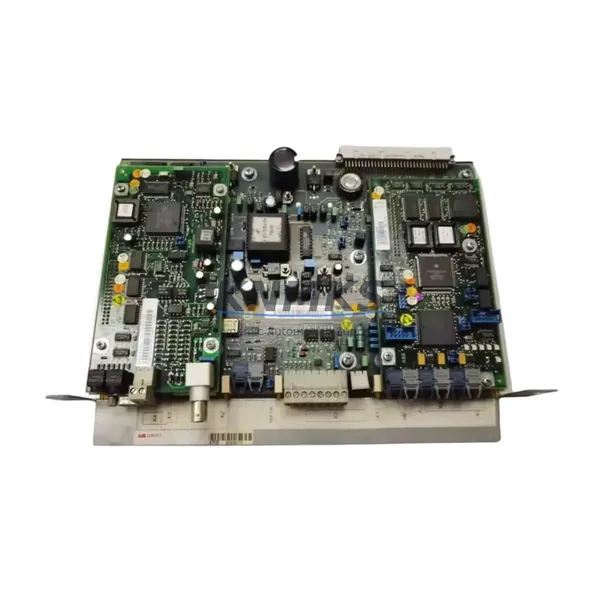
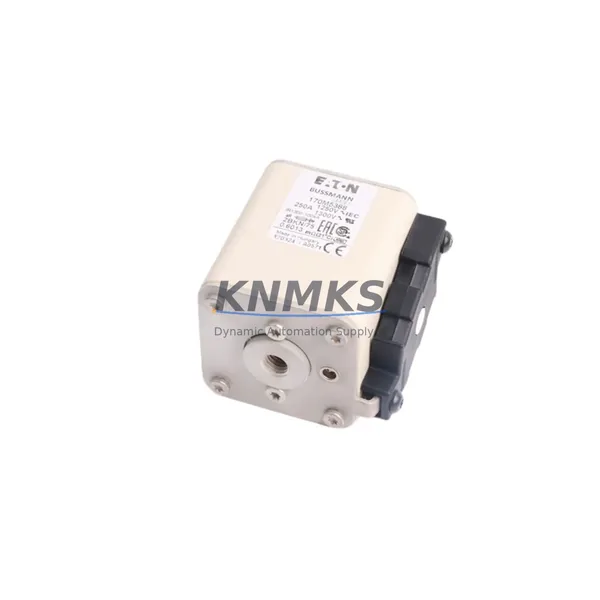
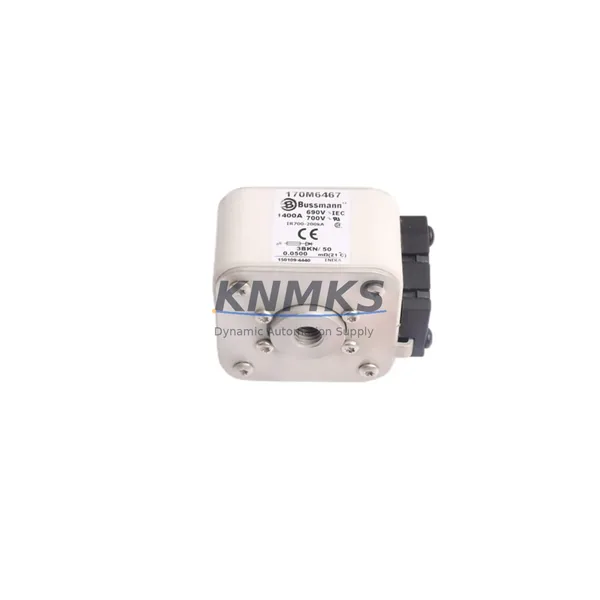
 PLCs & Controllers
 HMI & Displays
 Servo Systems
 Sensors