
Overview
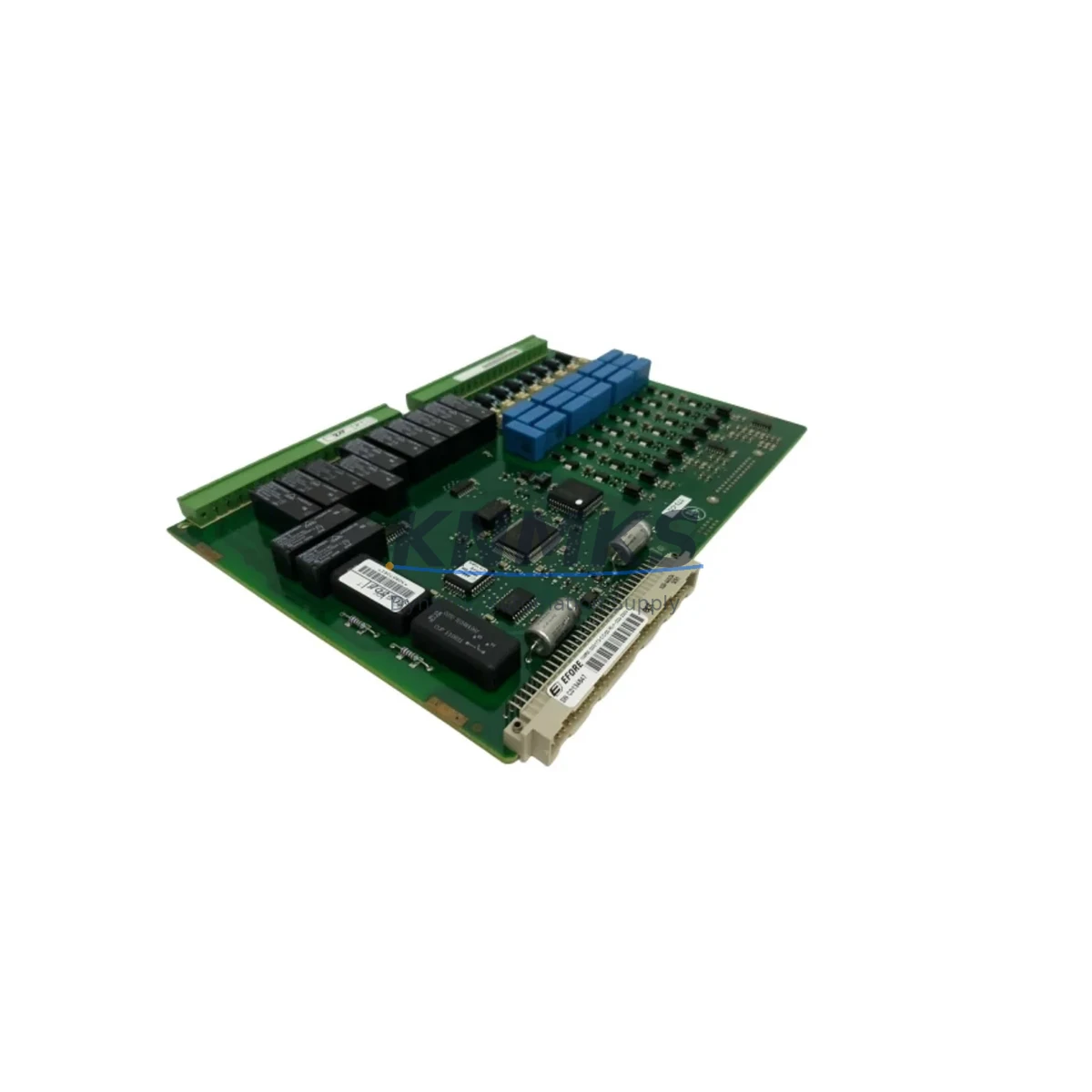
ABB G4AE HENF209636R0001 Migration-Ready Auxiliary Contact Block for Legacy Control Systems
The ABB G4AE HENF209636R0001 is a front-mounted auxiliary contact block engineered for direct integration with ABB A-Series contactors, including the A9, A12, A16, A26, A30, A40, and A50 frames. As legacy motor control centers (MCCs), control cabinets, and distribution panels reach end-of-service milestones, this auxiliary contact block serves as a critical spare part and drop-in replacement that enables engineers to extend operational life without redesigning existing wiring schemes or modifying DIN rail layouts.
In retrofit and upgrade projects, the G4AE HENF209636R0001 is typically installed alongside the ABB A26-30-10 or A30-30-10 main contactor bodies, where the auxiliary contact block provides supplementary NO/NC signaling for PLC input modules, interlock circuits, and motor protection relay feedback loops. Its compact front-mount design preserves panel depth clearance — a common constraint when upgrading legacy Siemens 3TF or Telemecanique LC1-D series contactors to ABB A-Series equivalents within existing enclosures.
When planning a contactor replacement or MCC retrofit, engineers must verify several parameters before commissioning: confirm that the auxiliary contact current rating (typically 10A AC-15 at 230V) matches the PLC digital input sink/source requirements; check that the terminal block pitch is compatible with existing ferrule-terminated conductors; and validate that the NO/NC contact configuration aligns with the original ladder logic or Function Block Diagram (FBD) in the PLC program. For projects migrating from relay-based control to PLC-based control using platforms such as the ABB AC500 or Allen-Bradley MicroLogix 1400, the G4AE contact block’s clean dry-contact output eliminates the need for additional signal isolation modules in most 24VDC input card applications.
In systems where the auxiliary contact feeds a PROFIBUS DP or PROFINET IO remote I/O station — such as an ABB CI854A PROFIBUS interface module or a Siemens ET 200S IM151-1 — the contact bounce characteristics and response time of the G4AE block are within acceptable limits for standard digital input filter settings (typically 3–10 ms). No additional debounce hardware is required in most retrofit scenarios.
For control cabinet upgrades involving ABB S800 I/O or Siemens S7-300 SM321 digital input modules, the G4AE HENF209636R0001 can be wired directly to the module’s screw terminals without intermediate terminal blocks, provided the existing cable cross-section (0.5–2.5 mm²) is maintained. Engineers replacing older ABB EHDB auxiliary contact blocks or CA4-10 / CA4-01 snap-on contacts should confirm the mounting interface: the G4AE uses a front-mount clip mechanism compatible with A-Series contactors, while older CA-series blocks use a side-mount configuration — a distinction that affects installation time and panel modification scope.
All units are pre-shipment tested for contact continuity, insulation resistance, and mechanical actuation before dispatch. Stock is maintained for immediate shipment to support planned maintenance windows and emergency breakdown scenarios. Each unit is supplied with a support terms confirmed by quotation covering manufacturing defects and contact failure under normal operating conditions.
Migration Compatibility Table
| Parameter | G4AE HENF209636R0001 | Notes / Retrofit Guidance |
|---|---|---|
| Compatible Contactor Frames | ABB A9 – A50 (A-Series) | Verify frame size before ordering; not compatible with B-Series or AF-Series without adapter |
| Mounting Type | Front-mount clip | Replaces EHDB / older CA4-series side-mount blocks with minor wiring rerouting |
| Contact Configuration | 4NO or 2NO+2NC (confirm variant) | Match to existing PLC input logic; update ladder rung if NC→NO substitution required |
| Rated Current (AC-15) | 10A / 230V AC | Suitable for direct PLC digital input wiring; no isolation relay needed for 24VDC inputs |
| Communication Compatibility | Dry contact (protocol-agnostic) | Compatible with PROFIBUS DP, PROFINET IO, DeviceNet, Modbus RTU remote I/O stations |
| Installation Space | Front-mount; no additional DIN rail depth required | Confirm panel depth ≥ 60 mm for contactor + aux block assembly |
| Firmware / Software | N/A (passive contact block) | No firmware update required; update PLC I/O address map if slot position changes |
| Pre-Shipment Testing | Contact continuity + insulation resistance | Test certificate available on request |
| Support terms | 12 Months | Covers manufacturing defects and contact failure under rated operating conditions |
Retrofit Planning for Existing Automation Systems
A successful retrofit using the G4AE HENF209636R0001 begins with a thorough audit of the existing control cabinet. Engineers should document the current contactor model, auxiliary contact configuration, terminal wiring schedule, and PLC I/O assignment table before any hardware is removed. In projects where the main contactor is being upgraded from an older ABB B-Series or Telemecanique LC1-D09 to an ABB A-Series frame, the auxiliary contact block mounting interface will change — plan for a 15–30 minute wiring rerouting step per contactor position.
For systems using an ABB UMC100.3 Universal Motor Controller or a Siemens 3RW44 soft starter in the same panel, the G4AE auxiliary contact block provides the run-feedback and fault-feedback signals required by the motor management system. Ensure the contact block’s NC output is wired to the motor protection relay’s external trip input if the original design used a normally-closed interlock for overload protection.
In I/O expansion scenarios — for example, adding an ABB S800 I/O FI820F fieldbus interface or a Siemens ET 200SP IM155-6 PN distributed I/O station to an existing panel — the G4AE contact block’s dry-contact output can be connected directly to the new I/O module without signal conditioning. This simplifies the retrofit BOM and reduces installation time. For projects involving ABB Ability™ Smart Sensor integration on motor assets, the auxiliary contact status can be used as a run-hour trigger for predictive maintenance data logging.
When replacing multiple contactor auxiliary blocks across a large MCC, consider using a programming cable (e.g., ABB MFLT-USB or Siemens PC Adapter USB A2) to back up the existing PLC program before any hardware changes. This protects the original control logic and allows rapid restoration if commissioning issues arise during the retrofit window.
Downtime Control During System Migration
Minimizing unplanned downtime is the primary constraint in any live production environment retrofit. For the G4AE HENF209636R0001 replacement, the physical swap can typically be completed in under 10 minutes per contactor position, provided the replacement unit is pre-staged and the wiring schedule is documented in advance. The following practices are recommended to protect control continuity:
- Pre-stage and label: Pre-wire the new G4AE block to a terminal strip off-line and label all conductors before the maintenance window begins.
- Back up PLC program: Upload and archive the current PLC project (including I/O force tables and HMI tag databases) before isolating the panel. For ABB AC500 or Siemens S7-300/400 platforms, use the respective programming software (Automation Builder or STEP 7/TIA Portal) to create a timestamped backup.
- Verify I/O address mapping: If the auxiliary contact block is wired to a remote I/O station (e.g., PROFIBUS DP slave or PROFINET IO device), confirm that the I/O address assignment in the PLC hardware configuration matches the physical wiring after reconnection. A mismatch will cause a diagnostic alarm on first power-up.
- Functional test before restart: After reconnection, use the PLC’s force function or a handheld multimeter to verify contact state (NO open, NC closed) before releasing the motor circuit to automatic control. This step prevents nuisance trips caused by reversed contact polarity.
- HMI screen validation: For systems with SCADA or HMI displays showing motor run/stop status, confirm that the status indicator updates correctly after the first manual test cycle. Update HMI tag bindings if the I/O address changed during the retrofit.
With proper pre-planning, a single-contactor auxiliary block replacement can be completed within a standard 30-minute planned maintenance window, with no impact on adjacent control loops or communication links.
Retrofit Support FAQ
Q1: Is the ABB G4AE HENF209636R0001 a direct replacement for the ABB CA4-10 or CA4-01 auxiliary contact block?
The G4AE uses a front-mount clip mechanism designed for ABB A-Series contactors, while the CA4-10/CA4-01 uses a side-mount configuration. The contact ratings are similar, but the mounting interface differs. In most cases, the G4AE can replace the CA4-series block on A-Series contactor frames without panel modification, but engineers should verify the contactor frame generation (A-Series vs. older AL/B-Series) before ordering.
Q2: What commissioning steps are required after installing the G4AE HENF209636R0001?
After mechanical installation and wiring reconnection: (1) verify contact continuity with a multimeter before energizing; (2) apply control voltage and manually actuate the contactor to confirm NO/NC state changes at the PLC input; (3) check the PLC diagnostic buffer for any I/O fault messages; (4) perform one full start/stop cycle under manual control before returning to automatic mode. No firmware configuration is required — the G4AE is a passive contact block.
Q3: Can this auxiliary contact block be used with non-ABB contactors or third-party motor starters?
The G4AE HENF209636R0001 is designed specifically for ABB A-Series contactor frames. It is not mechanically compatible with Siemens 3RT, Schneider LC1-D, or Eaton DILM series contactors without a third-party adapter bracket. For cross-brand retrofit projects, confirm the mounting interface dimensions before specifying this part.
Q4: What is the support terms coverage and how is stock availability managed?
All G4AE HENF209636R0001 units supplied by KNMKS carry a support terms confirmed by quotation covering manufacturing defects and contact failure under rated operating conditions. Units are pre-shipment tested for contact continuity and insulation resistance before dispatch. Stock is maintained for immediate shipment to support both planned maintenance schedules and emergency breakdown requirements. For long-term spare parts agreements (12–36 months forward stock), contact our sales team directly.
© 2026 KNMKS. All rights reserved.
Original Source: https://knmks.com
Contact: admin@knmks.com | +86 18359268345
Product Identification
- Brand / Ecosystem
-
ABB
ABB - Model / Series
- G4AE-HENF209636R0001
- Product Family
- Other Components
- Availability Status
- Available on request after model and quantity confirmation
- Inquiry Type
- B2B RFQ, replacement inquiry and project spare-part request
- Pre-Quote Check
- Exact SKU, brand, series, quantity, nameplate photos and destination country are checked before quotation
System Path
Where this product fits in the KNMKS automation structure.
Specification & Inquiry Focus
- Component range
- Breakers, terminals and cabinet accessories
- Common needs
- Model, photo and installation requirement
- Project support
- Maintenance and mixed spare-part inquiry
Buyer Confirmation
Information KNMKS checks before replying.
- Exact model
- G4AE-HENF209636R0001
- Brand / ecosystem
- ABB
- Product family
- Other Components
- Application note
- Replacement, maintenance, project build or spare-part list
- Useful photos
- Nameplate, installed unit, cabinet layout or connector side
- Delivery details
- Quantity, destination country and target schedule
Document Support
Files and notes can be confirmed during quotation.
- Product photos or nameplate confirmation when available
- Packing and delivery notes before quotation confirmation
- Support scope and delivery terms confirmed per inquiry
- Export document coordination for qualified B2B requests
Inquiry Support
- Mixed automation spare parts inquiry
- Cabinet component and accessory support
- Model identification from photos or labels
What to Send Us
- Brand and exact model number: ABB G4AE-HENF209636R0001
- Quantity and required delivery time
- Application, replacement requirement or nameplate photo
- Destination country and shipping preference
RFQ Preparation
This is a product inquiry page built for RFQ communication.
Fast Model Check
Send this model to KNMKS for confirmation.
Include quantity, destination country and photos if this is a maintenance replacement. The inquiry will be saved with a reference number after submission.
Brand & Compatibility Note
KNMKS displays automation product information for well-known industrial brand ecosystems and compatible replacement references. Brand names are used for product identification and compatibility reference only; final availability and commercial terms are confirmed per quotation.
 Manufacturing
 Machine Tools
 Packaging
 Energy & Power

 PLCs & Controllers
 HMI & Displays
 Servo Systems
 Variable Frequency Drives