
Overview
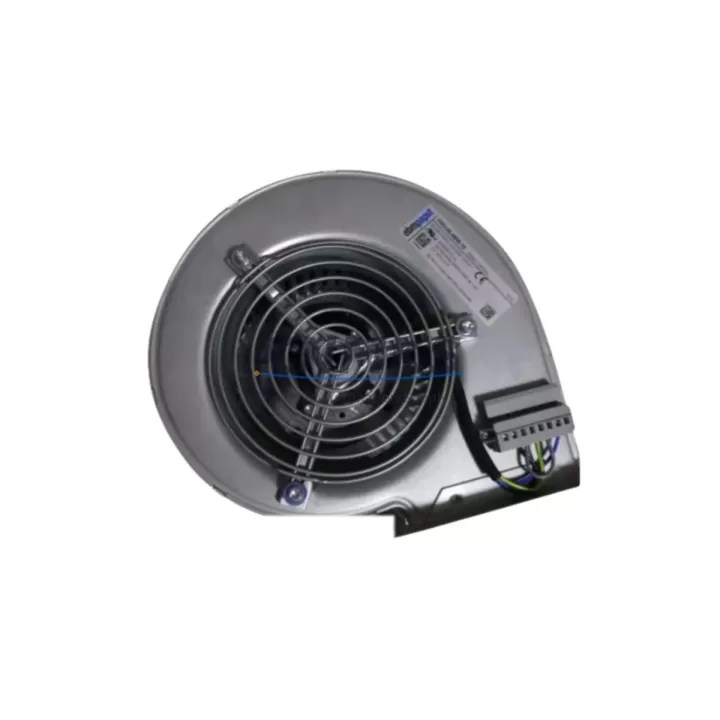
ABB D3G146-AB06-10 Maintenance-Proven Spare Part for Factory Uptime
The ABB D3G146-AB06-10 is an EC (electronically commutated) centrifugal fan module engineered as a direct cooling component for ABB ACS800 and ACS880 series variable frequency drives. In high-demand industrial environments — from automotive assembly lines to chemical processing plants and steel mill automation — the thermal management integrity of a drive cabinet is non-negotiable. A failed or degraded cooling fan is one of the most common root causes of unplanned drive shutdowns, IGBT overtemperature faults, and cascading control system failures. Stocking the D3G146-AB06-10 as a verified spare ensures your maintenance team can execute a rapid, like-for-like replacement without waiting on lead times that can stretch weeks for OEM components.
Sourced from original ABB manufacturing channels and subject to pre-shipment functional testing, each D3G146-AB06-10 unit supplied by KNMKS is verified for correct airflow direction, rated voltage compatibility, and mechanical fit before dispatch. A support terms confirmed by quotation cover all units against manufacturing defects, giving procurement engineers the confidence to build this part into annual MRO budgets and blanket purchase orders for multi-site operations.
Spare Maintenance Table
| Part Number | D3G146-AB06-10 |
| Brand | ABB (ebm-papst OEM) |
| Fan Type | EC Centrifugal Fan (Electronically Commutated) |
| Compatible Drives | ABB ACS800 Series, ABB ACS880 Series |
| Rated Voltage | 200–277 V AC / 50–60 Hz |
| Motor Technology | EC (Brushless DC with integrated electronics) |
| Airflow Direction | Centrifugal — drive cabinet internal cooling |
| Country of Origin | Germany |
| Weight | ~1,500 g |
| Application Environment | Industrial drive cabinets, VFD enclosures, automation panels |
| Installation | Direct OEM replacement — no modification required |
| Pre-Shipment Test | Functional rotation, voltage, and airflow verified |
| Support terms | 12 Months from shipment date |
| Availability | availability confirmed by RFQ — global shipping supported |
Maintenance Planning for Continuous Operation
When a D3G146-AB06-10 fan replacement is scheduled — whether triggered by a fault code, elevated drive temperature alarm, or routine annual inspection — experienced maintenance engineers treat it as an opportunity to audit the entire thermal and power circuit of the affected drive cabinet. The ACS800 and ACS880 platforms are modular by design, and component interdependencies mean that a single degraded part can mask or accelerate failure in adjacent systems.
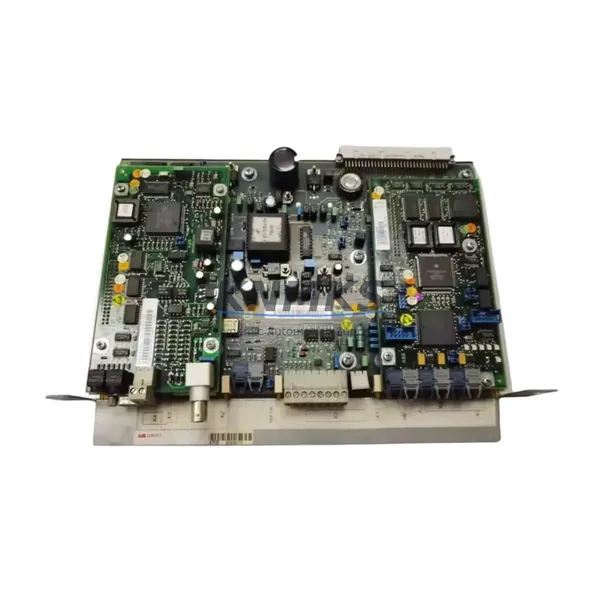
Begin by inspecting the ACS800 power supply module (e.g., APBU-44C or APBU-12C busbars and associated DC link capacitors) for signs of thermal stress — discoloration, bulging, or electrolyte residue. Elevated ambient temperatures caused by a failing fan accelerate capacitor aging significantly. Next, verify the RINT-5611C or RINT-5614C rectifier/inverter interface boards for heat-related solder joint fatigue, which can manifest as intermittent overcurrent faults after a fan failure event.
Check all terminal blocks and power wiring within the cabinet for insulation degradation. Sustained overtemperature conditions soften thermoplastic insulation on control wiring, increasing the risk of short circuits during the next operational cycle. Inspect I/O extension modules such as the RAIO-01 analog I/O module or RDIO-01 digital I/O module for connector oxidation — heat cycling accelerates contact resistance in low-current signal circuits.
For drives integrated into fieldbus networks, inspect the RPBA-01 PROFIBUS adapter or RCAN-01 CANopen module for firmware integrity and connector seating. Communication faults that appear after a thermal event are frequently traced to loose or oxidized fieldbus connectors rather than module failure. Similarly, review the RDNA-01 DeviceNet adapter if the drive is part of a DeviceNet topology.
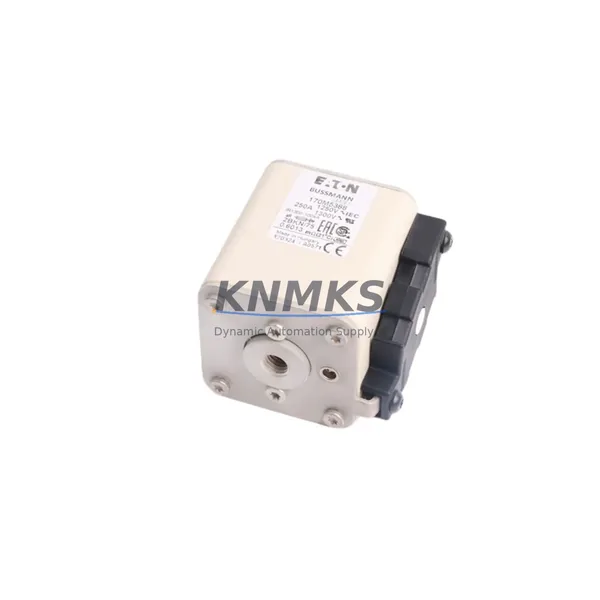
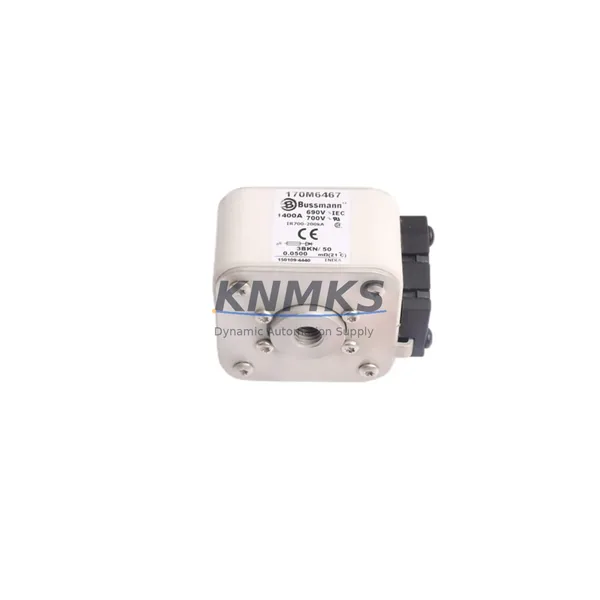
Finally, replace or test the drive’s internal fuses (semiconductor protection fuses rated for the drive’s input current class) and verify that the EMC filter and du/dt filter — if installed — show no signs of thermal damage. Documenting all findings in your CMMS against the drive’s asset tag ensures that the next scheduled inspection interval is calibrated to the actual thermal history of the unit, not just a calendar default.
Site Replacement Workflow
Step 1 — Isolation & Lockout/Tagout: De-energize the ACS800 or ACS880 drive following your site LOTO procedure. Wait the full DC link discharge interval (minimum 5 minutes after power-off, or until the DC voltage indicator confirms safe levels) before opening the cabinet.
Step 2 — Fan Removal: Disconnect the fan’s power connector (typically a 3-pin or 4-pin Molex-style connector on the ACS800 platform). Remove the mounting screws — usually M4 or M5 — securing the fan assembly to the drive chassis. Note the airflow direction arrow on the fan housing before removal to confirm correct orientation of the replacement unit.
Step 3 — Compatibility Verification: Confirm the replacement D3G146-AB06-10 matches the label data of the removed unit: part number, voltage rating, and rotation direction. For ACS880 installations, cross-reference the drive’s type designation plate to confirm the fan frame size is correct for the drive’s power rating class.
Step 4 — Installation: Mount the new fan, torque fasteners to specification, and reconnect the power connector. Ensure no wiring is pinched between the fan housing and the cabinet structure.
Step 5 — Commissioning Check: Re-energize the drive and monitor the drive’s thermal model parameters via the ACS800 or ACS880 control panel (parameter group 35 for thermal protection on ACS800). Confirm fan operation via the drive’s diagnostics or by direct observation. Log the replacement in your maintenance records with the new unit’s serial number and the date of installation.
This workflow supports a typical replacement time of under 45 minutes for a trained technician, minimizing production downtime and enabling a controlled, documented return to service.
Spare Parts Support FAQ
Q1: Is the D3G146-AB06-10 compatible with both ACS800 and ACS880 drive series?
Yes. The D3G146-AB06-10 is used across multiple frame sizes within the ACS800 and ACS880 families. However, always verify the fan part number against your specific drive’s type designation and the ABB spare parts list for your drive’s frame size before ordering. KNMKS technical support can assist with cross-referencing if you provide your drive’s full type code.
Q2: What pre-shipment testing is performed on each unit?
Every D3G146-AB06-10 dispatched by KNMKS undergoes functional rotation testing, input voltage verification, and airflow direction confirmation. Units that do not meet OEM performance parameters are quarantined and not shipped. A test record is available upon request for quality-critical procurement processes.
Q3: What does the support terms confirmed by quotation cover, and how is a claim processed?
The support terms confirmed by quotation cover manufacturing defects, premature bearing failure, and motor winding faults under normal operating conditions. It does not cover damage caused by incorrect installation, overvoltage events, or contamination. To initiate a support terms claim, contact KNMKS at admin@knmks.com with the order number, unit serial number, and a description of the fault. Replacement units are dispatched after fault verification.
Q4: Can KNMKS support long-term or blanket purchase orders for this part?
Yes. KNMKS maintains multi-region stock of the D3G146-AB06-10 to support MRO procurement programs, annual maintenance contracts, and blanket orders for multi-site industrial operators. Contact our sales team to discuss volume pricing, reserved stock agreements, and scheduled delivery programs that align with your planned maintenance calendar.
© 2026 KNMKS. All rights reserved.
Original Source: https://knmks.com
Contact: admin@knmks.com | +86 18359268345
Product Identification
- Brand / Ecosystem
-
ABB
ABB - Model / Series
-
D3G146-AB06-10
S800 Series - Product Family
- Variable Frequency Drives
- Availability Status
- Available on request after model and quantity confirmation
- Inquiry Type
- B2B RFQ, replacement inquiry and project spare-part request
- Pre-Quote Check
- Exact SKU, brand, series, quantity, nameplate photos and destination country are checked before quotation
System Path
Where this product fits in the KNMKS automation structure.
Specification & Inquiry Focus
- Drive range
- AC drives, VFDs and accessories
- Common needs
- Voltage, kW/HP and load type
- Project support
- Motor control, energy saving and spares
Buyer Confirmation
Information KNMKS checks before replying.
- Exact model
- D3G146-AB06-10
- Brand / ecosystem
- ABB
- Product family
- Variable Frequency Drives
- Application note
- Replacement, maintenance, project build or spare-part list
- Useful photos
- Nameplate, installed unit, cabinet layout or connector side
- Delivery details
- Quantity, destination country and target schedule
Document Support
Files and notes can be confirmed during quotation.
- Product photos or nameplate confirmation when available
- Packing and delivery notes before quotation confirmation
- Support scope and delivery terms confirmed per inquiry
- Export document coordination for qualified B2B requests
Inquiry Support
- Input/output voltage and kW/HP confirmation
- Energy-saving motor control inquiry
- Accessory and spare-unit support
What to Send Us
- Brand and exact model number: ABB D3G146-AB06-10
- Quantity and required delivery time
- Application, replacement requirement or nameplate photo
- Destination country and shipping preference
RFQ Preparation
This is a product inquiry page built for RFQ communication.
Fast Model Check
Send this model to KNMKS for confirmation.
Include quantity, destination country and photos if this is a maintenance replacement. The inquiry will be saved with a reference number after submission.
Brand & Compatibility Note
KNMKS displays automation product information for well-known industrial brand ecosystems and compatible replacement references. Brand names are used for product identification and compatibility reference only; final availability and commercial terms are confirmed per quotation.
 Manufacturing
 Machine Tools
 Packaging
 Energy & Power
 PLCs & Controllers
 HMI & Displays
 Servo Systems
 Sensors