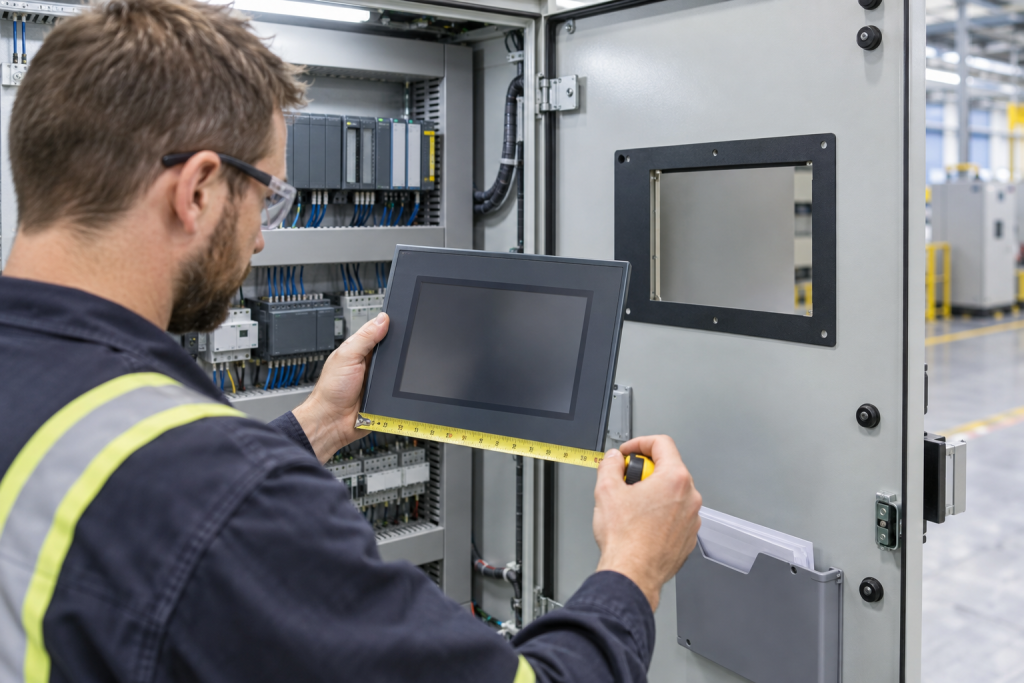
An HMI panel can look like a straightforward screen replacement, yet a usable substitute must fit the enclosure and run the correct application while preserving the expected connection to the controller. Matching diagonal screen size alone does not establish mechanical, runtime or communication compatibility.
This article is a planning checklist for maintenance and procurement teams. It does not authorize changes to a live control system. Confirm technical decisions with the responsible controls engineer and follow the plant’s approved change-control, cybersecurity and safety procedures.
1. Identify the installed terminal precisely
Record the full manufacturer and catalog number from the nameplate, including series or revision where shown. Note whether the operator interface is touchscreen, keypad or a combination; the display size and resolution; power requirements; communication ports; and any installed accessories. If the label is inaccessible, use authorized maintenance records or a clear, permitted nameplate photo rather than guessing from the front bezel.
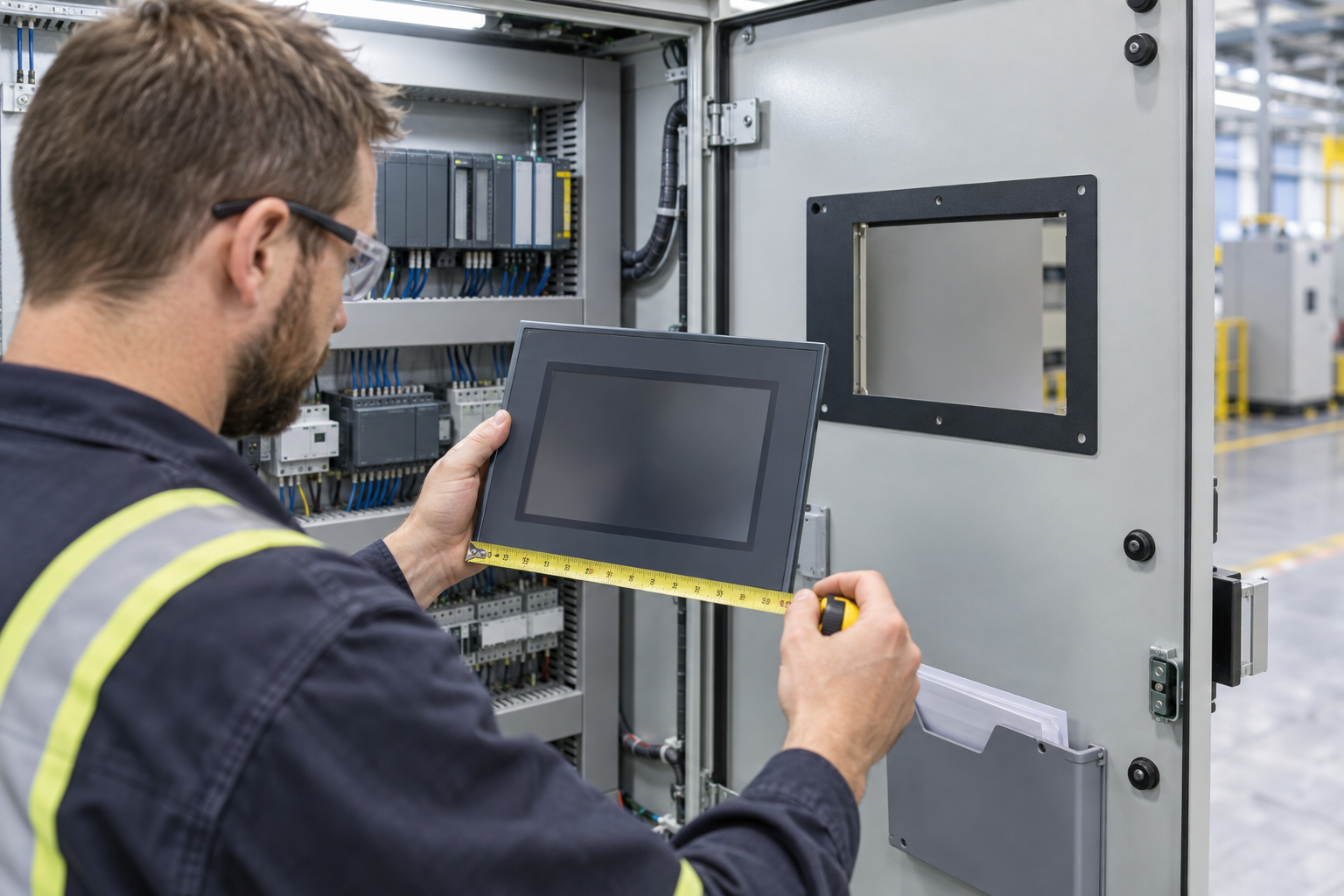
Also document the physical opening, mounting method, enclosure depth and clearance for connectors and cables. A replacement can have a similar screen diagonal but a different cutout, bezel footprint, mounting clamp arrangement or rear clearance. Check the cabinet drawing and the manufacturer’s dimensional drawing; do not treat a visual match as proof of a drop-in fit.
2. Match the application to the terminal and runtime
Establish which engineering environment created the application and which runtime file is actually loaded on the terminal. Keep the editable engineering project distinct from the deployed runtime artifact and record their versions, backup location and provenance. A runtime file may not contain every engineering element needed to maintain or rebuild the application, so ask the site owner which approved source project is authoritative.
Check the exact terminal family, model and firmware against the relevant manufacturer’s compatibility documentation. A feature or application supported on one model in a product family may not be supported on another. For example, Rockwell Automation documents specific application-type limitations for PanelView Plus 7 Standard and PanelView Plus 6 Compact terminals, and separate validation rules for supported display counts, communication drivers and screen resolution. Those details apply to the identified Rockwell terminal families; they are not universal HMI rules.
Record the installed firmware, the runtime application version and the engineering software version used to create or restore the project. Do not assume that a newer terminal or software release will run an older project unchanged. Verify the required version path with the manufacturer’s current documentation before procurement or engineering work.
3. Verify communications, not just the connector
List the protocol, driver, physical interface and controller connection used by the existing application. Capture the approved device shortcut or connection path, addressing method and relevant network details in the site’s controlled records. A matching Ethernet jack does not prove the same driver, protocol, serial option, controller path or software component is available.
Rockwell’s application-validation guidance illustrates why this matters: different PanelView terminal/application types have different supported driver and shortcut constraints. The same manual identifies application validation errors and warnings that can block runtime generation or indicate potential runtime issues. Use the matching documentation for the exact HMI family and application; do not generalize one vendor’s restrictions to other products.
4. Check the operator functions the project depends on
Before selecting a replacement, list the functions operators actually use: alarm display and acknowledgement, trends, recipes, language switching, user roles, data logging, print or barcode interfaces, and any third-party controls. Confirm that the replacement’s hardware and runtime environment support the project’s required features. A screen that boots is not necessarily a complete replacement if essential controls, alarms or data functions are missing.
Where the source engineering project is available, a qualified engineer can assess project conversion and runtime validation in a controlled engineering environment. Preserve the existing approved project and deployment records; do not overwrite or download a project to a production terminal as a compatibility test.
5. Make the RFQ answerable
For an HMI spare or replacement inquiry, include the exact terminal catalog number, series/revision, photo of the nameplate if permitted, display and mounting details, firmware/runtime information if known, communication interface, connected controller family, quantity and destination country. State whether you need the same model, a compatible alternative for engineering review, or help identifying an unclear part number.
Do not send passwords, security keys, plant network credentials or application files through an ordinary email inquiry. HMI projects can expose sensitive operating details; share them only through an organization-approved secure channel with authorization from the system owner.
Explore the HMI & Displays category, the Automation Systems hub and the product directory. For broader controller context, see our earlier guide to PLC project backup verification. These pages provide product and system context, not a guarantee of compatibility for a specific installation.
Need help identifying an HMI model? Send the full part number, system context, quantity and delivery country through the KNMKS contact page. We can review the inquiry details and clarify what additional information is needed.
Manufacturer references
- Rockwell Automation: Quick steps for running a FactoryTalk View ME application
- Rockwell Automation: Validate PanelView Plus 7 Standard and PanelView Plus 6 Compact applications
Related Product Paths