A servo drive replacement is rarely a simple box-for-box exchange. The drive, motor, encoder, feedback cable, safety circuit, motion controller, and parameter set work together as one axis. A model number is the starting point for an RFQ, but the correct replacement review also needs the installed system context and evidence that the existing configuration can be recovered.
This guide explains how maintenance teams can prepare a servo drive replacement inquiry by documenting the hardware, preserving parameter information, and separating confirmed facts from items that still require technical review.
Record the complete drive and motor identity
Begin with clear photos of every nameplate and label on the drive, motor, feedback device, and related option modules. Capture the full catalog number, suffix, voltage class, current or power rating, firmware or revision marking, and any option code. Do not crop out the final characters: a suffix can define the feedback interface, safety function, enclosure variant, or regional approval.
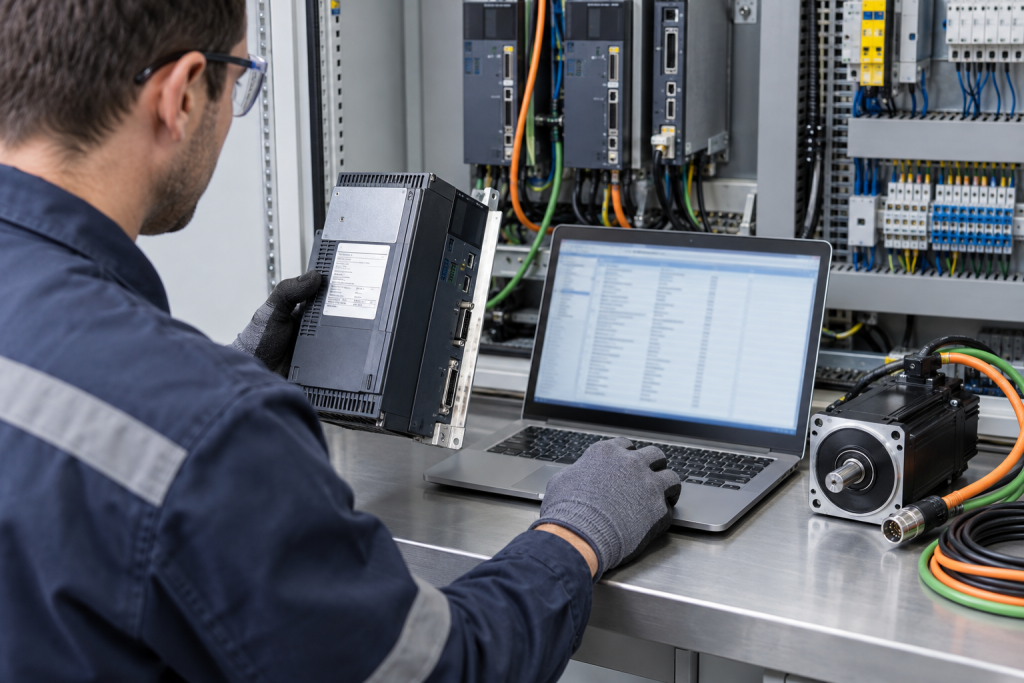
Photograph the drive installed in the cabinet and include the adjacent controller, network connection, braking components, contactors, and terminal wiring. A close-up identifies the product; the wider image shows how the axis is actually integrated. If the original label is damaged, include the cabinet drawing, spare-parts list, and the drive screen or engineering software identification.
Preserve the parameter backup before replacement
When the existing drive still communicates, save the parameter set using the manufacturer-approved engineering tool or service procedure. Record the file name, drive identity, firmware version, date, and the location of the backup. A backup is evidence of the installed configuration, not proof that it can be loaded into every drive in the same product family.
Siemens documentation describes backup and restore functions for SINAMICS devices and notes that the applicable procedure depends on the specific device. Siemens also provides retrofit workflows that use the old device information and parameter data to guide configuration of a replacement. These details are why the original drive model and firmware should remain part of the RFQ.
If the drive is already offline, look for an engineering project archive, memory card, controller data block, commissioning report, or maintenance record. Do not overwrite the only copy. Keep the original file unchanged and identify whether it came from the drive, PLC, engineering workstation, or a previous service visit.
Check the motor and feedback pairing
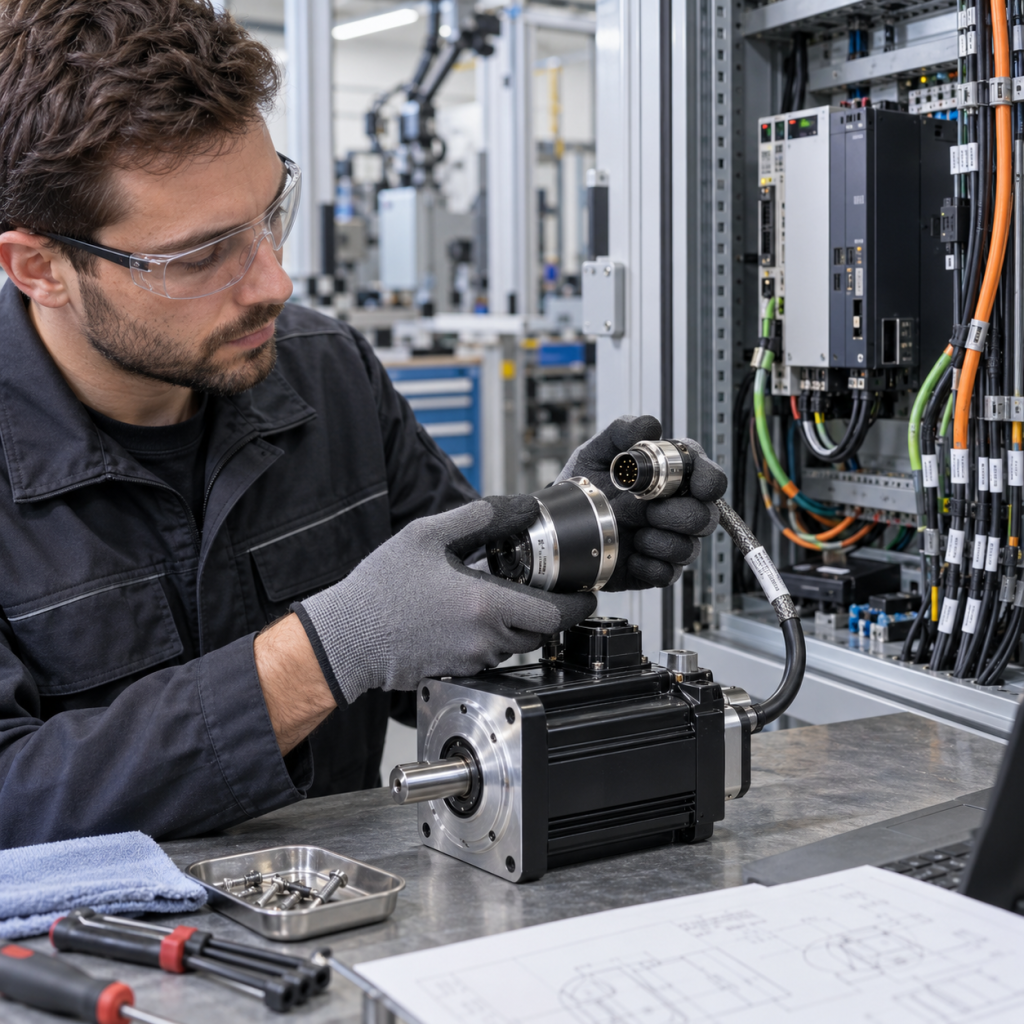
A servo drive is selected for a motor and feedback combination, not only for its input power. Record the motor model, rated voltage and current, encoder or resolver type, connector arrangement, brake wiring, cable length, and any motor temperature sensor. A similar motor frame or shaft size does not establish electrical compatibility.
Check whether the replacement drive supports the same feedback protocol and whether the connector pinout and cable shielding arrangement remain valid. If a feedback option card or adapter is installed, photograph its label and include it in the inquiry. For a multi-axis system, identify the exact axis position so that a spare for one axis is not confused with a neighboring unit.
Confirm control, network, and safety interfaces
Document how the drive receives commands: pulse train, fieldbus, analog reference, motion controller, or another interface. Record the network type, node address, communication module, I/O terminals, enable circuit, STO wiring, limit switches, and emergency-stop relationship where known.
ABB’s E530 servo documentation separates product information, interfaces, wiring, control functions, commissioning, tuning, parameters, and fault tracing. That structure reflects the practical RFQ sequence: the replacement must be reviewed as part of the axis, including its wiring and commissioning requirements.
Also record whether the application uses homing, torque limits, electronic gearing, camming, position capture, or coordinated motion. These functions may live partly in the controller and partly in the drive. A replacement request should make that division visible rather than assuming a factory-default drive will reproduce the existing behavior.
Use the system context to avoid a false match
Identify the machine function served by the axis, such as indexing, winding, packaging, conveying, or tool positioning. Note the load, gearbox, travel limits, acceleration requirements, and whether the machine can be tested offline. This information helps the supplier understand the risk of changing the drive or motor pairing.
For related KNMKS reference paths, review the industrial automation product listings, the servo systems category, and the ABB product reference page. These links help organize an inquiry, but installed documentation and model evidence remain the basis for compatibility review.
What to include in a servo drive replacement RFQ
- Complete drive, motor, feedback, option-module, and cable markings.
- Photos of the drive in context, cabinet wiring, connectors, and nameplates.
- Parameter backup file, engineering project reference, firmware, and revision details if available.
- Input supply, motor rating, feedback type, control method, network, and safety interface.
- Axis function, machine application, quantity, target country, and required delivery window.
- Whether the request is for an identical model, a documented replacement, or a technical alternative review.
Final verification gate
Before approving the request, compare the proposed drive with the installed motor and feedback system, parameter procedure, network interface, safety circuit, and cabinet constraints. Confirm the expected commissioning steps and identify which settings must be restored or re-entered by a qualified technician.
KNMKS can review the model, quantity, application context, and available photographs as part of an RFQ. The final quotation should remain subject to model and application confirmation. This evidence-first process reduces the chance of treating a visually similar servo drive as a guaranteed drop-in replacement.
Need help checking a servo drive? Send the complete model number, motor and feedback labels, parameter-backup status, quantity, destination country, and cabinet photos through the KNMKS inquiry process.
Sources: Siemens Industrial Cybersecurity Configuration Manual; Siemens Retrofit for Drive Systems; ABB Servo E530 and DSM FAQ.
Related Product Paths