
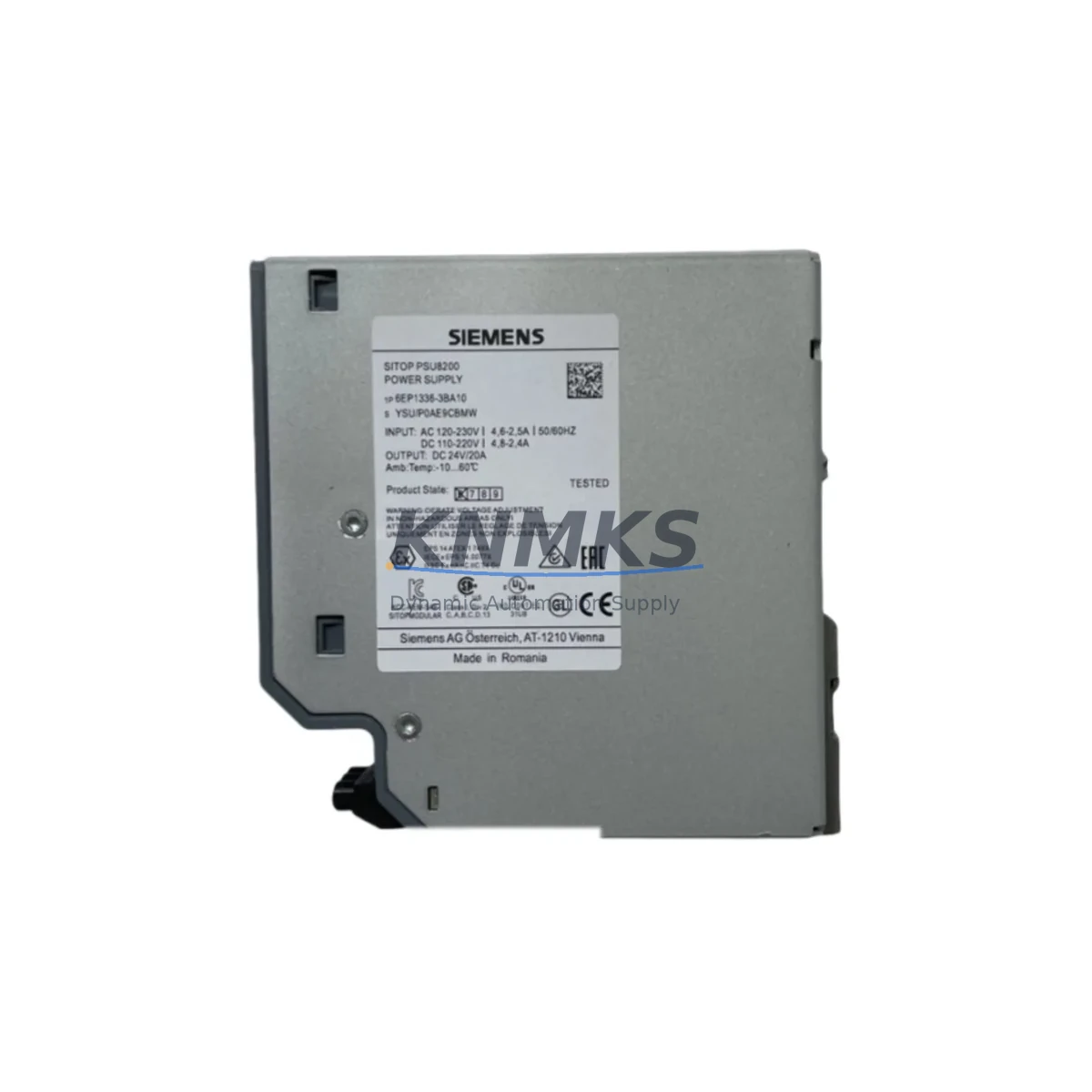
Overview
Siemens A5E00180143 Migration-Ready CP343 for Legacy S7-300 Control Systems
The Siemens A5E00180143 is a CP343 series communication processor engineered for SIMATIC S7-300 rack-based control systems. As legacy S7-300 platforms approach end-of-life and spare part availability tightens, the A5E00180143 has become a critical component in brownfield retrofit projects, discontinued module replacement programs, and control cabinet modernization initiatives across manufacturing, process automation, and infrastructure sectors. Whether you are replacing a failed CP343-1 variant, migrating from an older Profibus-only architecture to an Industrial Ethernet backbone, or extending the operational life of an existing S7-300 installation, the A5E00180143 provides a verified, drop-in compatible solution with minimal re-engineering overhead.
Before committing to a replacement, engineers must confirm several key parameters: the available slot position on the S7-300 rack (typically slots 4 through 11), the backplane bus interface compatibility, the existing power budget on the PS307 or PS305 power supply module, and whether the current STEP 7 project file references the CP module by hardware catalog entry or by symbolic address. In most S7-300 retrofit scenarios, the hardware configuration in STEP 7 must be updated to reflect the new CP module order number, and the MPI/Profibus station address or Industrial Ethernet IP address must be reassigned to match the original network topology. If the plant uses a SIMATIC NET CP configuration tool, the connection table and S7 routing entries should be exported before the swap and re-imported after commissioning to preserve communication links to SCADA, HMI panels, and remote I/O stations.
Terminal wiring on the A5E00180143 follows the standard S7-300 front connector pinout. If the legacy CP module used a 20-pin front connector, verify that the connector type is retained and that cable shields are properly grounded at the cabinet entry point. For installations where the original CP was connected to a Profibus DP network, confirm the bus termination resistor status at both ends of the segment, particularly if the A5E00180143 is replacing a module at a segment endpoint. Industrial Ethernet variants require verification of the RJ45 port configuration, duplex settings, and VLAN assignments if the plant network uses managed switches.
Migration Compatibility Table
| Parameter | Detail |
|---|---|
| SKU / Order Number | A5E00180143 |
| Module Series | CP343 — SIMATIC S7-300 Communication Processor |
| Rack Compatibility | S7-300 standard rack (UR1, UR2); slots 4–11 |
| Backplane Interface | S7-300 K-bus (P-bus + L-bus) |
| Communication Protocol | Profibus DP / Industrial Ethernet (ISO-on-TCP, S7 communication, FETCH/WRITE) |
| Power Consumption | Verify against PS307 / PS305 remaining capacity before installation |
| Front Connector | Standard S7-300 20-pin front connector (not included; reuse existing) |
| Programming Software | STEP 7 V5.x / TIA Portal with S7-300 legacy support package |
| Firmware Compatibility | Confirm firmware version matches STEP 7 hardware catalog entry |
| Replacement Scope | Direct replacement for discontinued CP343-1 / CP343-1 Lean / CP343-1 Advanced variants |
| Installation Space | Single slot; standard S7-300 module width (40 mm) |
| Origin | Germany |
| Support terms | 12 months from date of shipment |
Retrofit Planning for Existing Automation Systems
A successful retrofit using the A5E00180143 begins with a thorough audit of the existing S7-300 rack configuration. In a typical legacy control cabinet, the rack may house a CPU315-2 DP or CPU317-2 PN/DP alongside multiple SM321 digital input modules, SM322 digital output modules, and an SM331 analog input module for process signal acquisition. The CP343 module occupies one of the communication slots and handles all external network traffic, offloading protocol processing from the CPU. When the original CP module fails or becomes unavailable as a spare part, the A5E00180143 provides a functionally equivalent replacement that preserves the existing network architecture without requiring CPU firmware changes or I/O rewiring.
For plants that are simultaneously upgrading their HMI infrastructure — for example, migrating from a TP177B or OP177B operator panel to a newer KTP700 Basic or KTP900 Basic panel — the CP343 replacement must be coordinated with the HMI project update in WinCC flexible or TIA Portal. The HMI connection to the S7-300 CPU is typically routed through the MPI interface or through the CP module’s Ethernet port, and any IP address or station address changes must be reflected in both the PLC hardware configuration and the HMI communication settings before the system is restarted.
In installations where the S7-300 system communicates with remote ET200M distributed I/O stations over Profibus DP, the CP343 replacement must not alter the DP master configuration or the GSD file assignments for the slave stations. The Profibus segment should be tested with a Profibus diagnostic tool after module replacement to confirm that all slave stations are responding correctly and that the bus cycle time remains within the configured watchdog limits. If the plant also uses a CP342-5 Profibus master module in the same rack for a secondary DP network, ensure that the slot addresses and interrupt assignments do not conflict with the A5E00180143 after the hardware configuration is downloaded.
Power supply verification is a mandatory step before installation. The PS307 10A power supply module provides a fixed 24 VDC output to the S7-300 backplane, and the total current draw of all installed modules — including the CPU, all SM modules, and the CP343 — must not exceed the rated output. If the existing power budget is tight, consider whether a FM355 function module or an additional IM360/IM361 expansion rack interface module can be relocated to a second rack to free up current headroom for the CP343.
Downtime Control During System Migration
Minimizing unplanned downtime is the primary operational constraint in any S7-300 CP module replacement. The recommended approach is to perform the swap during a scheduled maintenance window, with the following preparation steps completed in advance: export the current STEP 7 hardware configuration and program blocks to an offline backup; document all Profibus station addresses, IP addresses, subnet masks, and gateway settings currently assigned to the CP module; photograph the front connector wiring before disconnection; and confirm that a tested replacement A5E00180143 unit is on hand and has been bench-verified for power-on behavior.
During the swap, the CPU should be placed in STOP mode before the CP module is removed. After installing the A5E00180143, the hardware configuration must be downloaded to the CPU with the new CP module entry before the CPU is switched back to RUN mode. If the plant uses S7 routing for remote programming access through the CP module, the routing table must be re-established after the download. For systems where continuous process monitoring is critical, consider whether a temporary bypass using a portable Profibus analyzer or a laptop-based STEP 7 connection via MPI can maintain visibility into the process during the CP replacement window.
Post-installation commissioning should include a full communication test: verify that all S7 connections to SCADA servers, historian systems, and remote HMI panels are re-established; confirm that Profibus DP slave stations are in DATA_EXCHANGE state; and check the CP module diagnostic buffer in STEP 7 for any fault entries. The A5E00180143 ships pre-tested and is covered by a support terms confirmed by quotation from the date of shipment, providing assurance that the replacement unit will perform to specification from the first power-on.
Retrofit Support FAQ
Q1: Is the A5E00180143 a direct replacement for the CP343-1 Lean and CP343-1 Advanced?
The A5E00180143 is a CP343 series module and is functionally compatible with CP343-1 variants in most S7-300 rack configurations. However, the exact hardware catalog entry in STEP 7 must be updated to match the A5E00180143 order number, and the communication configuration (IP address, connection table, S7 routing) must be re-downloaded after the hardware configuration change. Confirm the specific firmware version and feature set against your STEP 7 hardware catalog before ordering.
Q2: What commissioning steps are required after installing the A5E00180143?
After physical installation, download the updated STEP 7 hardware configuration to the CPU, reassign the IP address or Profibus station address to the CP module, re-establish all S7 connections and routing entries, and perform a full communication test with all connected SCADA, HMI, and remote I/O devices. Check the CP module diagnostic buffer for fault entries and confirm that all Profibus DP slaves are in DATA_EXCHANGE state before returning the system to production.
Q3: Can the existing front connector wiring be reused when replacing the CP module?
Yes. The S7-300 front connector is a separate component from the module itself and can be unplugged from the old CP module and plugged directly into the A5E00180143 without rewiring, provided the connector type and pin assignments are compatible. Inspect the connector for damaged pins or loose terminations before reuse, and verify that cable shields are properly grounded at the cabinet entry point.
Q4: What is the support terms coverage and how is stock availability confirmed?
The A5E00180143 is covered by a support terms confirmed by quotation from the date of shipment, covering manufacturing defects and functional failures under normal operating conditions. Stock availability is confirmed at the time of order. For time-critical retrofit projects, contact the sales team directly to confirm lead time and arrange priority shipment. Pre-shipment functional testing is performed on all units before dispatch.
© 2026 KNMKS. All rights reserved.
Original Source: https://knmks.com
Contact: admin@knmks.com | +86 18359268345
Product Identification
- Brand / Ecosystem
-
Siemens
Siemens - Model / Series
- A5E00180143
- Product Family
- PLCs & Controllers
- Availability Status
- Available on request after model and quantity confirmation
- Inquiry Type
- B2B RFQ, replacement inquiry and project spare-part request
- Pre-Quote Check
- Exact SKU, brand, series, quantity, nameplate photos and destination country are checked before quotation
System Path
Where this product fits in the KNMKS automation structure.
Specification & Inquiry Focus
- Control platform
- PLC, PAC and modular controllers
- Common needs
- CPU, rack, power and I/O expansion
- Project support
- Replacement, cabinet build and maintenance
Buyer Confirmation
Information KNMKS checks before replying.
- Exact model
- A5E00180143
- Brand / ecosystem
- Siemens
- Product family
- PLCs & Controllers
- Application note
- Replacement, maintenance, project build or spare-part list
- Useful photos
- Nameplate, installed unit, cabinet layout or connector side
- Delivery details
- Quantity, destination country and target schedule
Document Support
Files and notes can be confirmed during quotation.
- Product photos or nameplate confirmation when available
- Packing and delivery notes before quotation confirmation
- Support scope and delivery terms confirmed per inquiry
- Export document coordination for qualified B2B requests
Inquiry Support
- Model cross-checking before quotation
- CPU, power, rack and expansion module matching
- Support for replacement and project inquiry
What to Send Us
- Brand and exact model number: Siemens A5E00180143
- Quantity and required delivery time
- Application, replacement requirement or nameplate photo
- Destination country and shipping preference
RFQ Preparation
This is a product inquiry page built for RFQ communication.
Fast Model Check
Send this model to KNMKS for confirmation.
Include quantity, destination country and photos if this is a maintenance replacement. The inquiry will be saved with a reference number after submission.
Brand & Compatibility Note
KNMKS displays automation product information for well-known industrial brand ecosystems and compatible replacement references. Brand names are used for product identification and compatibility reference only; final availability and commercial terms are confirmed per quotation.
 Manufacturing
 Machine Tools
 Packaging
 Energy & Power



 HMI & Displays
 Servo Systems
 Variable Frequency Drives
 Sensors