
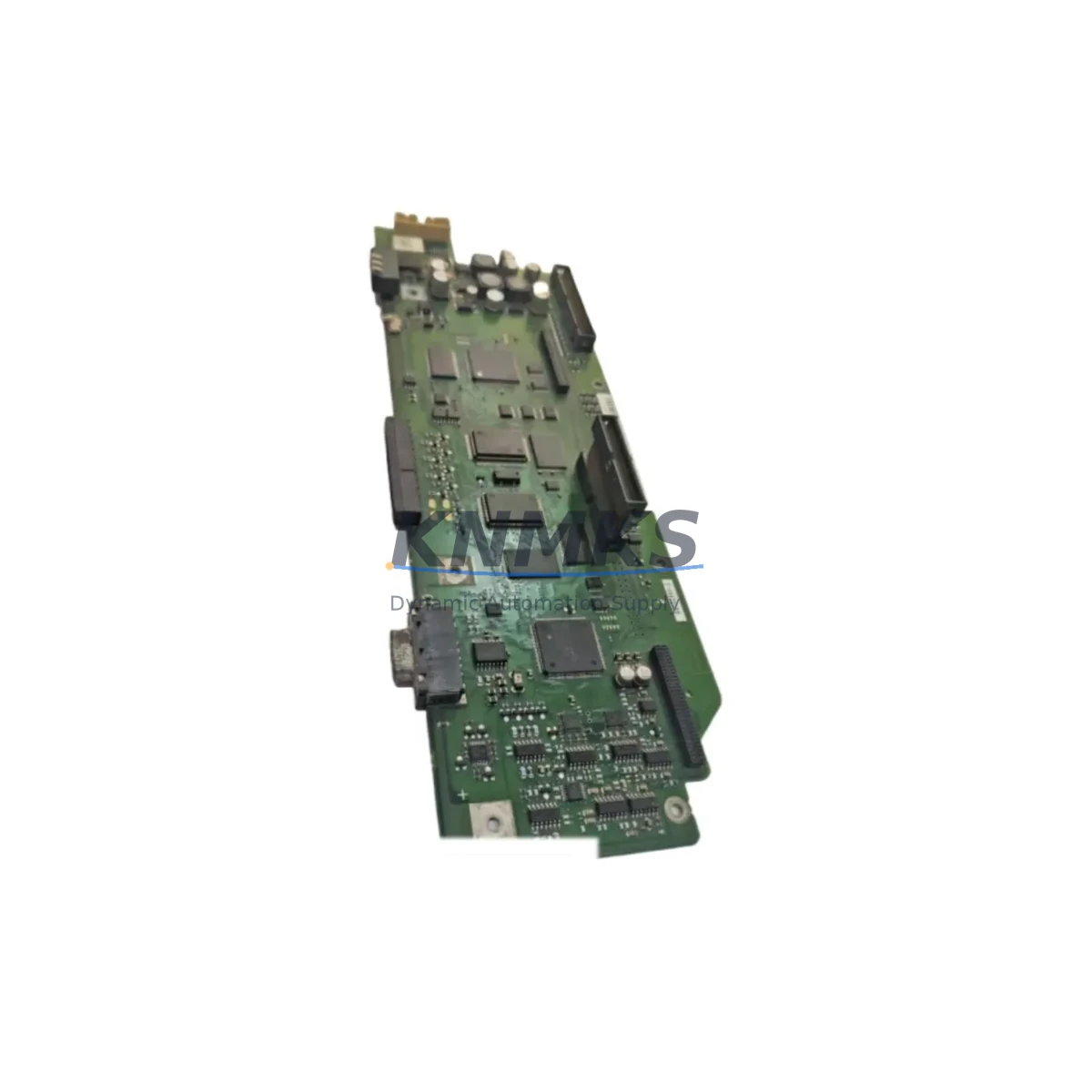
Overview
Siemens A5E00063020 Migration-Ready PSU for Legacy S7-300 Control Systems
The Siemens A5E00063020 is a 24 VDC input power supply module engineered for the SIMATIC S7-300 programmable logic controller platform. As legacy S7-300 installations approach end-of-life and original Siemens production of certain PSU variants winds down, the A5E00063020 has become a critical retrofit and spare-part solution for automation engineers managing aging control cabinets across manufacturing, process, and infrastructure sectors. Whether you are executing a planned control system upgrade, responding to an unplanned PSU failure, or building a strategic spare-parts inventory to extend the operational life of your S7-300 rack, the A5E00063020 provides a verified drop-in replacement path with minimal disruption to existing wiring, rack geometry, and PLC program logic.
Sourced from certified industrial distribution channels and subject to pre-shipment functional testing, each unit is dispatched with a support terms confirmed by quotation covering manufacturing defects and operational failures under normal industrial service conditions. Global stock is maintained across multiple regional warehouses to support urgent retrofit timelines and reduce lead-time risk for international customers.
Migration Compatibility Table
| Parameter | A5E00063020 Specification | Retrofit / Migration Note |
|---|---|---|
| Input Voltage | 24 VDC (20.4–28.8 V) | Verify existing cabinet DC bus voltage before installation; confirm upstream fusing matches rated input current draw |
| Output / Rail Compatibility | S7-300 backplane bus (5 VDC logic rail) | Direct backplane connector match for standard S7-300 racks (6ES7 390-1AE80-0AA0 and compatible); no bus adapter required |
| Physical Form Factor | S7-300 PSU slot (Slot 1, left-most position) | Confirm rack slot availability; no mechanical modification required for standard 4-, 6-, 8-, or 11-slot S7-300 racks |
| Module Address | Not software-addressed (PSU is transparent to CPU addressing) | No address reassignment required in STEP 7 or TIA Portal hardware configuration after swap |
| Communication Link Impact | None (PSU does not participate in PROFIBUS DP or MPI topology) | PROFIBUS DP network and MPI programming interface remain unaffected; no bus termination changes needed |
| Firmware / Software | No firmware — hardware-only module | No firmware update, GSD file change, or TIA Portal library update required |
| HMI / SCADA Impact | None | SIMATIC HMI panels (TP177, OP177, MP277 series) and WinCC SCADA connections are unaffected; no screen reconfiguration needed |
| Installation Space | Standard S7-300 DIN rail mounting | Confirm DIN rail clearance and cabinet depth (≥ 210 mm recommended); verify adjacent module spacing for heat dissipation |
| Replacement Candidates | Supersedes select discontinued S7-300 PSU variants | Cross-reference original PSU order number against Siemens migration guide; confirm output current budget covers all installed SM and CP modules |
| Support terms | 12 Months | Covers manufacturing defects and operational failure under rated industrial service conditions from date of shipment |
Retrofit Planning for Existing Automation Systems
A successful S7-300 PSU retrofit begins well before the replacement unit arrives on site. Engineers should start by auditing the total current consumption of all modules installed in the affected rack. A typical S7-300 configuration may include a CPU 315-2 DP or CPU 317-2 PN/DP central processing unit, multiple SM 321 digital input modules, SM 322 digital output modules, and SM 331 or SM 332 analog I/O modules. Each of these signal modules draws current from the 5 VDC backplane bus supplied by the PSU. If the rack also hosts a CP 343-1 Ethernet communications processor for PROFINET or Industrial Ethernet connectivity, or a CP 342-5 for PROFIBUS DP master functionality, their current contributions must be included in the power budget calculation. Exceeding the rated output current of the replacement PSU is a common commissioning error that manifests as intermittent CPU faults or module initialization failures rather than an obvious power failure, making pre-installation current auditing essential.
Terminal wiring at the PSU input connector should be inspected and re-torqued to manufacturer specification during the replacement procedure. Aged ferrules, corroded terminals, or undersized cable cross-sections are frequently discovered during PSU swaps in cabinets that have been in service for ten or more years. If the control cabinet also houses an IM 360 / IM 361 interface module pair for multi-rack expansion, verify that the expansion rack PSU modules are similarly assessed, as a degraded PSU in a secondary rack can introduce ground-loop noise that affects analog signal quality across the entire system. For installations where a SIMATIC S7-300 IM 153-2 ET 200M distributed I/O head station is used in conjunction with the central rack, confirm that the PROFIBUS DP segment powering the remote station remains stable throughout the PSU swap procedure to avoid unintended I/O dropout at field devices.
Where the retrofit is part of a broader migration from S7-300 to S7-1500 or ET 200SP architecture, the A5E00063020 serves as a bridge component — keeping the legacy rack operational during a phased cutover while new hardware is commissioned in parallel. This approach allows engineering teams to validate TIA Portal program conversions, update HMI faceplates, and re-test safety interlocks without forcing a hard cutover under time pressure.
Downtime Control During System Migration
Minimizing unplanned downtime during a PSU replacement or broader S7-300 retrofit requires a structured approach to pre-outage preparation. Before initiating any hardware swap, upload and archive the current CPU program using STEP 7 or TIA Portal to a secure offline location. Confirm that the memory card installed in the CPU (if applicable) contains a valid program backup, and that the CPU’s retentive data areas — including data block contents and flag memory — are documented or backed up using the appropriate online function. This protects against data loss in the event that the CPU enters a cold restart state following power restoration.
During the physical swap, label all terminal connections at the PSU input before disconnection, even when the wiring appears self-evident. In cabinets with multiple power rails or where 24 VDC is distributed to both the PSU input and field device loops, incorrect reconnection is a realistic risk. After installing the A5E00063020, restore power incrementally where possible — energize the PSU and confirm backplane bus voltage before reconnecting field wiring to output modules. Monitor the CPU diagnostic buffer immediately after restart using STEP 7 or TIA Portal online diagnostics to confirm that all modules are recognized and no hardware faults are logged. PROFIBUS DP network health should be verified using the bus diagnostic function in STEP 7 or a dedicated PROFIBUS tester to confirm that all slave stations have re-established communication within expected cycle times. Total planned outage windows for a straightforward PSU swap in a well-documented S7-300 system typically range from 30 to 90 minutes when spare parts and tooling are staged in advance.
Retrofit Support FAQ
Q1: Is the A5E00063020 a direct drop-in replacement for my existing S7-300 PSU?
In the majority of standard S7-300 rack configurations, yes. The A5E00063020 uses the same backplane connector and occupies the same physical slot position as other S7-300 PSU modules. However, you must verify that the output current rating of the A5E00063020 meets or exceeds the total current demand of all modules installed in your rack. If your existing PSU was a higher-current variant, confirm the current budget before installation. Contact our technical team with your rack configuration and we will confirm compatibility before shipment.
Q2: Do I need to modify my STEP 7 or TIA Portal hardware configuration after replacing the PSU?
No hardware configuration changes are required in STEP 7 or TIA Portal. The S7-300 PSU module is not software-addressed and does not appear as a configurable object in the hardware catalog. Your existing CPU program, I/O addressing, and communication settings remain fully intact after the swap. No recompilation or download of the hardware configuration is necessary solely as a result of the PSU replacement.
Q3: What pre-shipment testing is performed on the A5E00063020?
Each A5E00063020 unit undergoes functional power-on testing prior to dispatch, confirming correct output voltage regulation and protection circuit operation. Units are inspected for physical condition, connector integrity, and labeling accuracy. Test records are retained and available upon request for customers with quality management or traceability requirements. All units are shipped with a support terms confirmed by quotation from the date of shipment, covering manufacturing defects and operational failures under rated service conditions.
Q4: What is your stock availability and lead time for the A5E00063020?
We maintain active inventory of the A5E00063020 across multiple regional stock locations to support urgent retrofit and breakdown requirements. Standard orders are typically dispatched within 1–3 business days. For large-quantity blanket orders or long-term supply agreements to support multi-site retrofit programs, please contact our sales team directly to discuss pricing, reservation, and delivery scheduling. Customers managing extended spare-parts lifecycle programs for S7-300 installations are encouraged to enquire about forward stock reservation to mitigate future availability risk as legacy component supply tightens.
© 2026 KNMKS. All rights reserved.
Original Source: https://knmks.com
Contact: admin@knmks.com | +86 18359268345
Product Identification
- Brand / Ecosystem
-
Siemens
Siemens - Model / Series
- A5E00063020
- Product Family
- Power Supplies
- Availability Status
- Available on request after model and quantity confirmation
- Inquiry Type
- B2B RFQ, replacement inquiry and project spare-part request
- Pre-Quote Check
- Exact SKU, brand, series, quantity, nameplate photos and destination country are checked before quotation
System Path
Where this product fits in the KNMKS automation structure.
Specification & Inquiry Focus
- Power range
- DIN rail and switching power supplies
- Common needs
- Voltage, current and mounting style
- Project support
- Control cabinet and panel-builder inquiries
Buyer Confirmation
Information KNMKS checks before replying.
- Exact model
- A5E00063020
- Brand / ecosystem
- Siemens
- Product family
- Power Supplies
- Application note
- Replacement, maintenance, project build or spare-part list
- Useful photos
- Nameplate, installed unit, cabinet layout or connector side
- Delivery details
- Quantity, destination country and target schedule
Document Support
Files and notes can be confirmed during quotation.
- Product photos or nameplate confirmation when available
- Packing and delivery notes before quotation confirmation
- Support scope and delivery terms confirmed per inquiry
- Export document coordination for qualified B2B requests
Inquiry Support
- 24VDC and cabinet power selection support
- Stable power support for PLC and HMI systems
- Batch inquiry support for panel builders
What to Send Us
- Brand and exact model number: Siemens A5E00063020
- Quantity and required delivery time
- Application, replacement requirement or nameplate photo
- Destination country and shipping preference
RFQ Preparation
This is a product inquiry page built for RFQ communication.
Fast Model Check
Send this model to KNMKS for confirmation.
Include quantity, destination country and photos if this is a maintenance replacement. The inquiry will be saved with a reference number after submission.
Brand & Compatibility Note
KNMKS displays automation product information for well-known industrial brand ecosystems and compatible replacement references. Brand names are used for product identification and compatibility reference only; final availability and commercial terms are confirmed per quotation.
 Manufacturing
 Machine Tools
 Packaging
 Energy & Power
 PLCs & Controllers
 HMI & Displays
 Servo Systems
 Variable Frequency Drives