
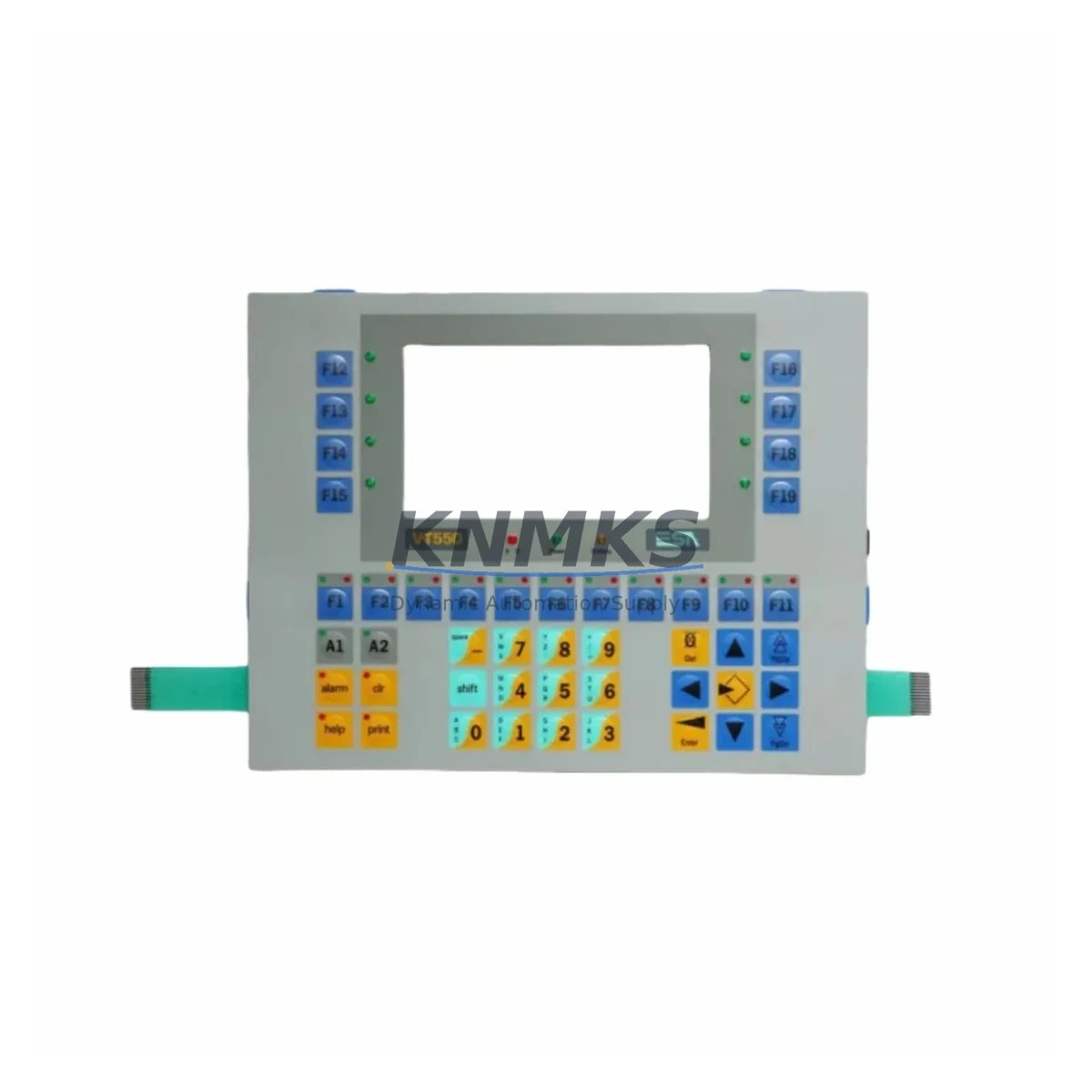
Overview
Siemens 6GK5734-1FX00-0AA0 Migration-Ready Switch for Legacy Control Systems
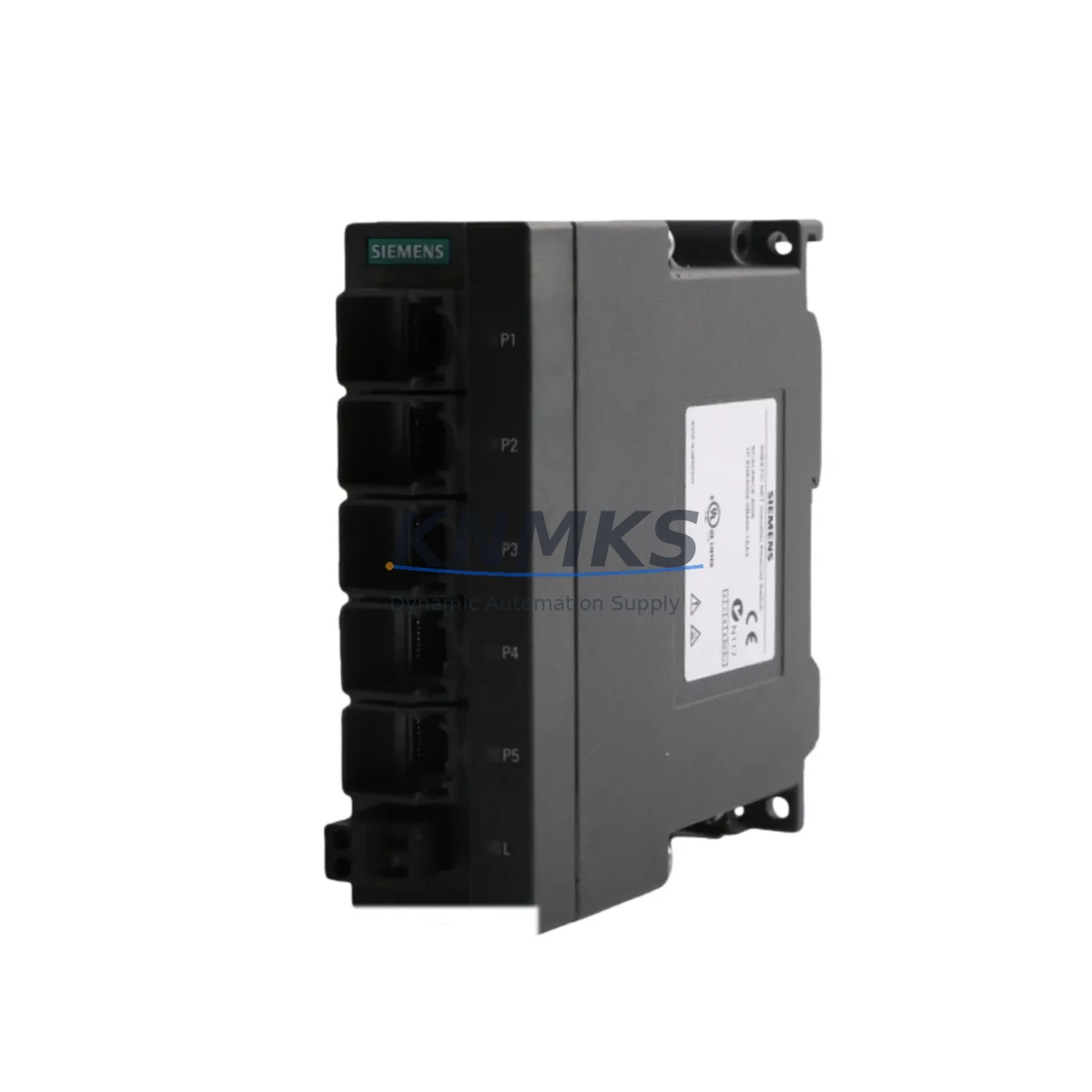
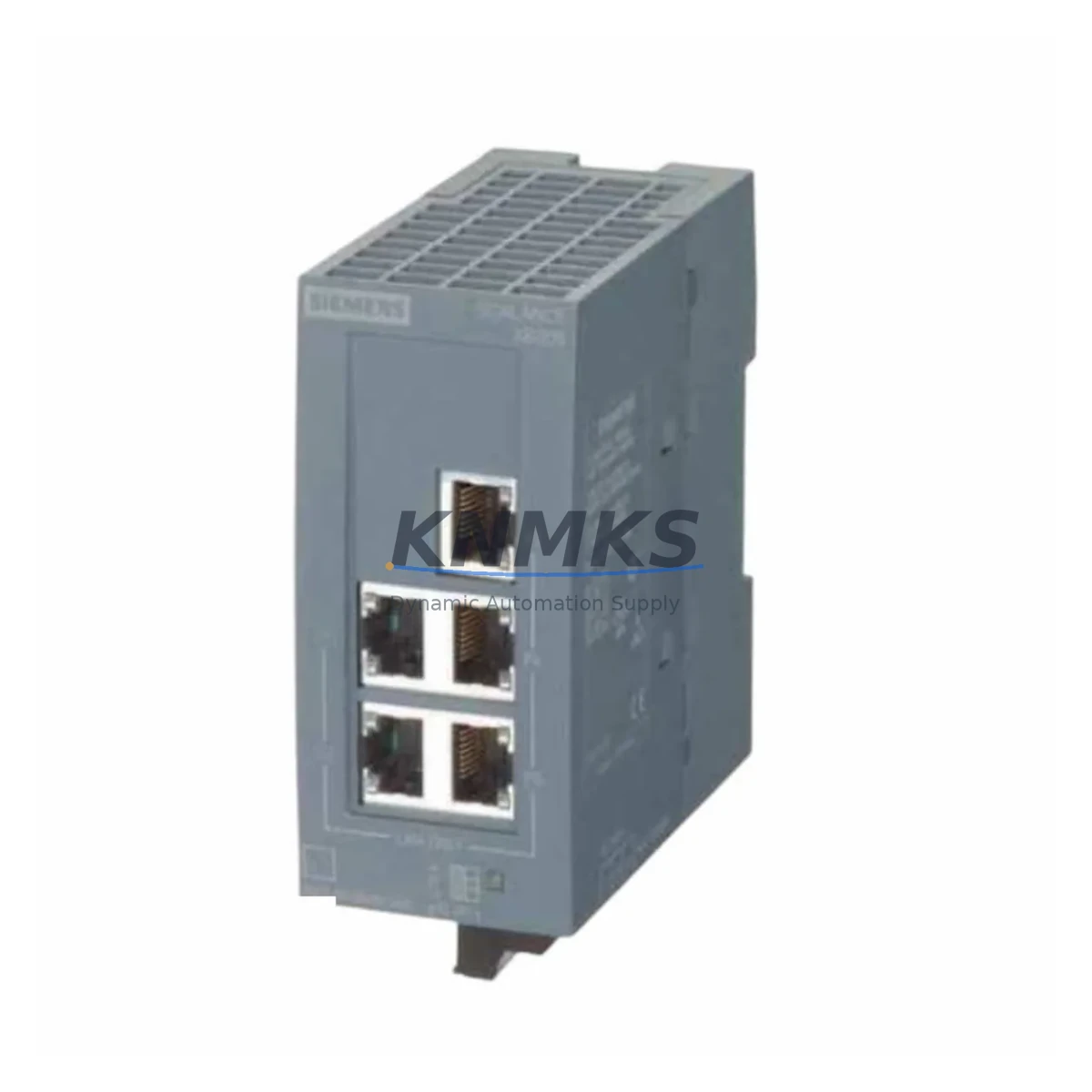
The Siemens 6GK5734-1FX00-0AA0 is a high-performance managed industrial Ethernet switch from the SCALANCE XR500 series, purpose-built for environments where legacy network infrastructure must be modernized without disrupting active production lines. As automation engineers face increasing pressure to retire aging SCALANCE X400 and XR300 series switches — many of which are now discontinued or approaching end-of-support — the 6GK5734-1FX00-0AA0 provides a validated, drop-in migration path that preserves existing PROFINET and Industrial Ethernet topologies while delivering the redundancy, diagnostics, and throughput demanded by modern DCS and PLC architectures.
Designed for rack-mount installation within standard 19-inch control cabinets, this module integrates directly into SIMATIC-based automation environments. Its compatibility with PROFINET IO, SNMP-based network management, and RSTP/MRP ring redundancy protocols makes it a preferred replacement for legacy switches that lack modern fault-tolerance capabilities. Engineers migrating from older SCALANCE XR-300 or X-300 series platforms will find that the 6GK5734-1FX00-0AA0 supports the same subnet addressing and VLAN segmentation strategies, significantly reducing the scope of PLC program modifications and HMI screen reconfiguration during cutover.
Before initiating a replacement, maintenance teams should verify the existing power supply capacity within the control cabinet. The 6GK5734-1FX00-0AA0 operates on a 24 VDC redundant power input, and installations migrating from older switches with different power draw profiles may require a SITOP PSU8200 or equivalent power supply module to be evaluated for headroom. Terminal wiring on the power connector follows standard SCALANCE conventions, but field engineers should cross-reference the existing terminal block layout — particularly if the cabinet uses a SIMATIC ET 200SP distributed I/O station or a CP 343-1 communications processor on the same rail — to avoid conflicts during the transition.
Backplane and rack interface compatibility is a critical checkpoint. The XR500 series uses a modular chassis architecture, and the 6GK5734-1FX00-0AA0 must be seated in a compatible XR500 chassis slot. Teams replacing a 6GK5734-1FX00-0AB0 or similar variant should confirm the chassis generation and firmware baseline before insertion. Module addressing within the STEP 7 or TIA Portal project must be updated to reflect the new hardware identifier, and any GSD/GSDML device description files for PROFINET IO devices downstream of this switch should be re-imported to ensure correct parameterization.
For sites running SIMATIC S7-300 or S7-400 controllers with legacy CP 343-1 or CP 443-1 Ethernet modules, the migration to the 6GK5734-1FX00-0AA0 typically requires no changes to the PLC communication blocks, provided the IP addressing scheme is preserved. However, if the legacy switch was operating in store-and-forward mode with custom QoS settings, these parameters must be reconfigured in the new device using SINEMA Network Manager or the integrated web interface. HMI panels connected via PROFINET — such as SIMATIC TP700 or MP377 units — should be tested for communication continuity after the switch replacement, as PROFINET device names and IP assignments are stored in the switch’s configuration and must be restored from backup or re-commissioned on-site.
All units supplied by KNMKS undergo pre-shipment functional testing, including port-level link verification, VLAN configuration validation, and redundancy ring simulation. Each 6GK5734-1FX00-0AA0 is covered by a support terms confirmed by quotation from the date of dispatch, with rapid global shipping from multi-region stock to support emergency replacement scenarios and planned maintenance windows alike.
Migration Compatibility Table
| Parameter | Legacy Reference (XR300 / X400 Series) | 6GK5734-1FX00-0AA0 (XR500) | Migration Note |
|---|---|---|---|
| Form Factor | 19″ rack-mount, modular | 19″ rack-mount, XR500 chassis | Confirm chassis slot compatibility before installation |
| Power Input | 24 VDC (single or redundant) | 24 VDC redundant | Verify PSU headroom; upgrade SITOP if required |
| Communication Protocol | PROFINET IO, Industrial Ethernet | PROFINET IO, SNMP, RSTP, MRP | Re-import GSDML files; verify PROFINET device names |
| Redundancy | RSTP (limited MRP support) | RSTP + MRP ring redundancy | Configure MRP role (Manager/Client) post-installation |
| Management Interface | Web UI / SNMP v1/v2 | Web UI / SNMP v1/v2/v3 / SINEMA | Migrate QoS and VLAN configs manually or via backup |
| Firmware Compatibility | Legacy SCALANCE firmware | Current SCALANCE XR500 firmware | Update TIA Portal HW catalog before commissioning |
| Installation Space | Standard 19″ bay | Standard 19″ bay (XR500 chassis) | Measure chassis depth; confirm rail clearance |
| Support terms | — | 12 Months from dispatch (KNMKS) | Covers all pre-shipment tested units |
Retrofit Planning for Existing Automation Systems
A successful retrofit of the 6GK5734-1FX00-0AA0 into an existing automation environment requires a structured pre-migration audit. Begin by documenting the current network topology, including all PROFINET IO devices, their assigned device names, and IP addresses. If the legacy switch is interconnected with a SIMATIC S7-400H high-availability controller via redundant Ethernet paths, the MRP ring configuration must be planned carefully to avoid split-brain scenarios during the cutover window.
Power distribution within the control cabinet should be assessed before the new switch is installed. In cabinets where a SITOP PSU8200 24 VDC power supply feeds multiple rail-mounted devices — including CP 443-1 Advanced communication processors, SIMATIC ET 200M remote I/O stations, and signal conditioning modules — the additional load of the XR500 chassis must be factored into the total current budget. If the existing PSU is operating near capacity, a supplementary SITOP UPS module may be required to maintain ride-through capability during brief power fluctuations.
Terminal wiring for the new switch should follow the existing cable schedule. In most XR500 installations, fiber uplinks use LC duplex connectors, while copper ports use RJ45 with standard Cat6 patch cables. If the legacy switch used SC fiber connectors, adapter panels or new fiber patch cords will be needed. The SIMATIC NET Industrial Ethernet FC TP Standard Cable is the recommended interconnect for copper segments within the cabinet, ensuring EMC compliance in high-noise environments typical of motor drive and servo controller installations.
For sites where a SIMATIC HMI TP1500 Comfort panel or WinCC SCADA system monitors network device status via OPC UA or S7 communication, the switch replacement should be coordinated with the HMI engineering team to update any network topology views or alarm tags that reference the legacy switch’s IP address or device name. Programming cables such as the SIMATIC PC Adapter USB A2 may be needed for on-site firmware verification and initial parameterization of the new module before it is inserted into the live network.
Downtime Control During System Migration
Minimizing production downtime during a switch replacement in an active PROFINET network requires careful sequencing. The recommended approach is to pre-configure the 6GK5734-1FX00-0AA0 offline — assigning PROFINET device names, IP addresses, VLAN memberships, and MRP roles — using a laptop connected directly to the switch’s management port before the unit is installed in the cabinet. This offline commissioning step, performed using TIA Portal or SINEMA Network Manager, ensures that the switch is ready to assume its role in the network the moment it is powered on, reducing the live cutover window to the time required for physical cable transfer and power connection.
Where the legacy switch is part of an MRP ring, the ring should be intentionally opened at a non-critical link before the replacement begins, converting the topology to a linear chain. This prevents the MRP manager from generating spurious reconfiguration events during the physical swap. Once the new 6GK5734-1FX00-0AA0 is installed and powered, the ring link is restored and the MRP manager confirms ring closure, typically within 200 milliseconds — well within the tolerance of most PROFINET IO devices operating in RT (Real-Time) mode.
PLC program logic does not typically require modification if the IP addressing and PROFINET device name assignments are preserved. However, engineers should perform a full I/O force test on critical output channels after the switch is live to confirm that all downstream ET 200SP or ET 200M I/O stations are communicating correctly. Any alarms generated during the cutover should be acknowledged and logged for the maintenance record. The support terms confirmed by quotation provided on all KNMKS-supplied units covers defects identified during this commissioning phase, and our technical team is available to support remote diagnostics if unexpected issues arise during the migration.
Retrofit Support FAQ
Q: Is the 6GK5734-1FX00-0AA0 a direct replacement for the 6GK5734-1FX00-0AB0?
A: The two variants differ in their SFP port configuration and fiber interface options. Before substituting one for the other, verify the fiber transceiver type and port count required by your existing cabling infrastructure. KNMKS can advise on variant compatibility based on your site’s cable schedule.
Q: What pre-shipment testing is performed on each unit?
A: Every 6GK5734-1FX00-0AA0 dispatched by KNMKS undergoes port-level link verification, VLAN configuration validation, power input redundancy testing, and MRP ring simulation. A test report is available upon request for quality-critical installations.
Q: How do I handle PROFINET device name conflicts after the switch replacement?
A: PROFINET device names are stored in the switch’s non-volatile memory. After installing the new unit, use TIA Portal’s “Assign PROFINET device name” function or the SINEMA Network Manager to assign the correct device name before connecting the switch to the live PROFINET segment. This prevents name conflicts with any temporary device name that may have been assigned during bench testing.
Q: What is the support terms coverage and lead time for the 6GK5734-1FX00-0AA0?
A: All units supplied by KNMKS carry a support terms confirmed by quotation from the date of dispatch. Stock is maintained across multiple regions to support both emergency replacement and planned maintenance schedules. Contact our team for current availability and expedited shipping options.
© 2026 KNMKS. All rights reserved.
Original Source: https://knmks.com
Contact: admin@knmks.com | +86 18359268345
Product Identification
- Brand / Ecosystem
-
Siemens
Siemens - Model / Series
-
6GK5734-1FX00-0AA0
SIMATIC Series - Product Family
- Sensors
- Availability Status
- Available on request after model and quantity confirmation
- Inquiry Type
- B2B RFQ, replacement inquiry and project spare-part request
- Pre-Quote Check
- Exact SKU, brand, series, quantity, nameplate photos and destination country are checked before quotation
System Path
Where this product fits in the KNMKS automation structure.
Specification & Inquiry Focus
- Sensor range
- Photoelectric, proximity and process sensors
- Common needs
- Output type, distance and connector
- Project support
- Machine detection and replacement inquiry
Buyer Confirmation
Information KNMKS checks before replying.
- Exact model
- 6GK5734-1FX00-0AA0
- Brand / ecosystem
- Siemens
- Product family
- Sensors
- Application note
- Replacement, maintenance, project build or spare-part list
- Useful photos
- Nameplate, installed unit, cabinet layout or connector side
- Delivery details
- Quantity, destination country and target schedule
Document Support
Files and notes can be confirmed during quotation.
- Product photos or nameplate confirmation when available
- Packing and delivery notes before quotation confirmation
- Support scope and delivery terms confirmed per inquiry
- Export document coordination for qualified B2B requests
Inquiry Support
- NPN/PNP, analog and digital output checking
- Connector and cable compatibility review
- Fast inquiry support for maintenance teams
What to Send Us
- Brand and exact model number: Siemens 6GK5734-1FX00-0AA0
- Quantity and required delivery time
- Application, replacement requirement or nameplate photo
- Destination country and shipping preference
RFQ Preparation
This is a product inquiry page built for RFQ communication.
Fast Model Check
Send this model to KNMKS for confirmation.
Include quantity, destination country and photos if this is a maintenance replacement. The inquiry will be saved with a reference number after submission.
Brand & Compatibility Note
KNMKS displays automation product information for well-known industrial brand ecosystems and compatible replacement references. Brand names are used for product identification and compatibility reference only; final availability and commercial terms are confirmed per quotation.
 Manufacturing
 Machine Tools
 Packaging
 Energy & Power
 PLCs & Controllers
 HMI & Displays
 Servo Systems
 Variable Frequency Drives