
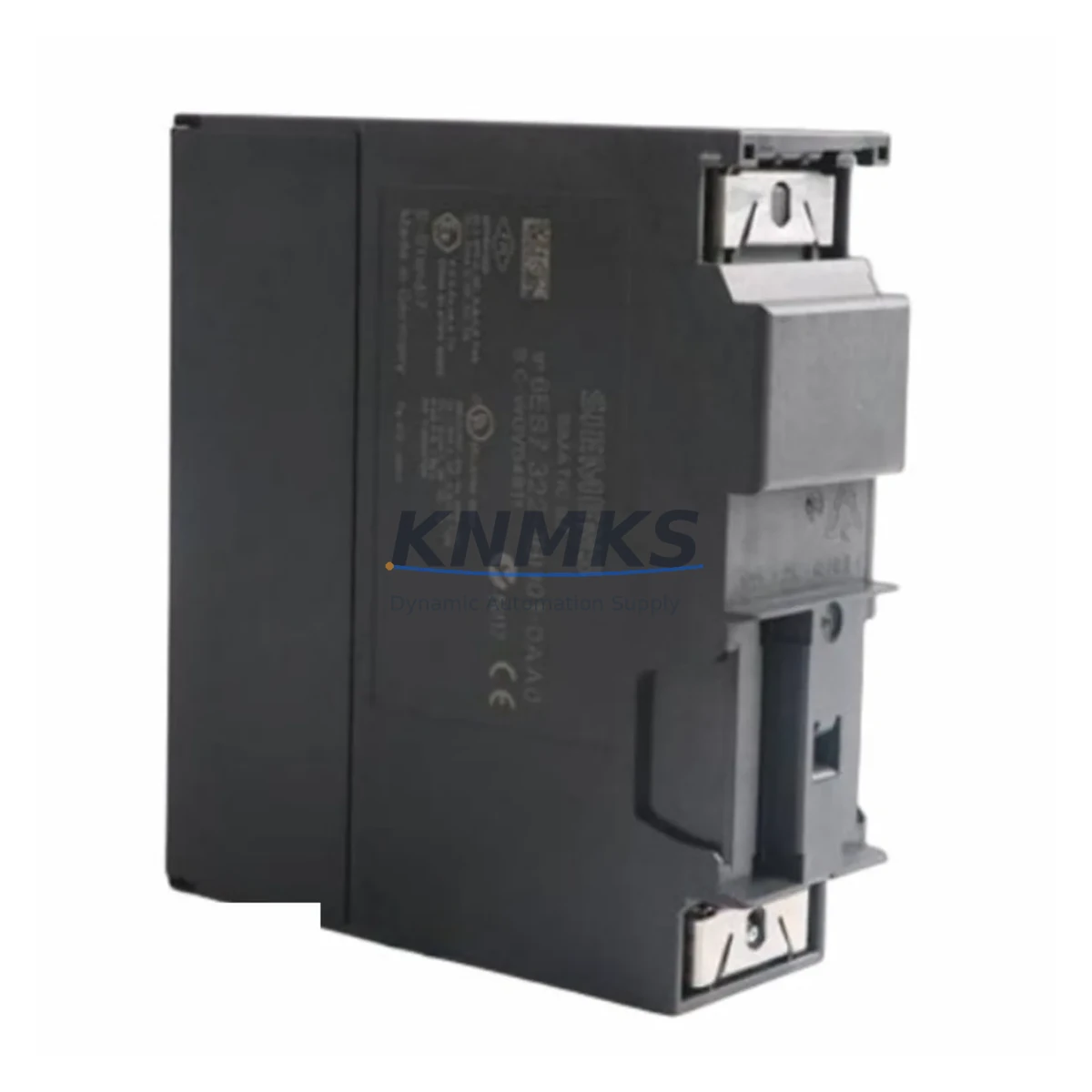
Overview
Siemens 6GK5206-2BB00-2AC2 Spare Part for Factory Uptime
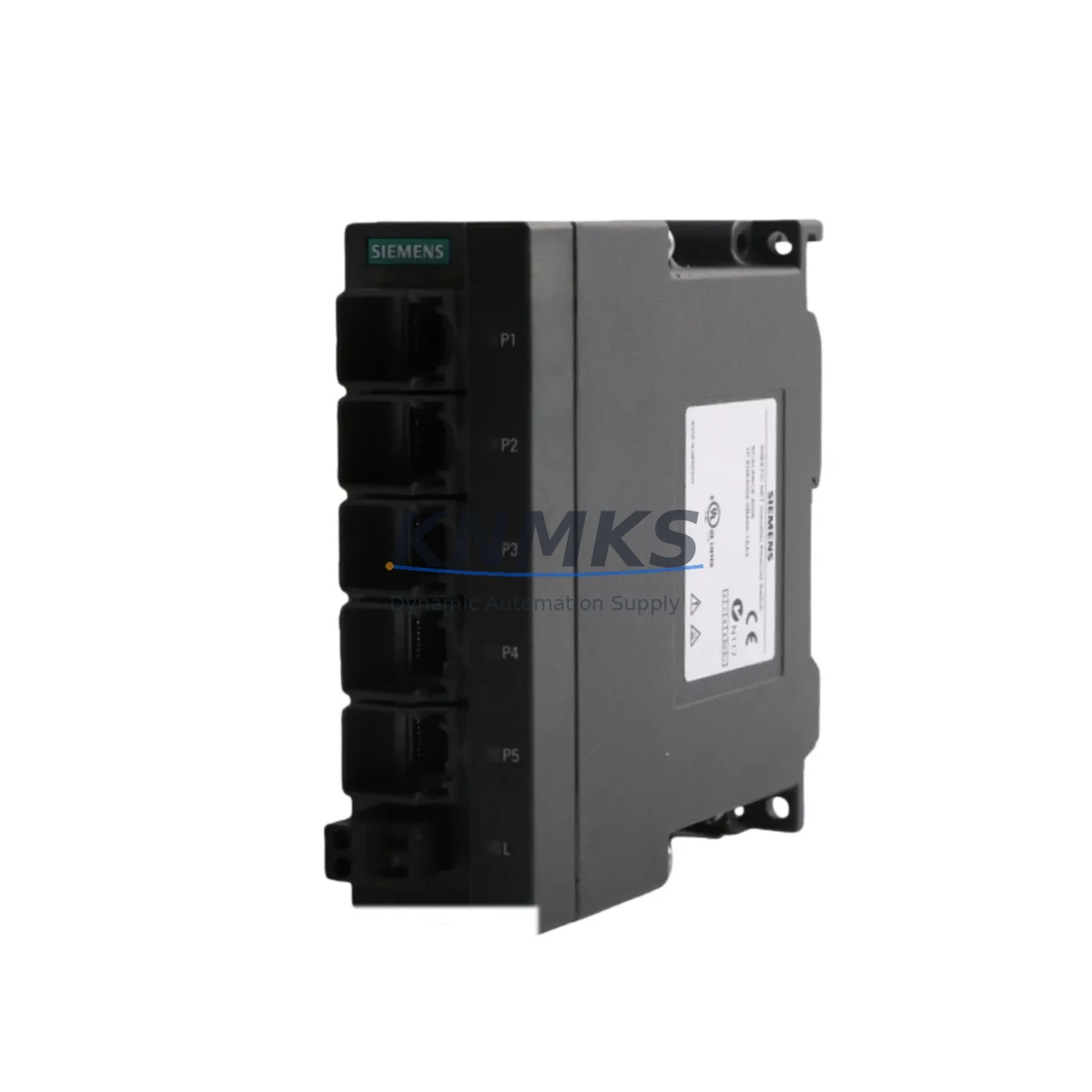
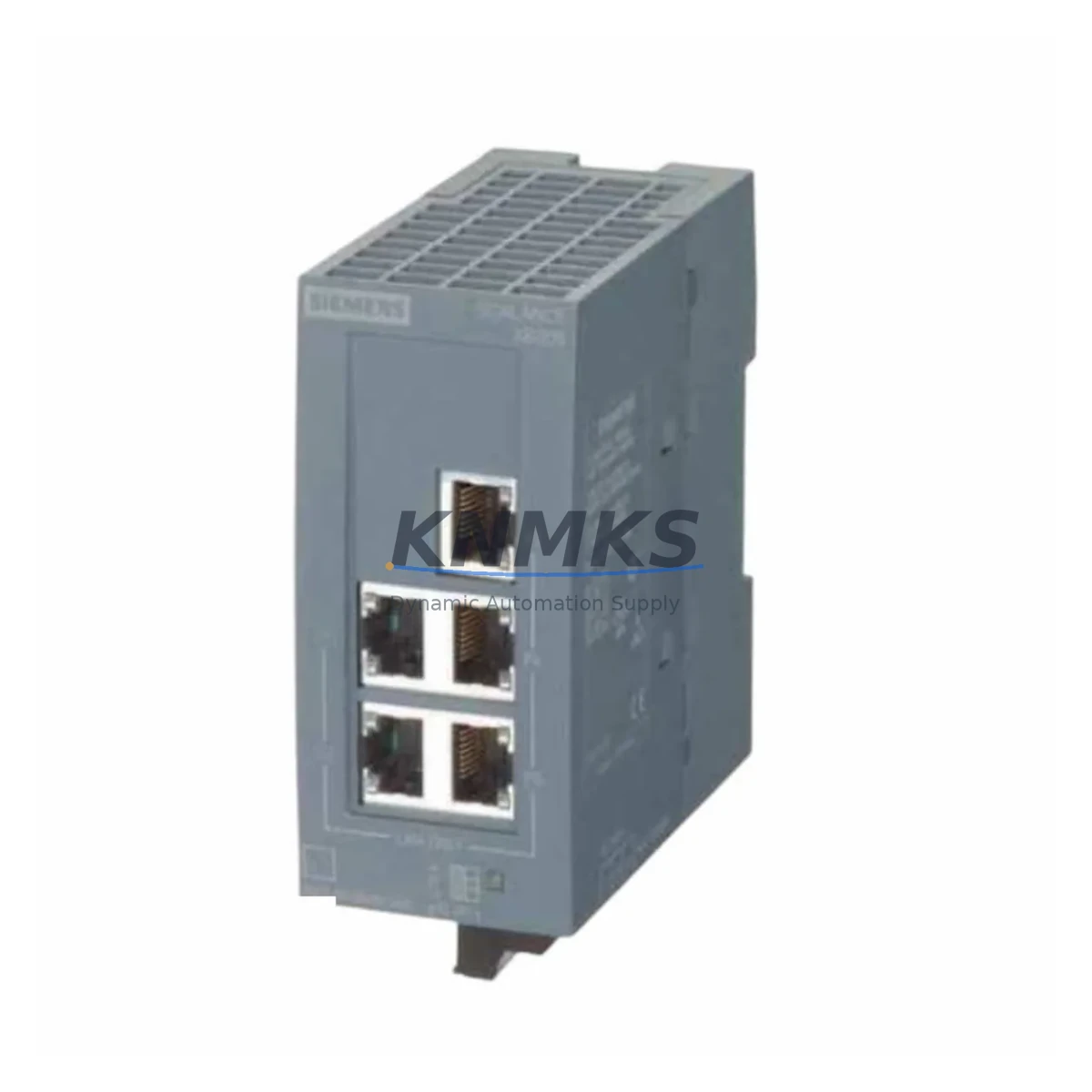
The Siemens 6GK5206-2BB00-2AC2 is an original SCALANCE X206-2 managed industrial Ethernet switch engineered for continuous operation in demanding automation environments. With six RJ45 ports and two integrated SFP slots supporting fiber uplinks, this switch delivers deterministic PROFINET communication across S7-300, S7-400, and S7-1500 controller architectures. Holding a verified stock position of this spare part is a proven strategy for maintenance engineers who cannot afford unplanned network downtime on production lines, packaging systems, or process control loops.
For procurement engineers, the 6GK5206-2BB00-2AC2 represents a high-value line item in any annual spare parts budget. SCALANCE X-200 series switches are widely deployed across automotive body shops, food and beverage filling lines, pharmaceutical batch reactors, and discrete assembly cells. When a switch fails, the entire PROFINET ring or star segment it anchors goes dark — halting PLC I/O updates, disabling HMI visibility, and triggering safety shutdowns. A pre-tested replacement unit on the shelf converts a multi-hour outage into a sub-30-minute swap.
Each unit dispatched from our warehouse undergoes pre-shipment functional verification: port link negotiation, PROFINET device name assignment, VLAN configuration retention, and power-on self-test confirmation. Units are shipped with original firmware, ESD-safe packaging, and a support terms confirmed by quotation covering manufacturing defects and functional failure under normal operating conditions.
Spare Maintenance Table
| SKU / Part Number | 6GK5206-2BB00-2AC2 |
| Product Series | SCALANCE X206-2 (X-200 Series) |
| Brand | Siemens |
| Product Type | Managed Industrial Ethernet Switch |
| RJ45 Ports | 6 × 10/100 Mbit/s |
| SFP Uplink Slots | 2 × 100 Mbit/s (fiber) |
| Supply Voltage | 24 V DC (18–32 V DC operating range) |
| Power Consumption | Max. 8.5 W |
| Protocol Support | PROFINET IO, SNMP, LLDP, RSTP, VLAN (IEEE 802.1Q) |
| Redundancy | RSTP / MRP (Media Redundancy Protocol) |
| Controller Compatibility | S7-300, S7-400, S7-1200, S7-1500, ET 200SP/MP |
| Degree of Protection | IP30 |
| Operating Temperature | -10 °C to +60 °C |
| Mounting | DIN rail (35 mm) or wall mount |
| Dimensions (W×H×D) | 60 × 125 × 124 mm |
| Weight | 540 g |
| Origin | Germany |
| Firmware | Original Siemens factory firmware |
| Pre-Shipment Test | Port link, PROFINET assignment, VLAN, power-on self-test |
| Support terms | 12 Months — manufacturing defects and functional failure |
| Condition | New / Original |
Maintenance Planning for Continuous Operation
When a 6GK5206-2BB00-2AC2 is scheduled for replacement during a planned shutdown or emergency swap, maintenance engineers should treat the event as a full network node audit. Begin by verifying the 24 V DC supply rail feeding the switch — a failing or undersized Siemens SITOP PSU100S 24 V power supply is a common root cause of intermittent switch resets that are often misdiagnosed as switch hardware failure. Confirm input voltage is within the 18–32 V DC operating range under full load before commissioning the replacement unit.
Inspect the SFP fiber uplink modules seated in slots X1 and X2. The Siemens 6GK5991-1AB00-8AA0 SFP transceiver (100BASE-FX, multimode) is the standard uplink module for SCALANCE X206-2 fiber segments. Dirty or damaged SFP connectors are a leading cause of intermittent fiber link loss; clean with IEC 61300-3-35 compliant tools before re-seating. If the uplink segment connects to a SCALANCE X208 or SCALANCE XC208 upstream switch, verify that MRP ring configuration and PROFINET device names are consistent across both ends before restoring the ring.
At the PLC cabinet level, cross-check the Siemens ET 200SP IM 155-6 PN interface module or the CPU’s integrated PROFINET port for correct IP address assignment and device name after the switch replacement. PROFINET device names are stored in the switch’s non-volatile memory; a factory-reset replacement unit will require re-assignment via STEP 7 / TIA Portal before the PLC can re-establish I/O communication. Confirm that the Siemens 6ES7 972-0BB52-0XA0 PROFIBUS connector or any downstream DP/PN coupler is not generating bus faults that could be misattributed to the Ethernet switch.
For cabinet-level inspection, check the Phoenix Contact or Weidmüller terminal block assemblies on the 24 V DC distribution rail for loose connections, corrosion, or thermal discoloration — these are early indicators of supply instability that will shorten the service life of any replacement switch. Additionally, verify that fuse protection on the 24 V DC branch feeding the switch is rated correctly (typically 2 A slow-blow) and that the fuse holder shows no signs of arcing or heat damage.
Maintaining a minimum buffer of one 6GK5206-2BB00-2AC2 unit per production zone — particularly in facilities running 24/7 continuous process operations — is the industry-standard approach to containing MTTR (Mean Time to Repair) for network-layer faults. Pair this with a documented spare parts list that includes SFP modules, DIN rail mounting clips, and a spare 24 V DC power supply for the network cabinet.
Site Replacement Workflow
Step 1 — Isolation: Notify the control room and place the affected PROFINET segment in safe state. If MRP ring redundancy is active, the ring will automatically reroute; confirm ring status on the upstream SCALANCE switch or TIA Portal network view before proceeding.
Step 2 — Documentation: Record the existing switch configuration: IP address, subnet mask, PROFINET device name, VLAN assignments, and port settings. Export the configuration file via the SCALANCE web interface or SINEMA Remote Connect if available. This file can be imported directly to the replacement unit, eliminating manual re-entry errors.
Step 3 — Physical Swap: Power down the switch via the 24 V DC supply disconnect. Label all RJ45 and SFP cables before removal. Mount the replacement 6GK5206-2BB00-2AC2 on the DIN rail, reconnect cables in the documented port order, and restore power.
Step 4 — Commissioning: Import the saved configuration file or manually assign the PROFINET device name via TIA Portal Primary Setup Tool (PST). Verify all port link LEDs are green. Confirm PROFINET IO communication is re-established on the PLC’s diagnostic buffer — no BF (Bus Fault) or SF (System Fault) LEDs should remain active after a successful swap.
Step 5 — Validation: Run a 15-minute observation period monitoring cycle time consistency on the PROFINET network. Log the event in the maintenance management system (CMMS) with the replaced unit’s serial number, date, and technician ID. Return the failed unit for root-cause analysis before disposal.
This workflow is compatible with legacy S7-300/400 installations and current S7-1500 / TIA Portal V17+ environments, ensuring the 6GK5206-2BB00-2AC2 serves as a drop-in replacement without requiring controller firmware updates or hardware reconfiguration.
Spare Parts Support FAQ
Q1: Is the 6GK5206-2BB00-2AC2 compatible with both S7-300 and S7-1500 PROFINET networks?
Yes. The SCALANCE X206-2 supports PROFINET IO conformance class B and is fully compatible with S7-300, S7-400, S7-1200, and S7-1500 controllers. Device name assignment and IP configuration are handled identically across all controller generations via TIA Portal or the legacy STEP 7 Primary Setup Tool.
Q2: What does the support terms confirmed by quotation cover?
The support terms covers manufacturing defects and functional failure under normal operating conditions (24 V DC supply within specification, operating temperature within -10 °C to +60 °C, IP30 environment). It does not cover damage from incorrect supply voltage, physical impact, or unauthorized firmware modification. Support requests are processed with photographic evidence and a return merchandise authorization (RMA) number issued within 48 hours.
Q3: Can I import my existing SCALANCE X206-2 configuration to the replacement unit?
Yes. Configuration files exported from the SCALANCE web interface (.xml format) can be imported directly to a replacement 6GK5206-2BB00-2AC2 unit of the same firmware version. For cross-firmware-version imports, Siemens recommends using SINEMA Network Manager or TIA Portal V15.1+ to validate configuration compatibility before import.
Q4: What is your lead time and long-term supply commitment for this part?
Units are dispatched within 1–3 business days from verified stock. For facilities requiring guaranteed availability, we offer forward-stock agreements covering 12–24 month supply windows with fixed pricing. Contact our technical sales team to discuss volume commitments, consignment stock arrangements, or multi-site spare parts programs.
© 2026 KNMKS. All rights reserved.
Original Source: https://knmks.com
Contact: admin@knmks.com | +86 18359268345
Product Identification
- Brand / Ecosystem
-
Siemens
Siemens - Model / Series
-
6GK5206-2BB00-2AC2
SIMATIC Series - Product Family
- Sensors
- Availability Status
- Available on request after model and quantity confirmation
- Inquiry Type
- B2B RFQ, replacement inquiry and project spare-part request
- Pre-Quote Check
- Exact SKU, brand, series, quantity, nameplate photos and destination country are checked before quotation
System Path
Where this product fits in the KNMKS automation structure.
Specification & Inquiry Focus
- Sensor range
- Photoelectric, proximity and process sensors
- Common needs
- Output type, distance and connector
- Project support
- Machine detection and replacement inquiry
Buyer Confirmation
Information KNMKS checks before replying.
- Exact model
- 6GK5206-2BB00-2AC2
- Brand / ecosystem
- Siemens
- Product family
- Sensors
- Application note
- Replacement, maintenance, project build or spare-part list
- Useful photos
- Nameplate, installed unit, cabinet layout or connector side
- Delivery details
- Quantity, destination country and target schedule
Document Support
Files and notes can be confirmed during quotation.
- Product photos or nameplate confirmation when available
- Packing and delivery notes before quotation confirmation
- Support scope and delivery terms confirmed per inquiry
- Export document coordination for qualified B2B requests
Inquiry Support
- NPN/PNP, analog and digital output checking
- Connector and cable compatibility review
- Fast inquiry support for maintenance teams
What to Send Us
- Brand and exact model number: Siemens 6GK5206-2BB00-2AC2
- Quantity and required delivery time
- Application, replacement requirement or nameplate photo
- Destination country and shipping preference
RFQ Preparation
This is a product inquiry page built for RFQ communication.
Fast Model Check
Send this model to KNMKS for confirmation.
Include quantity, destination country and photos if this is a maintenance replacement. The inquiry will be saved with a reference number after submission.
Brand & Compatibility Note
KNMKS displays automation product information for well-known industrial brand ecosystems and compatible replacement references. Brand names are used for product identification and compatibility reference only; final availability and commercial terms are confirmed per quotation.
 Manufacturing
 Machine Tools
 Packaging
 Energy & Power
 PLCs & Controllers
 HMI & Displays
 Servo Systems
 Variable Frequency Drives