
Overview
Siemens 6GK5204-2BB10-2AA3 Spare Part for Factory Uptime
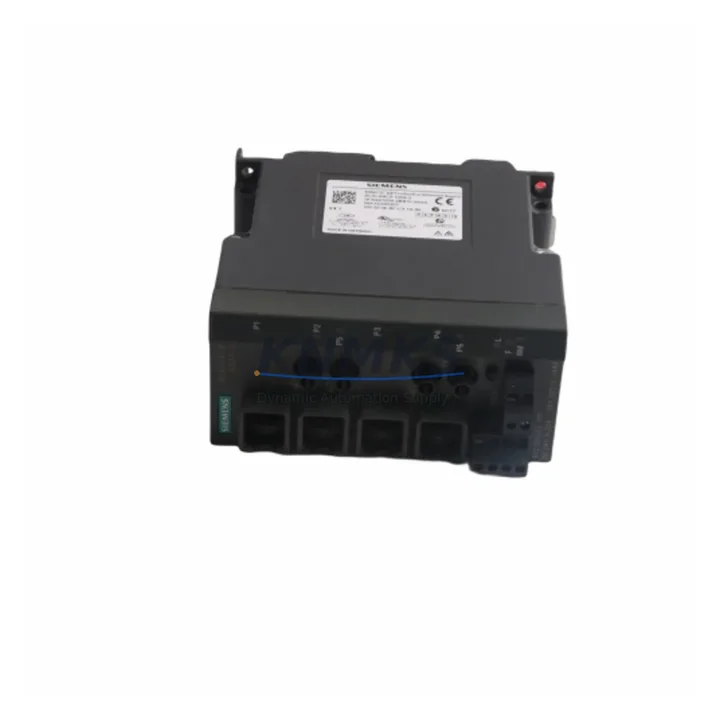
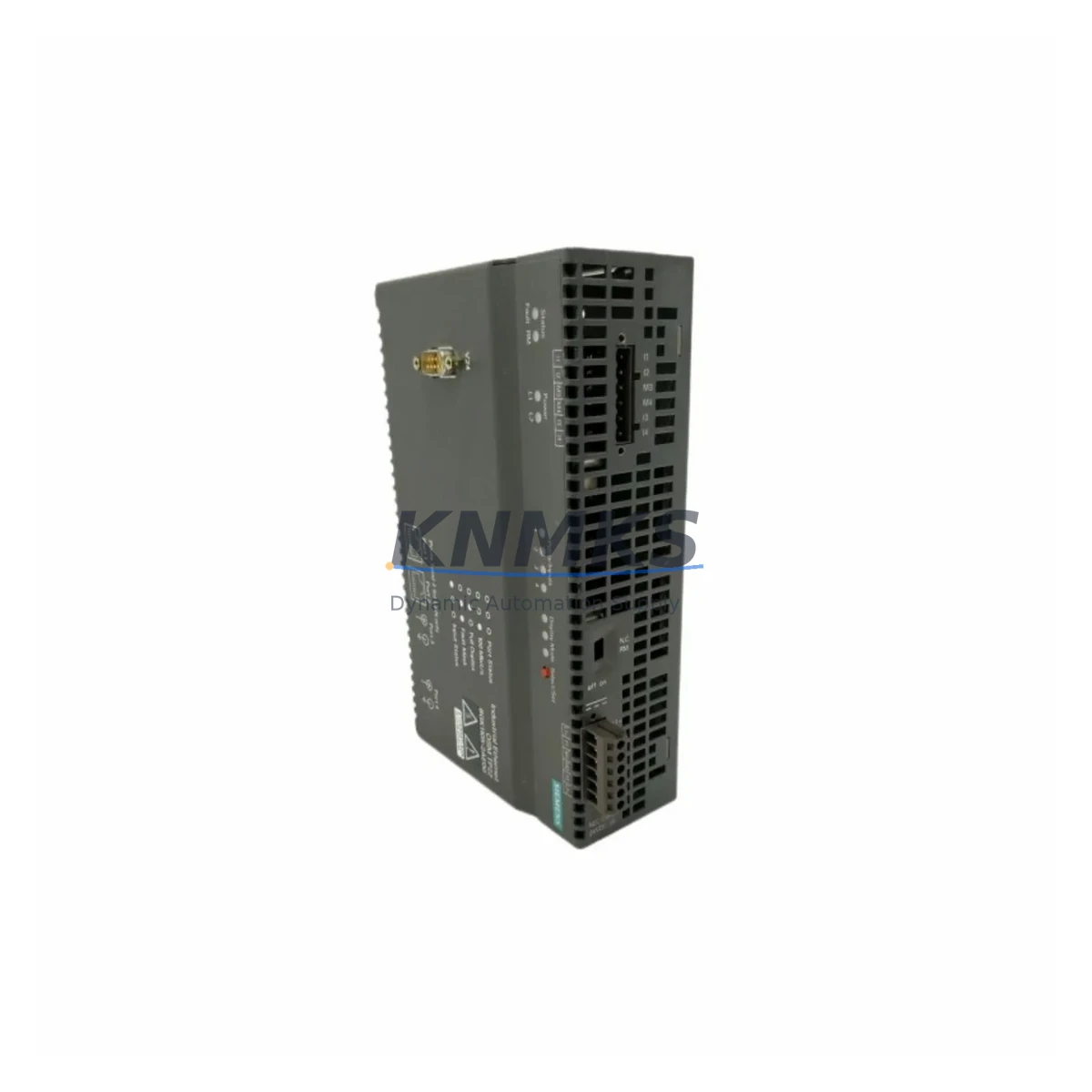
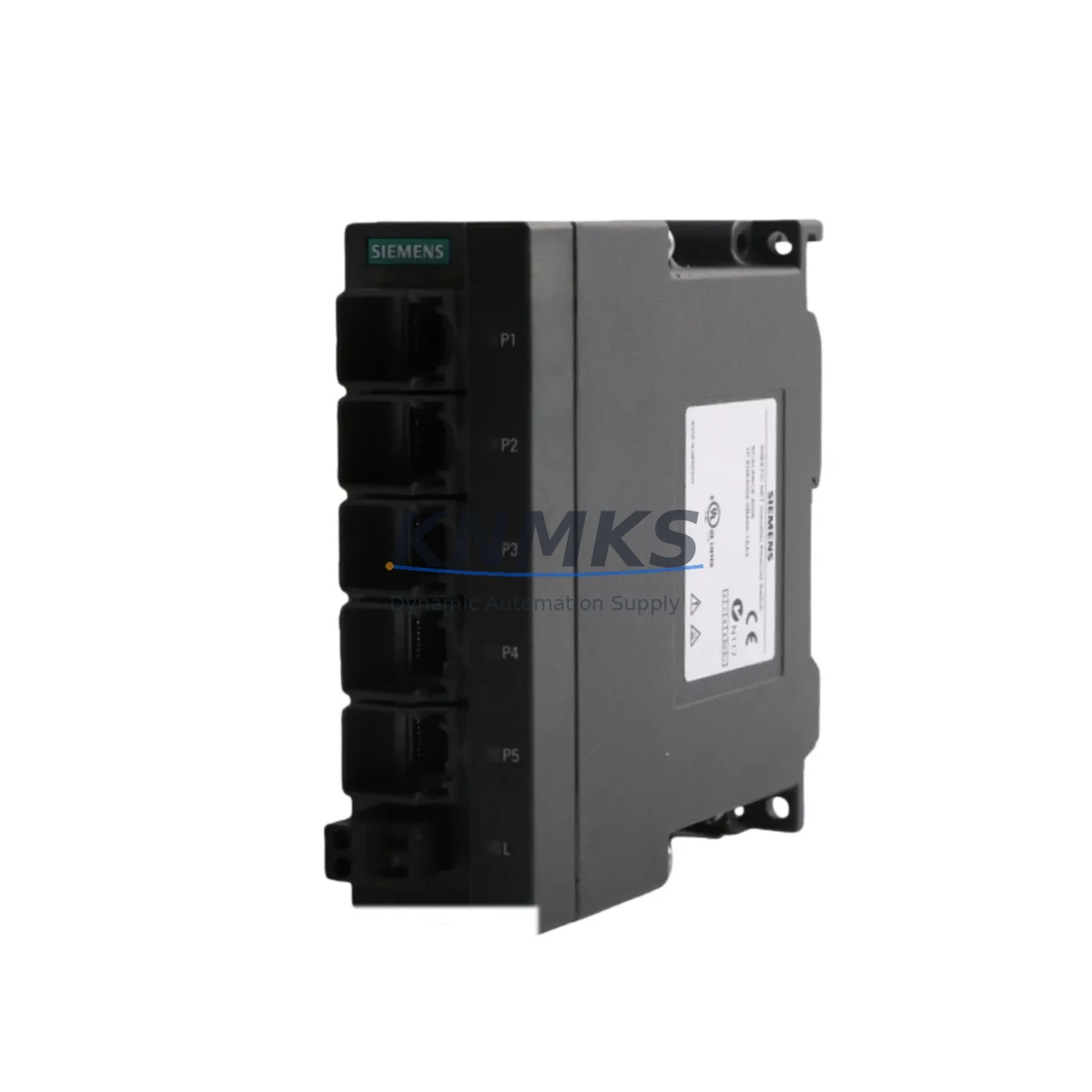
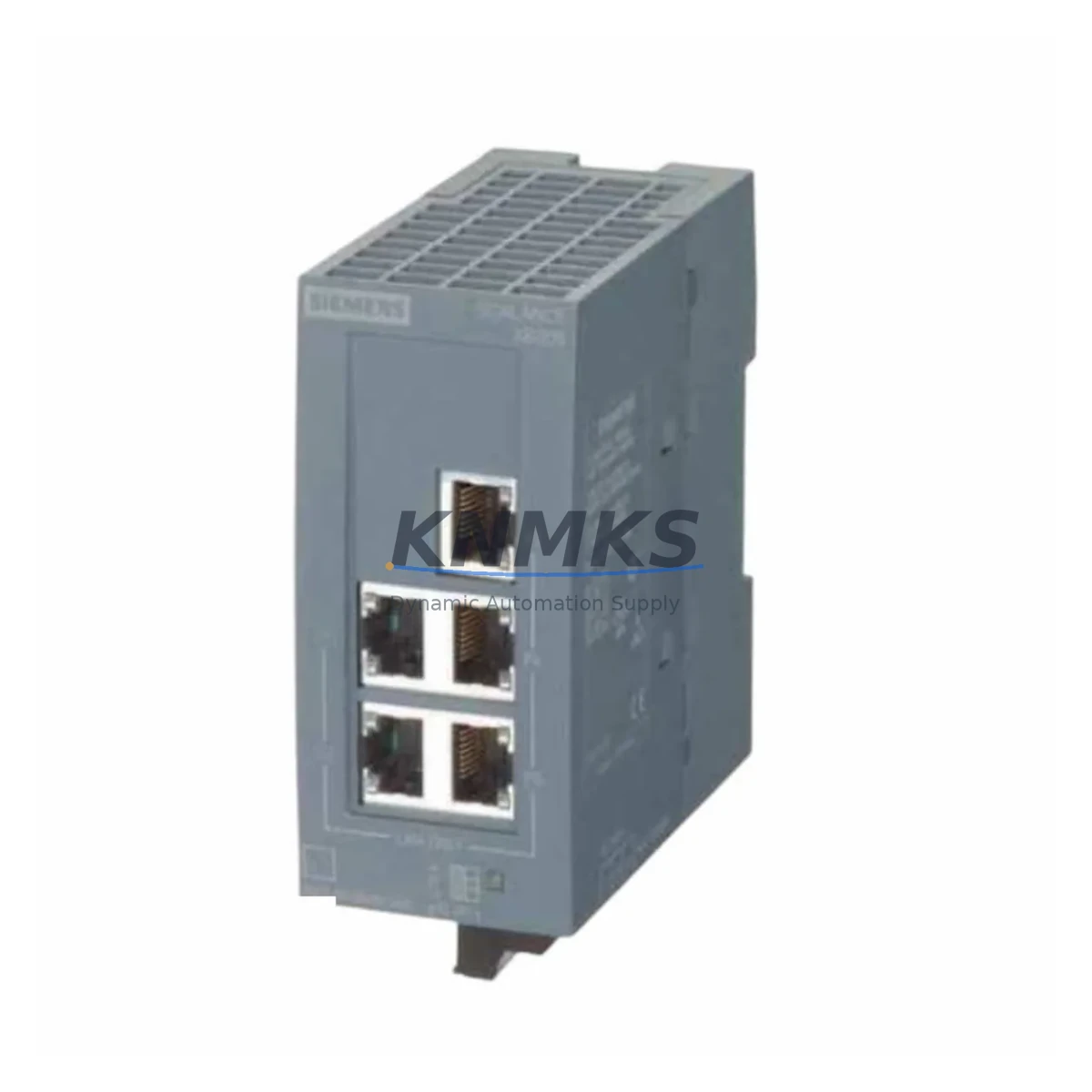
The Siemens 6GK5204-2BB10-2AA3 is a managed industrial Ethernet switch from the SCALANCE X200 series, engineered for reliable data communication in demanding automation environments. As a maintenance-proven spare part, it supports continuous factory operation across petrochemical plants, power generation facilities, water treatment stations, and manufacturing lines where unplanned network downtime carries significant operational and safety risk. KNMKS stocks this unit pre-tested and ready for immediate dispatch, backed by a support terms confirmed by quotation and full pre-shipment verification to reduce on-site commissioning risk.
Maintenance engineers and procurement teams managing aging SIMATIC or PROFINET-based control architectures rely on the SCALANCE X200 series for its robust managed switching capability, VLAN segmentation, and PROFINET IO compatibility. The 6GK5204-2BB10-2AA3 variant provides four 10/100 Mbit/s RJ45 ports and two 100 Mbit/s fiber optic ports, making it a preferred choice for ring topology redundancy configurations using Siemens HRP (High-speed Redundancy Protocol) or MRP (Media Redundancy Protocol). Stocking this unit as a validated spare ensures that network-layer failures can be resolved within a single maintenance shift rather than triggering extended production halts.
Spare Maintenance Table
| SKU / Part Number | 6GK5204-2BB10-2AA3 |
| Series | SCALANCE X200 |
| Brand | Siemens |
| Product Type | Managed Industrial Ethernet Switch |
| RJ45 Ports | 4 × 10/100 Mbit/s |
| Fiber Optic Ports | 2 × 100 Mbit/s (SC connector) |
| Redundancy Protocol | HRP / MRP (ring topology) |
| Management | Web-based, SNMP, PROFINET IO |
| Supply Voltage | 24 V DC (SELV) |
| Power Consumption | Approx. 5 W (typical) |
| Operating Temperature | -10 °C to +60 °C |
| Protection Rating | IP30 |
| Mounting | DIN rail (35 mm) |
| Origin | Germany |
| Compatibility | SIMATIC S7-300/400, S7-1500, PROFINET IO networks, ET 200 distributed I/O |
| Support terms | 12 Months — KNMKS Pre-Shipment Tested |
Maintenance Planning for Continuous Operation
When replacing the 6GK5204-2BB10-2AA3 in a live control cabinet or field panel, a thorough inspection of the surrounding electrical and communication infrastructure is essential to prevent repeat failures and ensure full network restoration. Begin by verifying the 24 V DC SELV power supply feeding the switch — a degraded or undersized power supply module such as a Siemens SITOP PSU100S or equivalent 24 V DIN rail unit can cause intermittent switch resets that mimic hardware failure. Confirm that the power supply output voltage is within tolerance and that the load capacity accounts for all connected devices on the same rail.
Inspect all RJ45 patch cables and fiber optic SC connectors for physical damage, contamination, or excessive bend radius. Industrial environments with vibration, thermal cycling, or cable tray congestion frequently cause connector degradation that goes undetected until a switch replacement reveals the underlying cabling fault. Replace any suspect cables with industrial-grade Cat6 or fiber assemblies rated for the ambient temperature range of the installation.
Review the PROFINET IO device table in the SIMATIC engineering station (TIA Portal or STEP 7) to confirm that the replacement switch is assigned the correct IP address, device name, and port configuration. If the plant uses PROFINET ring topology with HRP or MRP, verify that the ring manager role and watchdog timer settings are correctly restored after the swap. Failure to reconfigure ring parameters is a common cause of post-replacement network instability.
During the same maintenance window, inspect adjacent components that share the same network segment or control cabinet: the SIMATIC S7-1500 or S7-300 CPU communication processor (CP module), any ET 200SP or ET 200M distributed I/O stations connected via PROFINET, and the SCALANCE X200 C-PLUG memory card if fitted — this card stores the switch configuration and should be transferred to the replacement unit to accelerate commissioning. Also check the 24 V DC terminal blocks, fuse holders, and miniature circuit breakers (MCBs) on the power distribution rail for signs of overheating or loose terminations. If the cabinet includes a Siemens SCALANCE W wireless access point or a SCALANCE S security module on the same network segment, verify their firmware versions and configuration integrity as part of the restoration checklist.
Site Replacement Workflow
The 6GK5204-2BB10-2AA3 is a direct form-fit-function replacement for earlier SCALANCE X200 variants used in legacy SIMATIC automation systems. To minimize downtime during a planned or emergency swap, follow this field-proven sequence:
1. Pre-replacement preparation: Export the current switch configuration via the web interface or STEP 7/TIA Portal before powering down. If a C-PLUG is installed, note its configuration version. Confirm the replacement unit firmware version matches or is compatible with the existing network infrastructure.
2. Safe isolation: De-energize the switch following site LOTO (Lockout/Tagout) procedures. Label all fiber and copper connections before disconnection to prevent miswiring during reinstallation.
3. Physical installation: Mount the replacement unit on the 35 mm DIN rail. Reconnect all labeled cables. Transfer the C-PLUG from the old unit if applicable — this restores the full port configuration, VLAN settings, and PROFINET device name automatically on power-up.
4. Power-up and verification: Apply 24 V DC and confirm LED status indicators show normal operation. Verify PROFINET IO communication is re-established with all downstream devices. Check the ring redundancy status in the management interface to confirm HRP/MRP is active and the ring is closed.
5. Documentation: Update the maintenance log with the replacement date, firmware version, and any configuration changes. Record the old unit’s serial number for support terms or failure analysis tracking.
This workflow supports a target replacement time of under two hours for a prepared maintenance team, significantly reducing the mean time to restore (MTTR) for network-layer faults in PROFINET-based production lines.
Spare Parts Support FAQ
Q1: Is the 6GK5204-2BB10-2AA3 compatible with both STEP 7 and TIA Portal engineering environments?
Yes. The SCALANCE X200 series is fully supported in both STEP 7 (V5.5 and later) and TIA Portal (V13 and later) via the PROFINET IO device description (GSDML file). The replacement unit can be integrated into existing projects without hardware reconfiguration, provided the device name and IP address are correctly assigned.
Q2: What is the recommended spare parts stocking strategy for SCALANCE X200 switches in a multi-line plant?
For plants with 10 or more SCALANCE X200 units deployed, a minimum of one spare unit per 10 installed switches is recommended, with at least one unit held in a climate-controlled on-site store. For critical ring topology segments, consider holding two spares to cover simultaneous failure scenarios during peak production periods.
Q3: Does KNMKS perform pre-shipment testing on the 6GK5204-2BB10-2AA3?
Yes. Every unit undergoes functional verification prior to dispatch, including power-up testing, port communication checks, and management interface validation. Units are shipped with a test report and are covered by a support terms confirmed by quotation from the date of delivery.
Q4: Can KNMKS support long-term supply of SCALANCE X200 spare parts for multi-year maintenance contracts?
Yes. KNMKS maintains stock of SCALANCE X200 series components and can support scheduled procurement for annual maintenance contracts, shutdown planning, and multi-site spare parts programs. Contact our team to discuss volume pricing, lead time commitments, and consignment stock arrangements for high-criticality installations.
© 2026 KNMKS. All rights reserved.
Original Source: https://knmks.com
Contact: admin@knmks.com | +86 18359268345
Product Identification
- Brand / Ecosystem
-
Siemens
Siemens - Model / Series
-
6GK5204-2BB10-2AA3
SIMATIC Series - Product Family
- Sensors
- Availability Status
- Available on request after model and quantity confirmation
- Inquiry Type
- B2B RFQ, replacement inquiry and project spare-part request
- Pre-Quote Check
- Exact SKU, brand, series, quantity, nameplate photos and destination country are checked before quotation
System Path
Where this product fits in the KNMKS automation structure.
Specification & Inquiry Focus
- Sensor range
- Photoelectric, proximity and process sensors
- Common needs
- Output type, distance and connector
- Project support
- Machine detection and replacement inquiry
Buyer Confirmation
Information KNMKS checks before replying.
- Exact model
- 6GK5204-2BB10-2AA3
- Brand / ecosystem
- Siemens
- Product family
- Sensors
- Application note
- Replacement, maintenance, project build or spare-part list
- Useful photos
- Nameplate, installed unit, cabinet layout or connector side
- Delivery details
- Quantity, destination country and target schedule
Document Support
Files and notes can be confirmed during quotation.
- Product photos or nameplate confirmation when available
- Packing and delivery notes before quotation confirmation
- Support scope and delivery terms confirmed per inquiry
- Export document coordination for qualified B2B requests
Inquiry Support
- NPN/PNP, analog and digital output checking
- Connector and cable compatibility review
- Fast inquiry support for maintenance teams
What to Send Us
- Brand and exact model number: Siemens 6GK5204-2BB10-2AA3
- Quantity and required delivery time
- Application, replacement requirement or nameplate photo
- Destination country and shipping preference
RFQ Preparation
This is a product inquiry page built for RFQ communication.
Fast Model Check
Send this model to KNMKS for confirmation.
Include quantity, destination country and photos if this is a maintenance replacement. The inquiry will be saved with a reference number after submission.
Brand & Compatibility Note
KNMKS displays automation product information for well-known industrial brand ecosystems and compatible replacement references. Brand names are used for product identification and compatibility reference only; final availability and commercial terms are confirmed per quotation.
 Manufacturing
 Machine Tools
 Packaging
 Energy & Power
 PLCs & Controllers
 HMI & Displays
 Servo Systems
 Variable Frequency Drives