
Overview
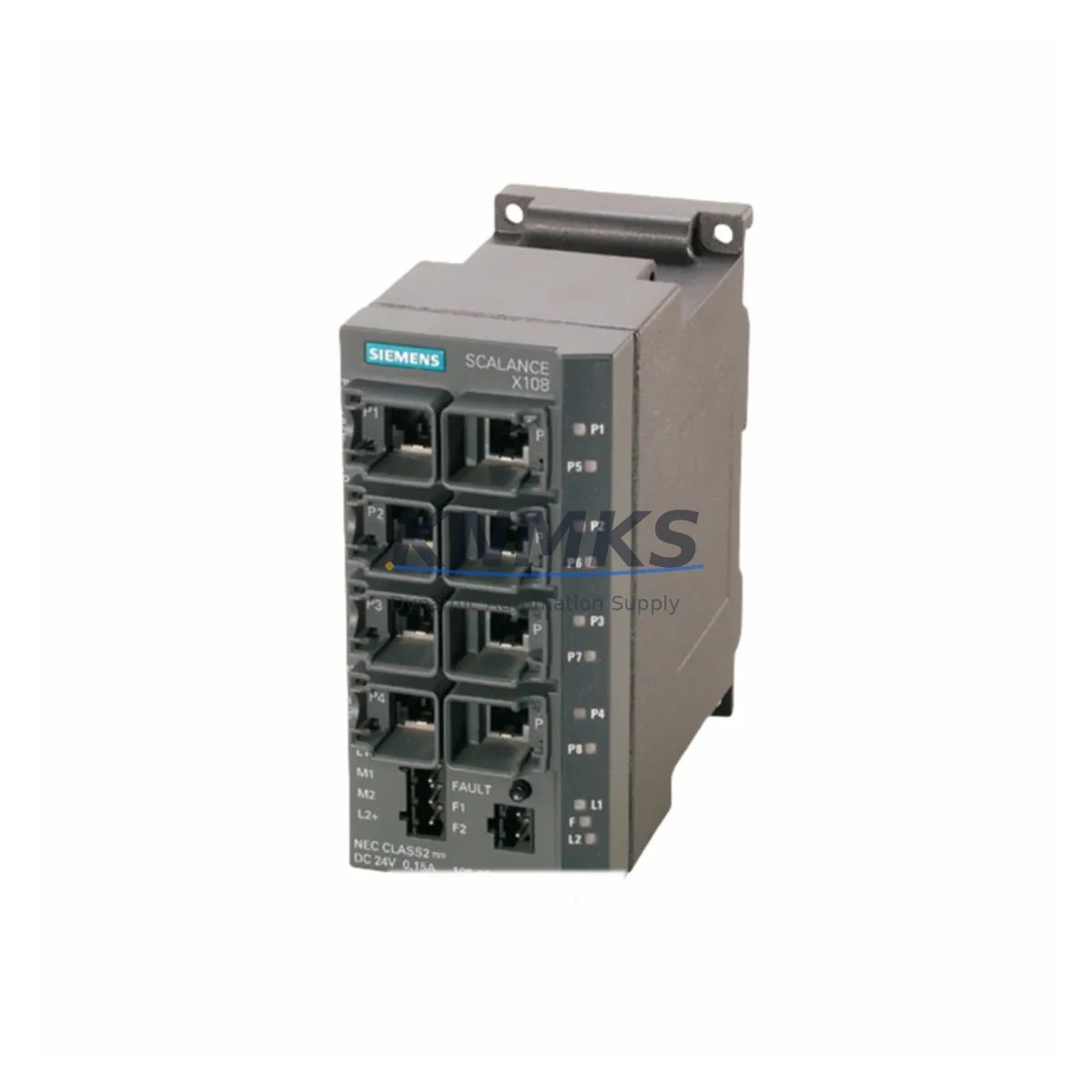
Siemens 6GK5106-1BB00-2AA3 Maintenance-Proven Spare Part for Factory Uptime
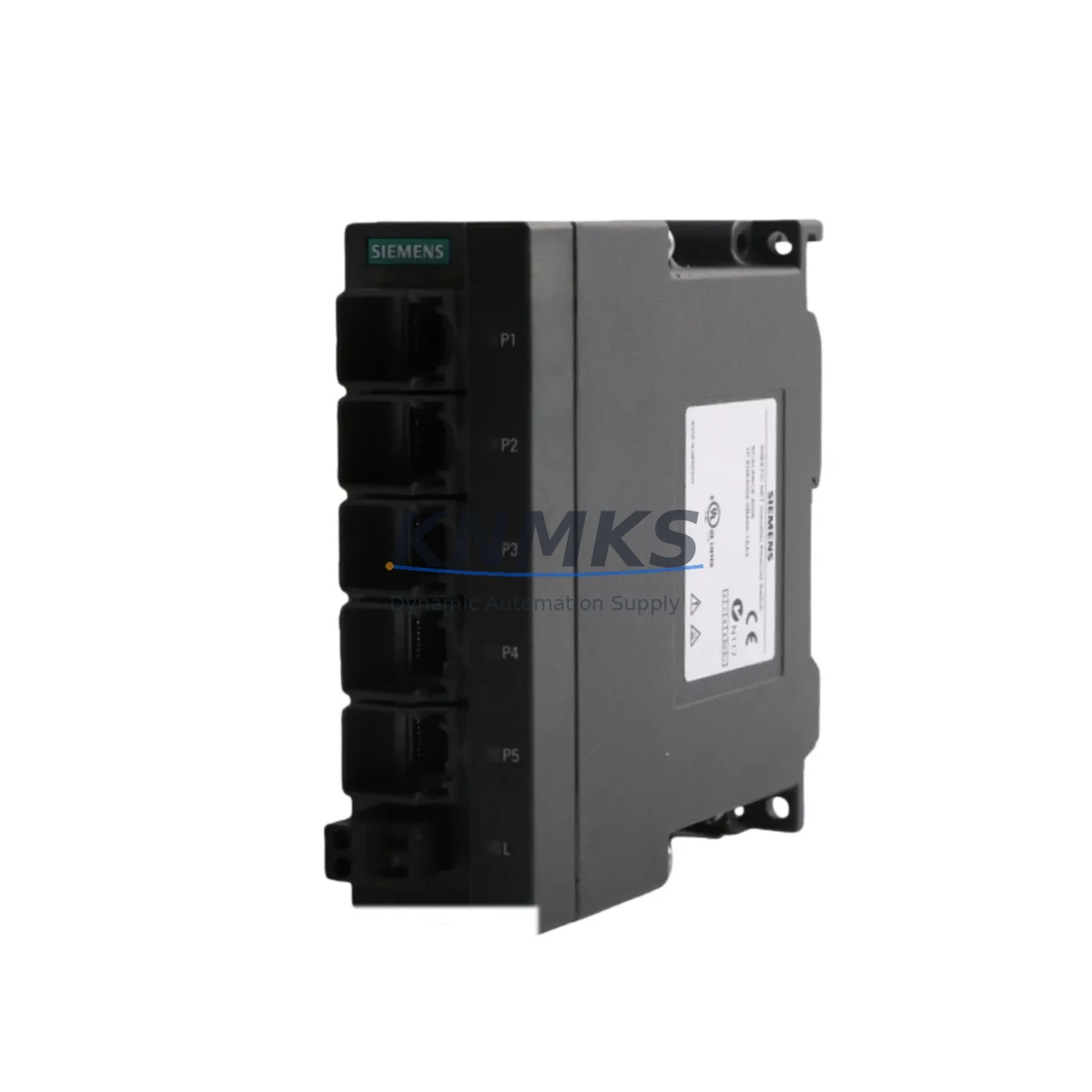
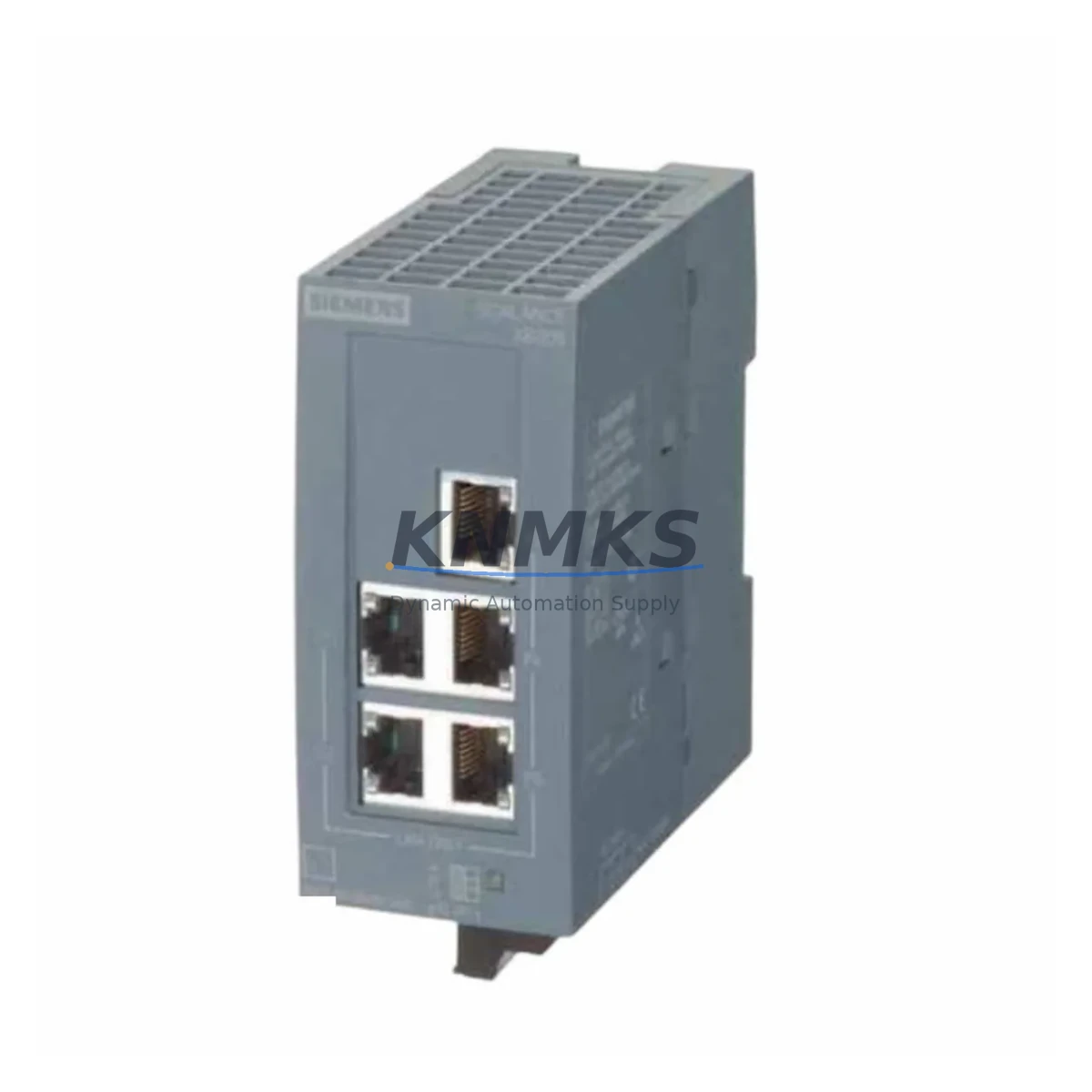
The Siemens 6GK5106-1BB00-2AA3 is an unmanaged industrial Ethernet switch from the SCALANCE X100 series, engineered for continuous operation in demanding automation environments. Designed for DIN-rail mounting inside control cabinets, this 6-port 10/100 Mbps switch delivers reliable Layer 2 connectivity for PROFINET, PROFIBUS-over-Ethernet, and general industrial LAN segments. Holding a verified stock of this spare part is a proven strategy for maintenance engineers managing aging SIMATIC S7-300, S7-400, or ET 200 distributed I/O networks where unplanned downtime carries significant production cost.
Every unit supplied by KNMKS is sourced as an original Siemens component, pre-shipment tested for port integrity and power-up behavior, and backed by a support terms confirmed by quotation. Multi-region stock is maintained to support both emergency same-day dispatch and scheduled annual outage kits, reducing procurement lead time risk for facilities operating legacy SCALANCE X infrastructure.
Spare Maintenance Table
| Parameter | Specification |
|---|---|
| SKU / Order Number | 6GK5106-1BB00-2AA3 |
| Series | SCALANCE X100 (X106-1) |
| Brand | Siemens |
| Product Type | Unmanaged Industrial Ethernet Switch |
| Ports | 6 × RJ45, 10/100 Mbps, Auto-MDI/MDIX |
| Supply Voltage | 24 V DC (SELV/PELV) |
| Power Consumption | ≤ 3.5 W |
| Mounting | DIN-rail (35 mm) |
| Protection Rating | IP20 |
| Operating Temperature | -10 °C to +60 °C |
| Certifications | CE, UL, ATEX Zone 2 (Class I Div 2) |
| Protocol Compatibility | PROFINET, Industrial Ethernet (IEEE 802.3) |
| Compatibility | SIMATIC S7-300, S7-400, ET 200M, ET 200S, WinCC SCADA networks |
| Origin | Germany (DE) |
| Condition | Original Siemens, New / Surplus |
| Support terms | 12 Months (KNMKS) |
| Pre-Shipment Test | Power-on, port link, LED status verified |
| Dispatch | Multi-region stock, global express available |
Maintenance Planning for Continuous Operation
When a 6GK5106-1BB00-2AA3 fails or is flagged during a control cabinet inspection, the fault rarely exists in isolation. Maintenance engineers should treat the switch replacement as a trigger for a broader cabinet health check. Begin by verifying the 24 V DC SITOP power supply module feeding the switch rail — a degraded SITOP PSU8200 or PSU6200 delivering marginal voltage is a common root cause of intermittent Ethernet link drops that are misdiagnosed as switch failure. Confirm supply voltage at the terminal block before installing the replacement unit.
Next, inspect the PROFINET patch cables and RJ45 connectors on all six ports. Industrial environments with vibration or thermal cycling frequently cause connector fatigue; replacing the switch without checking cable integrity will result in repeat faults. Siemens IE FC RJ45 Plug 180 connectors and IE FC TP Standard Cable GP 2×2 are the recommended field-assembly options for SCALANCE X installations and should be held as consumable stock alongside the switch spare.
For cabinets running SIMATIC S7-300 or S7-400 CPUs with CP 343-1 or CP 443-1 communication processors, verify that the CP module firmware is compatible with the replacement switch’s auto-negotiation behavior. In some legacy configurations, fixed-speed port settings on the CP side can cause link instability after a switch swap. Check the CP module’s diagnostic buffer via STEP 7 or TIA Portal before declaring the replacement complete.
Where the SCALANCE X106-1 feeds ET 200M or ET 200S distributed I/O racks, also inspect the IM 153-2 or IM 151-3 interface modules for accumulated diagnostic alarms. A switch outage often masks underlying I/O module faults that surface only after network restoration. Holding a spare IM 153-2 alongside the 6GK5106-1BB00-2AA3 in the annual outage kit is a low-cost insurance measure for high-availability lines.
For facilities with SCADA or HMI connectivity routed through the same Ethernet segment, verify that the Siemens TP700 Comfort or TP1200 Comfort HMI panel re-establishes its OPC UA or S7 connection within the expected timeout window after the switch is restored. Persistent HMI communication errors after a switch replacement typically indicate a misconfigured IP address or a duplicate node on the subnet — both resolvable without additional hardware.
Finally, review the cabinet’s 24 V DC fuse protection. Each SCALANCE X106-1 branch should be protected by a dedicated miniature circuit breaker or blade fuse rated at 1–2 A. A shared fuse protecting multiple devices increases fault propagation risk and complicates fault isolation during emergency recovery.
Site Replacement Workflow
Step 1 — Isolate and document. Before removing the faulty 6GK5106-1BB00-2AA3, photograph the port-to-device mapping and record the MAC address from the label. SCALANCE X100 unmanaged switches do not store configuration, so no backup is required, but the port layout must be preserved to avoid re-cabling errors under time pressure.
Step 2 — Power down the switch rail. De-energize the 24 V DC feed at the terminal block or MCB. Do not hot-swap the switch while PROFINET devices are in RUN mode — abrupt link loss can trigger CPU STOP on S7-300 systems with strict PROFINET watchdog settings.
Step 3 — Remove and replace. Release the DIN-rail clip, slide out the faulty unit, and seat the replacement 6GK5106-1BB00-2AA3. Reconnect all RJ45 cables in the documented port order. Verify that the power terminal block polarity matches the 24 V DC label on the new unit.
Step 4 — Restore power and verify. Re-energize the supply rail. All six port LEDs should cycle through their startup sequence within 3 seconds. Confirm PROFINET device status in TIA Portal or STEP 7 — all IO devices should return to green within one PROFINET cycle time (typically 1–128 ms depending on configuration).
Step 5 — Log and restock. Record the replacement in the maintenance log with date, technician ID, and the replaced unit’s serial number. Immediately raise a purchase order for a replacement spare to restore the buffer stock level. KNMKS supports standing order agreements for facilities requiring guaranteed replenishment lead times.
Spare Parts Support FAQ
Q1: Is the 6GK5106-1BB00-2AA3 still available as a new original part, or is it end-of-life?
The SCALANCE X100 series has been superseded by the SCALANCE XC-100 and XP-200 families in Siemens’ current portfolio, but the 6GK5106-1BB00-2AA3 remains available as new original and surplus stock through authorized spare parts channels. KNMKS maintains multi-region inventory specifically to support facilities that cannot migrate their PROFINET topology in the short term. Long-term supply agreements are available for customers requiring guaranteed annual allocation.
Q2: How do I confirm compatibility before ordering?
The 6GK5106-1BB00-2AA3 is a direct form-fit-function replacement for any SCALANCE X106-1 unit with the same order number. It is also interchangeable in most installations with the earlier 6GK5106-1BB00-2AA3 revision variants, provided the cabinet’s 24 V DC supply and DIN-rail slot dimensions are unchanged. Share your existing unit’s label photo or STEP 7 hardware configuration export with KNMKS sales for a compatibility confirmation before dispatch.
Q3: What pre-shipment testing is performed on each unit?
Every 6GK5106-1BB00-2AA3 dispatched by KNMKS undergoes power-on verification, all-port link-up test using a calibrated Ethernet tester, and LED status confirmation. Units that fail any test stage are quarantined and not shipped. A test record is available on request for quality-critical installations.
Q4: What does the support terms confirmed by quotation cover, and how is a claim processed?
The KNMKS support terms confirmed by quotation cover manufacturing defects and functional failure under normal operating conditions as specified in the Siemens datasheet (24 V DC supply, -10 °C to +60 °C, IP20 environment). Support requests are initiated by contacting admin@knmks.com with the order number, fault description, and site photos. KNMKS will arrange advance replacement dispatch for verified claims to minimize site downtime.
© 2026 KNMKS. All rights reserved.
Original Source: https://knmks.com
Contact: admin@knmks.com | +86 18359268345
Product Identification
- Brand / Ecosystem
-
Siemens
Siemens - Model / Series
-
6GK5106-1BB00-2AA3
SIMATIC Series - Product Family
- Sensors
- Availability Status
- Available on request after model and quantity confirmation
- Inquiry Type
- B2B RFQ, replacement inquiry and project spare-part request
- Pre-Quote Check
- Exact SKU, brand, series, quantity, nameplate photos and destination country are checked before quotation
System Path
Where this product fits in the KNMKS automation structure.
Specification & Inquiry Focus
- Sensor range
- Photoelectric, proximity and process sensors
- Common needs
- Output type, distance and connector
- Project support
- Machine detection and replacement inquiry
Buyer Confirmation
Information KNMKS checks before replying.
- Exact model
- 6GK5106-1BB00-2AA3
- Brand / ecosystem
- Siemens
- Product family
- Sensors
- Application note
- Replacement, maintenance, project build or spare-part list
- Useful photos
- Nameplate, installed unit, cabinet layout or connector side
- Delivery details
- Quantity, destination country and target schedule
Document Support
Files and notes can be confirmed during quotation.
- Product photos or nameplate confirmation when available
- Packing and delivery notes before quotation confirmation
- Support scope and delivery terms confirmed per inquiry
- Export document coordination for qualified B2B requests
Inquiry Support
- NPN/PNP, analog and digital output checking
- Connector and cable compatibility review
- Fast inquiry support for maintenance teams
What to Send Us
- Brand and exact model number: Siemens 6GK5106-1BB00-2AA3
- Quantity and required delivery time
- Application, replacement requirement or nameplate photo
- Destination country and shipping preference
RFQ Preparation
This is a product inquiry page built for RFQ communication.
Fast Model Check
Send this model to KNMKS for confirmation.
Include quantity, destination country and photos if this is a maintenance replacement. The inquiry will be saved with a reference number after submission.
Brand & Compatibility Note
KNMKS displays automation product information for well-known industrial brand ecosystems and compatible replacement references. Brand names are used for product identification and compatibility reference only; final availability and commercial terms are confirmed per quotation.
 Manufacturing
 Machine Tools
 Packaging
 Energy & Power
 PLCs & Controllers
 HMI & Displays
 Servo Systems
 Variable Frequency Drives