
Overview
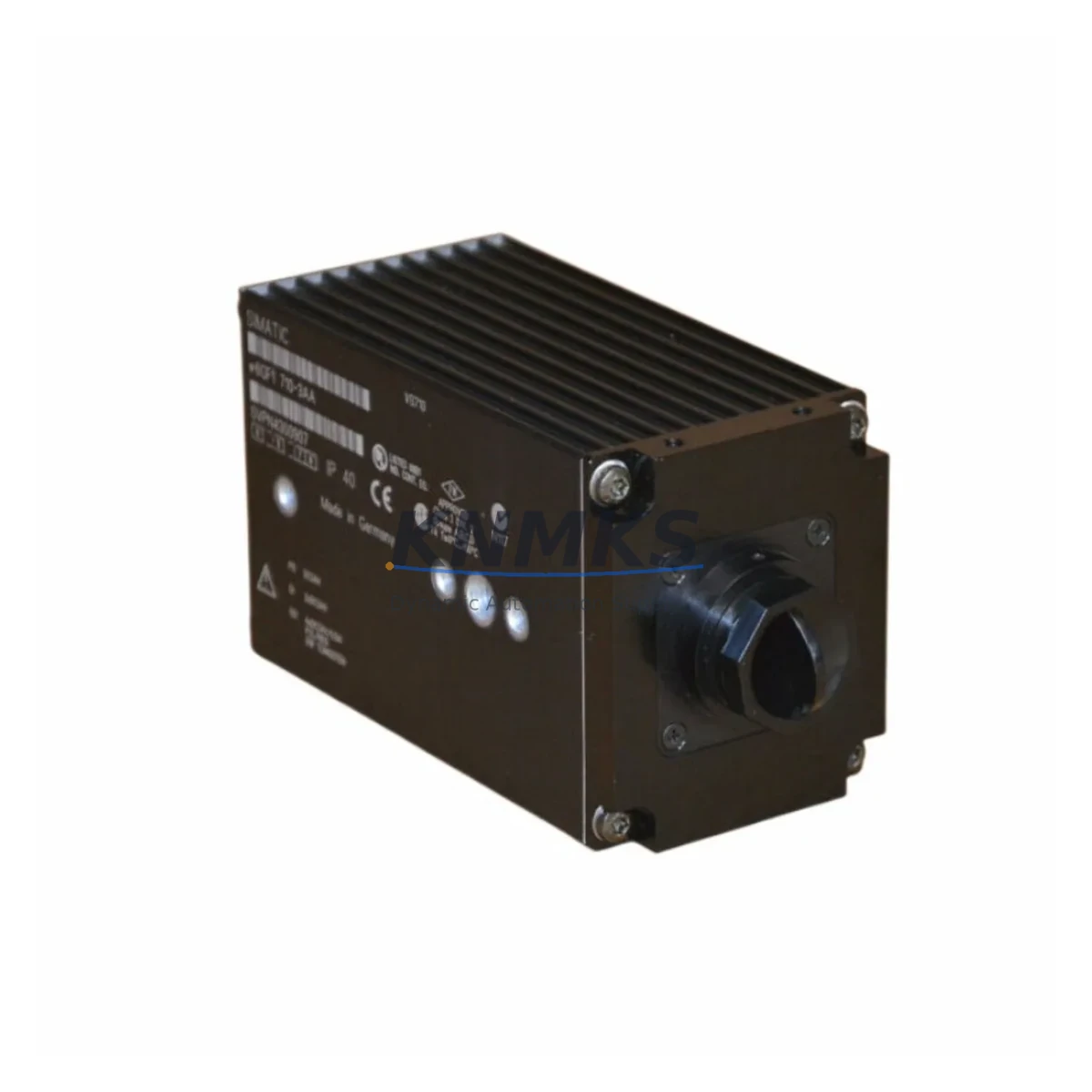
Siemens 6GF1710-3AA Migration-Ready Vision Sensor: Legacy System Retrofit & Compatibility Upgrade
The Siemens 6GF1710-3AA is a retrofit-ready industrial vision sensor engineered for seamless integration into aging SIMATIC VS710 control architectures and legacy machine vision platforms. As production lines built around discontinued Siemens vision components approach end-of-life, the 6GF1710-3AA provides a validated, drop-in replacement path that preserves existing wiring infrastructure, communication protocols, and PLC program logic — dramatically reducing the engineering effort and downtime risk associated with full system overhauls.
For maintenance engineers and automation integrators managing legacy control cabinets, the 6GF1710-3AA addresses the most critical pain points in vision system migration: backward-compatible PROFIBUS DP and digital I/O interfaces, standard M12 connector pinouts consistent with VS710-series predecessors, and a compact housing that fits existing DIN-rail and panel-mount cutouts without mechanical modification. Whether you are replacing a failed unit on a running line or proactively building a spare-parts inventory ahead of a planned retrofit, the 6GF1710-3AA ships pre-tested and ready for immediate commissioning.
Migration Compatibility Table
| Parameter | Legacy VS710 Reference | 6GF1710-3AA Specification | Retrofit Note |
|---|---|---|---|
| Communication Interface | PROFIBUS DP / Digital I/O | PROFIBUS DP / Digital I/O | Protocol-compatible; no gateway required |
| Supply Voltage | 24 V DC | 24 V DC (±10%) | Verify PSU capacity; recommend 6EP1 series SITOP power supply |
| Connector Type | M12, 8-pin | M12, 8-pin | Direct cable reuse; verify pin assignment against wiring diagram |
| Mounting | Panel / bracket mount | Panel / bracket mount | Same footprint; no mechanical modification required |
| Module Address | Set via DIP switch / STEP 7 | Set via DIP switch / TIA Portal | Re-assign PROFIBUS node address to match legacy configuration |
| Firmware Compatibility | VS710 firmware baseline | Current Siemens vision firmware | Verify firmware version via SIMATIC Automation Tool before go-live |
| HMI Screen Mapping | WinCC / TP-series panels | Compatible with WinCC V7+ / Comfort Panels | Review tag bindings; update screen if variable names changed |
| Support terms | — | 12 Months | Covers manufacturing defects; includes pre-shipment functional test |
Retrofit Planning for Existing Automation Systems
A successful 6GF1710-3AA retrofit begins with a thorough audit of the existing control cabinet. Before removing the legacy vision sensor, document the current PROFIBUS DP node address, verify that the 24 V DC SITOP power supply (such as the 6EP1334-2BA20) can sustain the additional inrush current during sensor initialization, and photograph all terminal block wiring to the M12 connector. In multi-axis lines where the vision sensor feeds inspection results to a SIMATIC S7-300 or S7-400 CPU via the backplane, confirm that the DB (data block) structure in the existing STEP 7 project maps correctly to the 6GF1710-3AA output data format.
For systems using a CP 342-5 or CP 443-5 PROFIBUS communication processor, the 6GF1710-3AA integrates without additional configuration beyond node address assignment. Lines that have already migrated the CPU to a SIMATIC S7-1500 with a CM 1542-5 PROFIBUS module will benefit from importing the GSD file into TIA Portal V16 or later, enabling full diagnostic transparency through the engineering station. If the existing HMI is a SIMATIC TP 177 or MP 277 panel running WinCC flexible, verify that the vision sensor’s process image variables are correctly mapped before switching to live mode — mismatched tag addresses are the most common source of commissioning delays in vision retrofit projects.
I/O expansion requirements should also be assessed at this stage. If the retrofit scope includes adding new inspection stations, a SIMATIC ET 200SP distributed I/O island with digital input modules can extend the vision trigger and result signals to remote cabinet locations without running additional home-run cables. Signal isolators between the 6GF1710-3AA output and long cable runs (exceeding 30 m) are recommended to prevent ground loop interference in electrically noisy environments such as welding cells or press shops. Programming cables such as the PC Adapter USB A2 remain compatible for on-site firmware verification and job file backup prior to cutover.
Downtime Control During System Migration
Minimizing production interruption during a vision sensor swap requires a structured cutover plan. The recommended approach is a parallel commissioning strategy: install and configure the 6GF1710-3AA on a bench test rig using a spare SIMATIC S7-300 CPU or a PLCSIM Advanced simulation environment, validate all inspection jobs and I/O handshakes offline, and only schedule the physical swap during a planned maintenance window — typically a weekend or shift changeover.
Before the cutover window opens, back up the full STEP 7 or TIA Portal project, export all vision job files from the legacy sensor using the VS710 configuration software, and confirm that the replacement 6GF1710-3AA has been pre-loaded with the equivalent job files and assigned the correct PROFIBUS node address. During the physical swap, label every terminal before disconnection, replace the sensor, reconnect terminals in reverse order, and power up the cabinet in stages — PSU first, then the CPU, then the vision sensor — to allow the PROFIBUS master to enumerate the new node cleanly.
Post-swap verification should include a full I/O force test from the PLC, a live inspection run with known-good and known-bad reference parts, and a review of the WinCC or HMI trend display to confirm that result variables are updating correctly. Document the as-built configuration, update the spare-parts register, and retain the original legacy sensor as a secondary backup until the 6GF1710-3AA has accumulated at least 500 operating hours without fault. This approach consistently achieves cutover windows of under four hours for single-station vision systems.
Retrofit Support FAQ
Q1: Is the 6GF1710-3AA a direct replacement for the discontinued Siemens VS710 vision sensor?
Yes. The 6GF1710-3AA is designed as a migration-compatible successor within the Siemens SIMATIC vision sensor family. It shares the same PROFIBUS DP interface, 24 V DC supply voltage, M12 connector pinout, and panel-mount footprint as the VS710 series, allowing direct substitution in most installations without mechanical or wiring modification. Customers should verify the PROFIBUS node address and firmware version before go-live.
Q2: What commissioning steps are required after installation?
After physical installation, assign the PROFIBUS DP node address via the DIP switch to match the legacy configuration, import the GSD file into STEP 7 or TIA Portal, download the vision job files, and perform a full I/O handshake test with the host PLC. If the HMI is a WinCC-based panel, verify that all tag bindings reference the correct process image variables. A pre-shipment functional test report is included with each unit to confirm baseline sensor performance.
Q3: Does the unit ship with a support terms, and what does it cover?
Every 6GF1710-3AA supplied by KNMKS carries a support terms confirmed by quotation covering manufacturing defects and functional failures under normal operating conditions. Each unit undergoes a pre-shipment functional test. In the event of a support terms claim, KNMKS provides advance replacement to minimize production downtime. Contact admin@knmks.com for support terms registration and claim procedures.
Q4: Is stock available for immediate shipment?
Yes. The 6GF1710-3AA is held in inventory and available for same-day or next-business-day dispatch depending on order cut-off time. For urgent breakdown replacements or planned retrofit projects requiring multiple units, contact our team to confirm current stock levels and lead times. Bulk orders for spare-parts programs and MRO contracts are supported.
© 2026 KNMKS. All rights reserved.
Original Source: https://knmks.com
Contact: admin@knmks.com | +86 18359268345
Product Identification
- Brand / Ecosystem
-
Siemens
Siemens - Model / Series
- 6GF1710-3AA
- Product Family
- Sensors
- Availability Status
- Available on request after model and quantity confirmation
- Inquiry Type
- B2B RFQ, replacement inquiry and project spare-part request
- Pre-Quote Check
- Exact SKU, brand, series, quantity, nameplate photos and destination country are checked before quotation
System Path
Where this product fits in the KNMKS automation structure.
Specification & Inquiry Focus
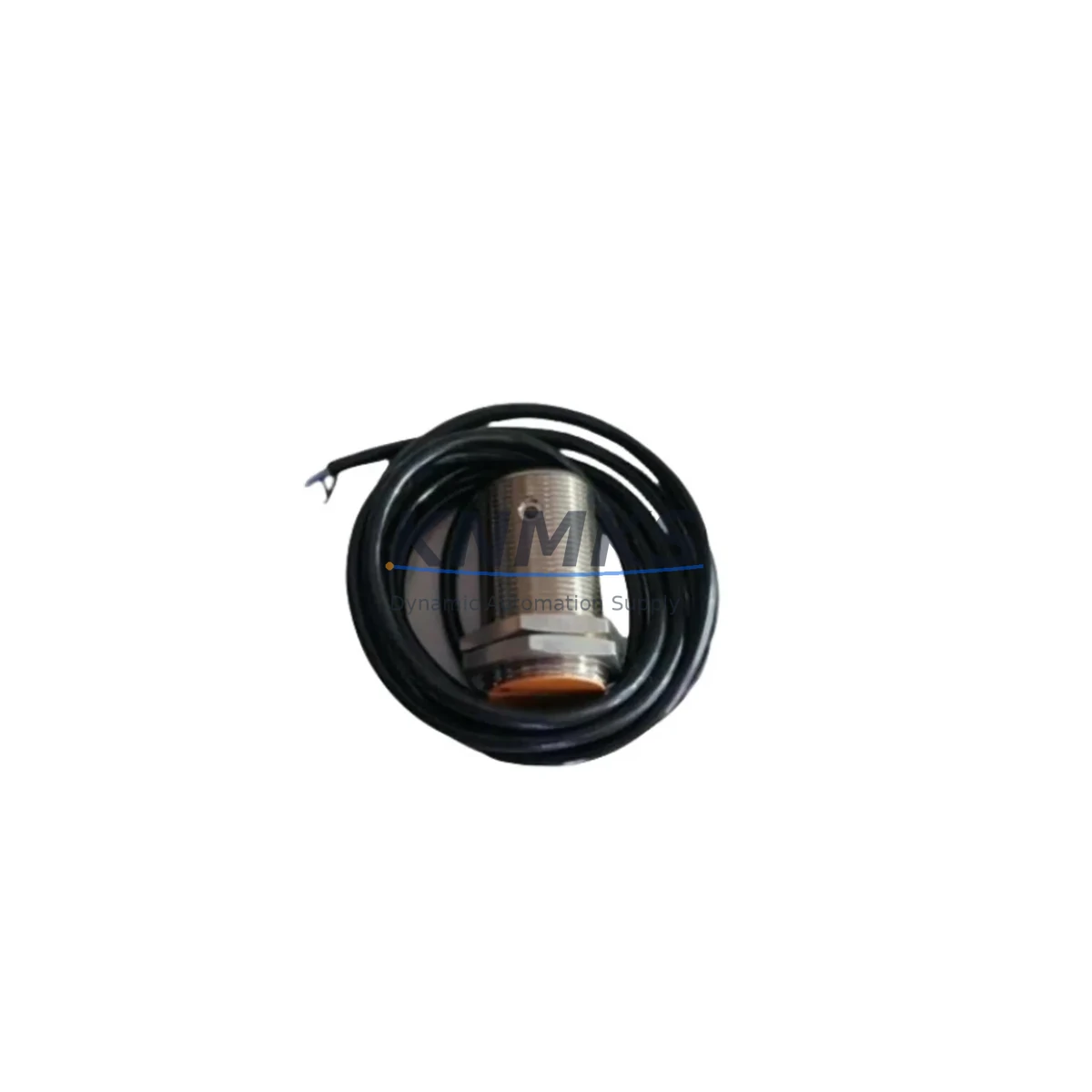
- Sensor range
- Photoelectric, proximity and process sensors
- Common needs
- Output type, distance and connector
- Project support
- Machine detection and replacement inquiry
Buyer Confirmation
Information KNMKS checks before replying.
- Exact model
- 6GF1710-3AA
- Brand / ecosystem
- Siemens
- Product family
- Sensors
- Application note
- Replacement, maintenance, project build or spare-part list
- Useful photos
- Nameplate, installed unit, cabinet layout or connector side
- Delivery details
- Quantity, destination country and target schedule
Document Support
Files and notes can be confirmed during quotation.
- Product photos or nameplate confirmation when available
- Packing and delivery notes before quotation confirmation
- Support scope and delivery terms confirmed per inquiry
- Export document coordination for qualified B2B requests
Inquiry Support
- NPN/PNP, analog and digital output checking
- Connector and cable compatibility review
- Fast inquiry support for maintenance teams
What to Send Us
- Brand and exact model number: Siemens 6GF1710-3AA
- Quantity and required delivery time
- Application, replacement requirement or nameplate photo
- Destination country and shipping preference
RFQ Preparation
This is a product inquiry page built for RFQ communication.
Fast Model Check
Send this model to KNMKS for confirmation.
Include quantity, destination country and photos if this is a maintenance replacement. The inquiry will be saved with a reference number after submission.
Brand & Compatibility Note
KNMKS displays automation product information for well-known industrial brand ecosystems and compatible replacement references. Brand names are used for product identification and compatibility reference only; final availability and commercial terms are confirmed per quotation.
 Manufacturing
 Machine Tools
 Packaging
 Energy & Power
 PLCs & Controllers
 HMI & Displays
 Servo Systems
 Variable Frequency Drives