
Overview
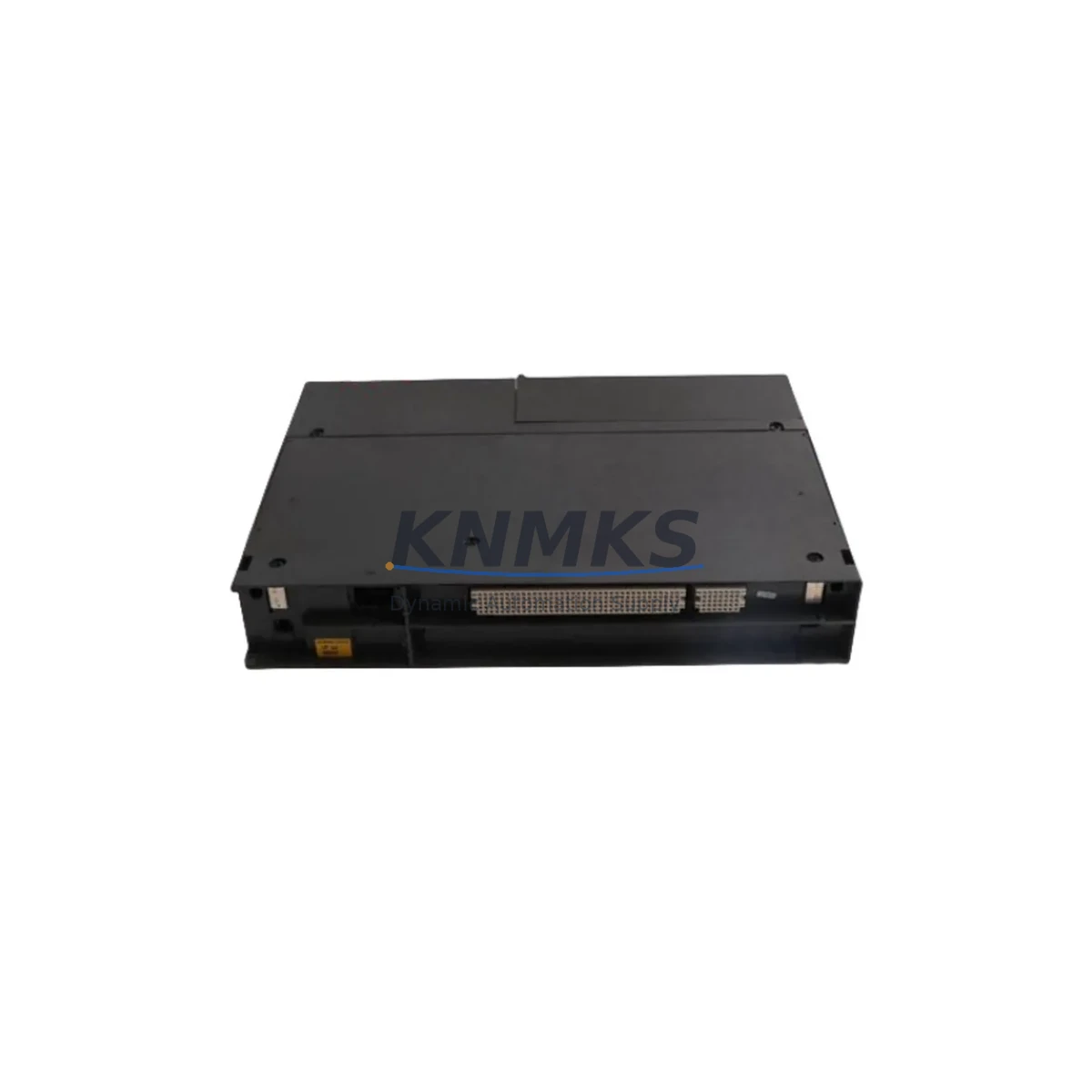
Siemens 6DS1916-8RR Maintenance-Proven Spare Part for Factory Uptime
The Siemens 6DS1916-8RR is an original analog signal module designed for the TELEPERM M distributed control system (DCS) — one of Siemens’ most enduring process automation platforms deployed across petrochemical, power generation, and heavy manufacturing facilities worldwide. As legacy TELEPERM M systems continue to operate well beyond their original design life, maintaining a reliable inventory of critical spare parts such as the 6DS1916-8RR is essential for sustaining process continuity and avoiding unplanned shutdowns.
This module handles analog signal conditioning within the TELEPERM M rack architecture, interfacing field instrumentation with the DCS controller layer. Its failure or degradation directly impacts loop control accuracy, process variable monitoring, and alarm response — making it a high-priority item on any maintenance engineer’s critical spare parts list. KNMKS supplies the 6DS1916-8RR as an original Siemens component, pre-shipment tested, with a support terms confirmed by quotation and long-term availability commitment to support multi-site maintenance programs.
Spare Maintenance Table
| Part Number | 6DS1916-8RR |
| Brand | Siemens |
| Series | TELEPERM M |
| Product Type | DCS Analog Signal Module |
| Function | Analog signal processing and conditioning within TELEPERM M DCS rack |
| System Compatibility | Siemens TELEPERM M DCS; compatible with standard TELEPERM M subrack and backplane configurations |
| Signal Type | Analog input/output (4–20 mA / 0–10 V, configuration-dependent) |
| Installation | Plug-in module; DIN rail subrack mounting per TELEPERM M mechanical standard |
| Operating Environment | Industrial control cabinet; 0–55°C operating range; humidity per IEC 60068 standards |
| Origin | Germany (Original Siemens manufacture) |
| Maintenance Recommendation | Replace at first sign of signal drift, calibration failure, or channel fault alarm; inspect backplane connector pins during replacement |
| Pre-Shipment Testing | Yes — functional verification performed before dispatch |
| Support terms | 12 Months |
| Long-Term Supply | Available; multi-unit and annual blanket orders supported |
Maintenance Planning for Continuous Operation
When a 6DS1916-8RR analog signal module is flagged for replacement during a scheduled inspection or emergency fault response, maintenance engineers should treat the event as an opportunity to audit the surrounding control loop and cabinet infrastructure. Analog signal faults in TELEPERM M systems rarely occur in isolation — they are frequently accompanied by degradation in adjacent components that share the same power rail, backplane slot, or field wiring circuit.
Begin by verifying the integrity of the TELEPERM M subrack backplane connector at the affected slot. Oxidized or mechanically stressed backplane contacts are a common root cause of intermittent analog channel faults and should be cleaned or replaced if wear is evident. Next, inspect the 24 VDC rack power supply module (such as the Siemens 6DS1300 series) that feeds the affected subrack — voltage ripple or marginal output under load can cause analog modules to report false channel errors or drift out of calibration range.
Field wiring terminations at the TELEPERM M terminal assembly or marshalling cabinet should be checked for loose connections, moisture ingress, and insulation degradation, particularly in high-vibration or high-humidity plant environments. If the 6DS1916-8RR interfaces with thermocouple or RTD inputs, verify that the associated signal isolator or barrier (e.g., Siemens or third-party HART-compatible isolators) is within calibration and free of ground fault conditions.
For sites running mixed TELEPERM M and SIMATIC S5 architectures, confirm that any TELEPERM M to SIMATIC S5 communication coupler modules in the same cabinet are operating normally, as communication faults can mask or mimic analog channel alarms. Additionally, inspect miniature circuit breakers and fuse holders on the 24 VDC distribution rail — a blown fuse on the analog module supply circuit is a frequently overlooked cause of apparent module failure. Finally, if the plant uses a TELEPERM M operator station or process display unit for loop monitoring, verify that the display is correctly reflecting the restored signal after module replacement to confirm end-to-end loop integrity.
Site Replacement Workflow
Replacing the 6DS1916-8RR in a live TELEPERM M system requires a structured approach to minimize process disruption and ensure system compatibility. Before removal, document the existing module’s channel configuration, scaling parameters, and any site-specific calibration offsets stored in the DCS engineering station — these settings must be restored or re-entered after the new module is installed.
Place the affected control loop in manual mode at the DCS operator station before extracting the module to prevent process upsets from uncontrolled output changes during the swap. The 6DS1916-8RR is a plug-in module; extraction and insertion can typically be performed without powering down the entire subrack, but site safety procedures and local electrical isolation requirements must always take precedence. After insertion, allow the module a brief initialization period before returning the loop to automatic control, and verify that all channel readings are within expected process range before releasing the loop.
For sites migrating from older TELEPERM M hardware revisions, the 6DS1916-8RR is compatible with standard TELEPERM M subrack form factors and backplane pinouts, making it a direct drop-in replacement for earlier analog module variants without requiring firmware changes or DCS database modifications in most configurations. This compatibility significantly reduces migration risk and engineering time compared to cross-platform replacement strategies, making it the preferred choice for maintenance teams focused on minimizing downtime and preserving existing system investment.
Spare Parts Support FAQ
Q: What is the support terms coverage for the Siemens 6DS1916-8RR supplied by KNMKS?
A: All 6DS1916-8RR units supplied by KNMKS carry a support terms confirmed by quotation covering manufacturing defects and functional failure under normal operating conditions. Each unit undergoes pre-shipment functional testing before dispatch to ensure it meets original Siemens performance specifications.
Q: Can KNMKS support long-term or blanket purchase orders for the 6DS1916-8RR?
A: Yes. KNMKS supports annual blanket orders and multi-unit procurement agreements for the 6DS1916-8RR to help maintenance teams and procurement engineers establish reliable spare parts inventory without repeated sourcing cycles. Long-term supply commitments of 12–36 months are available on request.
Q: How do I verify compatibility between the 6DS1916-8RR and my existing TELEPERM M subrack configuration?
A: The 6DS1916-8RR is designed for standard TELEPERM M subrack and backplane configurations. Compatibility can be confirmed by matching the module’s order number suffix and hardware revision against your DCS engineering documentation or existing installed module labels. KNMKS technical support can assist with compatibility verification prior to order placement — contact admin@knmks.com with your system configuration details.
Q: What should I check if the replacement 6DS1916-8RR does not restore normal channel operation after installation?
A: If channel faults persist after module replacement, the most common causes are backplane connector contamination, incorrect channel parameter configuration in the DCS engineering station, field wiring faults (open circuit, ground fault, or incorrect shielding), or a degraded rack power supply. Systematically verify each of these elements before concluding that the replacement module is at fault. KNMKS technical support is available to assist with fault isolation guidance.
© 2026 KNMKS. All rights reserved.
Original Source: https://knmks.com
Contact: admin@knmks.com | +86 18359268345
Product Identification
- Brand / Ecosystem
-
Siemens
Siemens - Model / Series
- 6DS1916-8RR
- Product Family
- PLCs & Controllers
- Availability Status
- Available on request after model and quantity confirmation
- Inquiry Type
- B2B RFQ, replacement inquiry and project spare-part request
- Pre-Quote Check
- Exact SKU, brand, series, quantity, nameplate photos and destination country are checked before quotation
System Path
Where this product fits in the KNMKS automation structure.
Specification & Inquiry Focus
- Control platform
- PLC, PAC and modular controllers
- Common needs
- CPU, rack, power and I/O expansion
- Project support
- Replacement, cabinet build and maintenance
Buyer Confirmation
Information KNMKS checks before replying.
- Exact model
- 6DS1916-8RR
- Brand / ecosystem
- Siemens
- Product family
- PLCs & Controllers
- Application note
- Replacement, maintenance, project build or spare-part list
- Useful photos
- Nameplate, installed unit, cabinet layout or connector side
- Delivery details
- Quantity, destination country and target schedule
Document Support
Files and notes can be confirmed during quotation.
- Product photos or nameplate confirmation when available
- Packing and delivery notes before quotation confirmation
- Support scope and delivery terms confirmed per inquiry
- Export document coordination for qualified B2B requests
Inquiry Support
- Model cross-checking before quotation
- CPU, power, rack and expansion module matching
- Support for replacement and project inquiry
What to Send Us
- Brand and exact model number: Siemens 6DS1916-8RR
- Quantity and required delivery time
- Application, replacement requirement or nameplate photo
- Destination country and shipping preference
RFQ Preparation
This is a product inquiry page built for RFQ communication.
Fast Model Check
Send this model to KNMKS for confirmation.
Include quantity, destination country and photos if this is a maintenance replacement. The inquiry will be saved with a reference number after submission.
Brand & Compatibility Note
KNMKS displays automation product information for well-known industrial brand ecosystems and compatible replacement references. Brand names are used for product identification and compatibility reference only; final availability and commercial terms are confirmed per quotation.
 Manufacturing
 Machine Tools
 Packaging
 Energy & Power



 HMI & Displays
 Servo Systems
 Variable Frequency Drives
 Sensors