
Overview
Honeywell HC-EMD720-ESD Maintenance-Proven Spare Part for Factory Uptime
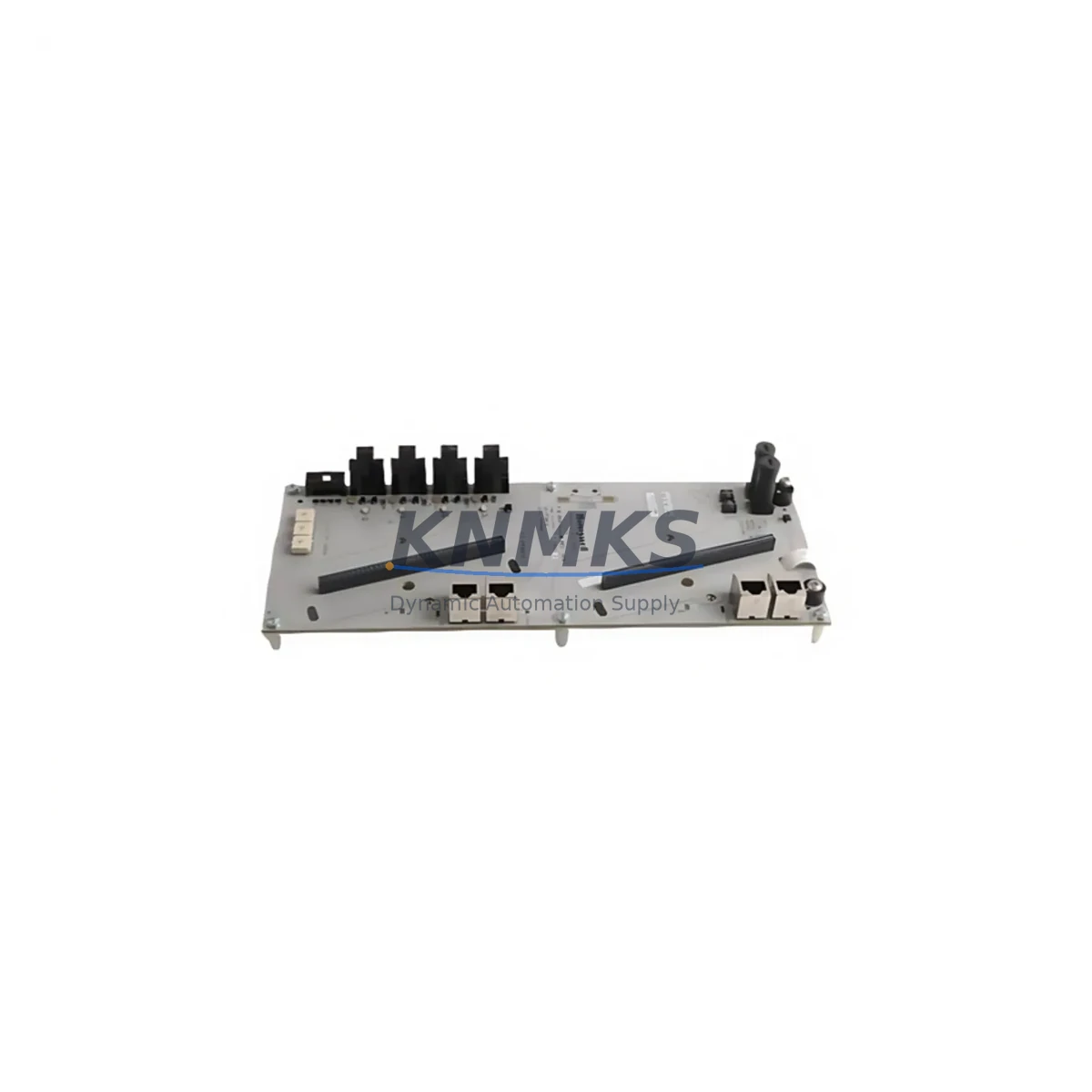
The Honeywell HC-EMD720-ESD is an original firmware media kit designed for the HC900 Hybrid Controller platform, specifically supporting the R720 firmware revision. For maintenance engineers managing continuous process operations — refinery units, chemical batch lines, power generation auxiliaries, or discrete manufacturing cells — this spare part represents a critical recovery asset. When an HC900 controller experiences a firmware corruption event, a failed upgrade, or a cold-start failure after battery loss, having a verified HC-EMD720-ESD on the shelf is the difference between a two-hour recovery and a multi-day production halt.
Sourced as an original Honeywell component, the HC-EMD720-ESD carries the R720 firmware image pre-loaded and factory-verified. It is compatible with the HC900 controller family including C30, C50, C70, and C70R rack configurations. Procurement engineers should note that this media kit is not a generic aftermarket item — it is the OEM-specified restoration tool for HC900 sites running R720 firmware, ensuring that post-replacement controller behavior matches the validated process configuration without requiring additional firmware negotiation or field patching.
Spare Maintenance Table
| SKU | HC-EMD720-ESD |
| Brand | Honeywell |
| Series | HC900 Hybrid Controller |
| Product Type | DCS Firmware Media Kit |
| Firmware Revision | R720 |
| Compatible Controllers | HC900 C30, C50, C70, C70R |
| Origin | United States |
| Application Environment | Industrial process control, DCS/hybrid automation, batch and continuous manufacturing |
| Installation | Direct media insertion per HC900 firmware upgrade procedure; no special tooling required |
| Compatibility Verification | Confirm existing controller firmware baseline and rack configuration before installation |
| Maintenance Role | Firmware recovery, planned upgrade, cold-start restoration after battery-backed RAM loss |
| Support terms | 12 Months |
| Shipping | Tested before dispatch, global express available |
Maintenance Planning for Continuous Operation
Experienced maintenance planners know that the HC-EMD720-ESD rarely fails in isolation — firmware events on the HC900 platform are often triggered by upstream power quality issues or downstream configuration drift. Before deploying a replacement media kit, the site maintenance team should conduct a systematic review of the surrounding control cabinet infrastructure.
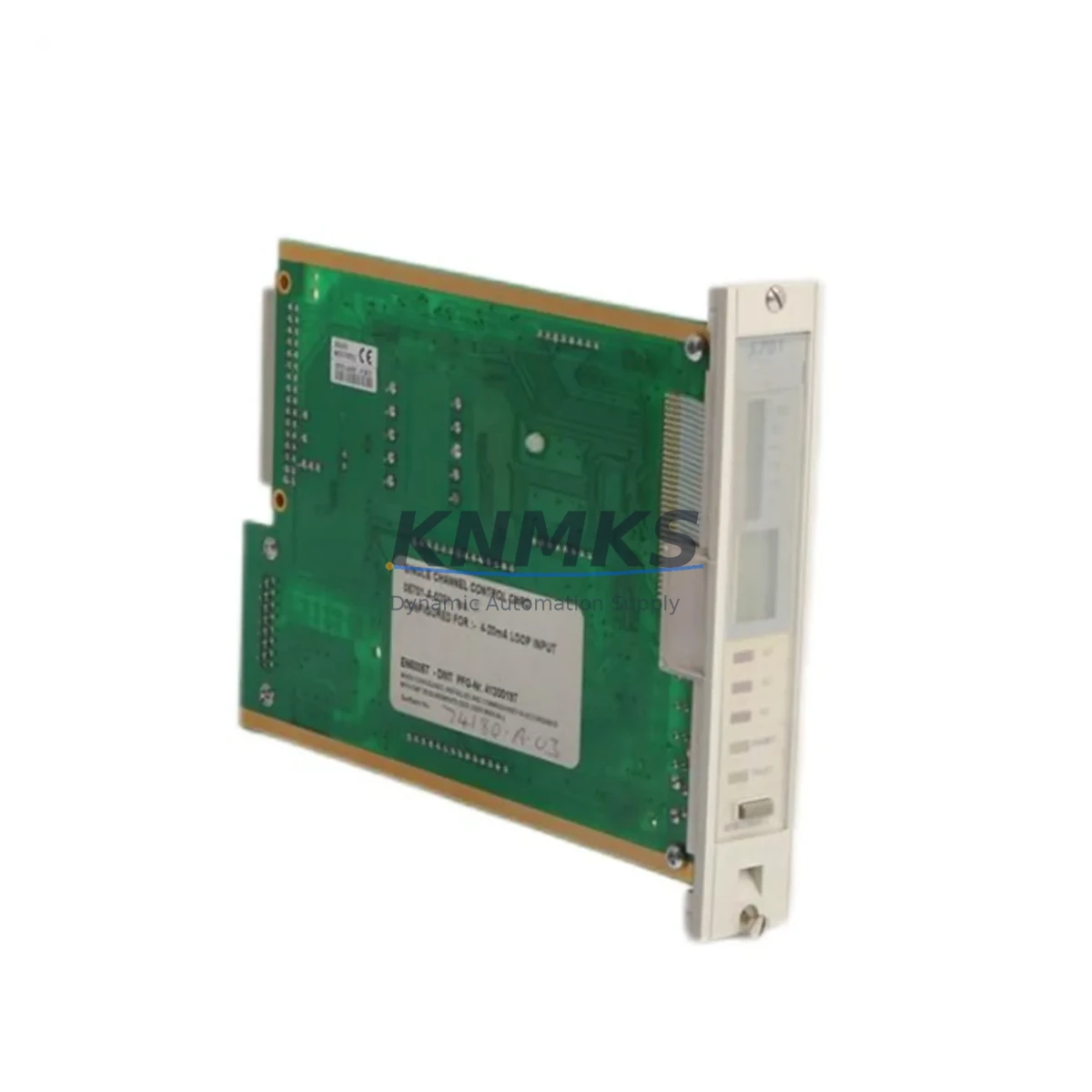
Start with the HC900 power supply module (such as the HC-PSU-DC or equivalent AC/DC supply fitted to the rack). A degraded power supply delivering marginal voltage to the controller backplane is a common root cause of firmware corruption during write cycles. Verify output voltage stability under load before re-flashing. Similarly, inspect the HC900 controller backplane for signs of connector oxidation or mechanical damage — a compromised backplane slot can cause intermittent read errors during firmware media access.
For sites where the HC900 communicates over Ethernet or serial links, check the HC-COMM-ETH communication module or equivalent RS-485/RS-232 interface cards. A firmware mismatch between the controller and its communication modules can cause post-upgrade instability. Confirm that all module firmware revisions are aligned with the R720 baseline after the media kit installation is complete.
I/O module integrity is equally important. HC900 analog input and digital output modules — including AI, AO, DI, and DO cards fitted to the rack — should be inspected for fault indicators during the recovery window. A firmware upgrade is an ideal opportunity to run a full I/O loop check and document any modules showing marginal signal quality or intermittent faults. Replacing a suspect I/O card during the same maintenance window avoids a second unplanned outage.
For sites using Honeywell HC-Designer or Experion integration, verify that the configuration database backup is current before initiating any firmware restoration. Post-upgrade, confirm that the controller re-establishes communication with the HMI or SCADA layer without requiring manual tag re-mapping. If the site uses signal isolators or loop-powered transmitters on critical analog inputs, verify that 4–20 mA loop integrity is maintained after the controller restart — firmware events can occasionally reset analog input scaling parameters to factory defaults.
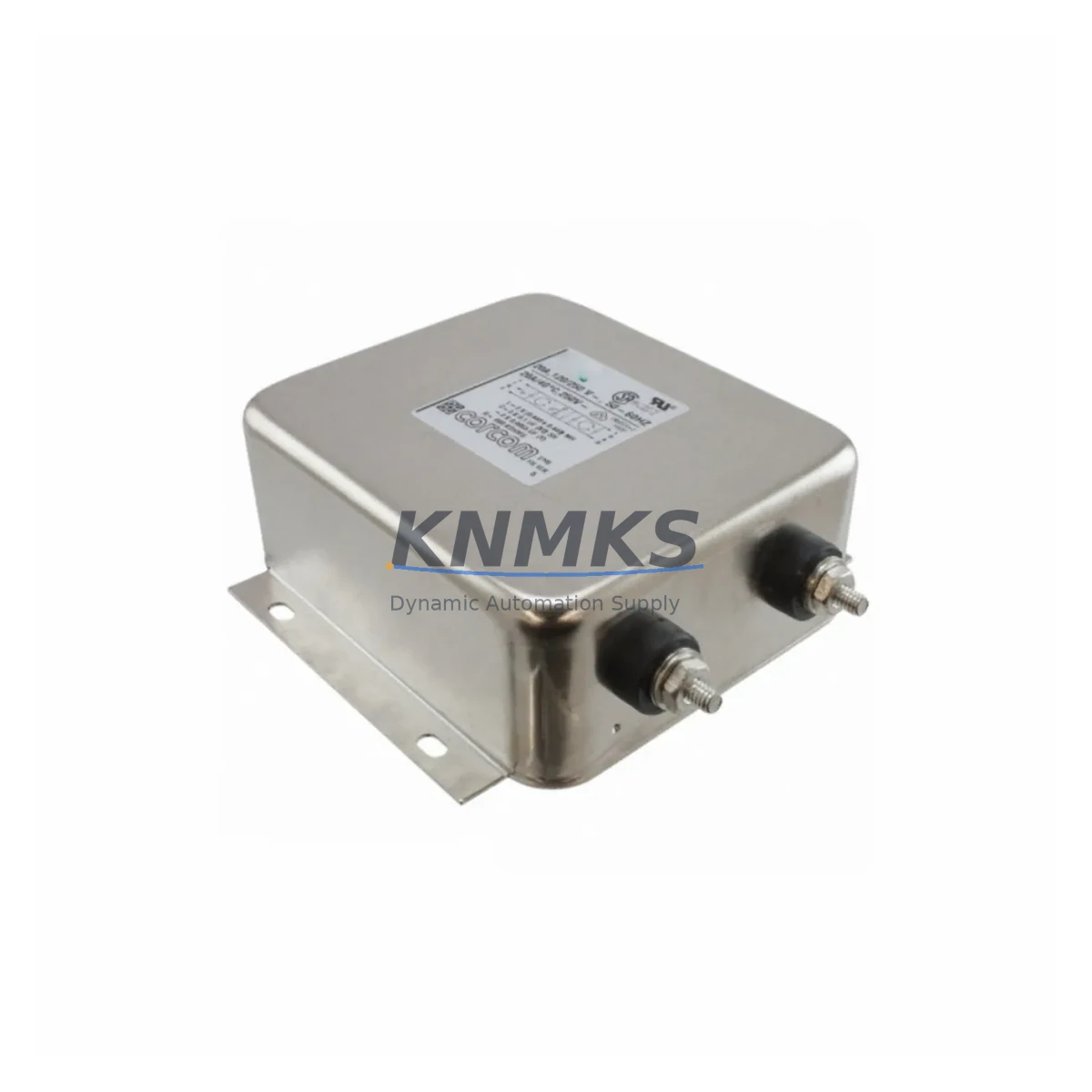
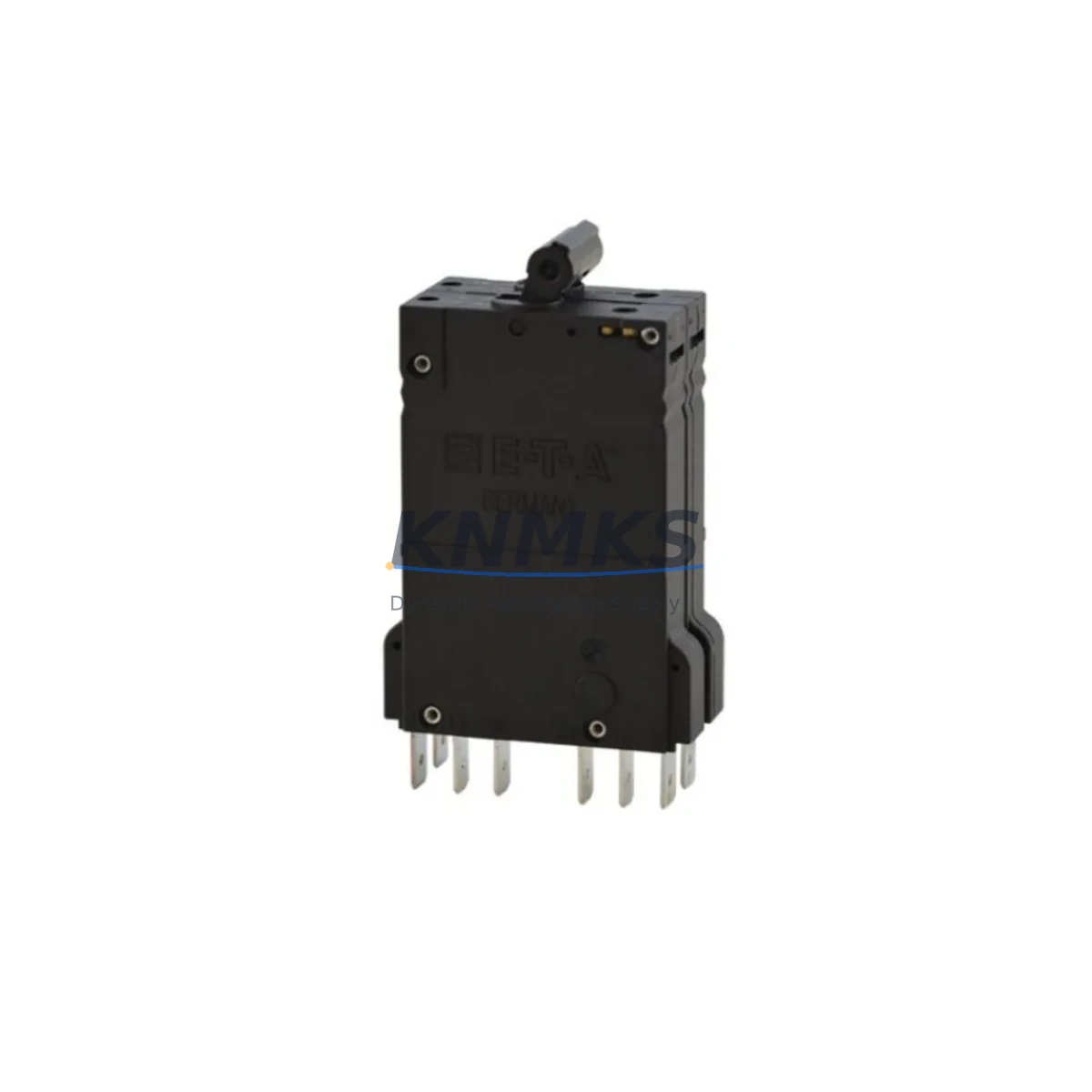
Finally, review the cabinet fusing and surge protection components. Fuses protecting the 24 VDC control bus and any MOV-based surge suppressors on incoming power lines should be inspected and replaced on a scheduled basis — not only when a failure event occurs. Proactive fuse and surge protector replacement is a low-cost measure that significantly reduces the risk of repeat firmware corruption events.
Site Replacement Workflow
When deploying the HC-EMD720-ESD on site, follow a structured replacement workflow to minimize downtime and ensure system compatibility. Begin by documenting the current controller firmware version and configuration checksum using the HC-Designer engineering tool. Back up the active configuration to a secure off-controller location before initiating any firmware operation.
Power down the HC900 rack in accordance with the site lockout/tagout procedure. Insert the HC-EMD720-ESD media kit into the designated controller slot as specified in the Honeywell HC900 firmware upgrade guide. Power the rack and allow the firmware load sequence to complete — do not interrupt power during this phase. Once the load is confirmed, restore the configuration backup and verify all I/O points, communication links, and alarm setpoints against the pre-maintenance baseline.
For sites migrating from an earlier firmware revision to R720, confirm that any deprecated function blocks or configuration parameters have been updated in the HC-Designer project file before the upgrade. R720 may introduce changes to specific control algorithm behaviors — review the Honeywell release notes for the revision and validate critical control loops in simulation or manual mode before returning the unit to automatic operation.
The HC-EMD720-ESD is a direct replacement for earlier firmware media kits used on the HC900 platform, making it suitable for both emergency recovery and planned annual maintenance upgrades. Stocking one unit per HC900 controller cluster is a widely adopted practice among maintenance teams managing high-availability process lines.
Spare Parts Support FAQ
Q: Is the HC-EMD720-ESD compatible with all HC900 controller variants?
A: The HC-EMD720-ESD carries the R720 firmware revision and is compatible with HC900 C30, C50, C70, and C70R controllers. Always verify the existing firmware baseline and rack hardware revision against the Honeywell compatibility matrix before installation. If your site runs a non-standard HC900 configuration, contact our technical team at admin@knmks.com for pre-purchase compatibility confirmation.
Q: What does the support terms confirmed by quotation cover, and how is it validated?
A: Every HC-EMD720-ESD unit shipped by KNMKS is tested before dispatch and covered by a support terms confirmed by quotation against manufacturing defects and media read failures. Support requests are supported with original shipping documentation. Units showing physical damage from improper installation or power surge events are assessed on a case-by-case basis. Contact admin@knmks.com with your order reference to initiate a support terms claim.
Q: How should we manage HC-EMD720-ESD inventory for a multi-site operation?
A: For operations running multiple HC900 controller clusters across several facilities, we recommend maintaining a minimum of one HC-EMD720-ESD per site as a critical spare, with a central buffer stock for rapid inter-site deployment. Firmware media kits have a long shelf life when stored in a dry, ESD-safe environment — they do not require periodic replacement unless a firmware revision upgrade is planned. KNMKS supports long-term supply agreements for multi-site procurement programs.
Q: Can KNMKS supply HC-EMD720-ESD units for urgent unplanned outages?
A: Yes. KNMKS maintains stock of HC-EMD720-ESD and other HC900 spare components to support emergency procurement requirements. Express global shipping is available, and units are tested and documented before dispatch. For urgent requirements, contact us directly at admin@knmks.com or +86 18359268345 to confirm availability and arrange priority shipment.
© 2026 KNMKS. All rights reserved.
Original Source: https://knmks.com
Contact: admin@knmks.com | +86 18359268345
Product Identification
- Brand / Ecosystem
-
Honeywell
Honeywell - Model / Series
- HC-EMD720-ESD
- Product Family
- Other Components
- Availability Status
- Available on request after model and quantity confirmation
- Inquiry Type
- B2B RFQ, replacement inquiry and project spare-part request
- Pre-Quote Check
- Exact SKU, brand, series, quantity, nameplate photos and destination country are checked before quotation
System Path
Where this product fits in the KNMKS automation structure.
Specification & Inquiry Focus
- Component range
- Breakers, terminals and cabinet accessories
- Common needs
- Model, photo and installation requirement
- Project support
- Maintenance and mixed spare-part inquiry
Buyer Confirmation
Information KNMKS checks before replying.
- Exact model
- HC-EMD720-ESD
- Brand / ecosystem
- Honeywell
- Product family
- Other Components
- Application note
- Replacement, maintenance, project build or spare-part list
- Useful photos
- Nameplate, installed unit, cabinet layout or connector side
- Delivery details
- Quantity, destination country and target schedule
Document Support
Files and notes can be confirmed during quotation.
- Product photos or nameplate confirmation when available
- Packing and delivery notes before quotation confirmation
- Support scope and delivery terms confirmed per inquiry
- Export document coordination for qualified B2B requests
Inquiry Support
- Mixed automation spare parts inquiry
- Cabinet component and accessory support
- Model identification from photos or labels
What to Send Us
- Brand and exact model number: Honeywell HC-EMD720-ESD
- Quantity and required delivery time
- Application, replacement requirement or nameplate photo
- Destination country and shipping preference
RFQ Preparation
This is a product inquiry page built for RFQ communication.
Fast Model Check
Send this model to KNMKS for confirmation.
Include quantity, destination country and photos if this is a maintenance replacement. The inquiry will be saved with a reference number after submission.
Brand & Compatibility Note
KNMKS displays automation product information for well-known industrial brand ecosystems and compatible replacement references. Brand names are used for product identification and compatibility reference only; final availability and commercial terms are confirmed per quotation.
 Manufacturing
 Machine Tools
 Packaging
 Energy & Power
 PLCs & Controllers
 HMI & Displays
 Servo Systems
 Variable Frequency Drives