
Overview
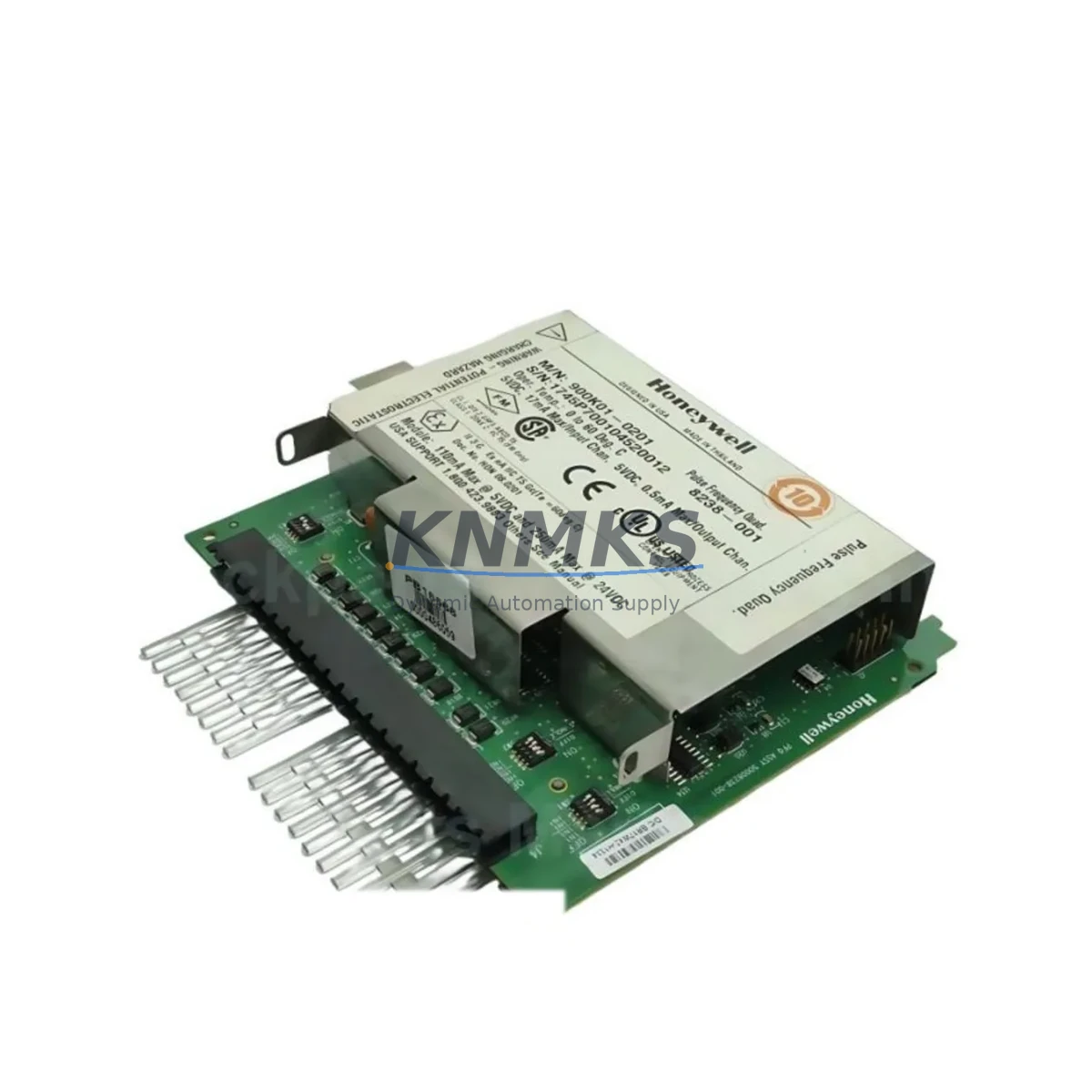
Honeywell 900RTC-BA10 Maintenance-Proven Spare Part for Factory Uptime
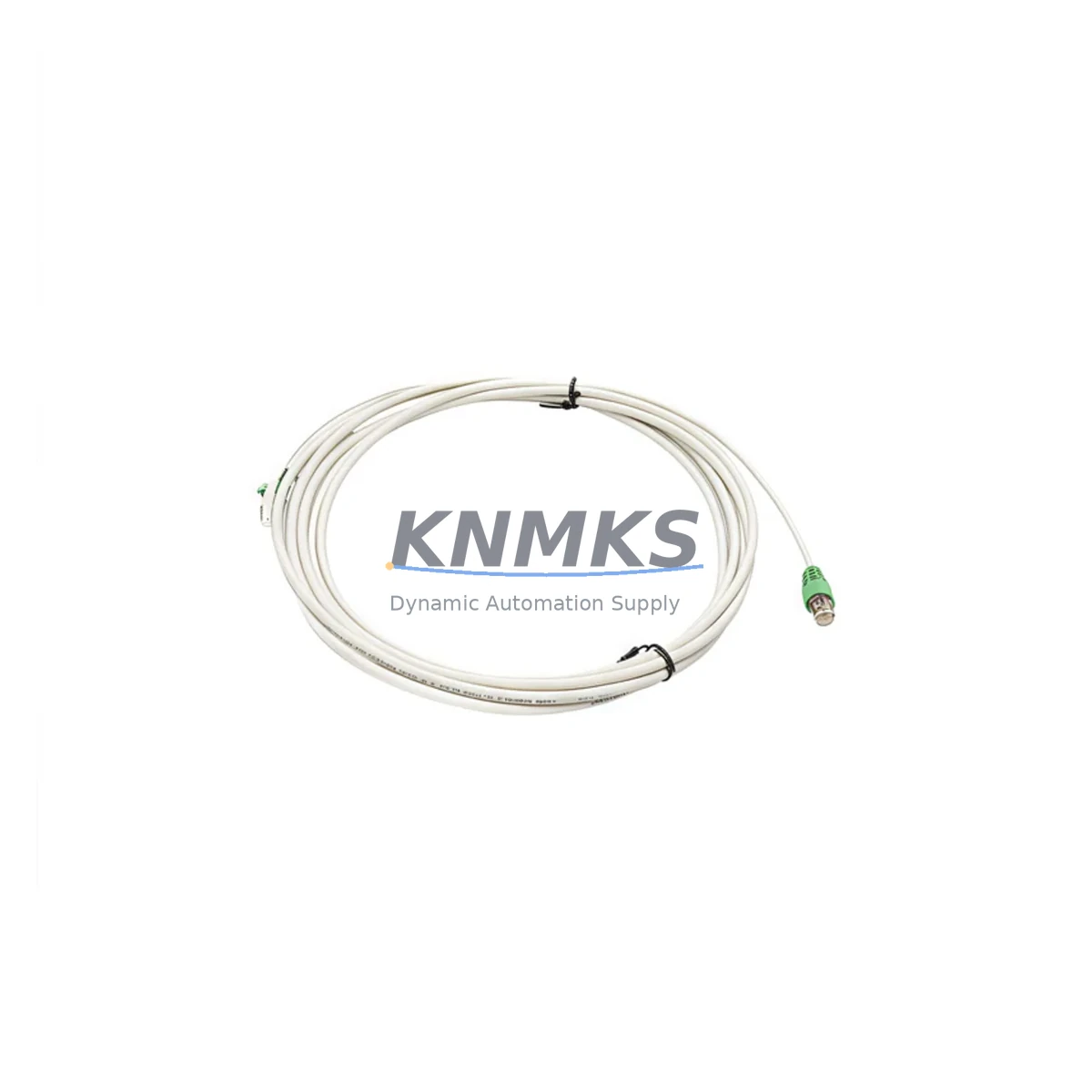
The Honeywell 900RTC-BA10 is the original RTP (Remote Termination Panel) termination cable designed for the HC900 Hybrid Controller platform — one of Honeywell’s most widely deployed process automation systems in refining, chemical, power, and discrete manufacturing environments. This 16-channel analog output (AO) termination cable serves as the critical wiring interface between the HC900 I/O module and the field-side RTP terminal block, enabling clean, reliable signal routing without direct field wiring to the module backplane.
For maintenance engineers managing aging DCS or hybrid control systems, the 900RTC-BA10 is a high-priority spare. Cable degradation, connector wear, and insulation fatigue are common failure modes in high-cycle or high-temperature cabinet environments. Keeping a verified original spare on the shelf eliminates the risk of extended downtime caused by sourcing delays. Every unit shipped from KNMKS is tested before dispatch and backed by a support terms confirmed by quotation, giving procurement teams the confidence to stock with minimal risk.
Spare Maintenance Table
| Part Number | 900RTC-BA10 |
| Brand | Honeywell |
| Series | HC900 Hybrid Controller |
| Product Type | RTP Termination Cable — 16-Channel Analog Output |
| Function | Connects HC900 AO I/O module to RTP terminal block for field wiring |
| Channel Count | 16-Channel AO |
| Connector Type | Keyed ribbon/multi-pin connector (module-side) + screw terminal block (field-side) |
| Compatible Modules | HC900 16-Ch Analog Output I/O modules (e.g., 900G32-0101) |
| Compatible RTP | HC900 Remote Termination Panel assemblies |
| Installation | Direct plug-in; no tools required for module-side connection |
| Operating Environment | Industrial control cabinet; standard DIN-rail panel environment |
| Origin | USA (Honeywell OEM) |
| Condition | Original New / Surplus New |
| Pre-shipment Test | Yes — continuity and connector integrity verified |
| Support terms | 12 Months |
| Lead Time | availability confirmed by RFQ — ships within 1–3 business days |
Maintenance Planning for Continuous Operation
When replacing or inspecting the 900RTC-BA10 termination cable, a thorough maintenance engineer will treat the task as an opportunity for a broader cabinet audit. The AO termination cable sits at the intersection of the control system and the field instrumentation loop, meaning any degradation here can introduce signal drift, loop instability, or complete channel loss — all of which can trigger nuisance alarms or process shutdowns.
Begin by verifying the condition of the HC900 16-channel Analog Output I/O module (such as the 900G32-0101) itself. A worn cable can mask underlying module faults; replacing the cable without checking the module may result in repeat failures. Inspect the module’s backplane connector pins for corrosion or mechanical damage before installing the new 900RTC-BA10.
Next, audit the HC900 power supply modules (e.g., 900P01-0001 or 900P02-0001) feeding the I/O rack. Analog output channels are sensitive to power rail noise and voltage sag; a degraded PSU can cause intermittent AO errors that are often misdiagnosed as cable or module faults. Check output voltage under load and inspect capacitor condition if the unit has been in service for more than five years.
The HC900 Controller Module (900C71-0243 or equivalent) should also be included in the inspection cycle. Verify firmware version compatibility with the installed I/O configuration and confirm that the AO channel assignments in the controller database match the physical wiring at the RTP terminal block. Mismatches introduced during previous maintenance can cause subtle process deviations that are difficult to trace.
For sites using HC900 communication modules (such as the 900CS-0001 for Ethernet or Modbus RTU links), confirm that the network link to the supervisory SCADA or DCS host remains stable after the cable swap. AO channel updates are typically polled over this link; a communication fault during commissioning can give a false impression of a wiring error.
Finally, inspect the RTP terminal block assembly and associated field wiring. Screw terminal torque, wire ferrule condition, and shield grounding continuity should all be verified. Loose terminals at the RTP are a leading cause of intermittent AO signal errors and are often overlooked when the root cause investigation focuses on the module or cable. If the site uses signal isolators or loop-powered transmitter barriers on the AO channels, verify their output range calibration and isolation integrity as part of the same work order.
Site Replacement Workflow
Step 1 — Preparation: Download the current HC900 configuration backup from the engineering workstation before beginning any hardware work. Confirm the AO channel assignments and tag list for the 16 channels served by this cable. Notify the process control room of the planned maintenance window.
Step 2 — Safe Isolation: Place the affected AO channels in manual mode at the DCS/SCADA level. For critical control loops, coordinate with operations to hold process setpoints manually during the cable swap. Do not rely solely on the controller’s bumpless transfer feature for safety-critical outputs.
Step 3 — Cable Removal: Disconnect the 900RTC-BA10 from the I/O module by releasing the keyed connector latch. Label or photograph the field-side terminal wiring at the RTP before disconnecting. Note any wire color coding or ferrule markings for reference during reinstallation.
Step 4 — Inspection and Installation: Inspect the module-side connector on the new 900RTC-BA10 for shipping damage. Seat the connector firmly until the latch engages. Reconnect field wiring at the RTP terminal block in the original sequence, verifying torque on each screw terminal.
Step 5 — Commissioning: Return AO channels to automatic mode one at a time. Monitor each channel’s output value and compare against the expected process variable. Use the HC900 operator interface or connected HMI to confirm signal integrity across all 16 channels before closing the maintenance work order.
Step 6 — Documentation: Record the replacement in the site CMMS with the new part serial number, installation date, and technician ID. Update the spare parts inventory to trigger a replenishment order for the consumed 900RTC-BA10 unit.
Spare Parts Support FAQ
Q1: Is the 900RTC-BA10 a direct drop-in replacement for aging HC900 installations?
Yes. The 900RTC-BA10 is the original Honeywell OEM termination cable for HC900 16-channel AO modules. It is a direct mechanical and electrical replacement with no configuration changes required. Compatibility extends across all HC900 firmware revisions that support the 16-Ch AO I/O module family.
Q2: How does KNMKS verify the condition of the cable before shipment?
Every 900RTC-BA10 unit undergoes continuity testing and connector integrity inspection before dispatch. Units sourced as surplus new are inspected for storage condition, connector pin alignment, and insulation integrity. A test report is available upon request for critical applications.
Q3: What is the recommended spare holding quantity for a site running multiple HC900 AO racks?
Industry best practice for process-critical AO termination cables is a minimum of one spare per four installed units, with a floor of two spares per site regardless of installed base size. For sites with more than eight HC900 AO modules, a dedicated shelf stock of three to four 900RTC-BA10 cables is recommended to cover both emergency replacement and planned annual maintenance cycles.
Q4: Can KNMKS support long-term supply for sites with extended HC900 system lifecycles?
Yes. KNMKS maintains ongoing sourcing relationships for Honeywell HC900 spare parts, including the 900RTC-BA10, to support sites operating beyond the standard product lifecycle. Long-term supply agreements and blanket purchase orders are available for procurement teams managing multi-year maintenance contracts. All units are covered by a support terms confirmed by quotation from the date of shipment.
© 2026 KNMKS. All rights reserved.
Original Source: https://knmks.com
Contact: admin@knmks.com | +86 18359268345
Product Identification
- Brand / Ecosystem
-
Honeywell
Honeywell - Model / Series
- 900RTC-BA10
- Product Family
- Cables & Connectors
- Availability Status
- Available on request after model and quantity confirmation
- Inquiry Type
- B2B RFQ, replacement inquiry and project spare-part request
- Pre-Quote Check
- Exact SKU, brand, series, quantity, nameplate photos and destination country are checked before quotation
System Path
Where this product fits in the KNMKS automation structure.
Specification & Inquiry Focus
- Cable range
- Sensor, servo, network and circular connectors
- Common needs
- Length, pin count, shielding and plug type
- Project support
- Machine wiring and installation kits
Buyer Confirmation
Information KNMKS checks before replying.
- Exact model
- 900RTC-BA10
- Brand / ecosystem
- Honeywell
- Product family
- Cables & Connectors
- Application note
- Replacement, maintenance, project build or spare-part list
- Useful photos
- Nameplate, installed unit, cabinet layout or connector side
- Delivery details
- Quantity, destination country and target schedule
Document Support
Files and notes can be confirmed during quotation.
- Product photos or nameplate confirmation when available
- Packing and delivery notes before quotation confirmation
- Support scope and delivery terms confirmed per inquiry
- Export document coordination for qualified B2B requests
Inquiry Support
- Cable length and connector type confirmation
- Servo, sensor and network cable inquiry
- Accessory kits for installation teams
What to Send Us
- Brand and exact model number: Honeywell 900RTC-BA10
- Quantity and required delivery time
- Application, replacement requirement or nameplate photo
- Destination country and shipping preference
RFQ Preparation
This is a product inquiry page built for RFQ communication.
Fast Model Check
Send this model to KNMKS for confirmation.
Include quantity, destination country and photos if this is a maintenance replacement. The inquiry will be saved with a reference number after submission.
Brand & Compatibility Note
KNMKS displays automation product information for well-known industrial brand ecosystems and compatible replacement references. Brand names are used for product identification and compatibility reference only; final availability and commercial terms are confirmed per quotation.
 Manufacturing
 Machine Tools
 Packaging
 Energy & Power
 PLCs & Controllers
 HMI & Displays
 Servo Systems
 Variable Frequency Drives