
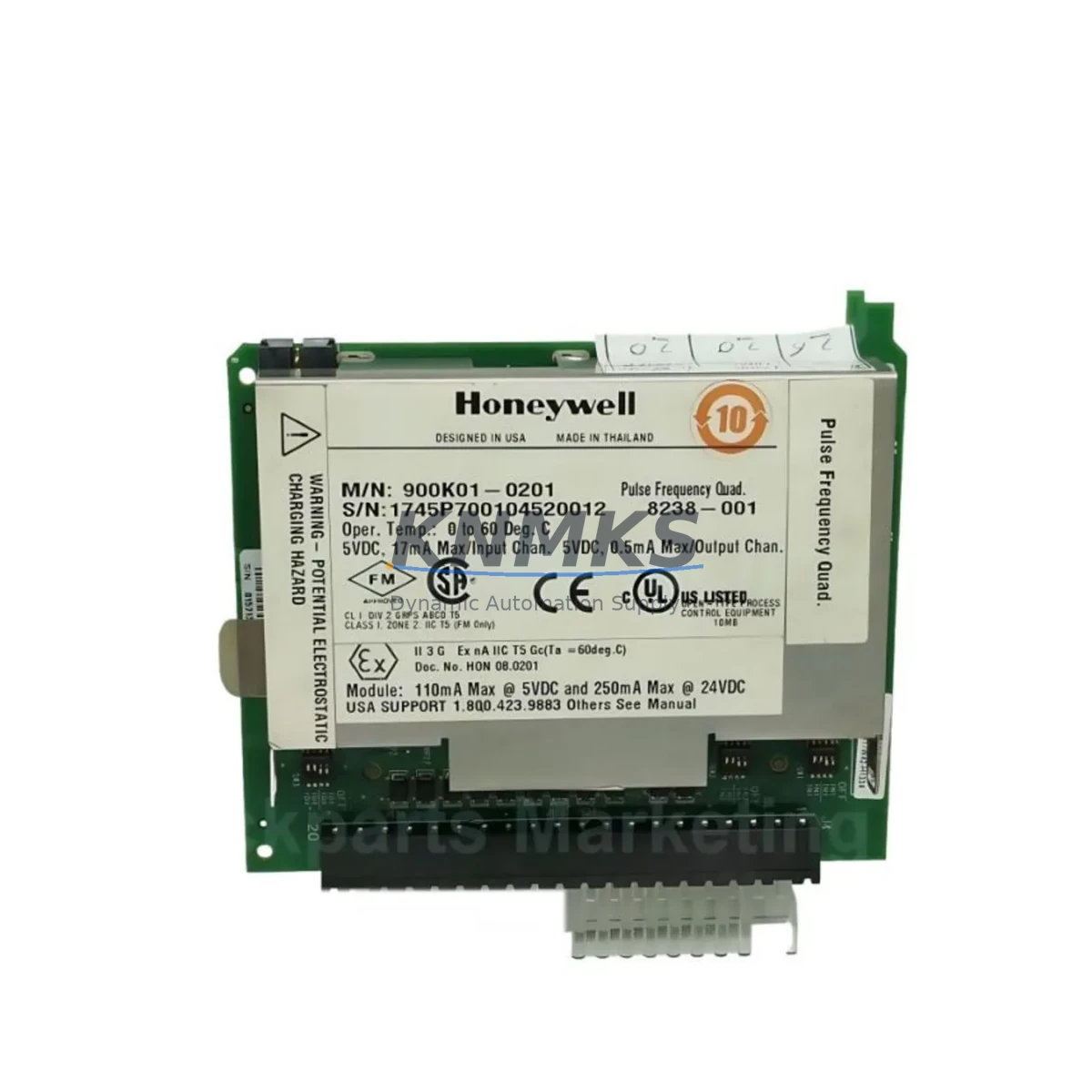
Overview
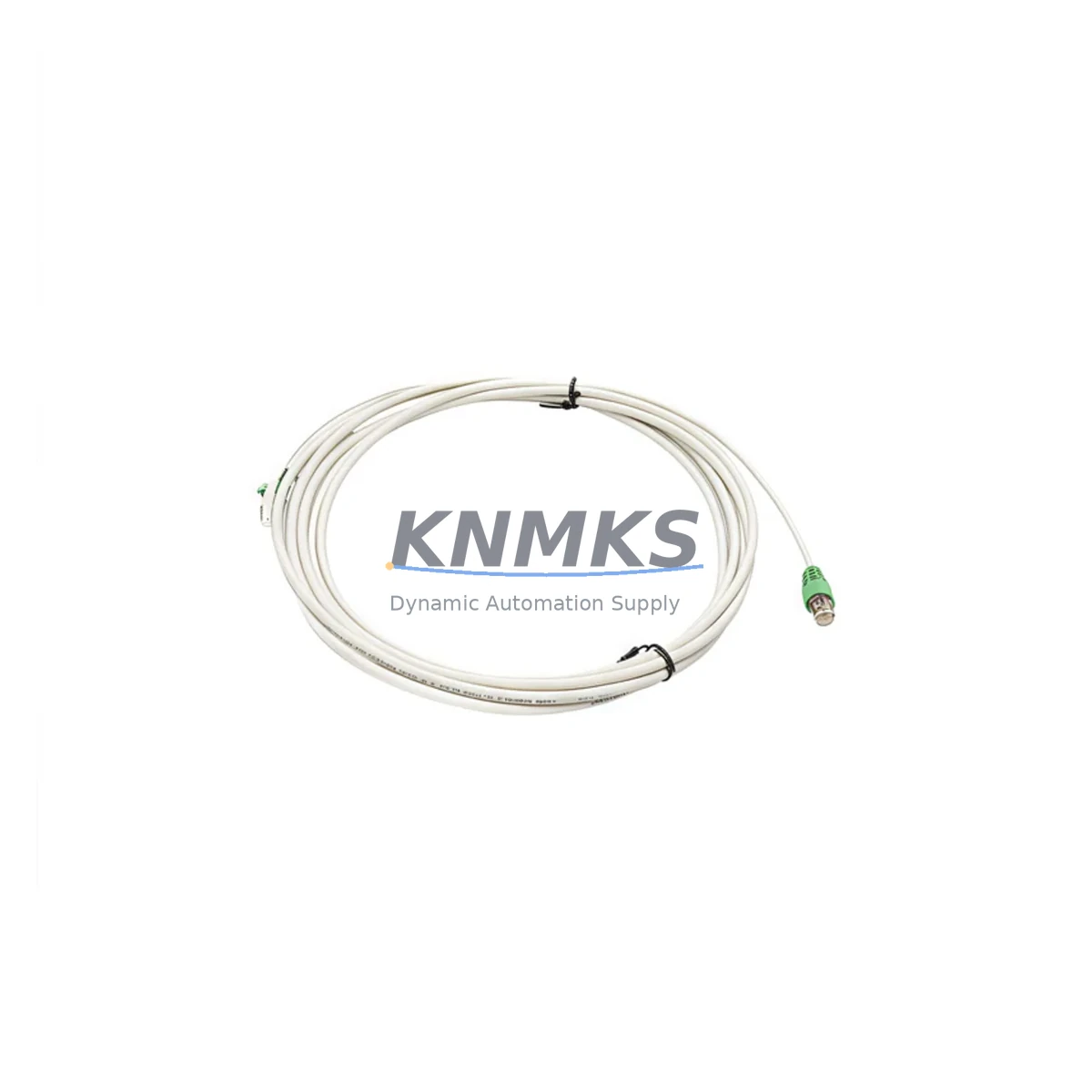
Honeywell 900RTC-3410 Migration-Ready RTP Cable for Legacy HC900 Control Systems
The Honeywell 900RTC-3410 is a migration-ready Remote Termination Panel (RTP) cable engineered specifically for HC900 hybrid control systems operating in legacy automation environments. As industrial facilities accelerate the retirement of aging DCS and PLC platforms, the 900RTC-3410 serves as a critical wiring interface that bridges existing field termination infrastructure with modernized I/O modules and controller backplanes — enabling phased upgrades without full panel rewiring.
Whether you are replacing a failed cable assembly, restoring a degraded control loop, or executing a planned migration from an obsolete HC900 rack configuration to a current-generation Honeywell controller platform, the 900RTC-3410 provides the dimensional and electrical compatibility required to maintain signal integrity across analog and digital I/O channels. The cable is manufactured to OEM specifications, with shielded conductors, correct pin-out mapping, and connector housings that mate directly with HC900 I/O module slots and their corresponding RTP field wiring assemblies.
Migration Compatibility Table
| Parameter | Details |
|---|---|
| Compatible Controller | Honeywell HC900 Hybrid Controller |
| Cable Function | RTP (Remote Termination Panel) Interface Cable |
| Connector Type | OEM-matched, direct plug-in to HC900 I/O module and RTP assembly |
| Signal Compatibility | Analog I/O, Digital I/O (per HC900 module type) |
| Installation Space | Standard HC900 rack/cabinet footprint; no panel modification required |
| Communication Protocol | Hardwired field termination; compatible with HC900 Ethernet and serial comm modules |
| Replacement Suitability | Direct drop-in for degraded or failed 900RTC-3410 assemblies |
| Commissioning Notes | Verify pin-out continuity before power-up; confirm RTP address mapping in HC900 configuration |
| Firmware Dependency | None — passive cable assembly; compatible with all HC900 firmware revisions |
| Support terms | support terms confirmed by quotation from date of shipment |
Retrofit Planning for Existing Automation Systems
Successful integration of the 900RTC-3410 into a retrofit project requires a structured pre-installation review. Before removing the existing cable assembly, engineers should document the current terminal block assignments on the RTP field wiring side and cross-reference them against the HC900 I/O module channel map stored in the controller configuration. This is especially important when the legacy system uses mixed analog input modules such as the 900G32-0101 or digital output modules from the HC900 series, where channel-to-terminal correspondence must be preserved to avoid process upsets during cutover.
In control cabinets where the HC900 rack is installed alongside a Honeywell HC900 Power Supply module (such as the 900P01-0001), verifying available power budget before adding or replacing cable assemblies is a standard precaution. RTP cables do not draw power independently, but disturbing the wiring harness in a densely populated cabinet can inadvertently stress adjacent power distribution terminals.
For facilities migrating from older HC900 configurations to a current Honeywell ControlEdge HC900 platform, the 900RTC-3410 cable remains compatible provided the I/O module type and RTP assembly model are unchanged. In cases where the migration path involves substituting legacy analog input modules with updated versions, engineers should confirm that the new module’s terminal block pitch and connector key match the existing RTP assembly before reusing the cable.
Communication continuity is another key consideration. HC900 systems commonly use Ethernet-based peer-to-peer links or Modbus RTU serial connections to upstream SCADA or DCS hosts. During cable replacement, the controller should remain in its current operating mode where process safety permits, and the HMI display pages tied to the affected I/O channels should be monitored for alarm state changes. If the facility uses a Honeywell HC Designer programming environment, the I/O channel tags associated with the RTP assembly should be verified against the physical wiring after installation.
Where the retrofit scope extends beyond a single cable replacement to include I/O expansion — for example, adding a new HC900 analog output module to an existing rack — the backplane slot address must be configured in HC Designer before the module is powered. Failure to pre-assign the slot address is a common commissioning error that results in the controller failing to recognize the new module on startup.
Downtime Control During System Migration
Minimizing unplanned downtime during RTP cable replacement is achievable through disciplined pre-work. The most effective approach is to complete all wiring documentation, spare parts staging, and configuration backups before the maintenance window begins. For the 900RTC-3410 specifically, this means printing the current HC900 I/O configuration report from HC Designer, photographing the existing cable routing and terminal connections, and confirming that the replacement cable assembly has been tested for continuity and correct pin-out before the old cable is disconnected.
Where the process cannot tolerate a full controller shutdown, a partial cutover strategy may be applicable: isolating only the I/O channels served by the affected RTP assembly while keeping the HC900 controller and its remaining I/O modules in service. This approach requires that the HC900 configuration supports channel-level fault tolerance and that the upstream control logic has been reviewed to confirm that the isolated channels will not trigger a process shutdown or safety interlock.
After the new 900RTC-3410 is installed and field wiring is reconnected, a structured loop check should be performed on each channel before returning the system to automatic control. This includes verifying signal levels at the RTP terminal block, confirming correct reading in the HC900 controller’s I/O status display, and checking that HMI faceplate values match field instrument readings. Documenting the post-installation loop check results provides a baseline for future maintenance and supports the support terms confirmed by quotation claim process if a defect is identified after commissioning.
Retrofit Support FAQ
Q: Is the 900RTC-3410 a direct replacement for the original Honeywell cable assembly?
A: Yes. The 900RTC-3410 is manufactured to OEM specifications and is a direct drop-in replacement for the original Honeywell HC900 RTP cable assembly of the same part number. No wiring modification or adapter is required.
Q: What commissioning steps are required after installation?
A: After installing the 900RTC-3410, perform a point-to-point continuity check on all conductors, reconnect field wiring to the RTP terminal block in the original configuration, power up the HC900 I/O module, and verify channel status in the HC Designer I/O configuration display. Confirm signal values against field instruments before returning to automatic control.
Q: How do I confirm wiring compatibility with my existing RTP assembly?
A: Match the RTP assembly model number on your existing panel to the cable connector specification. The 900RTC-3410 is designed for use with the corresponding HC900 RTP assembly. If your RTP assembly model differs, contact our technical team with your existing part numbers for compatibility confirmation before ordering.
Q: What are the stock availability and support terms terms?
A: The 900RTC-3410 is held availability confirmed by RFQ for immediate shipment. All units are tested prior to dispatch. A support terms confirmed by quotation is provided from the date of shipment, covering manufacturing defects. Support requests are supported by our technical team with replacement or repair at no additional cost.
© 2026 KNMKS. All rights reserved.
Original Source: https://knmks.com
Contact: admin@knmks.com | +86 18359268345
Product Identification
- Brand / Ecosystem
-
Honeywell
Honeywell - Model / Series
- 900RTC-3410
- Product Family
- Cables & Connectors
- Availability Status
- Available on request after model and quantity confirmation
- Inquiry Type
- B2B RFQ, replacement inquiry and project spare-part request
- Pre-Quote Check
- Exact SKU, brand, series, quantity, nameplate photos and destination country are checked before quotation
System Path
Where this product fits in the KNMKS automation structure.
Specification & Inquiry Focus
- Cable range
- Sensor, servo, network and circular connectors
- Common needs
- Length, pin count, shielding and plug type
- Project support
- Machine wiring and installation kits
Buyer Confirmation
Information KNMKS checks before replying.
- Exact model
- 900RTC-3410
- Brand / ecosystem
- Honeywell
- Product family
- Cables & Connectors
- Application note
- Replacement, maintenance, project build or spare-part list
- Useful photos
- Nameplate, installed unit, cabinet layout or connector side
- Delivery details
- Quantity, destination country and target schedule
Document Support
Files and notes can be confirmed during quotation.
- Product photos or nameplate confirmation when available
- Packing and delivery notes before quotation confirmation
- Support scope and delivery terms confirmed per inquiry
- Export document coordination for qualified B2B requests
Inquiry Support
- Cable length and connector type confirmation
- Servo, sensor and network cable inquiry
- Accessory kits for installation teams
What to Send Us
- Brand and exact model number: Honeywell 900RTC-3410
- Quantity and required delivery time
- Application, replacement requirement or nameplate photo
- Destination country and shipping preference
RFQ Preparation
This is a product inquiry page built for RFQ communication.
Fast Model Check
Send this model to KNMKS for confirmation.
Include quantity, destination country and photos if this is a maintenance replacement. The inquiry will be saved with a reference number after submission.
Brand & Compatibility Note
KNMKS displays automation product information for well-known industrial brand ecosystems and compatible replacement references. Brand names are used for product identification and compatibility reference only; final availability and commercial terms are confirmed per quotation.
 Manufacturing
 Machine Tools
 Packaging
 Energy & Power
 PLCs & Controllers
 HMI & Displays
 Servo Systems
 Variable Frequency Drives