
Overview
Honeywell 2MLC-E501 Maintenance-Proven Spare Part for Factory Uptime
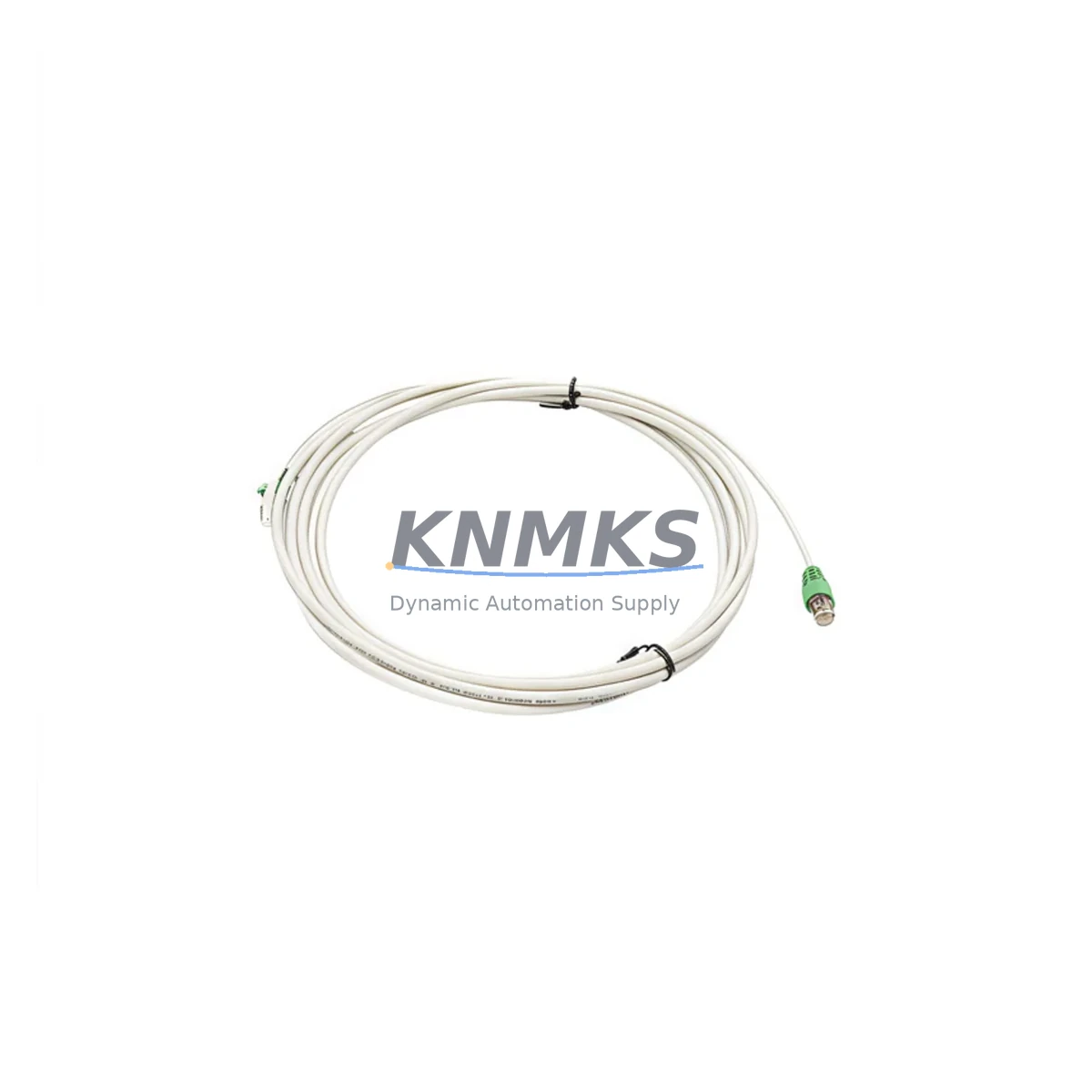
The Honeywell 2MLC-E501 is an original extension cable designed for the UDC (Universal Digital Controller) series, including the UDC2500, UDC5000, and UDC7000 families. In process industries — from petrochemical plants and pharmaceutical production lines to food processing facilities and power generation stations — the UDC controller series remains a backbone of loop control and temperature regulation. The 2MLC-E501 extension cable provides the critical physical link between the controller front panel and the mounting base or remote display, ensuring reliable signal transmission and operator interface continuity. When this cable degrades, becomes intermittent, or fails outright, the result is immediate loss of operator visibility and potential process upset. Stocking a verified original 2MLC-E501 as a ready spare is a fundamental element of any responsible maintenance strategy for UDC-based control systems.
Maintenance engineers working with Honeywell UDC controllers understand that cable-related faults are among the most deceptive failure modes in the field. A degraded 2MLC-E501 may produce symptoms that mimic sensor faults, communication errors, or even controller hardware failures — leading to unnecessary replacement of more expensive components. Rapid identification and substitution of the extension cable with a known-good original spare is the fastest path to fault isolation and process restoration. Procurement engineers sourcing this part should prioritize original Honeywell components with full traceability, pre-shipment electrical testing, and documented support terms coverage to eliminate the risk of counterfeit or substandard cables entering the maintenance inventory.
Spare Maintenance Table
| Parameter | Specification / Details |
|---|---|
| Part Number / SKU | 2MLC-E501 |
| Brand | Honeywell |
| Series | UDC Series (UDC2500, UDC5000, UDC7000) |
| Product Type | Extension Cable / Controller Interface Cable |
| Function | Front panel to base / remote display extension for UDC controllers |
| Compatibility | Honeywell UDC2500, UDC5000, UDC7000 Universal Digital Controllers |
| Application Environment | Industrial process control panels, DCS/PLC cabinets, field enclosures |
| Origin | USA (Honeywell OEM) |
| Condition | New Original / Genuine OEM |
| Pre-Shipment Testing | Electrical continuity and signal integrity verified before dispatch |
| Support terms | 12 Months from date of shipment |
| Maintenance Recommendation | Inspect annually; replace immediately upon intermittent display or communication faults |
| Weight | Approx. 850 g (packaged) |
Maintenance Planning for Continuous Operation
When a maintenance team schedules a UDC controller inspection or responds to an unplanned shutdown, the 2MLC-E501 extension cable should be evaluated as part of a broader cabinet audit. The UDC controller ecosystem involves multiple interdependent components, and a thorough maintenance plan addresses each layer of the control loop.
Begin with the controller power supply: the Honeywell UDC series typically operates on 100–240 VAC input, and a failing or undersized power supply can stress the cable interface and produce erratic display behavior that is incorrectly attributed to the 2MLC-E501. Verify input voltage stability and inspect the power supply module for signs of thermal stress or capacitor aging before concluding the cable is at fault.
Next, inspect the I/O wiring at the controller terminal block. Loose thermocouple or RTD input wiring, corroded terminals, or incorrect shielding on analog input cables can introduce noise that manifests as display instability — again mimicking a cable fault. Terminal blocks and wiring ferrules in the same cabinet should be checked and re-torqued during any 2MLC-E501 replacement event.
For UDC controllers integrated into larger DCS or PLC architectures, the RS-485 or Modbus communication wiring should be inspected simultaneously. A degraded communication cable or a failing RS-485 transceiver on the controller’s communication option board can cause the same loss-of-display symptoms as a faulty 2MLC-E501. If the plant uses a Honeywell HC900 hybrid controller or a Experion PKS node in the same control loop, verify that the communication link between the UDC and the supervisory system is intact after the cable replacement.
Relay output modules and digital output cards connected to the UDC controller should also be inspected during planned downtime. Relay contacts that have welded closed or opened due to overload can cause process anomalies that are difficult to distinguish from controller faults. Replacing the 2MLC-E501 while simultaneously verifying relay output integrity ensures the maintenance event delivers maximum value.
Finally, for facilities running older UDC5000 or UDC7000 installations, consider the availability of the UDC controller’s front panel membrane keypad and display assembly. These components age alongside the extension cable, and a proactive spare parts inventory that includes both the 2MLC-E501 cable and the associated display module reduces the risk of extended downtime during future fault events. Signal isolators on analog input channels and fuse holders in the controller power circuit are additional low-cost items that should be stocked alongside the extension cable for a complete UDC maintenance kit.
Site Replacement Workflow
Replacing the Honeywell 2MLC-E501 on-site is a straightforward procedure when the correct spare is available and the replacement is performed by a qualified instrumentation technician. The following workflow is recommended to minimize downtime and ensure system compatibility is maintained throughout the process.
Step 1 — Preparation and Isolation: Before beginning any work, confirm the process loop can be placed in manual mode or that the affected controller can be safely taken offline without triggering a plant-wide interlock. Document the current controller configuration, setpoints, and alarm limits using the UDC’s front panel or via the Honeywell configuration software if available. This ensures rapid restoration of operating parameters after the replacement.
Step 2 — Visual Inspection of the Existing Cable: Examine the 2MLC-E501 for visible damage — kinked conductors, damaged connector housings, or signs of heat exposure. Note the routing path and any cable management hardware (tie wraps, conduit fittings) that will need to be reinstalled with the new cable.
Step 3 — Disconnection and Removal: Power down the controller following the site’s lockout/tagout procedure. Disconnect the extension cable from both the controller front panel and the mounting base or remote display. Label both ends of the removed cable for reference during root cause analysis.
Step 4 — Installation of the New 2MLC-E501: Route the new original Honeywell 2MLC-E501 along the same path as the removed cable, observing minimum bend radius requirements. Connect both ends firmly, ensuring connector locking mechanisms are fully engaged. Avoid routing the cable adjacent to high-voltage power conductors or variable frequency drive (VFD) output cables to prevent electromagnetic interference.
Step 5 — Power-Up and Verification: Restore power to the controller and verify that the front panel display initializes correctly, all configured parameters are retained, and communication with the supervisory system (if applicable) is re-established. Confirm that all analog inputs are reading correctly and that relay outputs are responding as expected before returning the loop to automatic control.
Step 6 — Documentation: Record the replacement in the plant’s maintenance management system (CMMS), including the date, technician name, old cable condition, and new cable serial number or lot code. Update the spare parts inventory to trigger reorder of a replacement 2MLC-E501 to maintain minimum stock levels.
Spare Parts Support FAQ
Q1: Is the 2MLC-E501 compatible with all UDC controller models?
The 2MLC-E501 is designed for the Honeywell UDC series, with primary compatibility confirmed for the UDC2500, UDC5000, and UDC7000 families. If you are operating an older UDC1000 or UDC3000 installation, please contact our technical team at admin@knmks.com to verify compatibility before ordering. We recommend providing your full controller model number and firmware version to ensure the correct cable specification is supplied.
Q2: How do you verify the 2MLC-E501 is genuine before shipment?
Every 2MLC-E501 unit shipped from KNMKS undergoes pre-shipment electrical continuity testing and visual inspection. We source exclusively from authorized distribution channels and maintain full traceability documentation for each unit. A support terms confirmed by quotation from the date of shipment is provided on all genuine original spare parts, covering manufacturing defects and premature failure under normal operating conditions.
Q3: What is the recommended inventory strategy for the 2MLC-E501?
For facilities operating three or more UDC controllers, we recommend maintaining a minimum of two 2MLC-E501 cables in the on-site spare parts inventory. Given the cable’s role as a single point of failure for operator interface visibility, a zero-stock situation creates unacceptable downtime risk. For plants with annual maintenance shutdowns, we recommend auditing and replenishing UDC cable stock at least 60 days before the scheduled outage to allow time for procurement and incoming inspection.
Q4: Can KNMKS support long-term supply of the 2MLC-E501 for legacy UDC installations?
Yes. KNMKS specializes in long-term supply support for industrial automation spare parts, including components for legacy and end-of-life controller platforms. We maintain stock of the 2MLC-E501 and related UDC series components to support plants that are extending the operational life of existing control systems. Contact us at admin@knmks.com or +86 18359268345 to discuss blanket order arrangements, consignment stock programs, or multi-year supply agreements.
© 2026 KNMKS. All rights reserved.
Original Source: https://knmks.com
Contact: admin@knmks.com | +86 18359268345
Product Identification
- Brand / Ecosystem
-
Honeywell
Honeywell - Model / Series
- 2MLC-E501
- Product Family
- Cables & Connectors
- Availability Status
- Available on request after model and quantity confirmation
- Inquiry Type
- B2B RFQ, replacement inquiry and project spare-part request
- Pre-Quote Check
- Exact SKU, brand, series, quantity, nameplate photos and destination country are checked before quotation
System Path
Where this product fits in the KNMKS automation structure.
Specification & Inquiry Focus
- Cable range
- Sensor, servo, network and circular connectors
- Common needs
- Length, pin count, shielding and plug type
- Project support
- Machine wiring and installation kits
Buyer Confirmation
Information KNMKS checks before replying.
- Exact model
- 2MLC-E501
- Brand / ecosystem
- Honeywell
- Product family
- Cables & Connectors
- Application note
- Replacement, maintenance, project build or spare-part list
- Useful photos
- Nameplate, installed unit, cabinet layout or connector side
- Delivery details
- Quantity, destination country and target schedule
Document Support
Files and notes can be confirmed during quotation.
- Product photos or nameplate confirmation when available
- Packing and delivery notes before quotation confirmation
- Support scope and delivery terms confirmed per inquiry
- Export document coordination for qualified B2B requests
Inquiry Support
- Cable length and connector type confirmation
- Servo, sensor and network cable inquiry
- Accessory kits for installation teams
What to Send Us
- Brand and exact model number: Honeywell 2MLC-E501
- Quantity and required delivery time
- Application, replacement requirement or nameplate photo
- Destination country and shipping preference
RFQ Preparation
This is a product inquiry page built for RFQ communication.
Fast Model Check
Send this model to KNMKS for confirmation.
Include quantity, destination country and photos if this is a maintenance replacement. The inquiry will be saved with a reference number after submission.
Brand & Compatibility Note
KNMKS displays automation product information for well-known industrial brand ecosystems and compatible replacement references. Brand names are used for product identification and compatibility reference only; final availability and commercial terms are confirmed per quotation.
 Manufacturing
 Machine Tools
 Packaging
 Energy & Power
 PLCs & Controllers
 HMI & Displays
 Servo Systems
 Variable Frequency Drives