
Overview
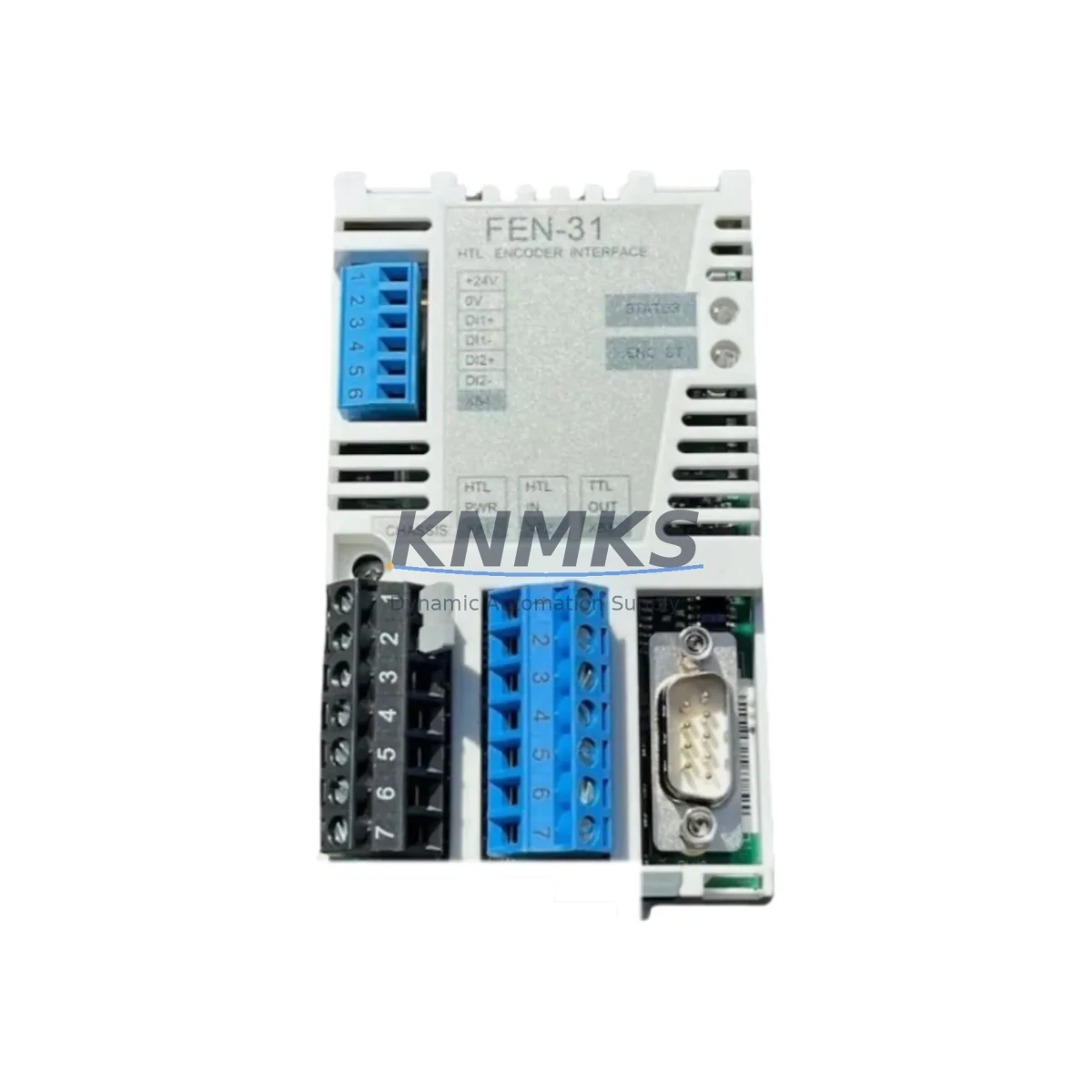
ABB FEN-31 Maintenance-Proven Spare Part for Factory Uptime
The ABB FEN-31 is an original encoder interface module engineered for ABB ACS-series variable frequency drives, including the ACS355, ACS550, ACS800, and ACS880 platforms. Designed to deliver precise speed and position feedback from incremental and absolute encoders, the FEN-31 is a critical component in closed-loop motor control applications across manufacturing, material handling, paper mills, metal processing, and process automation. When this module fails or degrades, drive performance deteriorates immediately — speed regulation becomes unstable, positioning accuracy is lost, and unplanned downtime follows. Stocking a verified FEN-31 spare is a foundational element of any serious drive maintenance program.
At KNMKS, every ABB FEN-31 unit is sourced from authorized supply channels, individually inspected, and tested prior to shipment. Each unit ships with a support terms confirmed by quotation and full traceability documentation, giving maintenance engineers and procurement teams the confidence to act fast when a replacement is needed.
Spare Maintenance Table
| Parameter | Specification |
|---|---|
| Part Number / SKU | FEN-31 |
| Brand | ABB |
| Series Compatibility | ACS355, ACS550, ACS800, ACS880 |
| Module Type | Encoder Interface Module (Pulse Encoder) |
| Encoder Input | Incremental TTL / HTL; Absolute SSI / EnDat / Hiperface |
| Supply Voltage | 5 VDC / 24 VDC (encoder supply selectable) |
| Max Encoder Frequency | 300 kHz (TTL); 200 kHz (HTL) |
| Installation | Slot-mounted option module on ACS drive control board |
| Operating Temperature | -10°C to +55°C |
| Protection Class | IP20 (module); drive cabinet provides enclosure protection |
| Origin | Germany (DE) |
| Support terms | 12 Months — tested before shipment |
| Maintenance Recommendation | Inspect connector pins and cable shielding at each annual drive service; replace if encoder feedback errors exceed threshold |
Maintenance Planning for Continuous Operation
Replacing the FEN-31 encoder interface module is rarely an isolated task. In a properly maintained ACS-series drive cabinet, the FEN-31 works in concert with several other components that should be inspected or replaced concurrently to prevent repeat failures and ensure system stability after the repair.
Begin with the encoder cable and connector assembly. Degraded shielding or loose D-sub connectors are the most common root cause of FEN-31 feedback errors — replacing the module without addressing cable integrity will result in recurring faults. Next, verify the RDCO-02 or RDCO-03 communication module if the drive is integrated into a PROFIBUS or DeviceNet network; a faulty communication module can mask encoder feedback issues and complicate fault diagnosis.
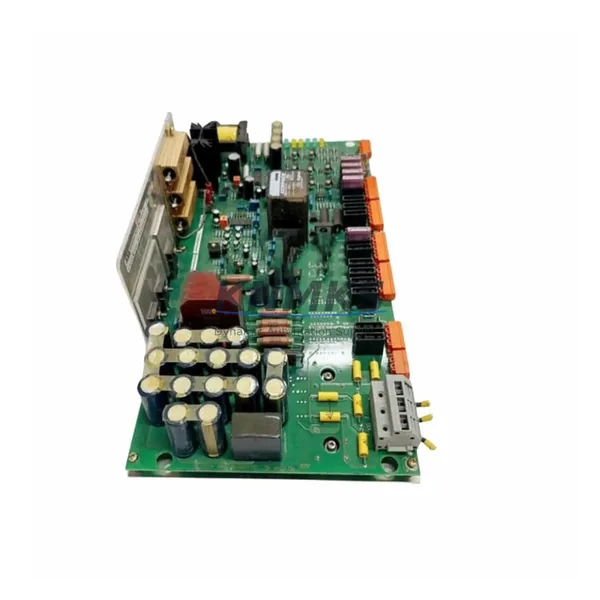
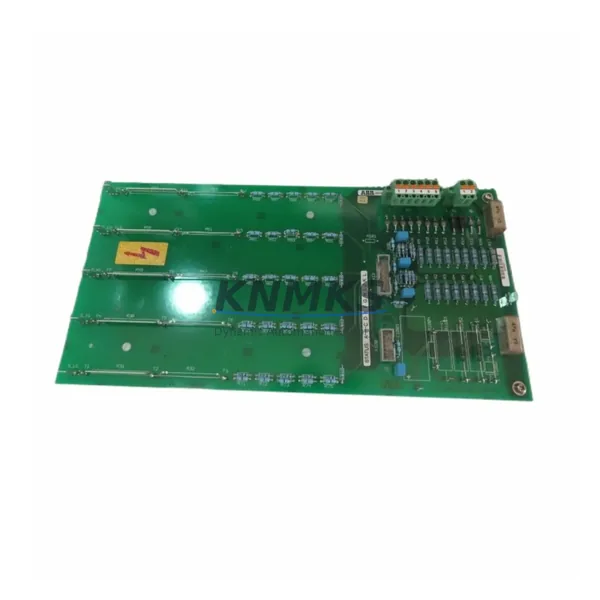
Inspect the AINT-02 or AINT-11 inverter control board for signs of capacitor aging or thermal stress, particularly in drives that have been in service for more than seven years. The FEN-31 mounts directly to the control board slot, and a compromised board can damage a new module within weeks of installation. While the cabinet is open, check the APBU-44C or APBU-12C pulse encoder branching unit if the system uses multi-encoder configurations — branching unit faults are frequently misdiagnosed as FEN-31 failures.
For drives controlling high-inertia loads, also evaluate the BAMU-01 brake monitoring module and associated brake resistor wiring. Brake chopper faults generate voltage spikes that can corrupt encoder signal integrity. Finally, confirm that the 24 VDC auxiliary power supply feeding the control electronics is within specification — undervoltage conditions cause intermittent FEN-31 communication errors that are difficult to reproduce during bench testing.
A complete annual inspection checklist for ACS-series drives should include the FEN-31 module, encoder cable, control board, communication module, branching unit (if applicable), brake monitoring circuit, and auxiliary power supply. Addressing all these components in a single planned maintenance window minimizes future unplanned downtime and extends the operational life of the drive system.
Site Replacement Workflow
Step 1 — Fault Isolation: Before ordering a replacement FEN-31, confirm the fault is module-related and not cable or encoder-side. Use the drive’s diagnostic panel (ACS880 Assistant Control Panel or ACS800 CDP panel) to read active fault codes. Fault codes 7081 (Encoder 1 cable fault) and 7082 (Encoder 2 cable fault) typically indicate cable or connector issues rather than module failure. Fault code 7084 (Encoder module missing) or 7085 (Encoder module communication fault) points directly to the FEN-31.
Step 2 — Safe Isolation: De-energize the drive following your site LOTO procedure. Wait a minimum of 5 minutes after power-off before opening the drive cabinet to allow DC bus capacitors to discharge. Verify bus voltage with a calibrated meter before touching internal components.
Step 3 — Module Removal: Disconnect the encoder cable D-sub connector from the FEN-31. Release the module retention clip and slide the FEN-31 out of its option slot on the control board. Note the slot position (Slot 1 or Slot 2) for correct reinstallation.
Step 4 — Replacement Installation: Insert the new FEN-31 into the correct option slot until the retention clip engages. Reconnect the encoder cable. Verify cable shielding is properly grounded at the drive end.
Step 5 — Parameter Verification: Power up the drive and navigate to the encoder parameter group (Group 90 on ACS800; Group 91 on ACS880). Confirm encoder type, pulse count, and signal level parameters match the installed encoder specifications. Run a low-speed jog to verify feedback signal quality before returning the drive to production.
Step 6 — Documentation: Record the replacement date, new module serial number, and post-replacement test results in the drive maintenance log. Update your spare parts inventory to trigger reorder of a replacement FEN-31 unit.
Spare Parts Support FAQ
Q1: Is the FEN-31 compatible with both ACS800 and ACS880 drives?
The FEN-31 is designed for the ACS800 platform. The ACS880 uses the FEN-31 as well in certain configurations, but compatibility depends on the specific drive variant and firmware version. Always cross-reference the drive’s option module compatibility list in the hardware manual before ordering. KNMKS technical support can assist with compatibility verification prior to purchase.
Q2: How do you verify the FEN-31 is genuine and not a counterfeit module?
Every FEN-31 supplied by KNMKS is sourced from authorized distribution channels and carries ABB’s original labeling, holographic authenticity markings, and traceable batch documentation. Each unit undergoes functional testing before shipment. We provide test records and supply chain documentation upon request.
Q3: What is the lead time and can you support long-term blanket orders?
Standard in-stock units ship within 1–3 business days. For customers with planned annual maintenance schedules or multi-site programs, KNMKS supports blanket purchase orders and reserved inventory arrangements to guarantee availability and price stability over 12–24 month horizons. Contact admin@knmks.com to discuss your program requirements.
Q4: What support terms and post-shipment support is provided?
All FEN-31 units carry a support terms confirmed by quotation from the date of shipment, covering manufacturing defects and functional failures under normal operating conditions. If a unit fails within the confirmed support period, KNMKS will provide a replacement or documented resolution support after fault verification. Our technical team is available to support installation troubleshooting and parameter configuration remotely.
© 2026 KNMKS. All rights reserved.
Original Source: https://knmks.com
Contact: admin@knmks.com | +86 18359268345
Product Identification
- Brand / Ecosystem
-
ABB
ABB - Model / Series
- FEN-31
- Product Family
- Servo Systems
- Availability Status
- Available on request after model and quantity confirmation
- Inquiry Type
- B2B RFQ, replacement inquiry and project spare-part request
- Pre-Quote Check
- Exact SKU, brand, series, quantity, nameplate photos and destination country are checked before quotation
System Path
Where this product fits in the KNMKS automation structure.
Specification & Inquiry Focus
- Motion range
- Servo drives, motors and cable sets
- Common needs
- Power, encoder and brake confirmation
- Project support
- Motion upgrade and spare-part supply
Buyer Confirmation
Information KNMKS checks before replying.
- Exact model
- FEN-31
- Brand / ecosystem
- ABB
- Product family
- Servo Systems
- Application note
- Replacement, maintenance, project build or spare-part list
- Useful photos
- Nameplate, installed unit, cabinet layout or connector side
- Delivery details
- Quantity, destination country and target schedule
Document Support
Files and notes can be confirmed during quotation.
- Product photos or nameplate confirmation when available
- Packing and delivery notes before quotation confirmation
- Support scope and delivery terms confirmed per inquiry
- Export document coordination for qualified B2B requests
Inquiry Support
- Motor, drive and cable set coordination
- Power rating and encoder type checking
- Motion control replacement support
What to Send Us
- Brand and exact model number: ABB FEN-31
- Quantity and required delivery time
- Application, replacement requirement or nameplate photo
- Destination country and shipping preference
RFQ Preparation
This is a product inquiry page built for RFQ communication.
Fast Model Check
Send this model to KNMKS for confirmation.
Include quantity, destination country and photos if this is a maintenance replacement. The inquiry will be saved with a reference number after submission.
Brand & Compatibility Note
KNMKS displays automation product information for well-known industrial brand ecosystems and compatible replacement references. Brand names are used for product identification and compatibility reference only; final availability and commercial terms are confirmed per quotation.
 Manufacturing
 Machine Tools
 Packaging
 Energy & Power
 PLCs & Controllers
 HMI & Displays
 Variable Frequency Drives
 Sensors