
Overview
ABB ePAD33C-0050 Maintenance-Proven Spare for Factory Uptime
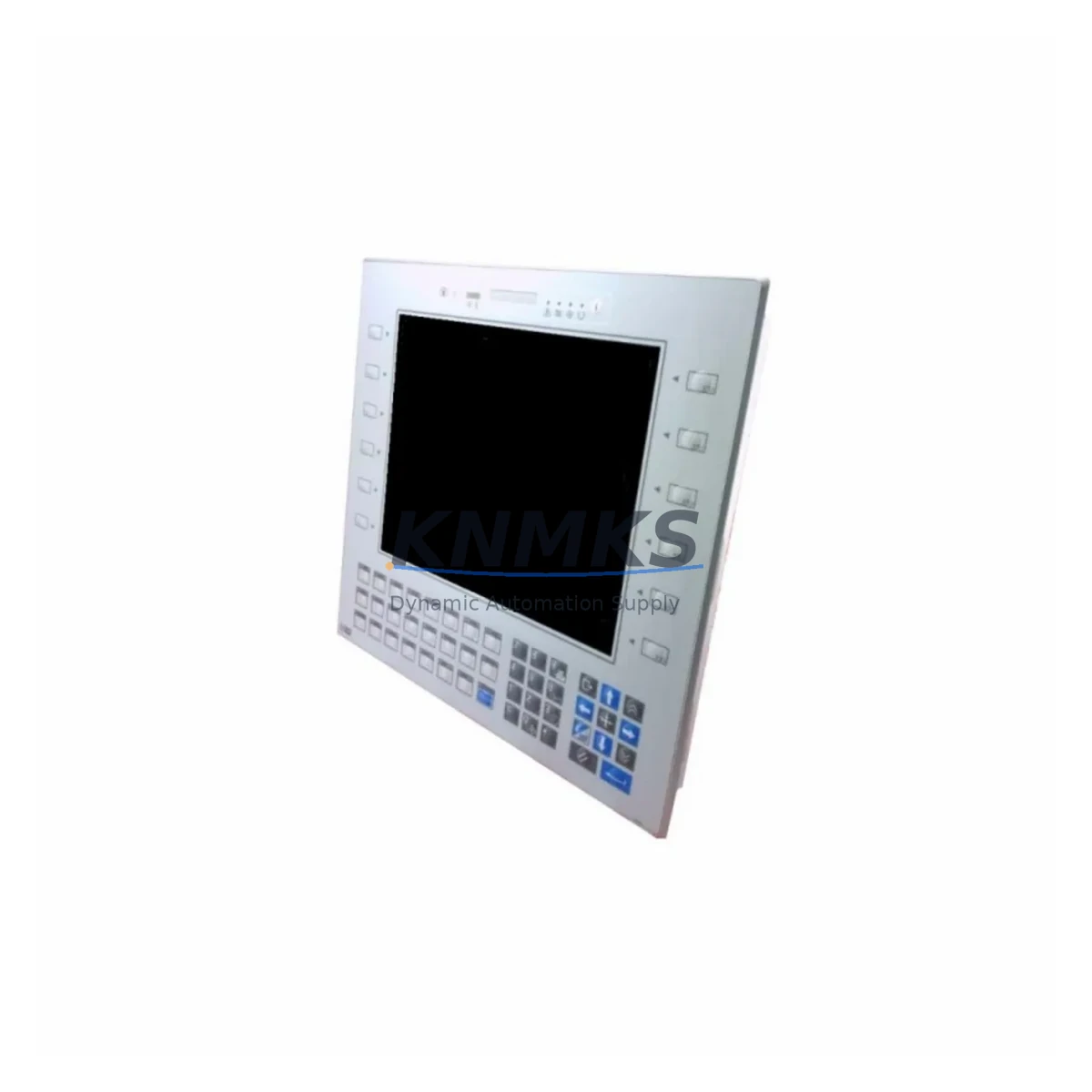
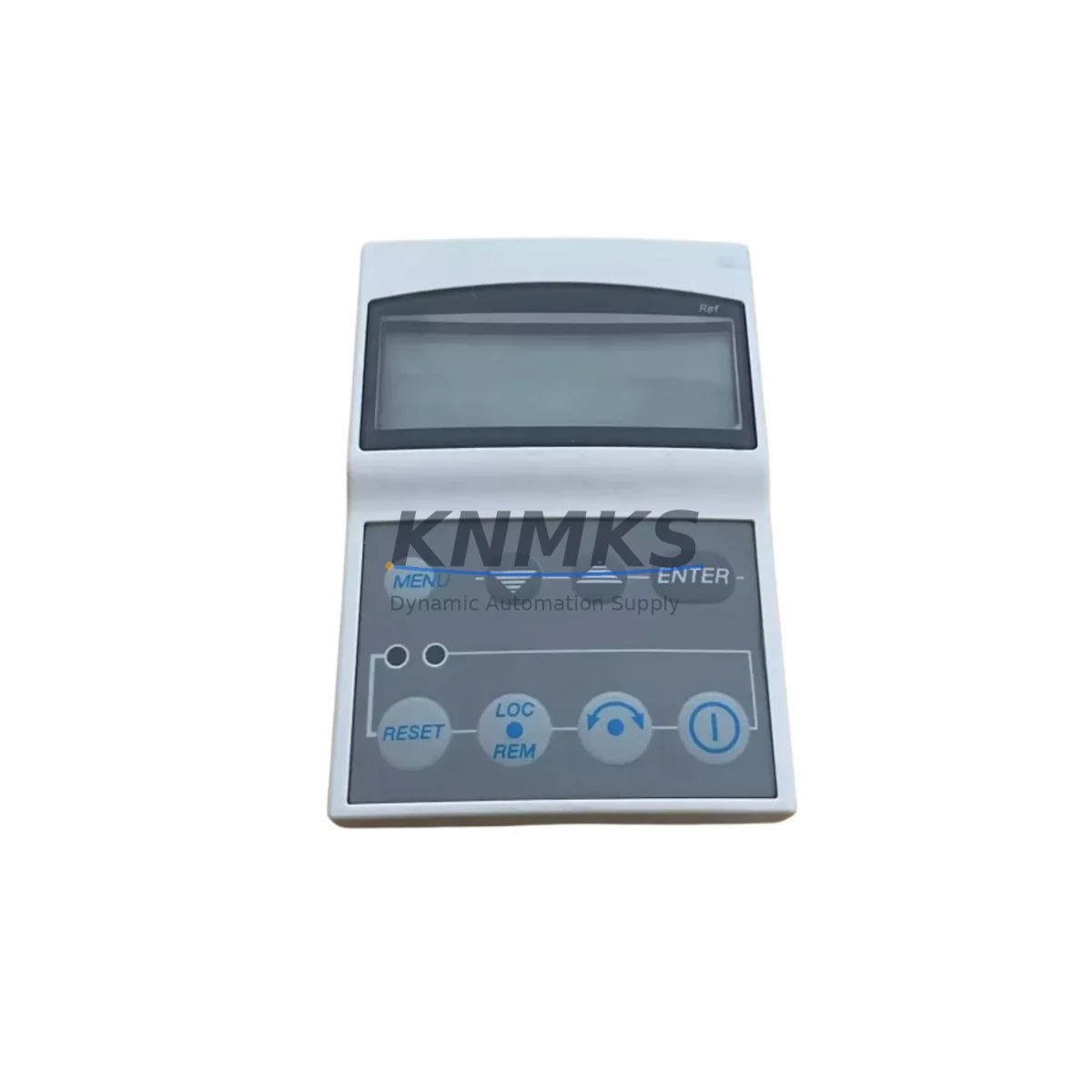
The ABB ePAD33C-0050 is an original HMI operator panel designed for ABB ACS series variable frequency drives, including the ACS550, ACS800, and ACS880 families. As a maintenance-critical interface component, the ePAD33C-0050 enables drive parameter configuration, fault diagnostics, and real-time monitoring directly at the control cabinet. When this panel fails or becomes unresponsive, operators lose local visibility into drive status, fault codes, and speed references — making rapid spare part replacement essential to restoring production continuity.
Sourced as an original ABB component, the ePAD33C-0050 is pre-shipment tested and dispatched with a support terms confirmed by quotation. It is stocked for immediate availability to support emergency replacement, planned annual maintenance, and long-term spare parts buffer programs. Whether you are managing a single drive cabinet or a multi-drive production line, maintaining at least one ePAD33C-0050 in your spare parts inventory is a recognized best practice for minimizing unplanned downtime.
Spare Maintenance Table
| SKU / Part Number | ePAD33C-0050 |
| Brand | ABB |
| Series Compatibility | ACS550, ACS800, ACS880 (verify panel connector type before installation) |
| Component Type | HMI Operator Panel / Drive Keypad |
| Interface | RJ-45 / proprietary ABB panel bus (series-dependent) |
| Display | Alphanumeric LCD with parameter navigation keys |
| Mounting | Front-panel snap-fit; door-mount remote installation supported |
| Operating Temperature | 0°C to +50°C (storage: -40°C to +70°C) |
| Protection Class | IP54 (front face, panel-mounted) |
| Origin | Germany (DE) |
| Support terms | 12 Months — covers manufacturing defects; pre-shipment functional test included |
| Condition | Original New / Surplus New |
| Lead Time | availability confirmed by RFQ — same-day or next-business-day dispatch available |
| Maintenance Interval | Inspect annually; replace immediately upon display failure, keypad unresponsiveness, or communication fault |
Maintenance Planning for Continuous Operation
When replacing the ePAD33C-0050 in an ACS series drive cabinet, a thorough maintenance inspection of adjacent components is strongly recommended. Maintenance engineers should verify the integrity of the drive’s 24 VDC control power supply, as panel communication faults are frequently caused by unstable control voltage rather than panel hardware failure. The ACS drive’s I/O terminal block — including digital inputs for start/stop commands and analog inputs for speed reference — should be inspected for loose wiring, corrosion, or terminal oxidation that may have contributed to the original fault condition.
The drive’s internal relay outputs (typically used for fault indication and run confirmation signals) should be tested for correct switching behavior after panel replacement and drive re-commissioning. If the ACS drive is integrated into a PROFIBUS, PROFINET, or Modbus RTU network, the corresponding fieldbus adapter module (such as the FPBA-01 PROFIBUS adapter or FENA-21 Ethernet adapter) should be inspected for secure seating and firmware compatibility with the restored panel. Communication module faults can mask themselves as panel errors in some ACS firmware versions.
For drives installed in older control cabinets, the 24 VDC DIN-rail power supply feeding the control circuit should be load-tested, as aging power supplies with marginal output voltage are a common root cause of intermittent HMI panel dropouts. Signal isolators on analog reference channels and the cabinet’s main fuse or circuit breaker protecting the drive input should also be verified as part of a complete restoration workflow. Where the ACS drive interfaces with a PLC — such as an ABB AC500 or a Siemens S7-300 — the PLC I/O card driving the drive’s enable and fault-reset signals should be confirmed operational before returning the drive to automatic mode.
Site Replacement Workflow
Step 1 — Fault Isolation: Record all active fault codes displayed on the existing panel (if readable) before removal. Document drive parameter settings using the ABB Drive Composer tool or a previously saved parameter backup file.
Step 2 — Safe Isolation: Isolate the drive from mains supply and allow the DC bus to discharge fully (minimum 5 minutes after power-off, or confirm DC bus voltage below 50 VDC with a calibrated meter).
Step 3 — Panel Removal: Disconnect the panel cable from the drive’s panel port. For door-mounted remote installations, disconnect the extension cable at both ends. Remove the panel from its mounting recess.
Step 4 — ePAD33C-0050 Installation: Seat the replacement ePAD33C-0050 firmly into the panel port. Confirm the connector is fully engaged. For remote mounting, reconnect the extension cable and verify cable routing is free from pinch points.
Step 5 — Power-On and Verification: Restore control power. Confirm the panel initializes correctly and displays the drive firmware version and status. Navigate to the parameter menu to verify parameter set integrity — restore from backup if required.
Step 6 — Functional Test: Issue a test run command in local mode. Confirm speed reference, output frequency, and fault status are displayed correctly. Return drive to remote/auto control mode and confirm PLC handshake signals are restored.
This workflow supports direct replacement of legacy ePAD33C-0050 units in aging ACS installations without requiring drive firmware upgrades or system reconfiguration, preserving existing parameter sets and minimizing total downtime to under 30 minutes for experienced maintenance personnel.
Spare Parts Support FAQ
Q1: Is the ePAD33C-0050 compatible with all ACS series drives?
The ePAD33C-0050 is designed for ABB ACS series drives. Compatibility depends on the specific ACS model and firmware version. Always verify the panel connector type and cable specification against your drive’s hardware manual before installation. Our technical team can assist with compatibility confirmation prior to order.
Q2: What does the support terms confirmed by quotation cover?
The support terms confirmed by quotation cover manufacturing defects and functional failures under normal operating conditions. Each unit undergoes a pre-shipment functional test. The confirmed support period begins from the date of shipment. Physical damage caused by incorrect installation, overvoltage, or environmental contamination is excluded.
Q3: How quickly can the ePAD33C-0050 be dispatched for emergency replacement?
In-stock units are available for same-day or next-business-day dispatch. For critical production line emergencies, contact our sales team directly to confirm stock availability and arrange priority shipment. Long-term supply agreements and buffer stock programs are available for high-volume maintenance customers.
Q4: Should I stock multiple ePAD33C-0050 units for a multi-drive installation?
Yes. For facilities operating three or more ACS series drives, maintaining a minimum of one ePAD33C-0050 spare per five drives is a recommended inventory strategy. Given the panel’s role as the primary local interface for fault diagnostics and parameter access, a panel failure without an available spare can extend downtime significantly. Annual procurement aligned with your preventive maintenance schedule is the most cost-effective approach.
© 2026 KNMKS. All rights reserved.
Original Source: https://knmks.com
Contact: admin@knmks.com | +86 18359268345
Product Identification
- Brand / Ecosystem
-
ABB
ABB - Model / Series
- ePAD33C-0050
- Product Family
- HMI & Displays
- Availability Status
- Available on request after model and quantity confirmation
- Inquiry Type
- B2B RFQ, replacement inquiry and project spare-part request
- Pre-Quote Check
- Exact SKU, brand, series, quantity, nameplate photos and destination country are checked before quotation
System Path
Where this product fits in the KNMKS automation structure.
Specification & Inquiry Focus
- Display range
- Operator panels and touch screens
- Common needs
- Screen size, interface and version matching
- Project support
- Retrofit, spare unit and panel replacement
Buyer Confirmation
Information KNMKS checks before replying.
- Exact model
- ePAD33C-0050
- Brand / ecosystem
- ABB
- Product family
- HMI & Displays
- Application note
- Replacement, maintenance, project build or spare-part list
- Useful photos
- Nameplate, installed unit, cabinet layout or connector side
- Delivery details
- Quantity, destination country and target schedule
Document Support
Files and notes can be confirmed during quotation.
- Product photos or nameplate confirmation when available
- Packing and delivery notes before quotation confirmation
- Support scope and delivery terms confirmed per inquiry
- Export document coordination for qualified B2B requests
Inquiry Support
- Panel size and interface confirmation
- Replacement unit inquiry for discontinued HMIs
- Protective packaging for display shipment
What to Send Us
- Brand and exact model number: ABB ePAD33C-0050
- Quantity and required delivery time
- Application, replacement requirement or nameplate photo
- Destination country and shipping preference
RFQ Preparation
This is a product inquiry page built for RFQ communication.
Fast Model Check
Send this model to KNMKS for confirmation.
Include quantity, destination country and photos if this is a maintenance replacement. The inquiry will be saved with a reference number after submission.
Brand & Compatibility Note
KNMKS displays automation product information for well-known industrial brand ecosystems and compatible replacement references. Brand names are used for product identification and compatibility reference only; final availability and commercial terms are confirmed per quotation.
 Manufacturing
 Machine Tools
 Packaging
 Energy & Power
 PLCs & Controllers
 Servo Systems
 Variable Frequency Drives
 Sensors