
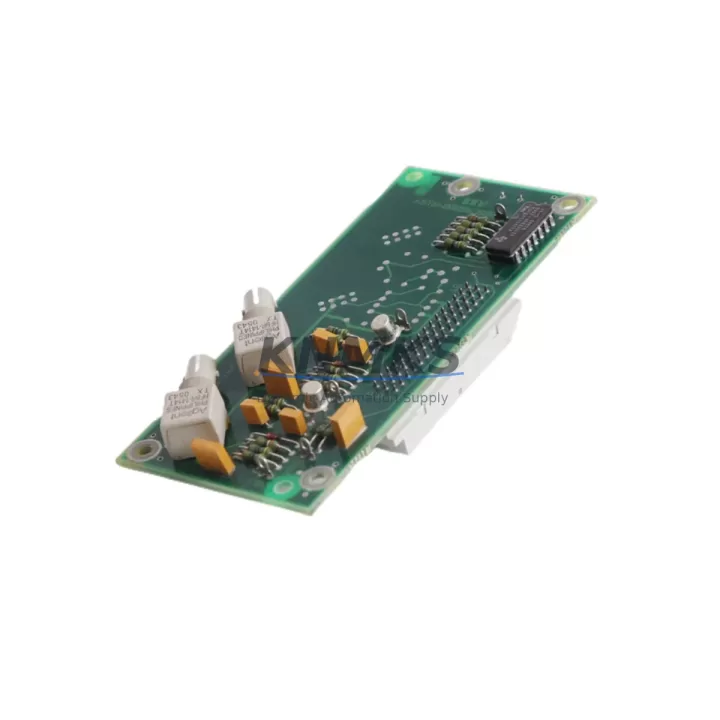
Overview
ABB DTDX991A 61430001-UW Migration-Ready Servo Controller for Legacy Control Systems
The ABB DTDX991A 61430001-UW is a servo controller module engineered for the ABB DCS800 DC drive platform, widely deployed across legacy industrial automation systems in steel processing, paper mills, crane drives, and heavy manufacturing. As the DCS800 series approaches end-of-life support cycles, plant engineers and system integrators increasingly rely on verified replacement units like the DTDX991A 61430001-UW to extend operational continuity without committing to a full drive platform overhaul.
This module serves as a direct functional replacement for worn or failed servo controller boards within the DCS800 drive family. Before installation, engineers must confirm power supply rail compatibility — the DCS800 internal 24 VDC auxiliary supply and the drive’s internal logic power must be within specification. Terminal wiring should be mapped against the original I/O assignment sheet, paying close attention to analog reference inputs, digital enable signals, and encoder feedback connections. Backplane interface alignment is critical: the DTDX991A 61430001-UW must seat correctly into the DCS800 drive’s internal slot, and any torque or speed reference signals routed through the SDCS-CON-4 control board must be re-verified after module swap.
Module address configuration — particularly in multi-drive systems using DDCS fiber-optic communication or PROFIBUS DP fieldbus — must be re-established to match the original node address. Failure to restore the correct drive address will cause communication faults at the master PLC or DCS controller level. If the host system uses an ABB AC500 PLC or a third-party Siemens S7-300/S7-400 controller as the supervisory layer, the drive parameter dataset should be backed up prior to module replacement using DriveWindow or DriveStudio software.
HMI screen updates are often overlooked during servo controller replacement. If the plant uses an ABB CP600 operator panel or a third-party HMI linked to the drive via Modbus RTU or PROFIBUS, the drive’s parameter mapping must be re-confirmed to ensure speed references, fault codes, and status words display correctly after the swap. Any custom function blocks or drive-specific parameter sets embedded in the HMI project should be validated against the replacement module’s firmware version.
Firmware compatibility is a key checkpoint. The DTDX991A 61430001-UW must run a firmware version compatible with the DCS800 drive’s main control board — typically the SDCS-CON-4 or SDCS-CON-2 — and with any installed option modules such as the RDCO-03 DDCS communication adapter or the RPBA-01 PROFIBUS adapter. Mismatched firmware between the servo controller and the communication adapter can cause intermittent drive trips or parameter read errors during commissioning.
Installation space confirmation is straightforward for like-for-like replacements: the DTDX991A 61430001-UW occupies the same physical slot as the original module. However, in retrofit scenarios where the control cabinet has been partially upgraded — for example, where the power section has been replaced with a newer DCS880 drive frame — physical and electrical compatibility must be re-assessed before assuming a direct fit.
All units supplied by KNMKS undergo pre-shipment functional verification, including power-on self-test and communication interface checks. Each module is shipped with a support terms confirmed by quotation covering manufacturing defects and functional failures under normal operating conditions.
Migration Compatibility Table
| Parameter | Detail |
|---|---|
| Compatible Drive Platform | ABB DCS800 DC Drive Series |
| Replaces / Supersedes | DTDX991A 61430001-UW (OEM equivalent) |
| Control Board Compatibility | SDCS-CON-4, SDCS-CON-2 |
| Communication Interfaces | DDCS Fiber-Optic, PROFIBUS DP (via RPBA-01), Modbus RTU |
| Installation Interface | Direct backplane slot insertion — DCS800 internal slot |
| Power Supply Requirement | 24 VDC auxiliary (internal DCS800 supply) |
| Firmware Compatibility | Must match DCS800 main control board firmware version |
| Commissioning Tool | DriveWindow / DriveStudio (ABB) |
| Physical Dimensions | Direct form-factor replacement for original DTDX991A slot |
| Pre-Shipment Testing | Power-on self-test, communication interface verification |
| Support terms | 12 Months — manufacturing defects and functional failures |
| Origin | Germany (OEM) |
Retrofit Planning for Existing Automation Systems
A successful DCS800 servo controller retrofit requires a structured approach to component verification across the entire drive system. Beyond the DTDX991A 61430001-UW itself, engineers should audit the condition of the SDCS-CON-4 main control board, which manages the core speed and torque regulation loops. If the SDCS-CON-4 shows signs of capacitor aging or EEPROM parameter corruption, replacing it alongside the servo controller module reduces the risk of a repeat failure within the same maintenance window.
The RDCO-03 DDCS communication adapter, if installed, should be inspected for fiber-optic connector contamination and cable integrity. DDCS fiber links are sensitive to bend radius violations and connector oxidation, both of which can cause intermittent communication dropouts that are difficult to distinguish from servo controller faults during post-retrofit commissioning. Similarly, the RPBA-01 PROFIBUS adapter node address and baud rate settings must be re-confirmed after any control board replacement.
On the I/O side, any RAIO-01 analog I/O extension modules or RDIO-01 digital I/O modules connected to the DCS800 should be functionally tested after the servo controller swap, as parameter mapping between the drive and its I/O extensions is stored in the main control board’s parameter set. If the parameter backup was taken before the failure, restoring it via DriveStudio will re-establish the I/O mapping automatically. If no backup exists, the I/O configuration must be manually re-entered from the original commissioning documentation.
For plants where the DCS800 drives are supervised by an ABB AC500 PLC via PROFIBUS or Modbus, the PLC program’s drive fault handling routines should be tested with the replacement module before returning the line to production. Drive fault word bit assignments can vary between firmware versions, and a firmware mismatch between the DTDX991A 61430001-UW and the host PLC’s drive function blocks can cause incorrect fault interpretation at the supervisory level.
Downtime Control During System Migration
Minimizing unplanned downtime during a DCS800 servo controller replacement begins with preparation before the drive is de-energized. The complete drive parameter set should be exported using DriveWindow or DriveStudio and stored on a secure engineering workstation. If the drive is part of a coordinated multi-drive system — for example, a winder or unwinder line where multiple DCS800 drives operate in master-follower torque sharing — the entire drive group’s parameter sets should be backed up, not just the faulted unit.
Before powering down, document the current terminal wiring layout with photographs or a wiring audit sheet. Pay particular attention to the analog speed reference input terminals, the digital run/stop and direction signals, and any external fault interlock wiring connected to the drive’s control terminal block. This documentation allows the replacement module to be wired identically to the original without relying on memory or incomplete as-built drawings.
After installing the DTDX991A 61430001-UW, restore the parameter backup before applying power. Perform a no-load test run at reduced speed reference to verify encoder feedback direction, speed regulation response, and communication link status before reconnecting the mechanical load. This staged commissioning approach protects the original program logic, preserves the HMI display mapping, and allows fault detection before the drive is returned to full production load — significantly reducing the risk of a second unplanned shutdown.
KNMKS maintains ready stock of the DTDX991A 61430001-UW to support emergency replacement scenarios. Standard lead time for verified units is 1–3 business days for domestic shipments, with expedited options available for critical production lines.
Retrofit Support FAQ
Q1: Is the DTDX991A 61430001-UW a direct drop-in replacement for the original ABB DCS800 servo controller board?
Yes. The DTDX991A 61430001-UW is a form-fit-function equivalent to the original OEM module. It installs into the same backplane slot, uses the same terminal connections, and is compatible with the DCS800’s existing parameter structure. Firmware version alignment with the SDCS-CON-4 control board should be confirmed prior to installation.
Q2: What commissioning steps are required after replacing the servo controller module?
After physical installation, restore the drive parameter backup via DriveWindow or DriveStudio. Re-confirm the DDCS or PROFIBUS node address if applicable. Perform a no-load test run to verify speed reference response, encoder feedback direction, and communication link integrity before reconnecting the mechanical load. Check HMI status word mapping if the plant uses an operator panel linked to the drive.
Q3: Has the unit been tested before shipment, and what support terms is provided?
All DTDX991A 61430001-UW units supplied by KNMKS undergo pre-shipment power-on self-test and communication interface verification. Each unit is covered by a support terms confirmed by quotation against manufacturing defects and functional failures under normal operating conditions. Units are shipped with test records available on request.
Q4: Can KNMKS supply the DTDX991A 61430001-UW for emergency replacement on short notice?
Yes. KNMKS maintains in-stock inventory of the DTDX991A 61430001-UW to support urgent replacement requirements. Contact the sales team at admin@knmks.com or +86 18359268345 to confirm current stock availability and arrange expedited shipment.
© 2026 KNMKS. All rights reserved. Original Source: https://knmks.com | Contact: admin@knmks.com | +86 18359268345
Product Identification
- Brand / Ecosystem
-
ABB
ABB - Model / Series
-
DTDX991A 61430001-UW
S800 Series - Product Family
- PLCs & Controllers
- Availability Status
- Available on request after model and quantity confirmation
- Inquiry Type
- B2B RFQ, replacement inquiry and project spare-part request
- Pre-Quote Check
- Exact SKU, brand, series, quantity, nameplate photos and destination country are checked before quotation
System Path
Where this product fits in the KNMKS automation structure.
Specification & Inquiry Focus
- Control platform
- PLC, PAC and modular controllers
- Common needs
- CPU, rack, power and I/O expansion
- Project support
- Replacement, cabinet build and maintenance
Buyer Confirmation
Information KNMKS checks before replying.
- Exact model
- DTDX991A 61430001-UW
- Brand / ecosystem
- ABB
- Product family
- PLCs & Controllers
- Application note
- Replacement, maintenance, project build or spare-part list
- Useful photos
- Nameplate, installed unit, cabinet layout or connector side
- Delivery details
- Quantity, destination country and target schedule
Document Support
Files and notes can be confirmed during quotation.
- Product photos or nameplate confirmation when available
- Packing and delivery notes before quotation confirmation
- Support scope and delivery terms confirmed per inquiry
- Export document coordination for qualified B2B requests
Inquiry Support
- Model cross-checking before quotation
- CPU, power, rack and expansion module matching
- Support for replacement and project inquiry
What to Send Us
- Brand and exact model number: ABB DTDX991A 61430001-UW
- Quantity and required delivery time
- Application, replacement requirement or nameplate photo
- Destination country and shipping preference
RFQ Preparation
This is a product inquiry page built for RFQ communication.
Fast Model Check
Send this model to KNMKS for confirmation.
Include quantity, destination country and photos if this is a maintenance replacement. The inquiry will be saved with a reference number after submission.
Brand & Compatibility Note
KNMKS displays automation product information for well-known industrial brand ecosystems and compatible replacement references. Brand names are used for product identification and compatibility reference only; final availability and commercial terms are confirmed per quotation.
 Manufacturing
 Machine Tools
 Packaging
 Energy & Power
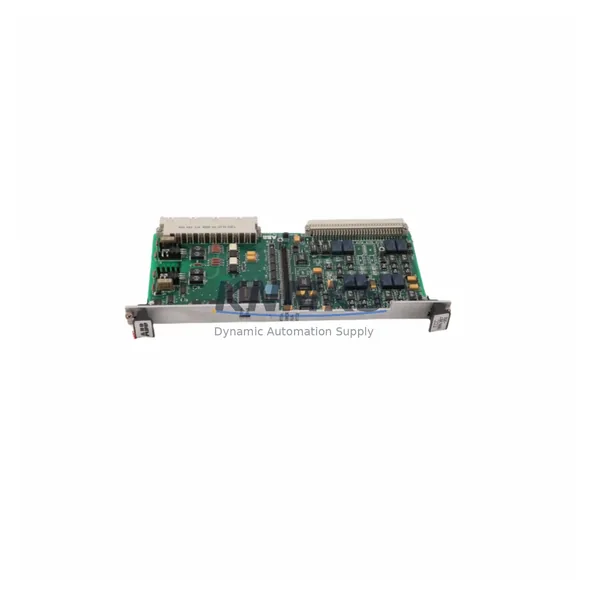
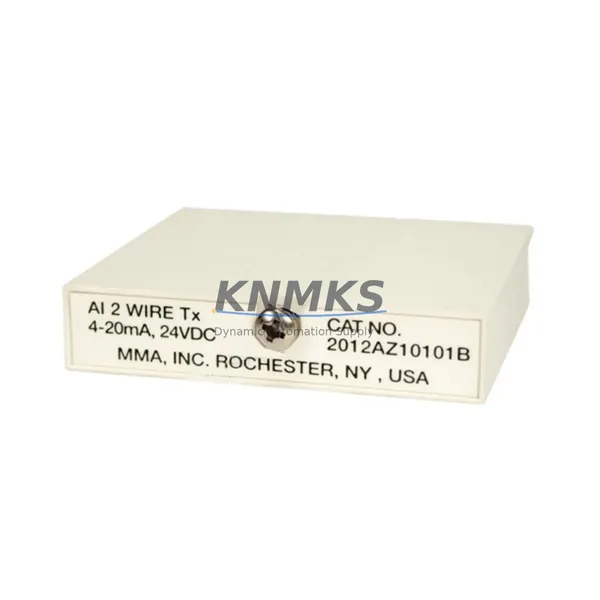
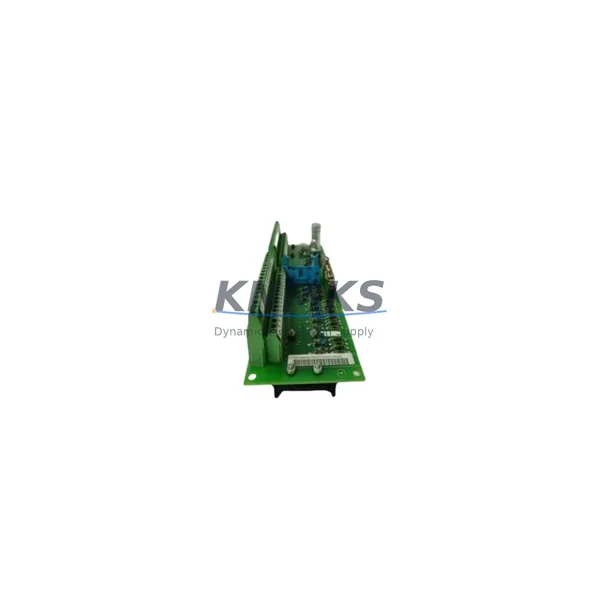
 HMI & Displays
 Servo Systems
 Variable Frequency Drives
 Sensors