
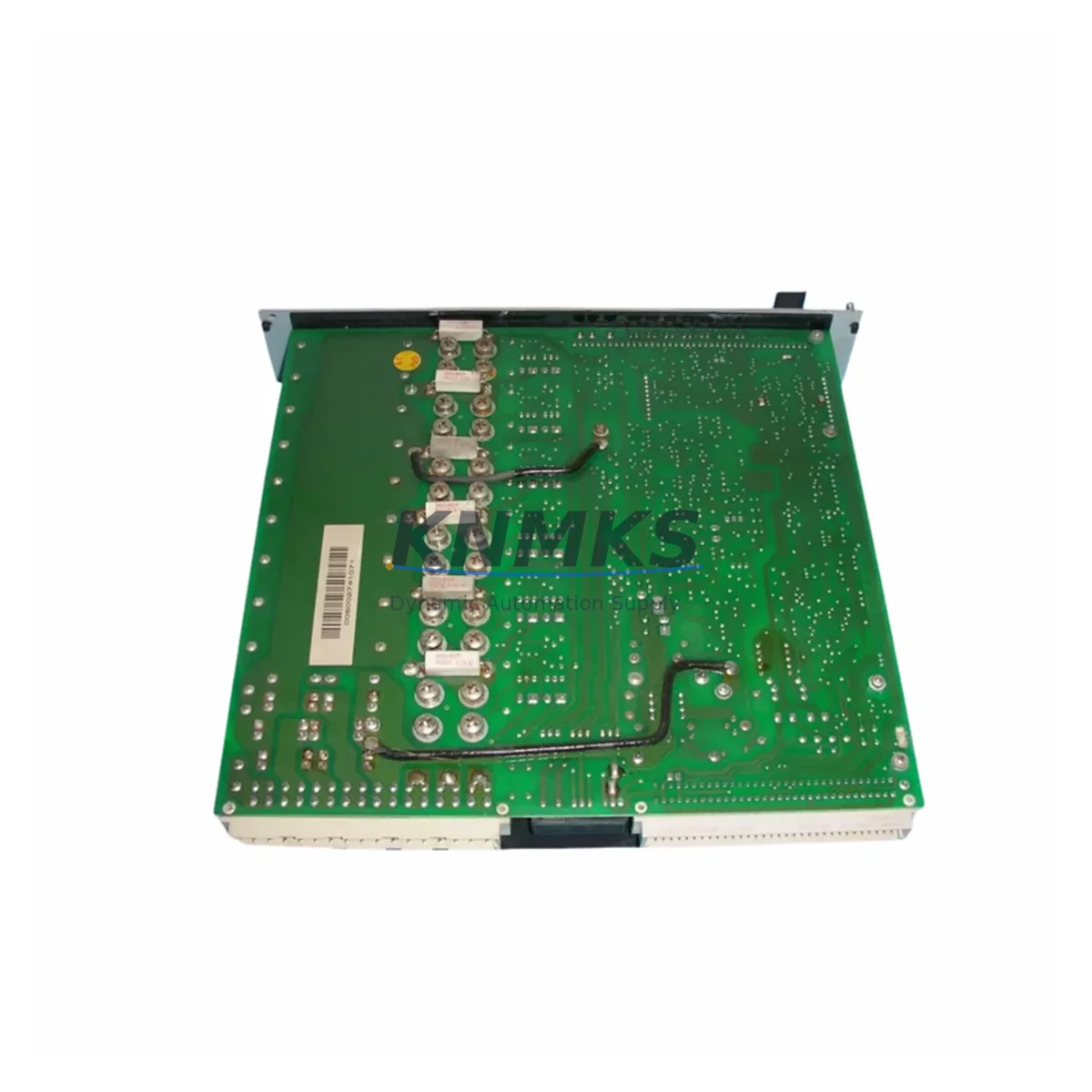
Overview
ABB DKH-E 2601/60WKS-01E Migration-Ready AC Servo Drive: Legacy System Migration and Compatible Upgrade
The ABB DKH-E 2601/60WKS-01E is a migration-ready AC servo drive engineered for direct replacement of discontinued DKH-E series units in legacy motion control and automation systems. As ABB progressively phases out older DKH-E platform hardware, maintenance engineers and system integrators face increasing pressure to source verified drop-in replacements that preserve existing wiring configurations, program logic, and communication links without triggering full-system redesigns. This unit addresses that challenge with confirmed electrical compatibility, pre-shipment functional testing, and a support terms confirmed by quotation covering both parts and workmanship.
Designed for integration into existing servo control cabinets, the DKH-E 2601/60WKS-01E retains the same terminal block layout and connector pinout as the original DKH-E platform, significantly reducing rewiring time during changeover. Engineers replacing aging drives in multi-axis CNC systems, packaging lines, or press automation cells will find that the power supply input range, encoder feedback interface, and analog command signal handling are all preserved from the legacy specification. Before installation, it is essential to verify the DC bus voltage rating of the existing power supply module — particularly in older cabinets where the PSU may be operating near its rated capacity — and to confirm that the regenerative braking resistor, if externally mounted, remains within the thermal dissipation limits required by the new unit.
Terminal wiring adaptation is straightforward for most DKH-E retrofit scenarios. The control signal terminals for enable, fault reset, speed reference, and torque limit inputs follow the same numbering convention as the predecessor model, allowing existing cable harnesses to be reused without modification in the majority of installations. However, engineers should cross-reference the backplane connector orientation if the drive is mounted in a shared rack alongside other DKH-E series modules such as the DKH-E 2601/30WKS-01E or DKH-E 2601/90WKS-01E, as slot addressing and module sequencing must be preserved to maintain correct axis mapping in the motion controller.
Program compatibility is a critical checkpoint in any servo drive migration. The DKH-E 2601/60WKS-01E supports the same parameter set structure as the legacy unit, meaning that drive parameters exported from the original unit via the ABB DriveWindow or equivalent commissioning tool can be imported directly into the replacement drive after firmware version verification. If the existing system uses an ABB AC500 PLC or a third-party motion controller communicating over PROFIBUS-DP or CANopen, the node address and baud rate settings must be confirmed before the replacement drive is powered up to avoid communication conflicts on the fieldbus segment. In systems where the HMI panel — such as an ABB CP600 operator panel or equivalent — displays drive status and fault codes, the HMI project should be reviewed to confirm that the fault code mapping remains consistent with the new unit’s diagnostic output.
Installation space confirmation is recommended before ordering, particularly in compact control cabinets where adjacent components such as line filters, motor contactors, or I/O terminal blocks may restrict airflow or physical access. The DKH-E 2601/60WKS-01E maintains the same DIN rail and panel mounting footprint as the original, but engineers should verify that the cooling clearance requirements — typically 50 mm above and below the unit — are met in the existing enclosure layout. In retrofit projects involving older cabinets originally designed for earlier-generation drives, it is not uncommon to find that thermal management upgrades, such as the addition of a cabinet fan or the replacement of an aging heat exchanger, are required to maintain the drive within its operating temperature range.
Firmware compatibility should be confirmed as part of the pre-installation checklist. The replacement unit ships with the current production firmware, which is backward-compatible with the parameter structures used in the DKH-E platform. In rare cases involving very early DKH-E installations, a firmware downgrade or parameter remapping may be required — a process that can be completed on-site using the standard ABB commissioning cable and software without requiring factory service. All units supplied by KNMKS are pre-tested under load conditions prior to dispatch, with test records available upon request, ensuring that the drive arrives ready for installation and reducing the risk of commissioning delays caused by latent hardware faults.
Migration Compatibility Table
| Parameter | Legacy DKH-E (Original) | DKH-E 2601/60WKS-01E (Replacement) |
|---|---|---|
| Power Input | 3-phase AC, 200–240 V | 3-phase AC, 200–240 V (identical) |
| Continuous Output Current | 60 A (WKS-01E class) | 60 A — direct match |
| Encoder Interface | Incremental / resolver | Incremental / resolver — compatible |
| Communication Protocol | PROFIBUS-DP / CANopen | PROFIBUS-DP / CANopen — compatible |
| Terminal Block Layout | DKH-E standard pinout | Identical — no rewiring required |
| Backplane / Rack Interface | DKH-E rack slot | Same slot footprint — direct fit |
| Mounting | DIN rail / panel mount | DIN rail / panel mount — identical |
| Firmware Compatibility | DKH-E parameter set | Backward-compatible; verify version |
| Cooling Clearance | 50 mm top/bottom | 50 mm top/bottom — same requirement |
| Replacement Recommendation | Direct drop-in replacement; verify PSU capacity and fieldbus node address before power-up | |
| Commissioning Focus | Parameter import, encoder phasing check, fieldbus node address, HMI fault code mapping | |
| Support terms | support terms confirmed by quotation — parts and workmanship; pre-shipment load test included | |
Retrofit Planning for Existing Automation Systems
A successful retrofit of the DKH-E 2601/60WKS-01E into an existing automation system requires a structured approach that accounts for the interdependencies between the servo drive and the surrounding control architecture. In a typical DKH-E-based motion control cabinet, the drive operates alongside a dedicated power supply module — often an ABB DKH-E series PSU or equivalent — which must be evaluated for remaining service life and output capacity before the retrofit proceeds. If the power supply is also approaching end-of-life, coordinating its replacement alongside the drive changeover eliminates the risk of a secondary unplanned outage shortly after the initial retrofit is completed.
The I/O interface between the DKH-E 2601/60WKS-01E and the host controller is typically managed through a combination of hardwired digital I/O signals and fieldbus communication. In systems where the motion controller uses a dedicated servo interface card — such as an ABB SDCS-CON or equivalent axis control board — the interface parameters must be reviewed to confirm that the axis configuration data stored in the controller matches the replacement drive’s rated current and encoder resolution. Discrepancies in these parameters can cause axis tuning errors or fault trips during the initial commissioning run, requiring parameter adjustment before the system can be returned to production.
For systems that include signal isolation between the drive and the process control layer, the signal isolator modules installed on the analog command and feedback channels should be inspected and tested as part of the retrofit preparation. Aging isolators can introduce offset errors or signal degradation that are masked by the fault tolerance of the original drive but become apparent when a new unit with tighter input specifications is installed. Similarly, the programming cable used for drive commissioning — typically a USB-to-RS485 or USB-to-CAN adapter compatible with the ABB DriveWindow environment — should be verified as functional before the maintenance window begins to avoid delays caused by communication tool failures during the changeover.
In multi-axis systems, the retrofit of a single drive axis must be coordinated with the motion program running on the host PLC or CNC controller. The axis should be taken offline in the motion program before the drive is de-energized, and the program logic should be reviewed to confirm that the remaining axes can continue to operate safely — or that the system can be safely parked — during the changeover period. After the replacement drive is installed and powered up, a controlled jog test at reduced speed should be performed before the axis is returned to automatic mode, confirming correct encoder direction, speed scaling, and torque limit behavior.
Downtime Control During System Migration
Minimizing unplanned downtime during a servo drive replacement requires preparation that begins well before the maintenance window opens. The most effective approach is to pre-configure the replacement DKH-E 2601/60WKS-01E off-line using a parameter file exported from the original drive, so that the new unit arrives on-site with its parameters already loaded and verified. This eliminates the most time-consuming step of the commissioning process — manual parameter entry — and reduces the risk of transcription errors that can cause fault trips or incorrect axis behavior during the initial power-up sequence.
Protecting the original program logic is equally important. Before the existing drive is removed, a full parameter backup should be saved to at least two independent storage locations — typically a laptop running the commissioning software and a USB drive stored with the machine documentation. If the system uses a PLC-based motion program, the PLC program should also be backed up at the same time, as parameter changes made during the retrofit may require corresponding adjustments to the motion program’s axis configuration blocks.
Maintaining field control continuity during the changeover requires careful sequencing of the power-down and power-up steps. In systems where the servo axis is part of a safety-rated control loop — for example, a press brake or a robotic welding cell — the safety relay circuit must be verified as de-energized before the drive terminals are accessed, and the safety function must be re-validated after the replacement drive is installed. This validation step is often overlooked in time-pressured retrofit scenarios but is required by machinery safety standards and should be included in the retrofit procedure documentation.
Post-installation, a structured commissioning sequence — covering encoder feedback verification, current loop tuning confirmation, speed reference scaling, and fieldbus communication handshake — should be completed and documented before the axis is returned to production. KNMKS supplies all DKH-E 2601/60WKS-01E units with a pre-shipment test report that confirms the drive’s performance under load, providing a baseline reference for the on-site commissioning engineer and reducing the time required to establish that the replacement unit is performing within specification.
Retrofit Support FAQ
Q: Is the DKH-E 2601/60WKS-01E a direct drop-in replacement for the original DKH-E 2601/60WKS-01E?
A: Yes. The replacement unit maintains the same terminal pinout, mounting footprint, encoder interface, and communication protocol support as the original. In most installations, the existing cable harness and rack slot can be reused without modification. A parameter import from the original drive’s backup file is recommended to minimize commissioning time.
Q: What commissioning steps are required after installation?
A: After physical installation, verify the fieldbus node address, import the parameter backup from the original drive, perform an encoder phasing check, and run a controlled jog test at reduced speed before returning the axis to automatic mode. If the system uses an HMI panel, confirm that fault code mapping is consistent with the replacement unit’s diagnostic output.
Q: How do I confirm wiring compatibility before removing the original drive?
A: Document the existing terminal connections using the original drive’s wiring diagram and cross-reference against the DKH-E 2601/60WKS-01E terminal specification. Pay particular attention to the enable signal polarity, analog command signal range, and encoder supply voltage. KNMKS technical support can provide a terminal comparison sheet upon request.
Q: What support terms and testing coverage is included?
A: All units are covered by a support terms confirmed by quotation against manufacturing defects and include a pre-shipment load test performed under controlled conditions. Test records are available upon request. In-stock units are available for same-week dispatch to minimize lead time in emergency replacement scenarios.
© 2026 KNMKS. All rights reserved.
Original Source: https://knmks.com
Contact: admin@knmks.com | +86 18359268345
Product Identification
- Brand / Ecosystem
-
ABB
ABB - Model / Series
- DKH-E 2601/60WKS-01E
- Product Family
- Servo Systems
- Availability Status
- Available on request after model and quantity confirmation
- Inquiry Type
- B2B RFQ, replacement inquiry and project spare-part request
- Pre-Quote Check
- Exact SKU, brand, series, quantity, nameplate photos and destination country are checked before quotation
System Path
Where this product fits in the KNMKS automation structure.
Specification & Inquiry Focus
- Motion range
- Servo drives, motors and cable sets
- Common needs
- Power, encoder and brake confirmation
- Project support
- Motion upgrade and spare-part supply
Buyer Confirmation
Information KNMKS checks before replying.
- Exact model
- DKH-E 2601/60WKS-01E
- Brand / ecosystem
- ABB
- Product family
- Servo Systems
- Application note
- Replacement, maintenance, project build or spare-part list
- Useful photos
- Nameplate, installed unit, cabinet layout or connector side
- Delivery details
- Quantity, destination country and target schedule
Document Support
Files and notes can be confirmed during quotation.
- Product photos or nameplate confirmation when available
- Packing and delivery notes before quotation confirmation
- Support scope and delivery terms confirmed per inquiry
- Export document coordination for qualified B2B requests
Inquiry Support
- Motor, drive and cable set coordination
- Power rating and encoder type checking
- Motion control replacement support
What to Send Us
- Brand and exact model number: ABB DKH-E 2601/60WKS-01E
- Quantity and required delivery time
- Application, replacement requirement or nameplate photo
- Destination country and shipping preference
RFQ Preparation
This is a product inquiry page built for RFQ communication.
Fast Model Check
Send this model to KNMKS for confirmation.
Include quantity, destination country and photos if this is a maintenance replacement. The inquiry will be saved with a reference number after submission.
Brand & Compatibility Note
KNMKS displays automation product information for well-known industrial brand ecosystems and compatible replacement references. Brand names are used for product identification and compatibility reference only; final availability and commercial terms are confirmed per quotation.
 Manufacturing
 Machine Tools
 Packaging
 Energy & Power
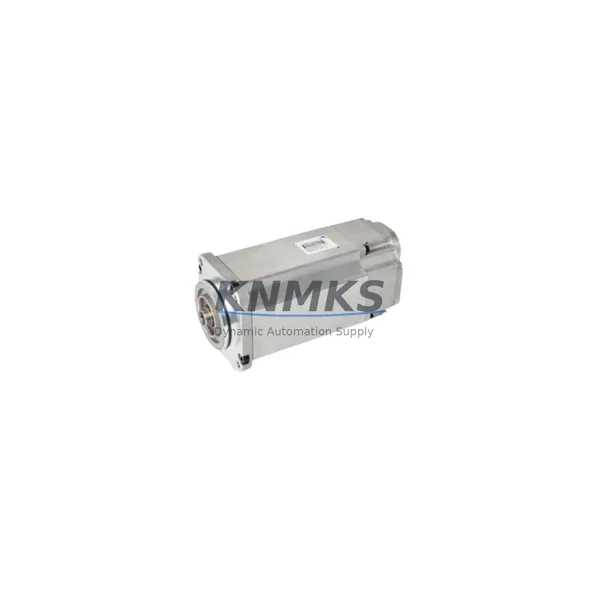
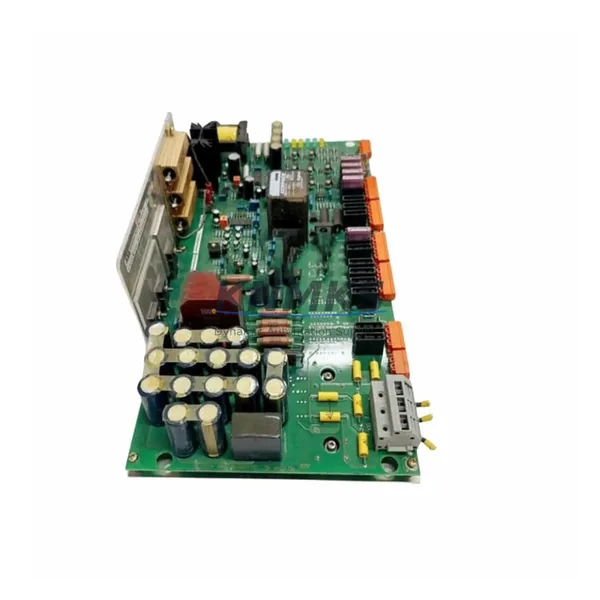
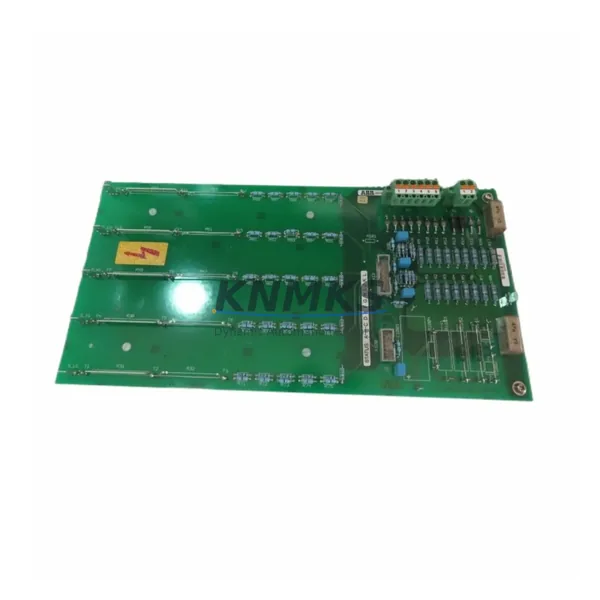
 PLCs & Controllers
 HMI & Displays
 Variable Frequency Drives
 Sensors