
Overview
ABB CP635-WEB Migration-Ready HMI for Legacy AC500 Systems
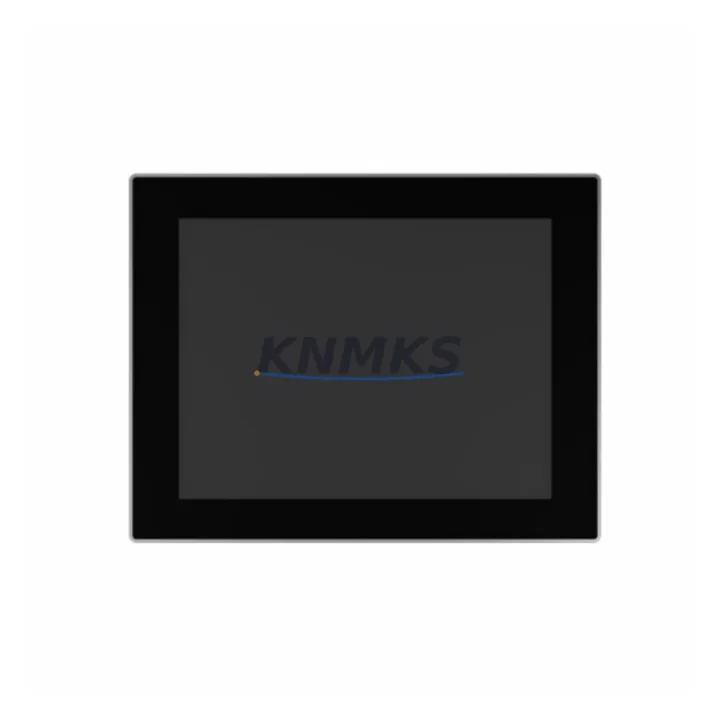
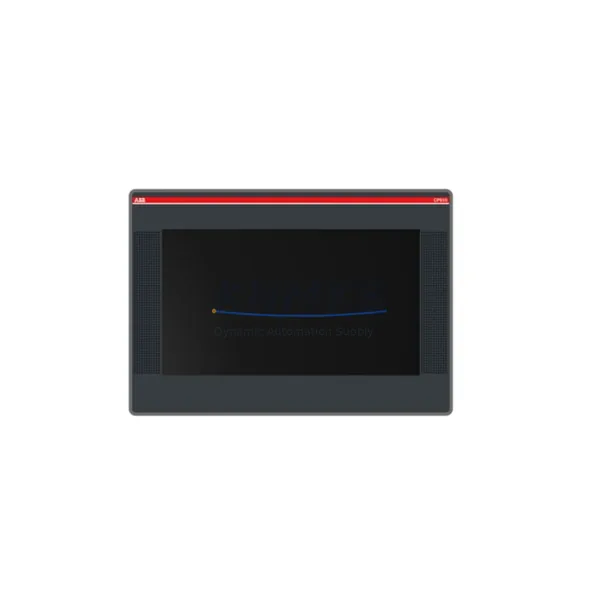
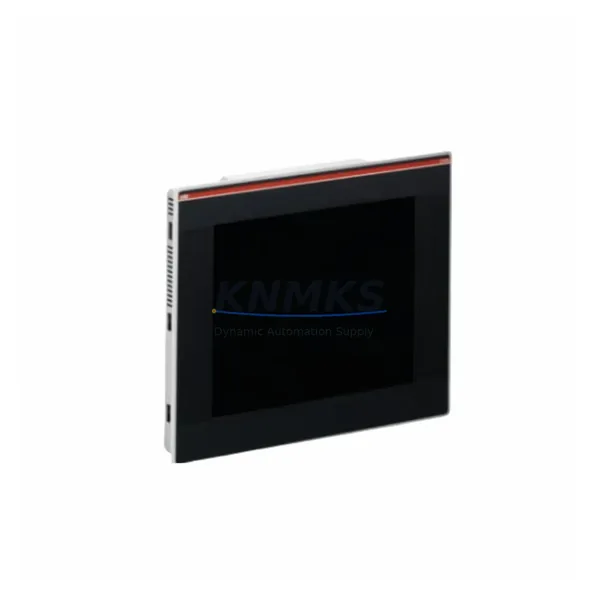
The ABB CP635-WEB is a 12.1-inch SVGA TFT touch panel engineered for direct integration into existing AC500 CP600-series control architectures. As legacy CP600 HMI panels approach end-of-life and spare part availability narrows, the CP635-WEB provides a validated, migration-ready replacement path that preserves existing visualization logic, operator screen layouts, and communication links without requiring a full control system overhaul. Designed for industrial environments demanding high uptime and minimal retrofit risk, the CP635-WEB supports Ethernet-based web visualization, enabling remote monitoring and diagnostics alongside traditional panel operation. Each unit is pre-shipment tested and backed by a support terms confirmed by quotation, ensuring confidence for both emergency replacements and planned system upgrades.
For facilities running ABB AC500 PLCs — including PM554, PM564, PM573, PM583, and PM595 CPU modules — the CP635-WEB connects via standard Modbus TCP or PROFIBUS DP communication links already present in the control cabinet. This eliminates the need to re-engineer communication topology during migration, significantly reducing commissioning time and the risk of introducing new faults into a running production line.
Migration Compatibility Table
| Parameter | Legacy CP600 HMI | ABB CP635-WEB | Retrofit Notes |
|---|---|---|---|
| Display Size | 10.4″ / 12.1″ (model-dependent) | 12.1″ SVGA TFT | Verify panel cutout dimensions before installation |
| Communication Interfaces | PROFIBUS DP, RS-232, Ethernet | Ethernet (RJ45 ×2), RS-232, USB | PROFIBUS DP adapter may be required for legacy fieldbus links |
| Power Supply | 24 VDC | 24 VDC (18–30 VDC range) | Confirm existing PSU capacity; CP635-WEB draws up to 30 W |
| Mounting | Panel-mount, front IP65 | Panel-mount, front IP65 | Gasket seal condition should be verified during installation |
| Web Visualization | Not supported | Built-in web server (HTTP/HTTPS) | New capability; no legacy screen migration required for web views |
| Programming Tool | Panel Builder 600 | Panel Builder 600 (compatible) | Existing .ppj project files can be re-compiled and transferred |
| Replacement Recommendation | Direct replacement for CP630, CP635, CP636 panels in AC500 systems | ||
| Commissioning Focus | IP address assignment, communication driver re-mapping, screen resolution validation, alarm tag re-linking | ||
| Support terms | support terms confirmed by quotation | Pre-Shipment Functional Test Included | ||
Retrofit Planning for Existing Automation Systems
A successful CP635-WEB retrofit begins well before the panel arrives on-site. Engineers should audit the existing control cabinet to confirm the 24 VDC power supply rail has sufficient headroom — the CP635-WEB requires up to 30 W, and cabinets running multiple I/O expansion modules such as the ABB DC532 digital I/O module or AI523 analog input module may already be operating near PSU capacity. If the existing power supply is marginal, replacing it concurrently with the HMI panel avoids a secondary unplanned outage.
Terminal wiring for the power and communication connections should be documented photographically before disconnection. The CP635-WEB uses a standard 4-pin power connector, and the existing cable harness from a CP630 or CP635 installation will typically mate directly. For systems using PROFIBUS DP as the primary PLC-to-HMI link — common in older AC500 installations paired with PM554 or PM564 CPUs — an external PROFIBUS DP communication module or protocol converter may be required, as the CP635-WEB’s native interface is Ethernet-first. In many modernization projects, this transition is used as an opportunity to migrate the entire communication backbone to Modbus TCP or IEC 61131-3 Ethernet-based protocols, aligning the HMI with the rest of a modernized control platform.
Backplane and rack space should also be confirmed. While the CP635-WEB is a standalone panel-mount device and does not occupy rack slots, the associated AC500 CPU rack — which may house TB521 terminal base units, CI590-CS31-HA communication interface modules, or SD802 SD card modules — must remain undisturbed during the HMI swap. Labeling all rack-mounted modules before work begins prevents reassembly errors. Firmware version compatibility between the CP635-WEB and the target AC500 CPU should be verified using ABB’s compatibility matrix; mismatched firmware can cause communication initialization failures that are difficult to diagnose under time pressure during a planned maintenance window.
Downtime Control During System Migration
Minimizing production downtime during an HMI migration requires a structured pre-work phase. Before the maintenance window opens, the existing Panel Builder 600 project file (.ppj) should be backed up to an off-panel location — either via USB or network share — and a compiled copy should be pre-loaded onto the replacement CP635-WEB in a staging environment. This allows the new panel to boot directly into the correct operator interface without requiring on-site programming time.
Communication link re-establishment is typically the longest step in the commissioning sequence. Assigning the correct static IP address to the CP635-WEB, confirming subnet mask and gateway settings match the plant network, and verifying that the AC500 CPU’s communication driver is correctly mapped to the new panel address should all be completed as a checklist before the old panel is removed. Where the control system includes a CI590-CS31-HA or similar communication interface module, confirming that the module’s node address and baud rate settings are unchanged prevents fieldbus disruption to other devices on the same network segment.
Alarm and event tag re-linking should be validated in simulation mode before live process connection. HMI screens that reference internal PLC memory addresses — particularly those used for batch control, motor starter interlocks, or safety relay status — must be confirmed against the current PLC program to ensure no address drift has occurred during the project file migration. Once communication is confirmed stable, a 30-minute supervised run at reduced production rate is recommended before returning to full throughput, allowing operators to verify that all critical displays, trend views, and alarm pop-ups are functioning correctly.
Retrofit Support FAQ
Q: Is the CP635-WEB a direct drop-in replacement for the CP630 and CP635?
A: Yes, for panel cutout dimensions and power wiring, the CP635-WEB is dimensionally compatible with CP630 and CP635 installations. Communication interface differences (Ethernet vs. PROFIBUS DP) must be assessed and addressed during pre-retrofit planning. Existing Panel Builder 600 project files are re-compilable for the CP635-WEB without full redesign.
Q: What pre-shipment testing is performed on each unit?
A: Every CP635-WEB unit undergoes a full power-on functional test, display calibration check, communication port verification, and firmware version confirmation prior to dispatch. A test report is available upon request. All units are covered by a support terms confirmed by quotation from the date of shipment.
Q: How do I handle the wiring transition from a PROFIBUS DP legacy connection?
A: The CP635-WEB does not include a native PROFIBUS DP port. For systems where the legacy HMI communicated via PROFIBUS DP, a protocol gateway or migration to Ethernet-based Modbus TCP communication is required. This is typically implemented at the AC500 CPU level using an existing or added CI590-CS31-HA communication interface module. Our technical team can advise on the correct gateway selection for your specific AC500 CPU variant.
Q: What is your stock availability and lead time?
A: We maintain multi-region stock of the CP635-WEB to support emergency replacement and planned upgrade projects. Standard dispatch is within 1–3 business days. For urgent requirements, same-day dispatch may be available — contact our sales team directly to confirm current inventory status and expedited shipping options.
© 2026 KNMKS. All rights reserved.
Original Source: https://knmks.com
Contact: admin@knmks.com | +86 18359268345
Product Identification
- Brand / Ecosystem
-
ABB
ABB - Model / Series
-
CP635-WEB
AC500 Series - Product Family
- HMI & Displays
- Availability Status
- Available on request after model and quantity confirmation
- Inquiry Type
- B2B RFQ, replacement inquiry and project spare-part request
- Pre-Quote Check
- Exact SKU, brand, series, quantity, nameplate photos and destination country are checked before quotation
System Path
Where this product fits in the KNMKS automation structure.
Specification & Inquiry Focus
- Display range
- Operator panels and touch screens
- Common needs
- Screen size, interface and version matching
- Project support
- Retrofit, spare unit and panel replacement
Buyer Confirmation
Information KNMKS checks before replying.
- Exact model
- CP635-WEB
- Brand / ecosystem
- ABB
- Product family
- HMI & Displays
- Application note
- Replacement, maintenance, project build or spare-part list
- Useful photos
- Nameplate, installed unit, cabinet layout or connector side
- Delivery details
- Quantity, destination country and target schedule
Document Support
Files and notes can be confirmed during quotation.
- Product photos or nameplate confirmation when available
- Packing and delivery notes before quotation confirmation
- Support scope and delivery terms confirmed per inquiry
- Export document coordination for qualified B2B requests
Inquiry Support
- Panel size and interface confirmation
- Replacement unit inquiry for discontinued HMIs
- Protective packaging for display shipment
What to Send Us
- Brand and exact model number: ABB CP635-WEB
- Quantity and required delivery time
- Application, replacement requirement or nameplate photo
- Destination country and shipping preference
RFQ Preparation
This is a product inquiry page built for RFQ communication.
Fast Model Check
Send this model to KNMKS for confirmation.
Include quantity, destination country and photos if this is a maintenance replacement. The inquiry will be saved with a reference number after submission.
Brand & Compatibility Note
KNMKS displays automation product information for well-known industrial brand ecosystems and compatible replacement references. Brand names are used for product identification and compatibility reference only; final availability and commercial terms are confirmed per quotation.
 Manufacturing
 Machine Tools
 Packaging
 Energy & Power
 PLCs & Controllers
 Servo Systems
 Variable Frequency Drives
 Sensors