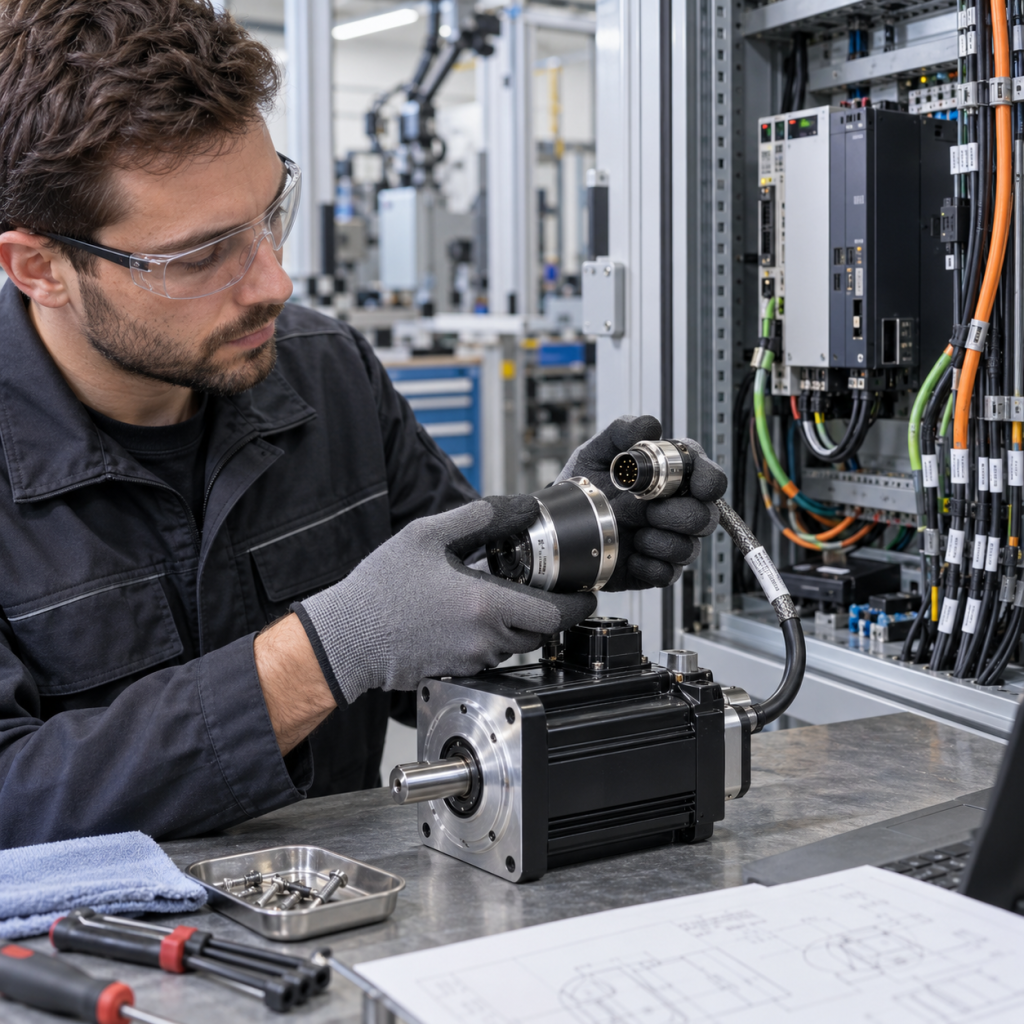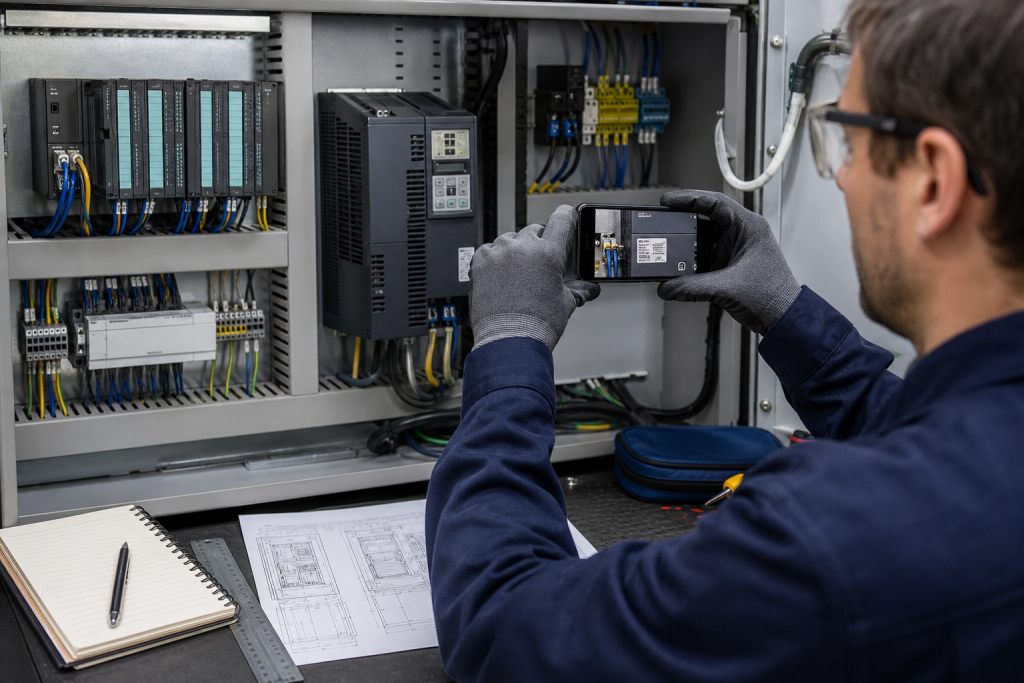
A clear equipment photograph can shorten an industrial automation spare-part inquiry, but a single front-facing image is often not enough to identify the correct model. Labels, suffixes, connectors, terminal bases, cabinet position, and revision marks can all affect the replacement review.
This guide explains how to prepare a useful photo and evidence package before sending an RFQ. The goal is not to make a visual guess. The goal is to give the technical reviewer enough context to distinguish a direct model match from a possible alternative that still needs confirmation.
1. Photograph the full installed context first
Begin with a wider photograph of the open cabinet or machine area. Show the module’s position, adjacent components, carrier or terminal base, cable routing, power supply and any visible cabinet labels. This establishes whether the part is a PLC module, remote I/O card, drive accessory, communication interface, safety component or another control element.
Take the wide image before removing anything. A close-up may show a part number but hide the system relationship that determines compatibility. Include a second photograph from a different angle when the connector arrangement or mounting depth is not visible from the front.
2. Capture the nameplate without glare
Use a straight-on image for the nameplate and keep the camera parallel to the label. Avoid flash reflections on glossy labels. If the cabinet is dark, use diffuse light from the side rather than a strong light directly above the plate. Make sure the full label remains in the frame, including small suffixes and revision characters.
Photograph the side and rear labels as well as the front face. On some equipment, the catalog number, serial number, date code or hardware revision is placed on the side or underneath the terminal cover. Rockwell Automation product notices, for example, distinguish the catalog number and date code on the product nameplate or carton label. A partial number or a shortened reference may not be sufficient for a reliable match.
3. Show connectors, terminal bases and keying
For PLC, DCS and I/O hardware, the interface around the module is part of the identification evidence. Photograph terminal blocks, backplane connectors, fiber or Ethernet ports, serial connectors, power terminals, fuses and mechanical keying. Do not disconnect live wiring just to obtain a better picture. Follow the plant’s approved isolation and access procedure.
If the part has a removable terminal base, take one image with the module installed and another showing the base reference if it can be accessed safely. A module with a similar enclosure may use a different terminal arrangement, carrier, fieldbus interface or signal conditioning method.
4. Add scale and orientation
When dimensions matter, place a ruler or a known-size reference beside the component without covering the label. Photograph the width, height, depth and panel cutout where relevant. For a drive, include the keypad, power terminals and cable entry. For an HMI, include the front cutout, rear connectors and mounting clips. For an I/O module, include the carrier and neighboring slot positions.
Also state which way is up and identify the front of the cabinet. This prevents a rotated or mirrored image from creating confusion during model comparison.
5. Preserve original files and add a short evidence note
Send the original image files rather than screenshots compressed by a messaging application. Keep the filename simple and add a short note for each image, such as left rack, slot 04, front label or remote I/O node, terminal base view. If a label is unreadable, say so instead of guessing the missing characters.
Include the machine or process role, controller or DCS family, communication method, quantity, destination country and required delivery window. If the part is being replaced because of an alarm or failure, record the observed symptom without stating that the replacement is already confirmed.
6. Check the technical records that may be available
Photographs work best when combined with an existing bill of materials, cabinet drawing, spare list, engineering database export, maintenance work order or previous quotation. For networked devices, a commissioning or diagnostic screen may reveal vendor, product code, revision and serial information. Rockwell Automation documentation describes device properties that can expose catalog number, product code, revision and serial number when supported by the device.
Manufacturer documentation libraries can also be searched by catalog number, product name or publication number. Lifecycle tools may show whether a part is active, discontinued or associated with a transition path. These records should be treated as evidence to verify against the installed hardware, not as permission to change a running system.
7. Build the RFQ photo checklist
- wide cabinet or machine context;
- front, side and rear label views;
- full catalog or model number with every suffix;
- connectors, terminal base, carrier and slot position;
- scale reference and mounting dimensions when relevant;
- controller, DCS, PLC or drive family;
- quantity, destination country and target delivery window;
- replacement purpose, failure symptom or project context.
For product orientation, you can review the KNMKS products page, the PLC Systems hub, the Other Components category, and the published ABB 07DC91 digital I/O module example.
8. What a photo cannot confirm by itself
A photograph may help identify a model family, but it cannot by itself confirm firmware compatibility, application configuration, safety certification, installed wiring correctness, redundancy behavior, or current lifecycle status. Those points require the relevant documents and system context. When the evidence is incomplete, the correct RFQ wording is please review and confirm, not a claim that the part is interchangeable.
Need help identifying an automation part? Send the original photographs, model evidence, quantity, destination and application notes for an RFQ review. KNMKS can help organize the information needed for a more precise quotation and identify the details that still require confirmation.
Reference sources: Rockwell Automation Technical Documentation Center, Rockwell Automation Product Lifecycle Search, and Rockwell Automation product identification notice.
Related Product Paths